















Start typing to see results...
Find the perfect solution
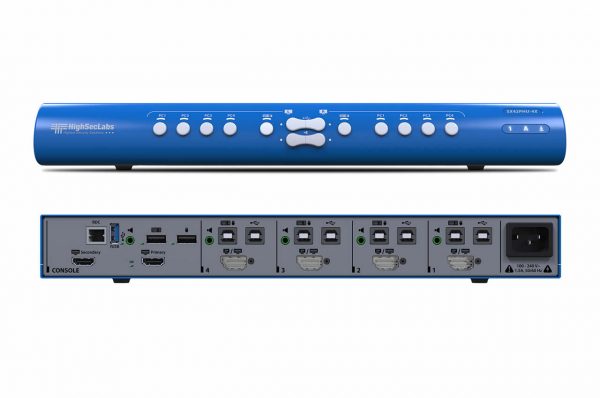
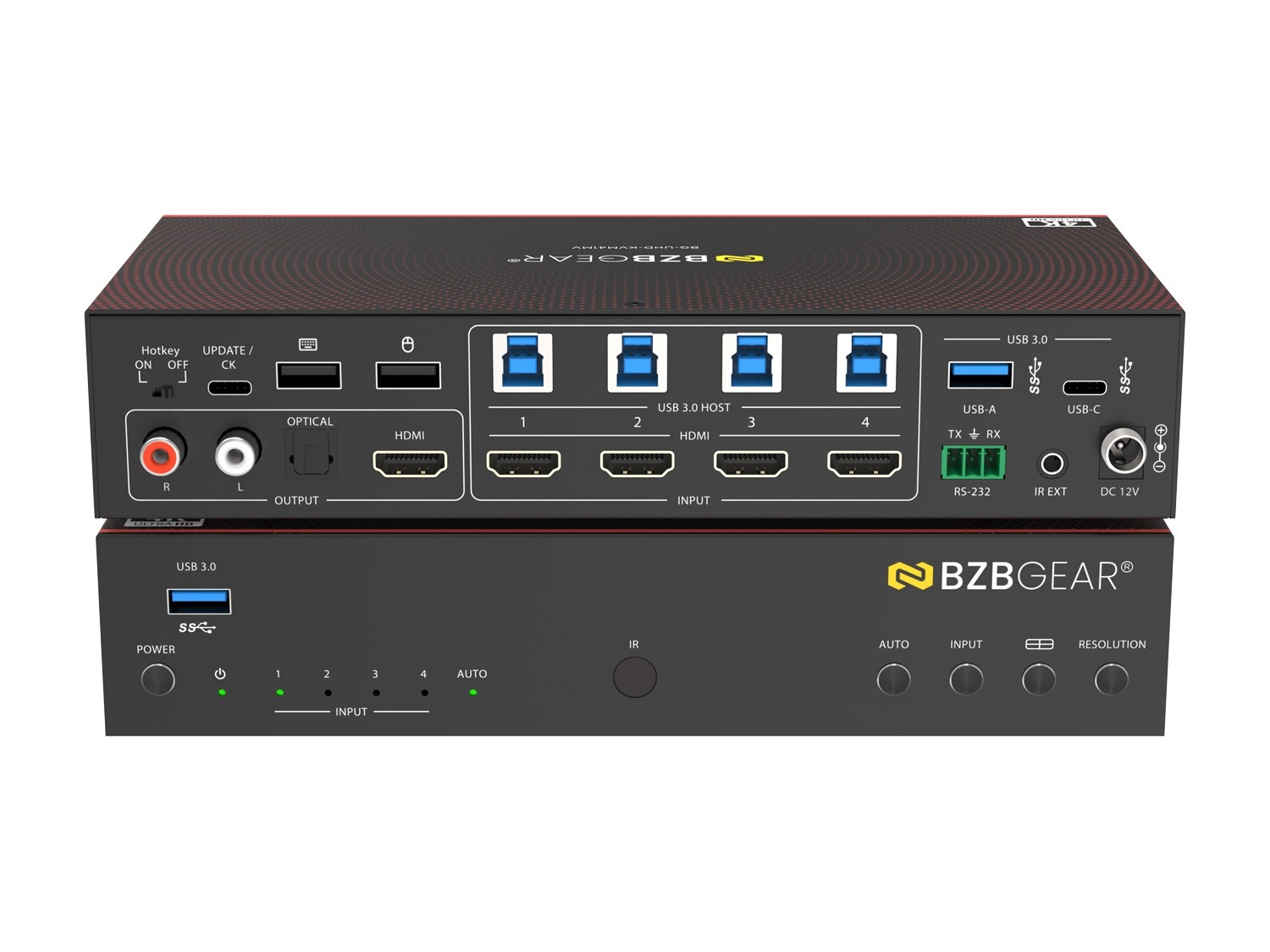
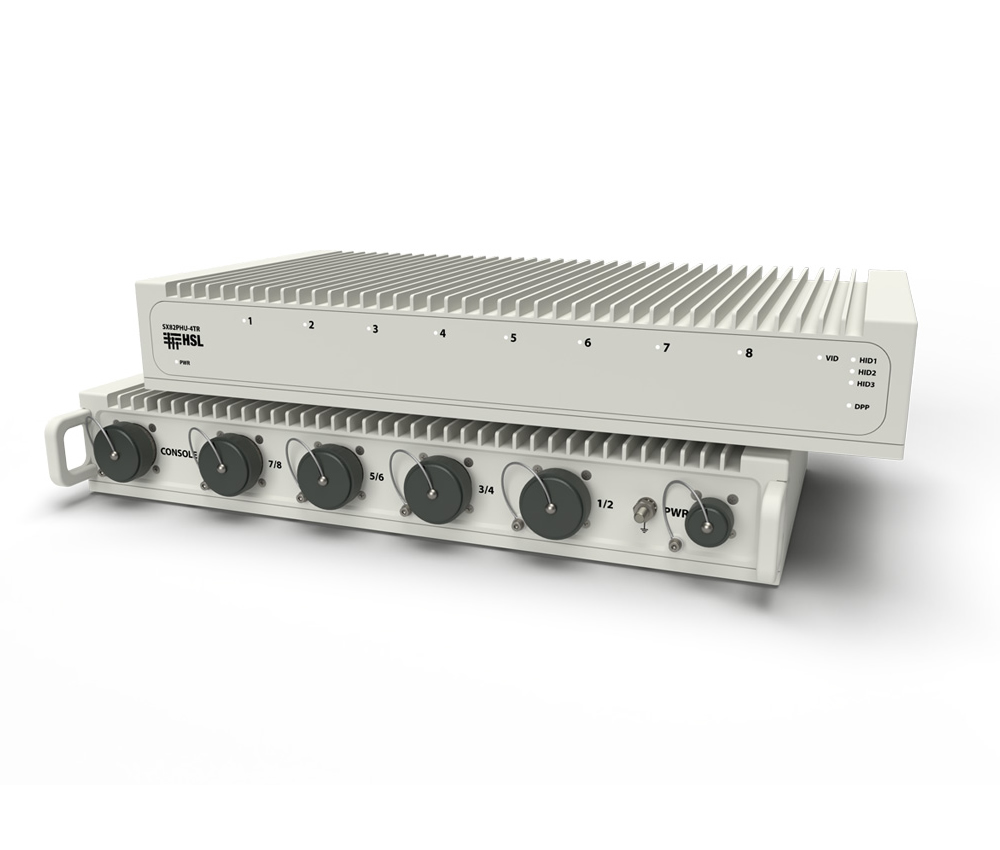
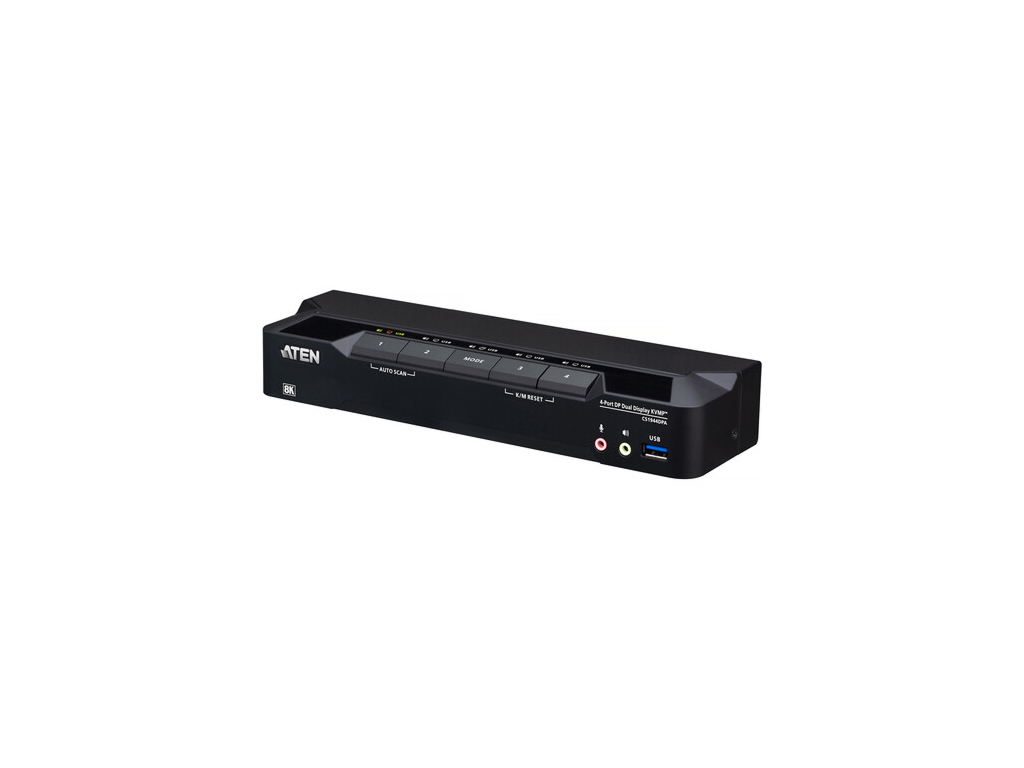
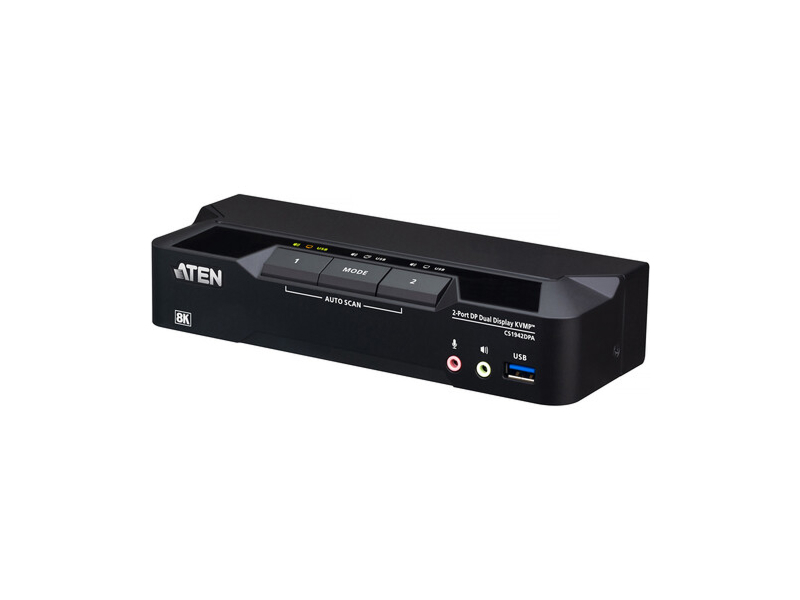
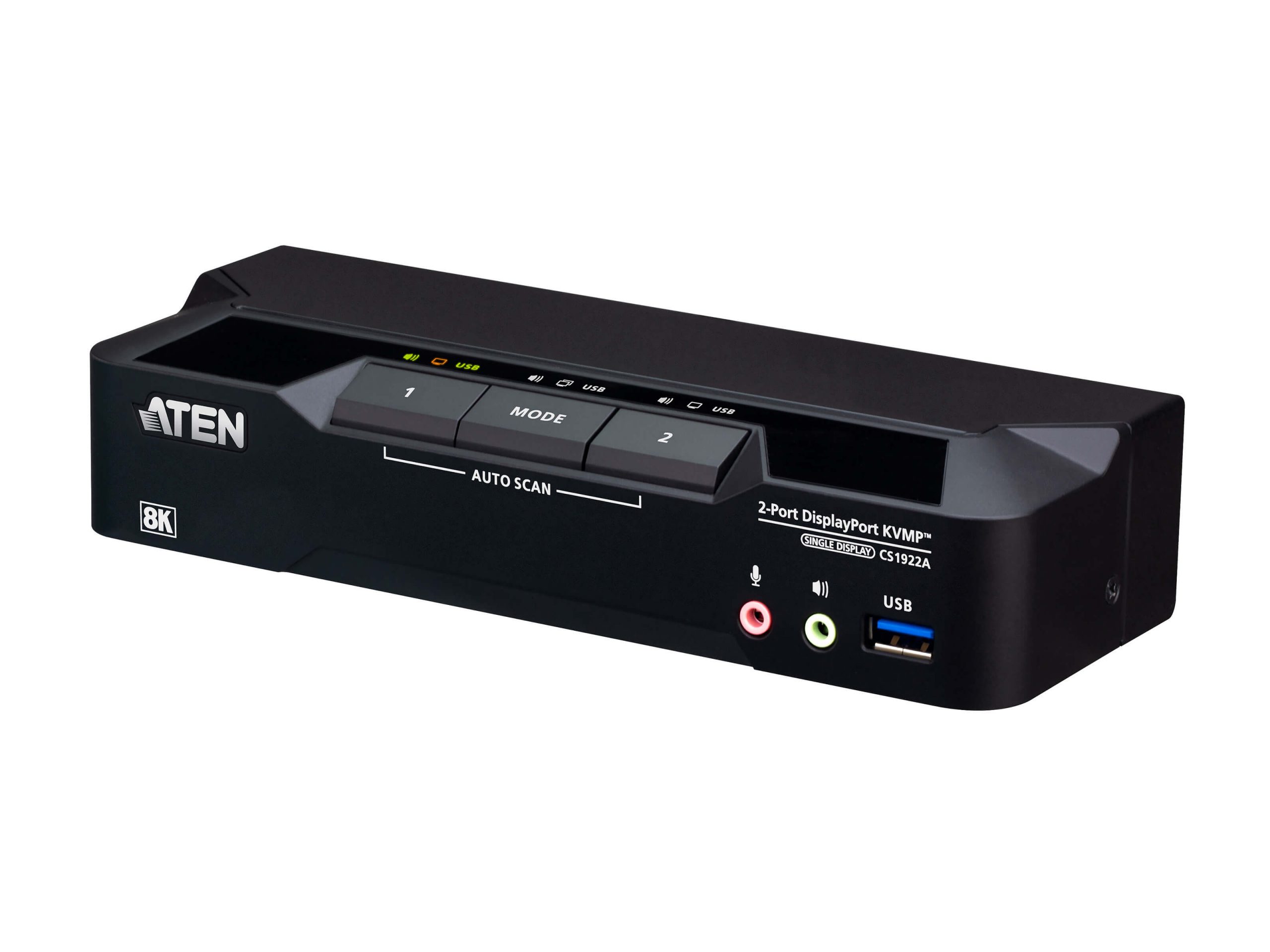
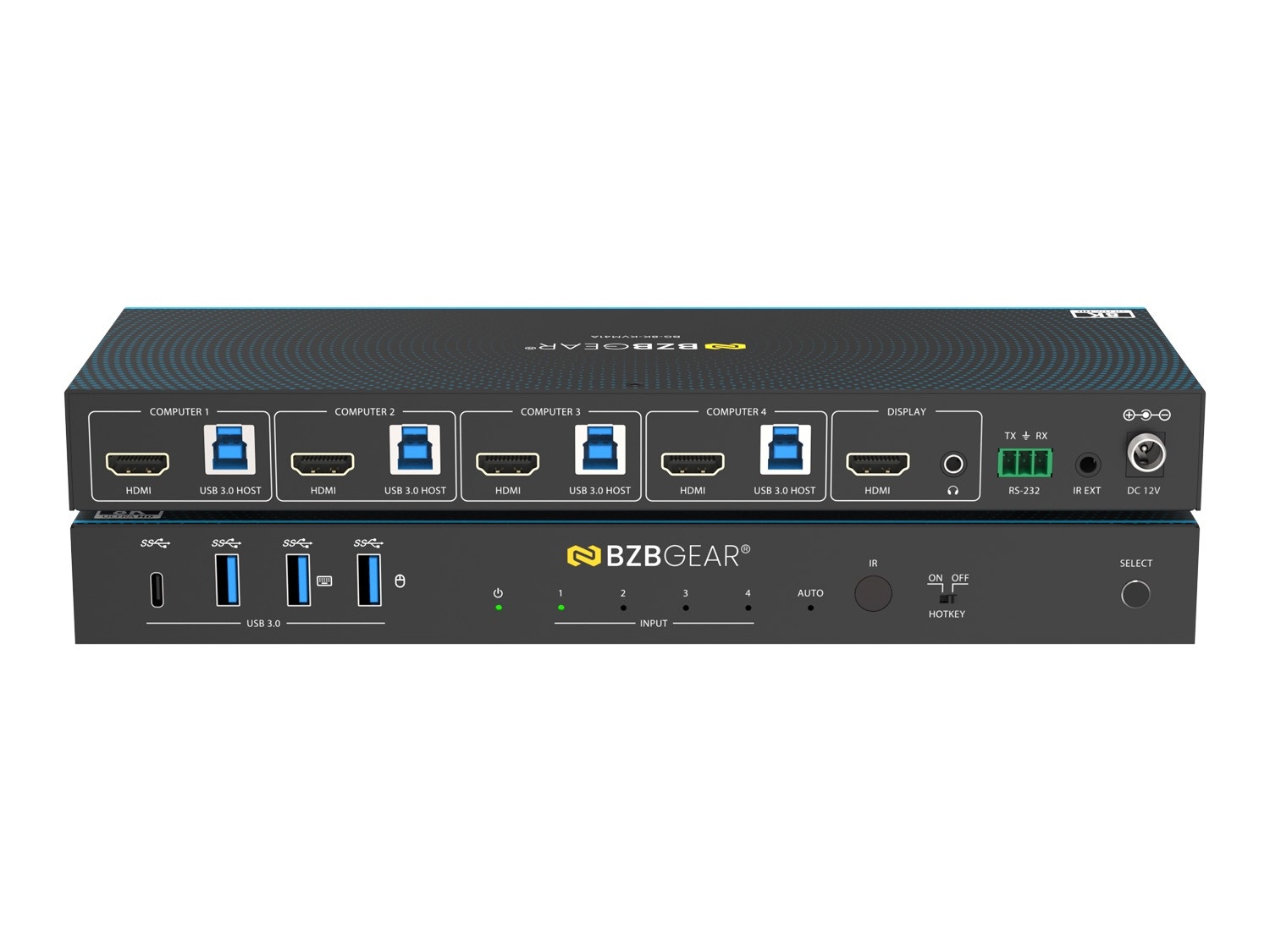
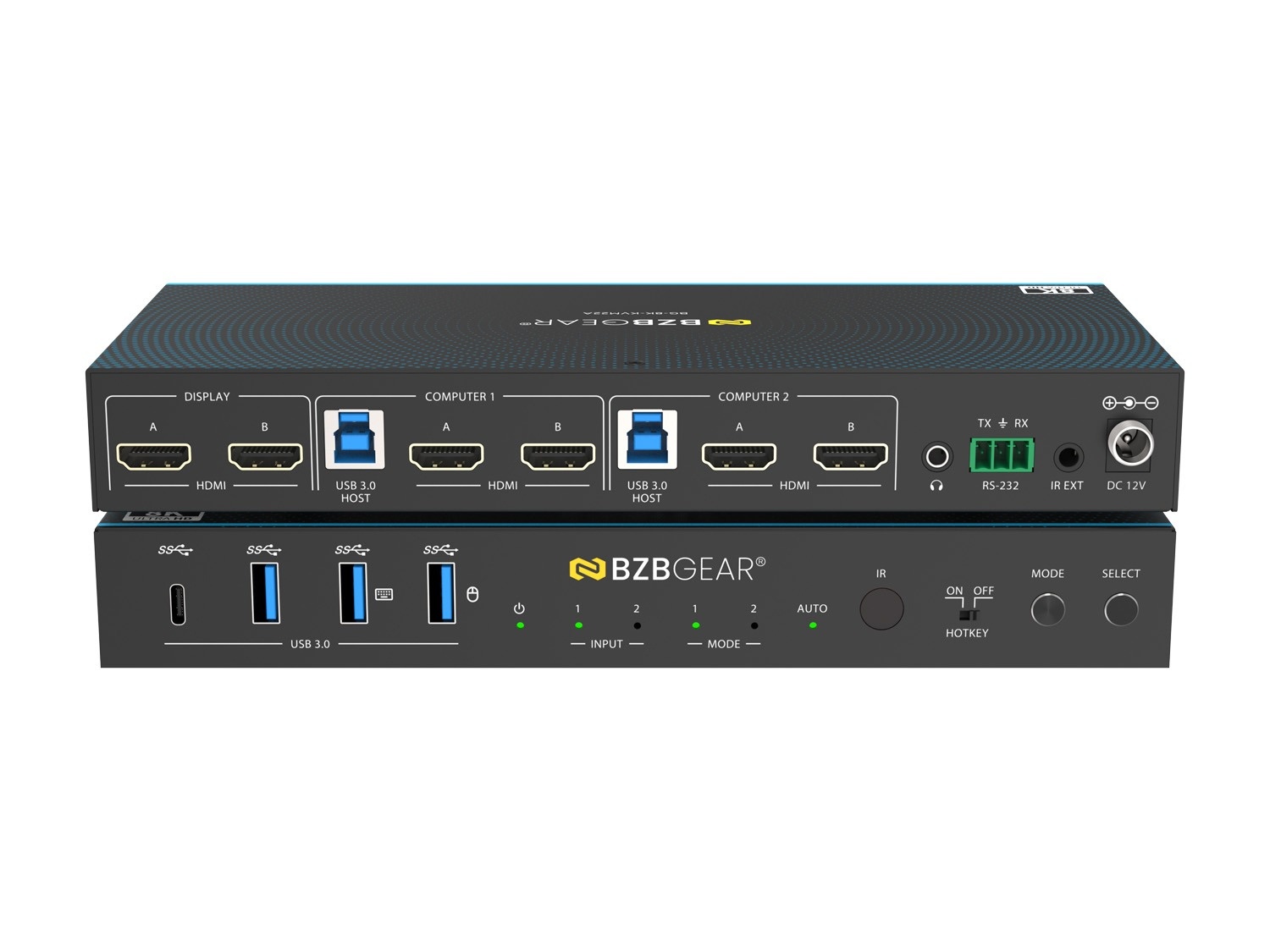
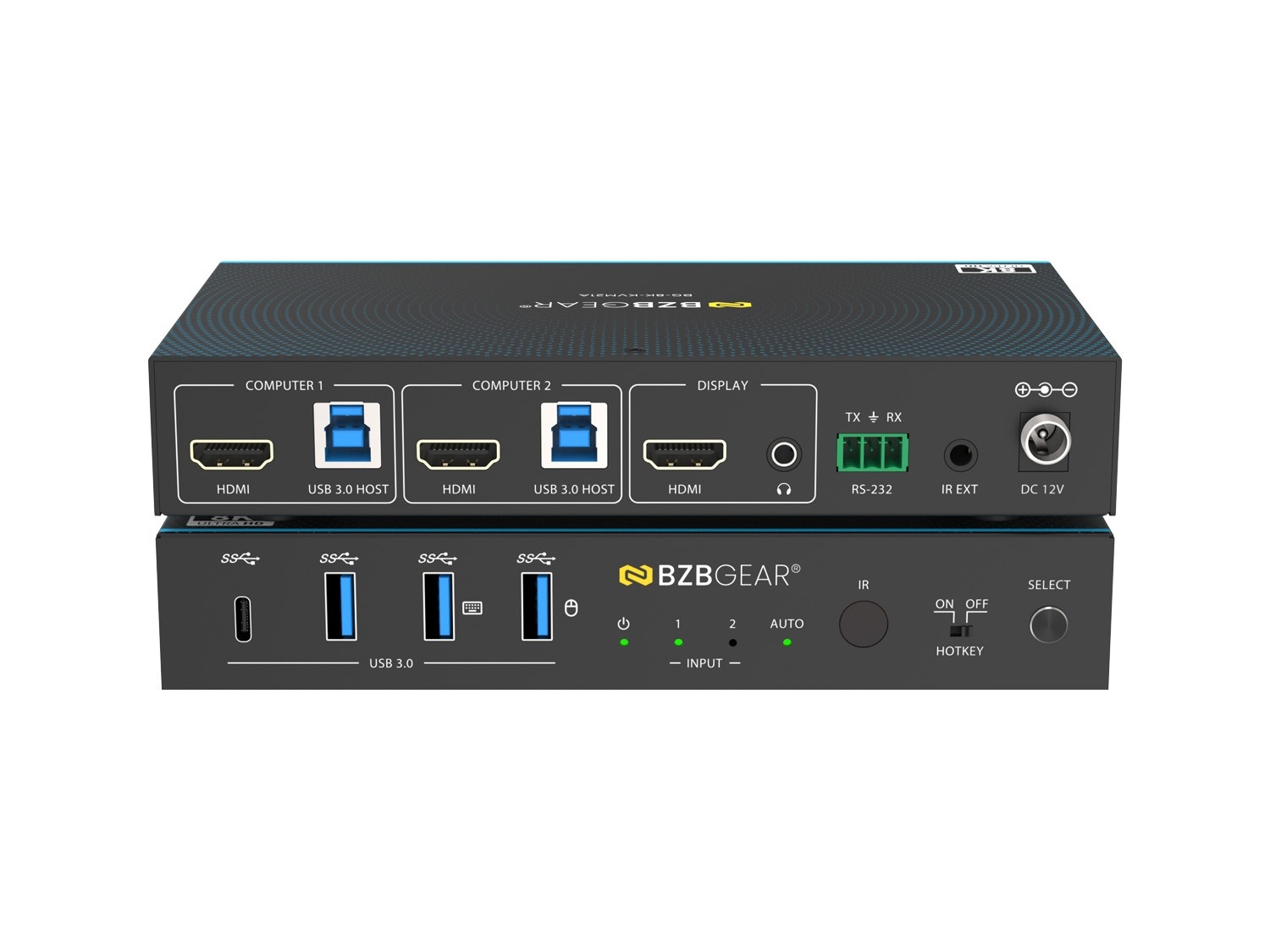
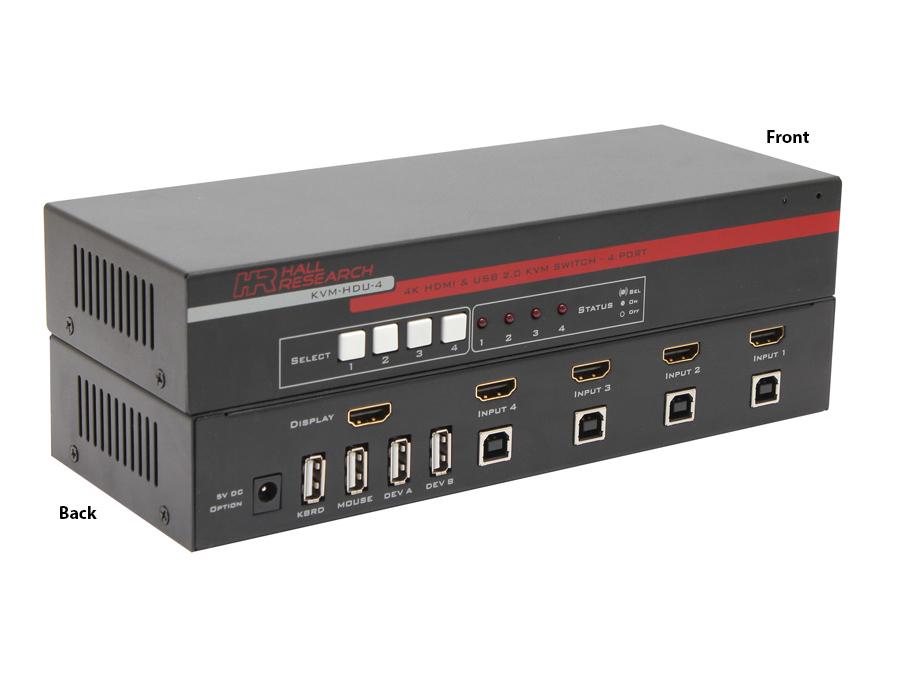
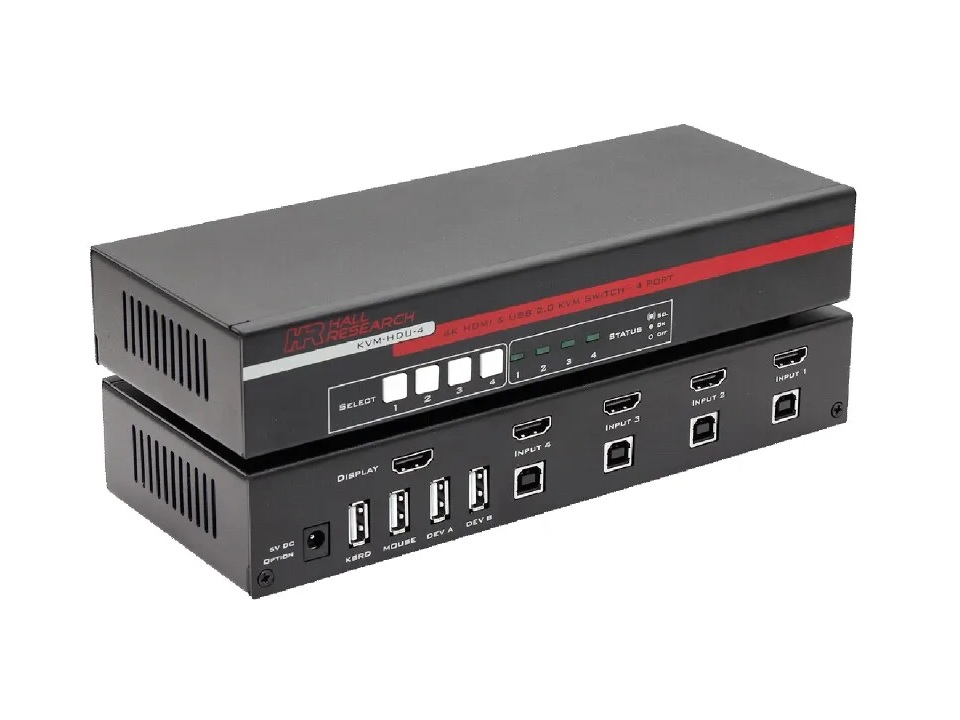
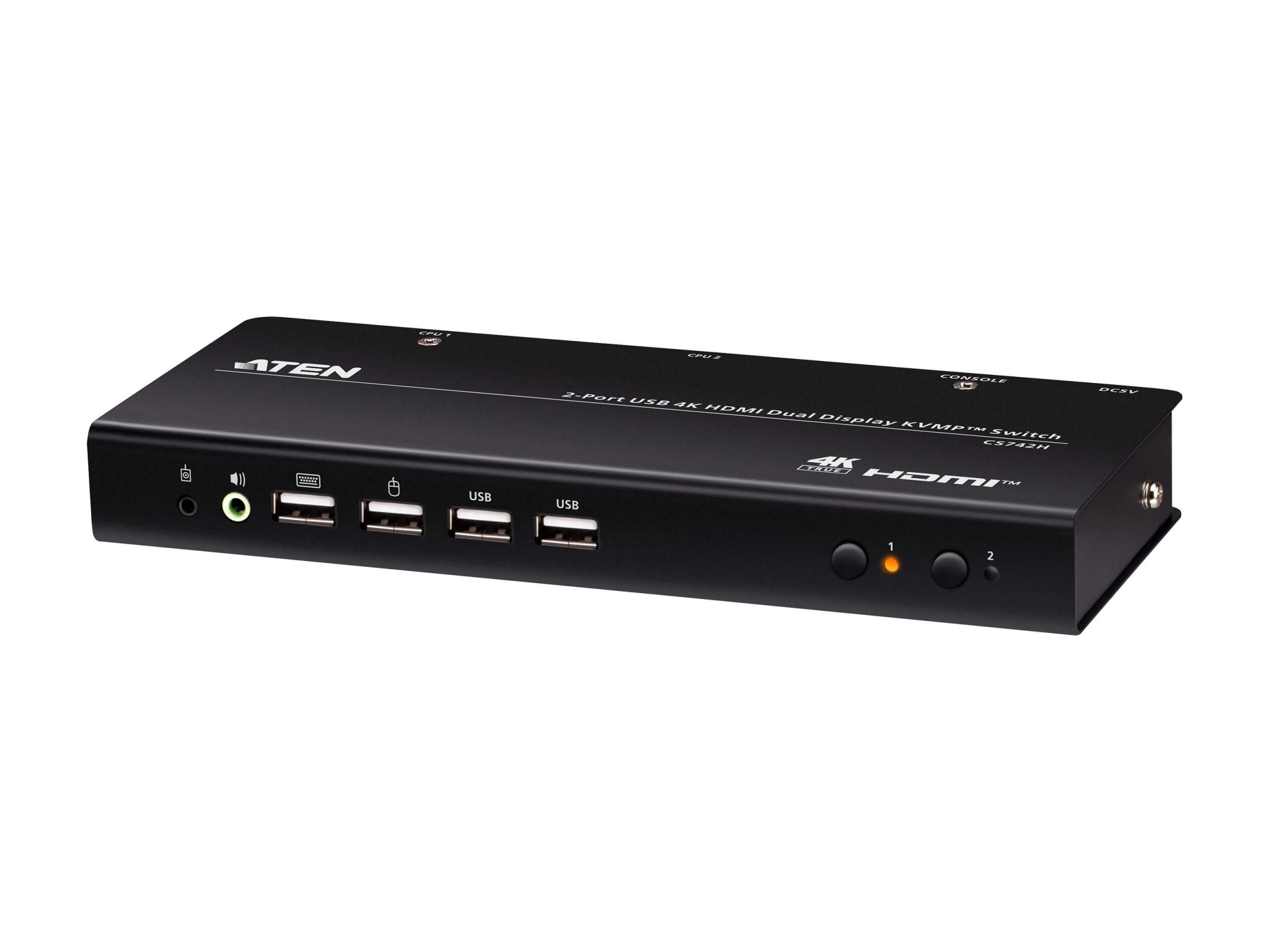
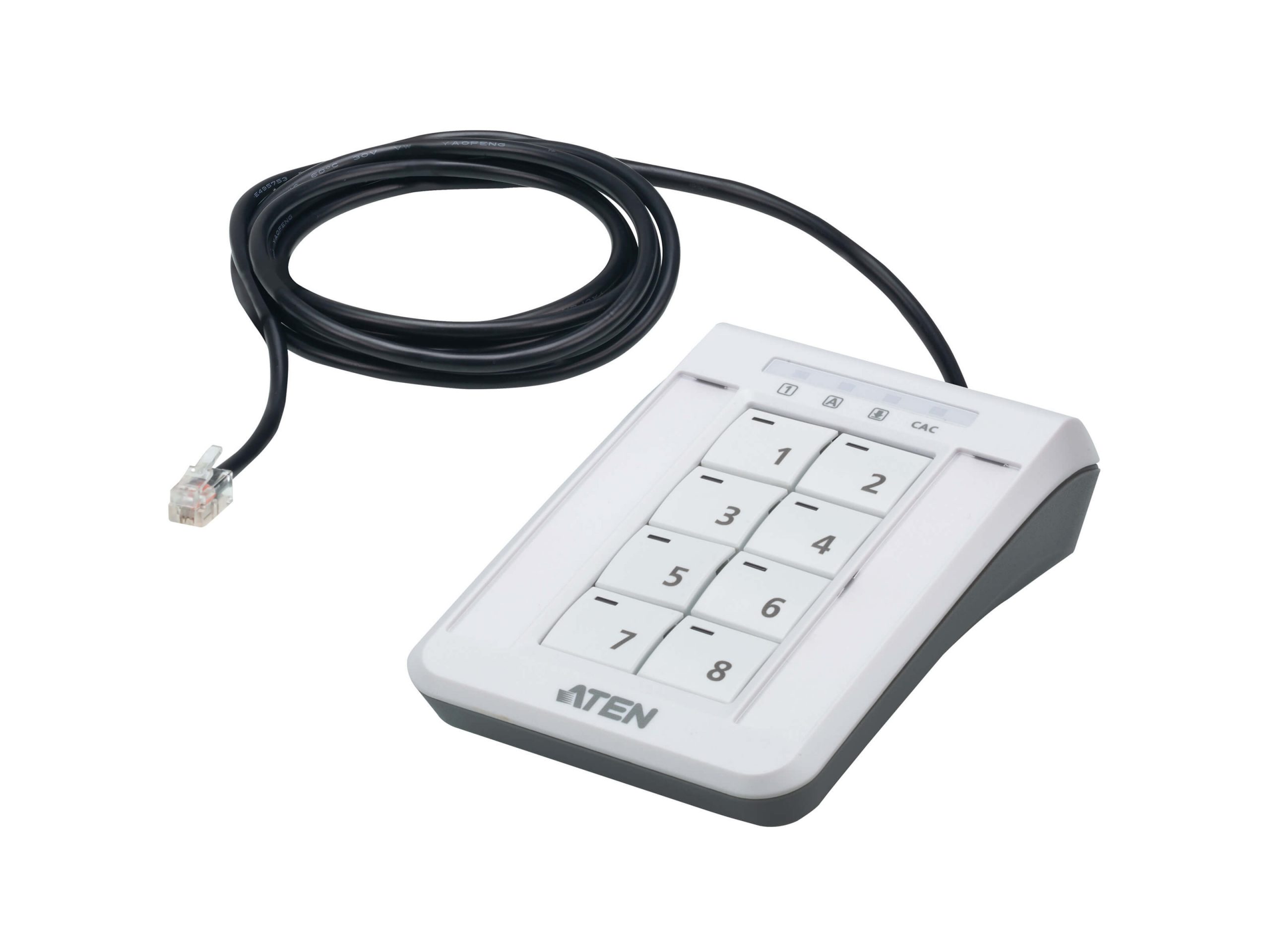
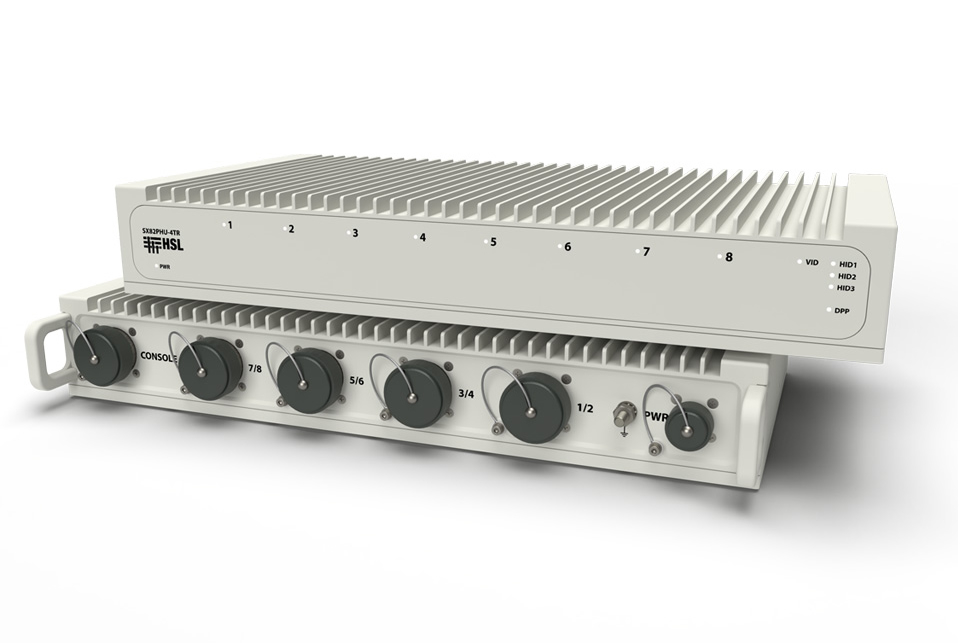
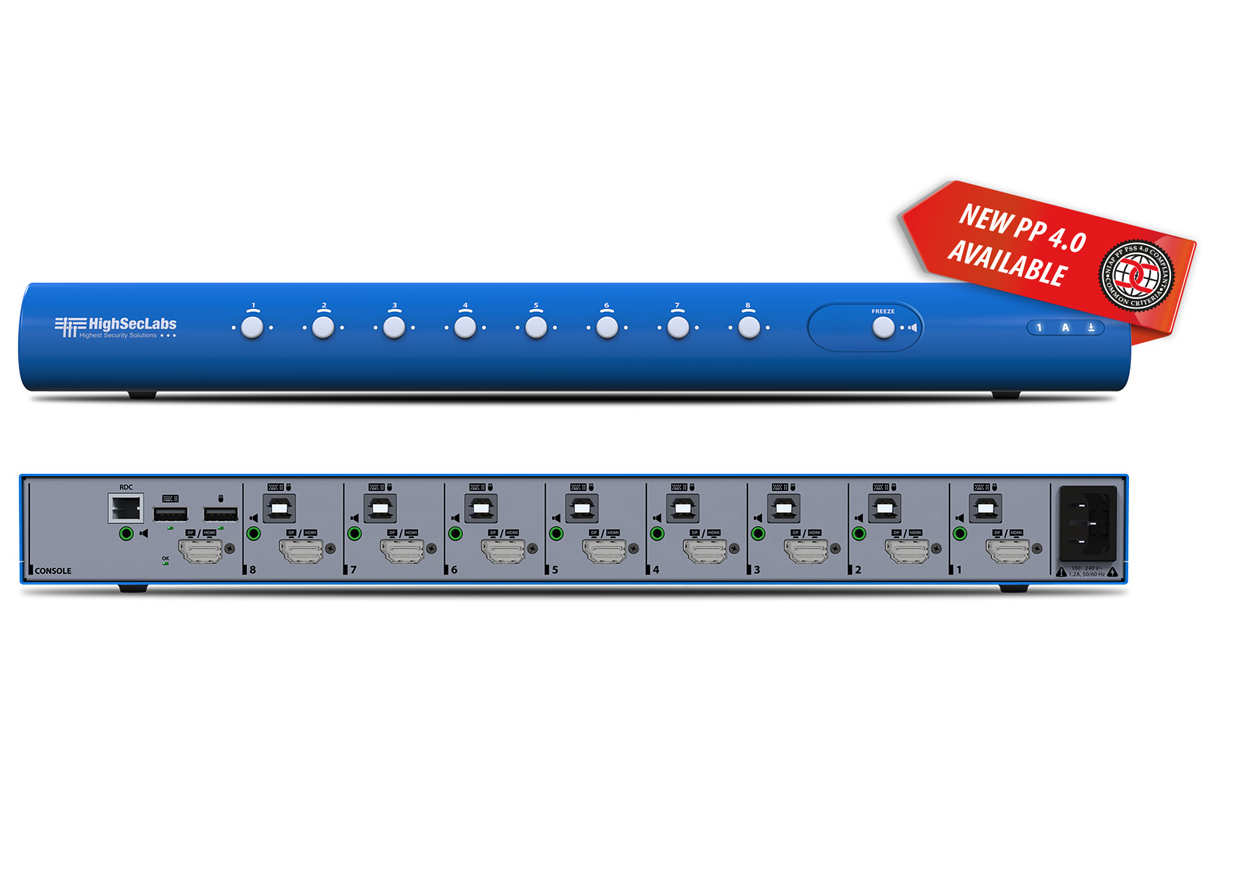
KVM (Keyboard, Video, Mouse) switches let one operator console (one keyboard, one monitor, one mouse) control multiple computers, with the operator selecting which computer is active at any time. They are essential in environments where one person needs to work with several machines: server administration in data centers, control rooms with multiple PC-based workstations, trading floors with multi-system traders, broadcast and production with many computer-based tools, and any installation where consolidating multiple computers to one console makes sense.
Without KVM switching, every computer needs its own keyboard, monitor, and mouse, with the operator physically moving between them or having a cluttered workspace with multiple sets of peripherals. With KVM switching, one clean console controls many computers: the operator selects which machine is active via a button, hotkey, or app, and the keyboard, monitor, and mouse instantly connect to that machine. Productivity improves significantly, and the workspace looks professional.
KVM switches come in various sizes. 2-port and 4-port KVMs serve small installations: dual-machine workstations, small server administration setups. 8-port and 16-port KVMs serve mid-size installations: small data centers, control rooms with multiple PCs. 32-port and larger KVMs serve enterprise installations: data center rows, large broadcast facilities, large trading floors. For installations with hundreds of machines, KVM-over-IP scales beyond the practical limits of dedicated KVM switches.
KVM switches come in different video format variants. VGA KVMs handle legacy and budget installations. DVI KVMs serve commercial workstations and industrial control. HDMI KVMs match modern PC and AV equipment. DisplayPort KVMs serve modern workstations and trading floors. Mixed-format KVMs accept various input types and produce a unified output. Match the KVM to the dominant video format in your installation; conversion adapters can bridge mismatches but add complexity.
Modern KVM switches typically support USB peripherals beyond just keyboard and mouse: USB storage devices, smart cards and security tokens (essential for trading floors and government installations), USB cameras and headsets for video conferencing, and specialty USB equipment. The peripherals work transparently as if connected to the active computer. Verify USB class support against actual peripheral requirements: HID class for keyboards and mice, smart card class for security tokens, video class for cameras, etc.
Many commercial KVM applications involve multiple monitors at the operator console: trading floors with 4 to 8 monitors per trader, control rooms with multi-screen workstations, broadcast suites with confidence monitors plus production displays. Multi-monitor KVM switches support multiple video channels per KVM pair, switching all monitors simultaneously between computers. Some support different switching: each monitor can show a different computer simultaneously (composite views with multiple computers visible at once).
KVM-over-IP carries KVM signals over standard IP networks rather than dedicated KVM cables. An operator at any networked workstation can take control of any KVM-equipped computer on the network, potentially from anywhere in the world. KVM-over-IP is ideal for data centers (remote server administration without going to the rack), distributed control rooms (operators in different rooms controlling different machines), and remote IT support (technicians at headquarters accessing servers in remote offices). The scalability of IP networking makes KVM-over-IP suitable for very large installations.
KVM extenders and KVM switches serve different roles but often combine. A KVM extender extends one operator console to one remote computer over CAT cable or fiber. A KVM switch lets one console control multiple computers. Combined: a KVM extender brings the console signals to a remote location where a KVM switch lets the operator choose among multiple computers. Or: a KVM switch at the console position with KVM extenders to remote computers. Both architectures are common, with the choice depending on where the computers physically live.
KVM switches are essential in data center server administration (one technician manages many servers from one console, eliminating physical visits to each rack), control rooms (one operator controls multiple PC-based systems), trading floors (multi-system traders with KVM consolidating their workspace), broadcast and production (operators with many computer tools accessed from one position), security operation centers (one operator works with security systems, video review systems, alarm systems from a unified console), industrial control rooms in plants and utilities, and any installation where one person works with multiple computers.
You need a KVM switch whenever one operator works with multiple computers regularly. Common scenarios: server administration (one technician managing many servers from a single console), control rooms (one operator with several PC-based systems), trading floors (traders with multiple specialized systems), broadcast and production (operators with many computer-based tools accessed from one position), security operation centers (one operator with multiple security systems), and any installation where consolidating multiple computers to one console improves productivity. Without KVM switching, each computer needs separate peripherals and the operator must physically move between machines.
A KVM switch lets one operator console (keyboard, monitor, mouse) control multiple computers, selecting which computer is active. A KVM extender lets an operator console connect to one remote computer that is physically distant (the computer is in a server room, the operator is in an office). The two often combine: a KVM extender brings the operator console signals to a remote location where a KVM switch lets the operator choose among multiple computers at that location. Or a KVM switch with multiple computers connected, where one or more of the computers connects through a KVM extender to a remote location.
Choose dedicated KVM (point-to-point KVM cables or KVM-over-CAT extenders) for installations with a fixed number of computers and operators that won't change much: a server room with 8 servers and one administrator console, a small control room with 4 PCs and one operator station. Dedicated KVM is simpler, cheaper for small installations, and has lower latency than IP-based KVM. Choose KVM-over-IP for installations with many computers spread across multiple locations, where remote access matters (administrators accessing servers from off-site), or where flexibility matters (any operator at any networked workstation can take control of any computer). KVM-over-IP scales much better than dedicated KVM for large installations.
Quality modern KVM switches do, supporting a range of USB peripherals at the operator console: USB storage devices, smart cards and security tokens (essential for trading floors and government installations), USB cameras and headsets for video conferencing, and specialty USB equipment. The peripherals work transparently as if connected to the active computer. Always verify the specific USB device classes supported against your actual peripheral requirements: HID for keyboards and mice, smart card class for security tokens, video class for cameras. Budget KVM switches may only support basic keyboard and mouse, limiting functionality for installations needing additional USB peripherals.
Many commercial KVM switches support multi-monitor consoles. Single-pair multi-monitor KVMs switch all monitors together: the operator presses a button and all monitors switch to the same computer. Independent multi-monitor KVMs let each monitor show a different computer simultaneously: a composite view with multiple computers visible at once. Multi-monitor KVMs are essential in trading floors (4 to 8 monitors per trader), control rooms (multi-screen workstations), broadcast suites (confidence plus production displays), and any installation with multi-monitor consoles. Always verify the specific multi-monitor architecture matches the operator's workflow.
Data center server administration (one technician manages many servers from a single console, with KVM extending to multiple racks or rows; KVM-over-IP for remote administration), control rooms (one operator controls multiple PC-based systems: SCADA, monitoring, alarm management, communications), trading floors (multi-system traders with KVM consolidating their workspace), broadcast and production (operators with many computer-based tools accessed from one position: graphics, recording, switching, playout), security operation centers (one operator works with security systems, video review systems, alarm systems, communication systems from a unified console), industrial control rooms in plants and utilities, military and government command centers, and any installation where one person works with multiple computers regularly.

On order over $300 and more for US and US territory

We Offer a 30-Day Money Back Guarantee

Full manufacturer's warranty and quality assurance

Safe checkout with trusted payment providers