















Start typing to see results...
Find the perfect solution
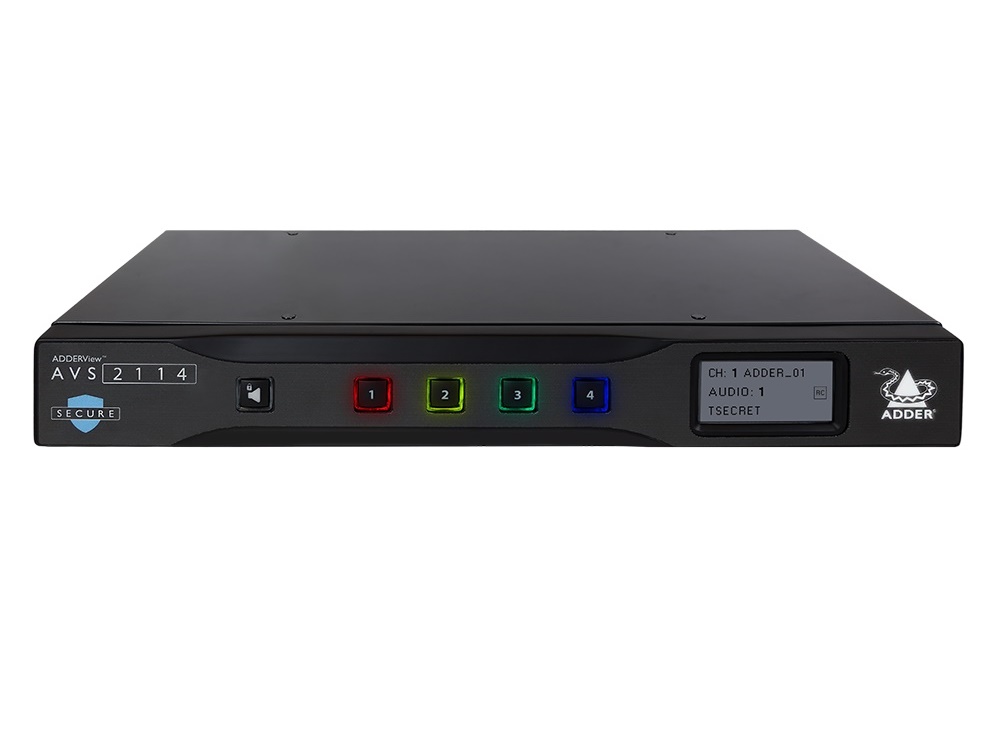
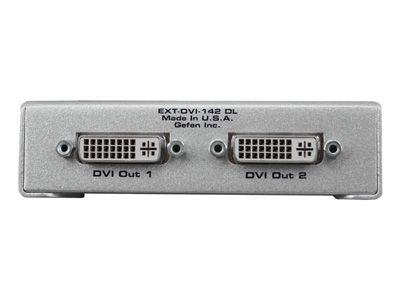
DVI switchers select among multiple DVI source signals and route them to compatible displays. When DVI was introduced, the intention was to create an industry standard for transmitting digital video content. Since then, HDMI and HDBaseT have largely replaced DVI in new installations, but DVI remains widely used in legacy commercial AV, industrial controls, medical imaging, KVM installations, and any environment where existing DVI infrastructure is still in service. DVI switchers come in basic 4x1 form factors, fixed matrix switchers, modular matrix switchers, and seamless models.
DVI supports three modes: digital only (DVI-D), analog only (DVI-A), and digital/analog (DVI-I). DVI switchers are typically built for specific modes, most commonly DVI-D (digital only) because that's the dominant variant in commercial installations. Always verify the DVI variant of your source and display equipment matches the switcher's mode. A DVI-D switcher won't pass DVI-A signals; mismatches cause no picture or distorted picture.
DVI comes in single-link and dual-link variants with different bandwidth capabilities. Knowing the difference matters for resolution compatibility. Single-link DVI supports up to 1920x1200 at 60 Hz (about 3.96 Gbps bandwidth). Dual-link doubles the bandwidth to about 7.92 Gbps, supporting 2560x1600 and similar high resolutions at the same 60 Hz, or 1920x1200 at 120 Hz. Using dual-link cables and switchers with single-link source devices provides no advantage; using single-link switchers with dual-link sources silently drops the resolution to the single-link maximum. Always match the link type throughout the chain.
Consider WUXGA resolution (1920x1200). Single link outputs WUXGA at 60 Hz; dual link outputs WUXGA at 120 Hz. The numbers translate to better resolution stability (no tearing at fast motion), higher refresh rate (smoother motion), and better quality with dual link in this scenario. However, very few devices use dual link in practice; most commercial DVI equipment is single link. Always check whether your source and display use single or dual link before specifying a DVI switcher.
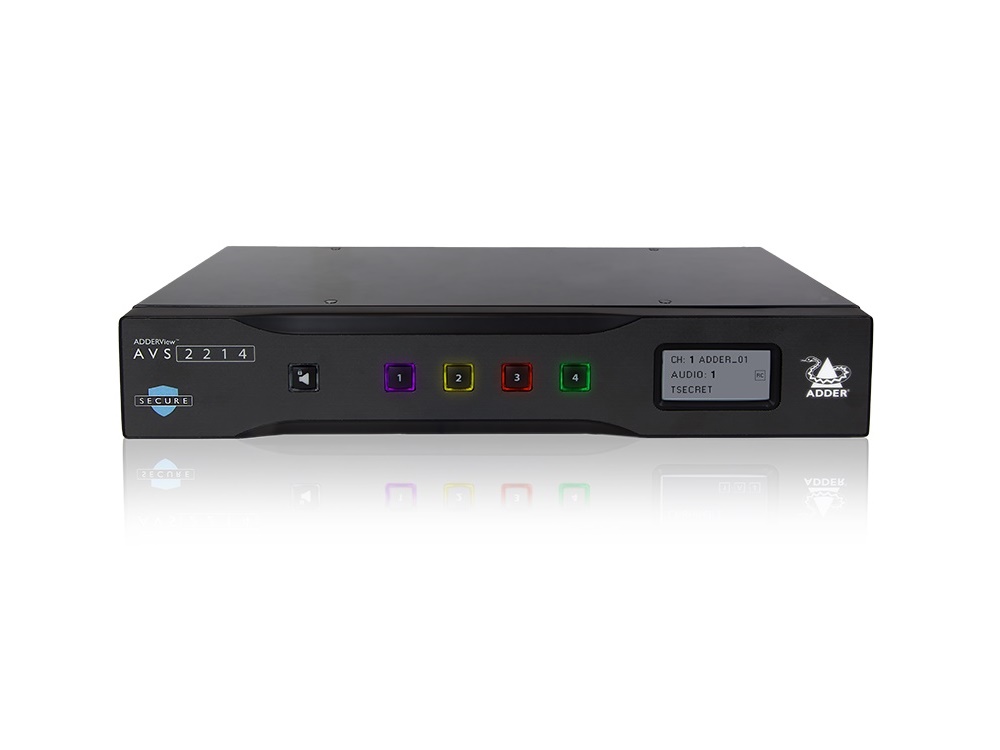
The most basic DVI switcher has 4 DVI inputs and 1 DVI output, with the user selecting which input feeds the output. This unit is typically single link unless specified otherwise. Common configurations: 2x1, 4x1, 8x1. Basic DVI switchers serve installations with multiple DVI sources sharing a single display: industrial control rooms, KVM environments, medical workstations, and similar applications.
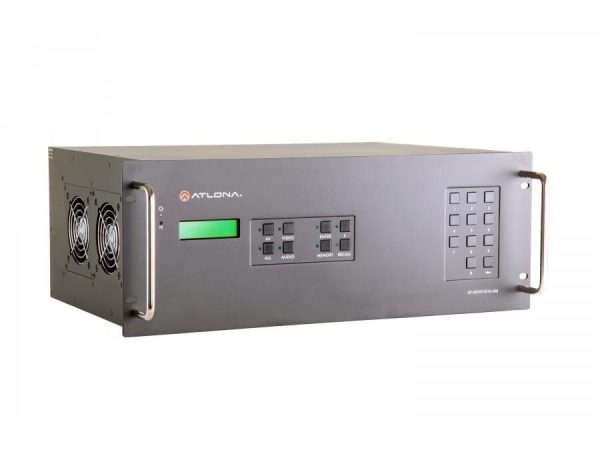
Fixed input/output DVI matrix switchers come in chassis configurations like 4x4, 8x8, 16x16, 32x32, or larger. They route any DVI input to any DVI output independently. Matrix switchers are essential for multi-display DVI installations: control rooms with multiple operator workstations, broadcast monitoring with many cameras feeding many displays, and industrial installations with multiple sources and displays. Modular DVI matrix switchers let the end-user customize the chassis with the desired number of inputs and outputs, allowing the installation to start small and add capacity as needed.
Seamless DVI matrix switchers with picture-in-picture (PIP) features are advanced products that provide high-performance scaling of standard definition, HDTV, and computer-video sources to high resolutions including HDTV. With true seamless switching between inputs and selectable transition effects, professional presentations look polished. Seamless DVI is used in command and control installations, broadcast monitoring with high-quality production switching, and any DVI environment where switching artifacts are unacceptable.
Manufacturers have been ambitious in designing high-quality DVI switchers. Many units have standardized EDID management systems that are integrator-friendly. EDID communication between connected devices is a staple feature in quality DVI switchers, ensuring sources see consistent display capability information regardless of which display is currently selected. This eliminates the resolution surprises and timing issues that can occur with mixed-display DVI installations.
Controlling DVI switchers is simple: front panel buttons for manual selection at the switcher, IR remote control, IP commands from network-connected control systems, or RS-232 commands from serial-controlled control systems. Quality switchers support multiple control methods simultaneously, integrating with whatever control architecture the installation uses.
DVI switchers are still actively used in legacy commercial AV: hospitals (medical imaging workstations with DVI displays that have regulatory certifications preventing replacement), industrial controls and SCADA systems (plant floor displays with long lifecycles), broadcast OB vans and TV studios with legacy DVI gear, security operation centers, KVM rooms in data centers and command centers, corporate environments with installed bases of DVI projectors and monitors, and any installation where existing DVI infrastructure remains in service.
Yes, in significant volumes. While new installations have largely moved to HDMI and HDBaseT, the installed base of DVI equipment is enormous. Hospitals (medical imaging displays with regulatory certifications), industrial controls (plant floor equipment with long lifecycles), broadcast trucks, control rooms, KVM rooms in data centers, and many corporate buildings have DVI infrastructure that works well and is not being replaced. DVI switchers serve these installations, allowing existing DVI equipment to share displays and operate in matrix configurations.
Single-link DVI supports up to 1920x1200 at 60 Hz (about 3.96 Gbps bandwidth). Dual-link doubles the bandwidth (about 7.92 Gbps), supporting 2560x1600 at 60 Hz or 1920x1200 at 120 Hz. Dual-link cables and switchers have additional populated pins for the second TMDS pair. Most commercial DVI equipment is single-link; dual-link is used for high-resolution workstation displays, specialty medical imaging, and similar high-bandwidth applications. Always match the link type throughout the chain (source, switcher, display): single-link switchers with dual-link sources silently drop the resolution to the single-link maximum.
DVI-D switchers handle digital DVI signals only (the dominant variant in commercial installations). DVI-A switchers handle analog DVI signals only (essentially VGA in a DVI connector; rarely used today). DVI-I switchers handle both digital and analog (the most flexible but typically more expensive). Most installations are DVI-D; verify your source and display use DVI-D before specifying a switcher. Connecting a DVI-D switcher to a DVI-A signal produces no picture; the modes are electrically incompatible.
Use a basic DVI switcher when multiple sources share one display: industrial workstations with multiple PCs sharing a single monitor, KVM environments with multiple servers, medical imaging stations. Use a DVI matrix switcher when multiple DVI displays need to show different content from multiple sources: control rooms with multiple operator workstations, broadcast monitoring with many cameras feeding many displays, large industrial installations with multiple sources and displays. Modular DVI matrix switchers let you customize input and output counts in one chassis, useful for installations expecting future growth.
DVI itself carries no audio; it is a video-only interface. DVI switchers similarly handle video only. Audio in DVI installations runs on separate cables: balanced audio (XLR or TRS) for pro applications, RCA or 3.5 mm for consumer applications, SPDIF or TOSLINK for digital audio. For installations with both DVI video and audio, plan parallel audio paths through separate audio switchers or routers. Some HDBaseT extenders and switchers can carry DVI plus separate audio inputs over a single CAT cable, providing combined video and audio routing.
Hospitals and medical imaging facilities (the largest single segment for DVI switchers; medical workstations driving multiple radiology and diagnostic displays at long distances), industrial controls and SCADA systems (plant floor equipment with long lifecycles), broadcast OB vans and TV studios with legacy DVI equipment, security operation centers (multi-display monitoring with DVI infrastructure), KVM rooms in data centers and command centers, corporate boardrooms and classrooms with legacy DVI projectors, and any commercial AV installation where existing DVI gear continues to operate and needs to share displays or route between multiple workstations.

On order over $300 and more for US and US territory

We Offer a 30-Day Money Back Guarantee

Full manufacturer's warranty and quality assurance

Safe checkout with trusted payment providers