















Start typing to see results...
Find the perfect solution

Multiviewer accessories support and complete multiviewer installations: control surfaces for fast operator interaction with multiview layouts, software for configuration and management, mounting hardware for multiviewer chassis, network and control system integration accessories, output adapter cables and conversion accessories for various display types, and the specialty items that turn a multiviewer from a standalone product into a complete operational system.
For installations where operators frequently change multiview layouts or focus on different sources, dedicated control surfaces speed operation. These can be touch panels (showing the current multiview layout with touch areas to change sources or layouts), dedicated control panels with buttons mapped to layouts and sources, joystick or trackball-based panels for navigation through multiview tiles, and software-based controls running on operator workstations. Quality control surfaces are essential in broadcast control rooms and security operation centers where layout changes happen routinely.
Multiviewers need configuration software for initial setup and ongoing management: defining layouts, assigning sources to tiles, configuring labels and metadata, integrating with control systems, and managing the multiviewer's network and other settings. Software typically runs on a configuration PC, with the configured settings then deployed to the multiviewer hardware. Quality multiviewers include comprehensive configuration software; some provide cloud-based management for installations with many multiviewers across multiple sites.
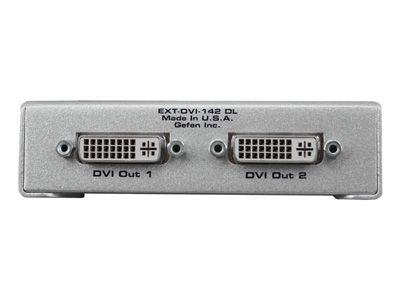
Multiviewer outputs may not match destination display inputs directly. Adapter cables and converters bridge the gap: HDMI to DisplayPort converters for displays without HDMI input, HDMI to SDI converters for broadcast monitoring displays, format-specific cables for unusual output requirements. Quality adapters preserve picture quality through the conversion; cheap adapters may add artifacts or compatibility issues.
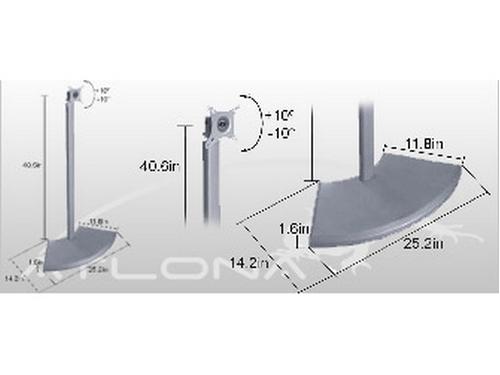
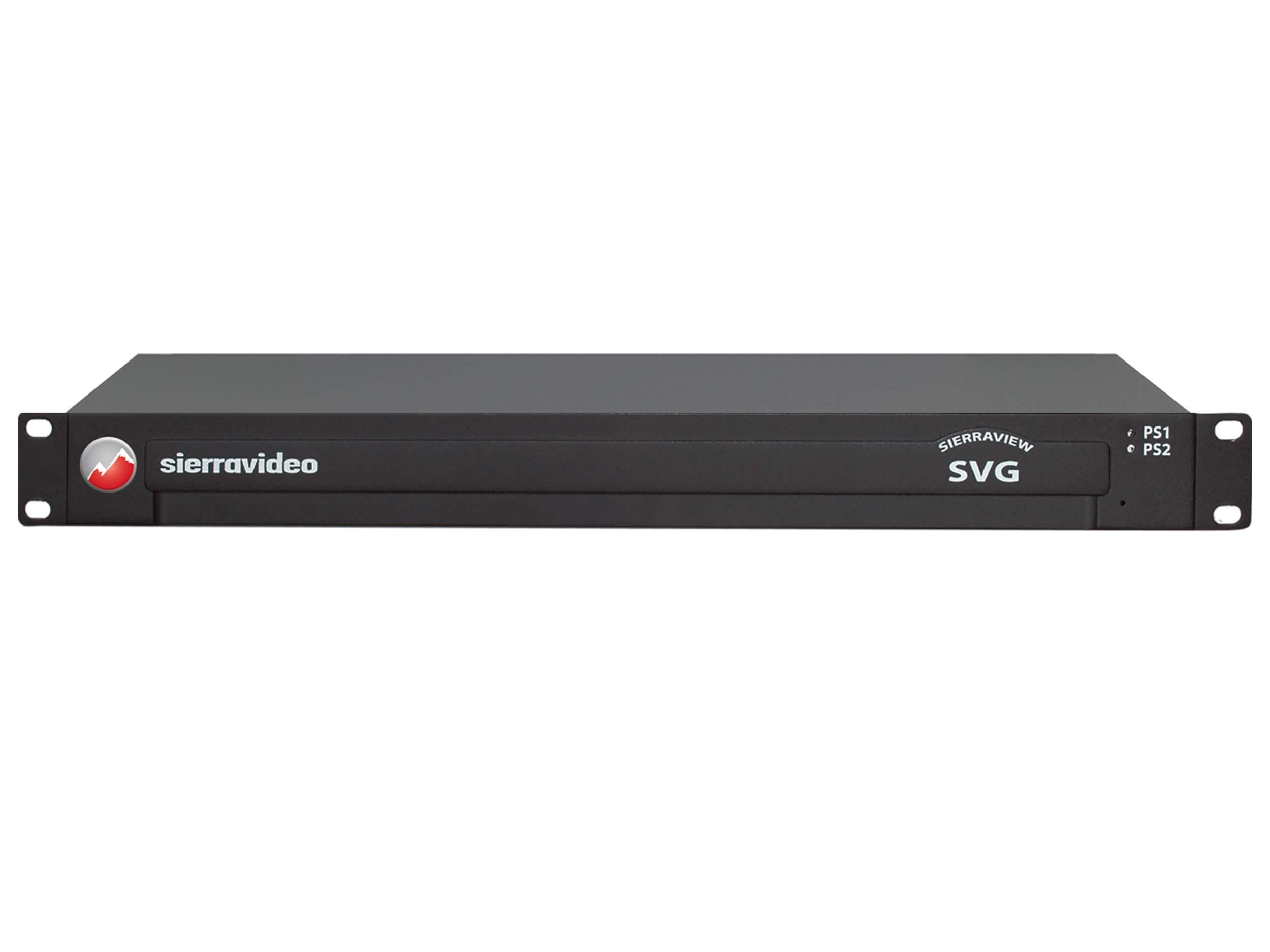
Multiviewer chassis are typically rack-mountable in standard 19-inch equipment racks. Rack mounting hardware includes rack ears for the multiviewer chassis, sliding rack rails for service access, cable management for the many input cables, and standard rack hardware. Quality mounting hardware makes the multiviewer professionally installed and serviceable; poor mounting causes cable strain and inconvenient service access.
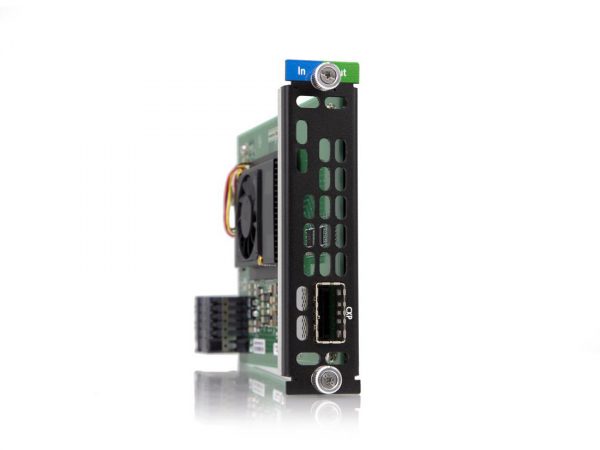
For multiviewers integrating with broadcast networks (SMPTE 2110, NDI) or security networks (IP cameras), network integration accessories include network switch ports configured for the multiviewer's specific traffic patterns, fiber transceivers for fiber-based input connections, and network adapter cards if the multiviewer requires specific network capabilities beyond standard Ethernet. For installations integrating multiviewers with extensive network infrastructure, proper network design is essential.
Multiviewers in mission-critical environments need clean reliable power. UPS units provide battery backup against utility outages, keeping the multiviewer running through brief interruptions. Power conditioning provides clean stable power, eliminating brownouts and voltage fluctuations that could cause multiviewer hardware to malfunction. For broadcast control rooms and security operation centers where multiviewer outage causes operational impact, dedicated power conditioning is worth the investment.
Multiviewer installations often need specialty cables: short patch cables for source connections, specific connector types (BNC for SDI multiviewers, HDMI for HDMI multiviewers, fiber for fiber-based connections), and accessories like quick-disconnect connectors for portable applications. Maintaining a stock of common cables for multiviewer use saves time on installations and service calls.
For multiviewers with audio handling, audio routing accessories complete the integration: audio level meters and monitoring, audio routing through audio matrix switchers, audio extraction from embedded HDMI or SDI sources, and integration with broadcast audio infrastructure. Audio handling complexity varies significantly between multiviewer models; understand the specific multiviewer's audio capabilities before designing the audio infrastructure around it.
Multiviewer accessories are essential in every multiviewer installation: control surfaces for fast operator interaction in broadcast and security operation centers, configuration software for setup and ongoing management, output adapters for mismatched display connections, rack mounting hardware for proper chassis installation, network integration accessories for IP-based multiviewer connections, UPS and power conditioning for mission-critical operations, and specialty cables and audio routing accessories that complete specific installation needs.
The supporting products that complete multiviewer installations: control surfaces for fast operator interaction with layouts (touch panels, dedicated button panels, joystick controllers), configuration software for setup and ongoing management, output adapter cables for connecting to various display types, rack mounting hardware for the multiviewer chassis, network integration accessories for IP-based connections, UPS and power conditioning for reliable operation, specialty cables and connectors, and audio routing accessories for installations with complex audio handling.
Use a dedicated control surface when operators frequently change multiview layouts, focus on different sources, or respond rapidly to changing situations. Broadcast control rooms typically use dedicated panels because the director changes layouts during shows. Security operation centers benefit from control surfaces when operators investigate specific cameras (pulling them up large) and then return to overview monitoring. For multiviewers with fixed layouts that rarely change (basic monitoring applications), front panel buttons or simple remote control may be sufficient.
Multiviewers need configuration software for initial setup and ongoing management: defining layouts, assigning sources to tiles, configuring labels and metadata, setting up tally and audio routing, and integrating with broader control systems. Software typically runs on a configuration PC, with settings deployed to the multiviewer hardware. Some multiviewers include web-based configuration accessible from any browser, eliminating dedicated configuration PCs. For installations with many multiviewers across multiple sites, cloud-based management software simplifies operations significantly.
For multiviewers with HDMI or SDI inputs, no special network beyond normal AV networking. For IP-based multiviewers using protocols like SMPTE 2110, NDI, or AV-over-IP, dedicated network infrastructure with proper QoS, IGMP snooping for multicast, and VLAN isolation matters significantly. Always design the network around the multiviewer's specific protocol requirements; generic network infrastructure may cause performance problems or compatibility issues. For installations with extensive IP-based multiview, work with both AV and IT teams to design the network properly.
Yes, in any installation where multiview outage causes operational impact. Broadcast control rooms: UPS is essential because losing the director's multiview during a live show could cause broadcast failures. Security operation centers: UPS keeps monitoring active through brief utility events, maintaining situational awareness. Houses of worship with serious production: UPS protects the production team's multiview during services. Size the UPS for the multiviewer's load with margin, and runtime appropriate for either riding through outages or graceful shutdown of the broader AV system.
Every multiviewer installation needs accessories: control surfaces in broadcast control rooms and security operation centers (where operators frequently interact with layouts), configuration software in every installation for setup and ongoing management, output adapters when the multiviewer's outputs don't directly match destination displays, rack mounting hardware in every equipment room installation, network integration accessories for IP-based multiview installations (broadcast facilities with SMPTE 2110, modern security operations with IP cameras), UPS power for mission-critical operations, and specialty cables and audio routing accessories matching specific installation needs.

On order over $300 and more for US and US territory

We Offer a 30-Day Money Back Guarantee

Full manufacturer's warranty and quality assurance

Safe checkout with trusted payment providers