















Start typing to see results...
Find the perfect solution
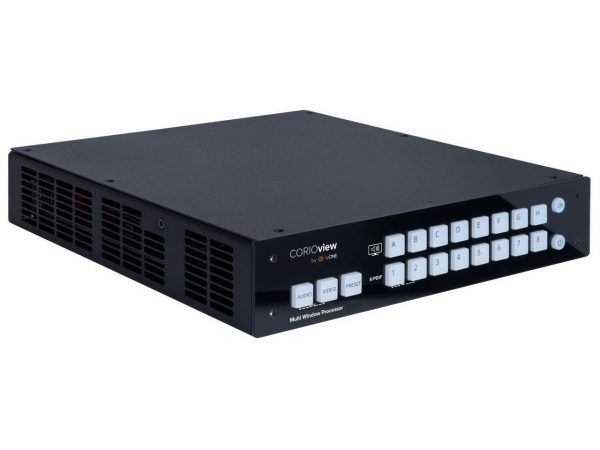
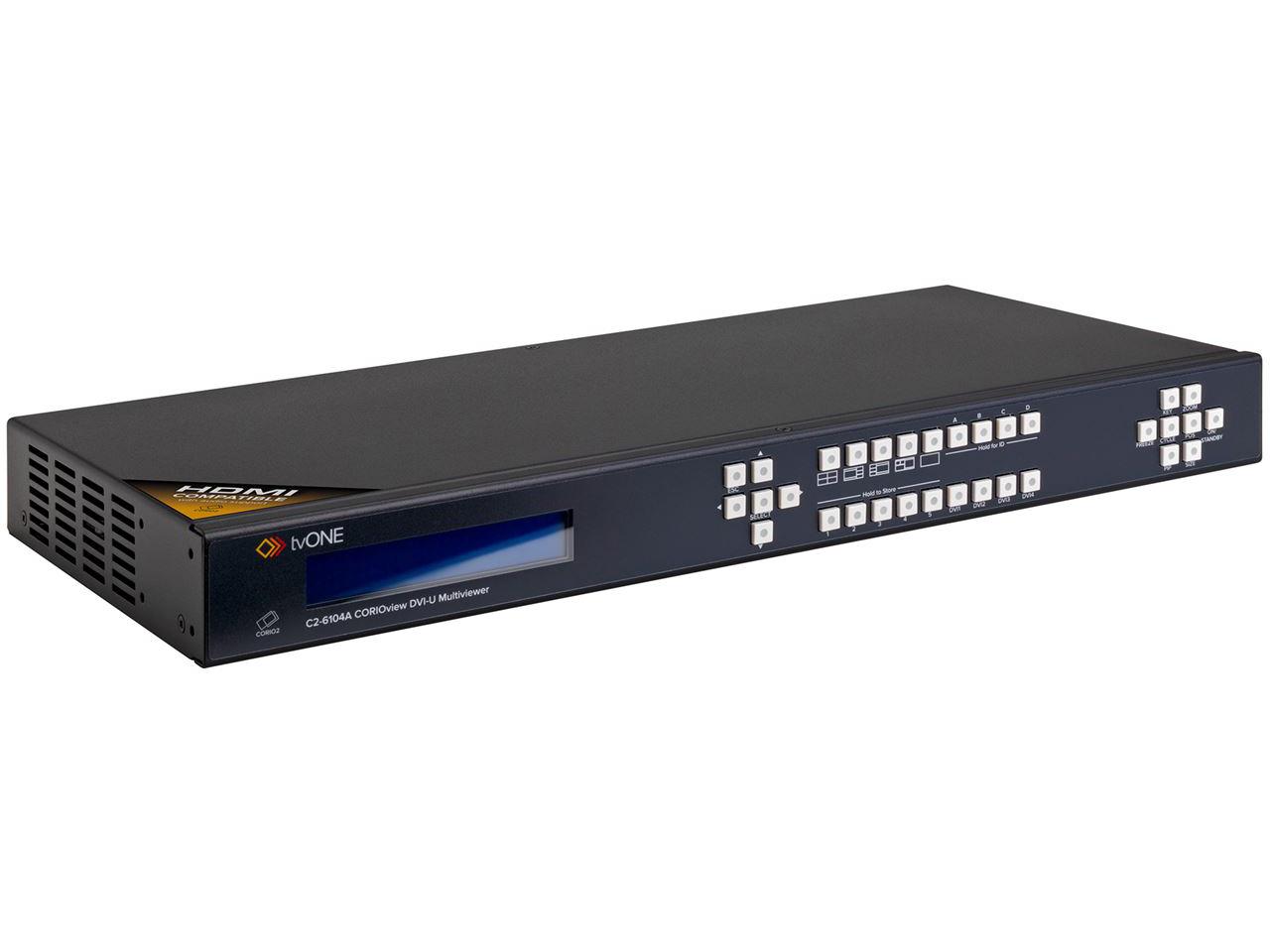
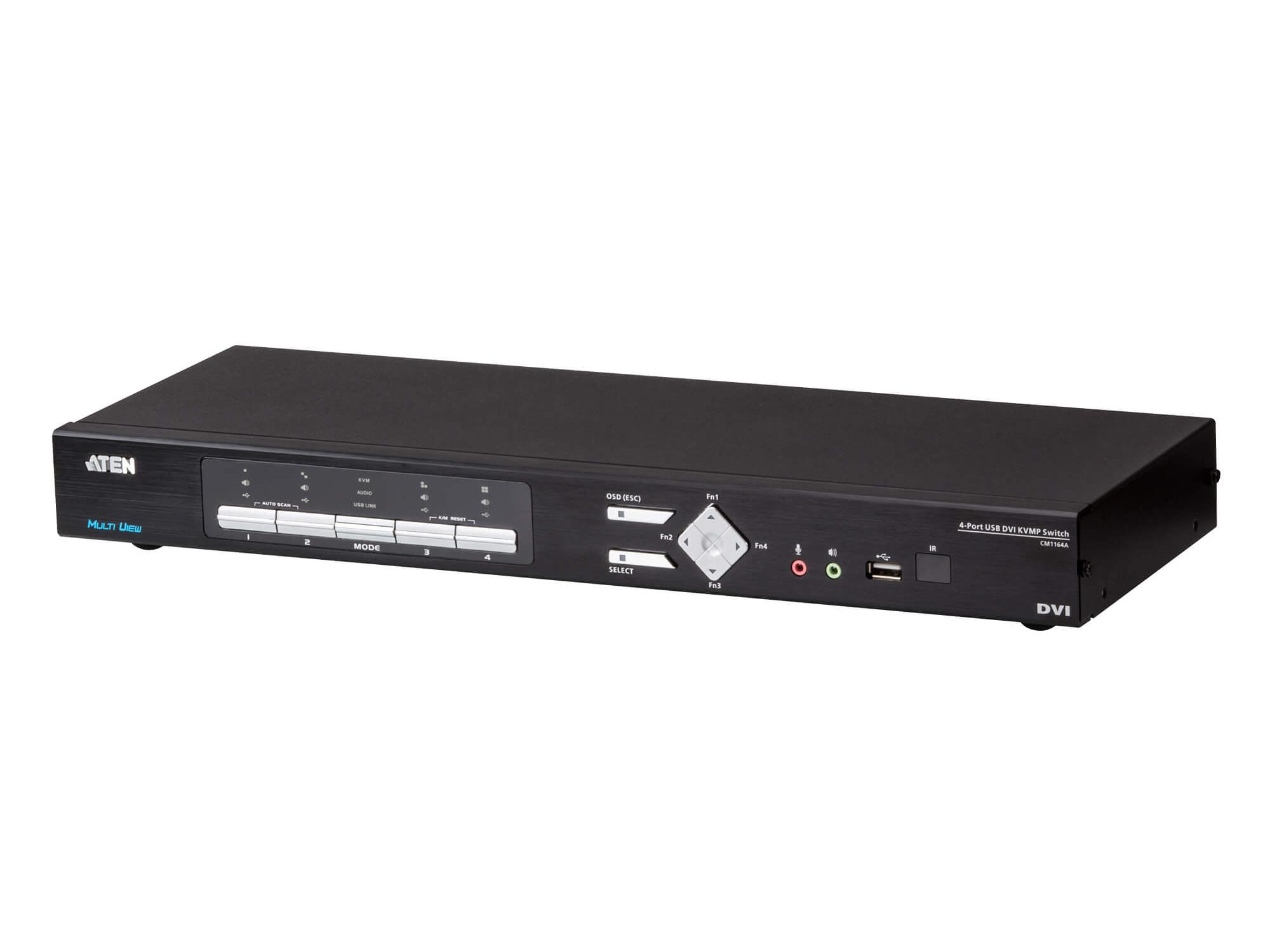
DVI multiviewers process multiple DVI video sources and combine them into one composite output, showing many sources simultaneously on a single DVI display. They serve installations with DVI source equipment that needs operator monitoring of many sources at once: legacy broadcast facilities with installed DVI infrastructure, industrial control rooms with DVI workstations, medical environments with DVI imaging displays, and KVM rooms in data centers where DVI is the dominant video format.
DVI multiviewers typically handle DVI-D (digital only), the dominant DVI variant in commercial installations. Some specialty multiviewers handle DVI-I (digital plus analog) for installations with mixed DVI source types. Single-link vs. dual-link DVI matters for resolution support: single-link DVI multiviewers support up to 1920x1200 sources at 60 Hz, while dual-link supports higher resolutions up to 2560x1600. Match the multiviewer's DVI capability to the source signals.
DVI multiviewers support various layout configurations. Standard grids: 2x2 (4 sources), 3x3 (9 sources), 4x4 (16 sources). Custom layouts: one large primary source plus several smaller secondary sources, mosaic layouts with various source proportions. For broadcast and control room applications, custom layouts often match operational workflows better than simple grids.
Quality DVI multiviewers display source labels on each tile, identifying what's shown in each panel. Labels can include text identifiers, color coding for different source types, and metadata overlays. For broadcast applications, tally indicators (showing on-air and preview status) integrate with production switchers. Audio level meters for each source (if the DVI sources have associated audio) show audio levels alongside the video.
Although HDMI has replaced DVI in most new installations, DVI multiviewers remain important in specific environments. Legacy broadcast facilities with installed DVI infrastructure still use DVI multiviewers for monitoring. Industrial controls and SCADA systems with DVI-based operator displays use DVI multiviewers in control rooms. Medical environments with DVI imaging displays (radiology workstations driving multiple diagnostic displays) sometimes use DVI multiviewers for case review. KVM rooms in data centers with DVI-based servers and workstations use DVI multiviewers for centralized monitoring.
DVI multiviewers scale each input source to fit its tile on the output display. Quality scaling preserves image clarity even when displaying many sources at small sizes; budget scaling may produce visible aliasing or softness. Output resolution typically matches the destination display: 1920x1200 or 1920x1080 for typical monitoring displays, 2560x1600 for higher-resolution workstation displays, 4K UHD for premium installations.
DVI multiviewers typically output DVI to a single destination display, but some support multiple outputs (one multiviewer producing several different composite views on different displays). For installations where different operators want different views (one operator monitoring program sources, another monitoring secondary cameras), multiple outputs serve better than one operator-shared view.
DVI multiviewers support multiple control interfaces: front panel buttons for manual layout changes, RS-232 for control system integration, IP/Ethernet for modern control systems and remote management, and software interfaces for layout configuration. Quality multiviewers integrate with major control system platforms for unified operation.
DVI multiviewers serve legacy broadcast facilities with installed DVI infrastructure (DVI cameras and source equipment feeding multiviewers for control room monitoring), industrial controls and SCADA systems (DVI-based operator displays consolidated into multiview for supervisor positions), medical environments (radiology workstation outputs consolidated for case review and consultation), KVM rooms in data centers (DVI server outputs combined for centralized monitoring), and any installation with DVI source infrastructure where consolidated monitoring matters.
Yes, in specific environments where DVI infrastructure remains in service. Legacy broadcast facilities with installed DVI cameras and source equipment use DVI multiviewers for control room monitoring. Industrial controls and SCADA systems with DVI-based operator displays consolidate views with DVI multiviewers. Medical environments with DVI imaging (radiology workstations driving diagnostic displays) sometimes use DVI multiviewers for case review. KVM rooms in data centers with DVI-based servers use DVI multiviewers for centralized monitoring. New installations have largely moved to HDMI multiviewers, but DVI multiviewers serve the substantial installed DVI base.
Single-link DVI multiviewers handle source resolutions up to 1920x1200 at 60 Hz, sufficient for most commercial DVI installations. Dual-link DVI multiviewers handle higher resolutions up to 2560x1600 at 60 Hz, needed for high-resolution workstation displays and specialty applications. Match the multiviewer's DVI capability to the source signals: dual-link sources require dual-link multiviewers for full resolution. For most commercial DVI installations (broadcast monitoring, industrial controls, medical case review), single-link is sufficient because most DVI sources are 1920x1200 or below.
Some multi-format multiviewers accept both DVI and HDMI sources, with appropriate conversion handling. Standard DVI multiviewers handle DVI only; HDMI sources need conversion at the input (HDMI to DVI cables or active converters). For installations with mixed source formats, multi-format multiviewers simplify the cabling significantly: one multiviewer handles all source types without separate conversion. Always verify supported input formats when choosing a multiviewer for mixed-source installations.
Tally is a visual indicator on the multiview showing which source is currently on-air and which is selected on preview. The multiviewer overlays a colored border on the appropriate tiles (typically red for on-air program, green for preview). Tally integrates with the production switcher or automation system for real-time accuracy: when the switcher cuts to a source, the multiviewer immediately updates the tally indicators. For broadcast control rooms with DVI multiview, tally is essential for the director's awareness of program and preview status.
Commercial DVI multiviewers range from 4-input (2x2 layout) to 16+ input (4x4 layout). Larger configurations exist for specialty applications. Most installations use 9 or 16 input multiviewers, sized to the actual source count plus margin. Custom layouts with primary plus secondary sources adapt to different operational needs. For installations with very high source counts (32+ DVI sources), multiple multiviewers with separate output displays often serve better than one large multiviewer.
Legacy broadcast facilities (installed DVI infrastructure with DVI cameras, source equipment, and control rooms; multiviewers consolidate monitoring of all DVI sources), industrial controls and SCADA systems (DVI-based operator displays in plant control rooms, with multiviewers providing supervisor and shift-leader overview displays), medical environments (radiology workstation outputs consolidated for case review and consultation, sometimes with security camera DVI feeds combined), KVM rooms in data centers (DVI server outputs combined for centralized monitoring of many machines), security operation centers with installed DVI camera infrastructure, and any installation with DVI source equipment where consolidated multiview monitoring matters.

On order over $300 and more for US and US territory

We Offer a 30-Day Money Back Guarantee

Full manufacturer's warranty and quality assurance

Safe checkout with trusted payment providers