















Start typing to see results...
Find the perfect solution
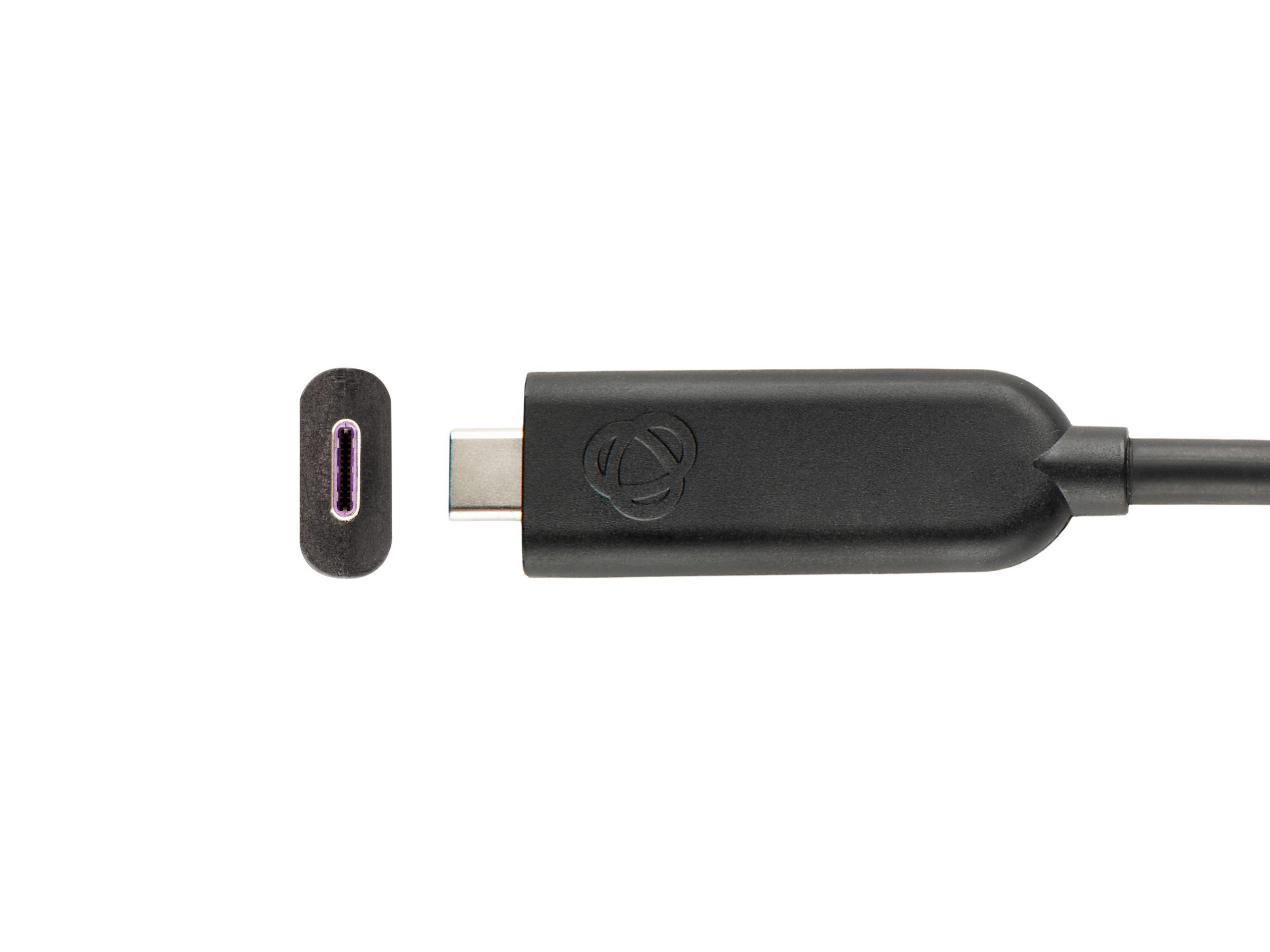
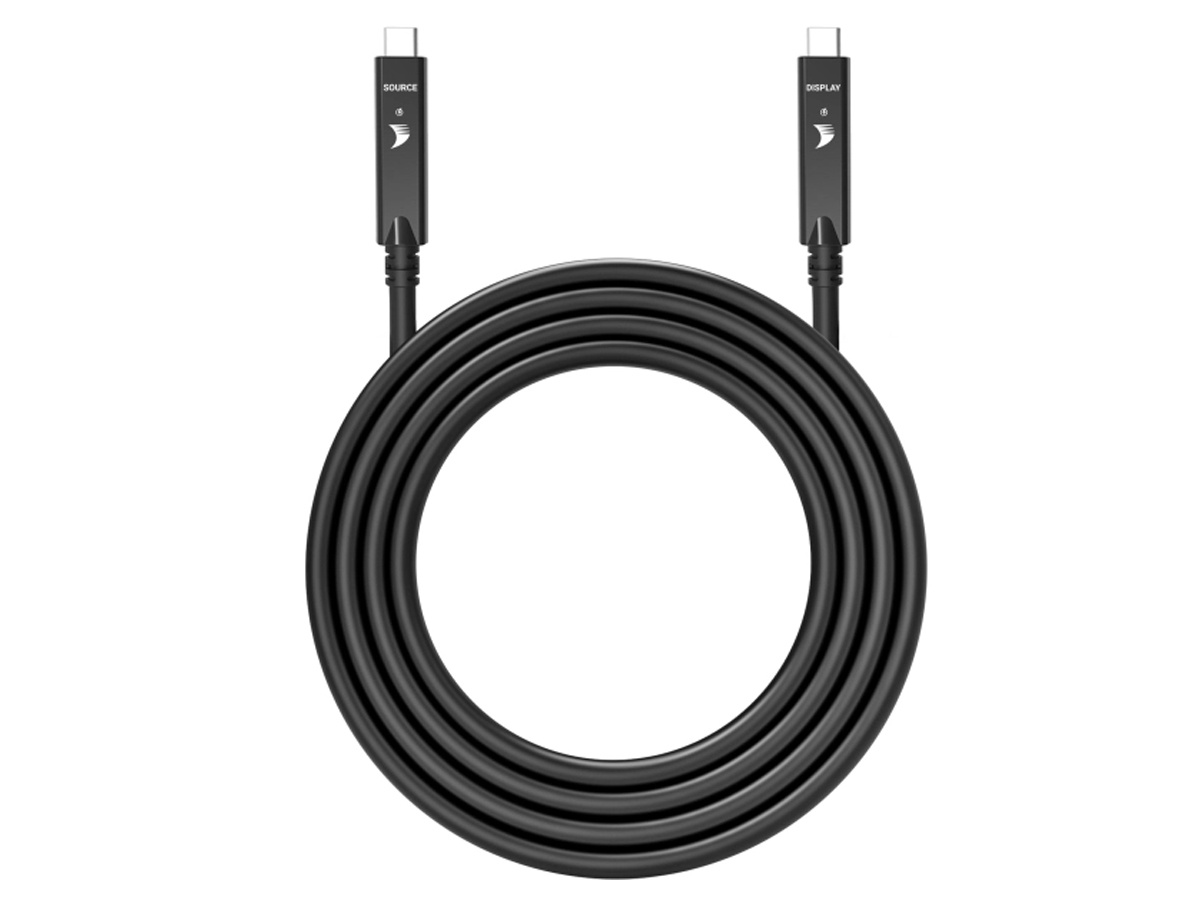
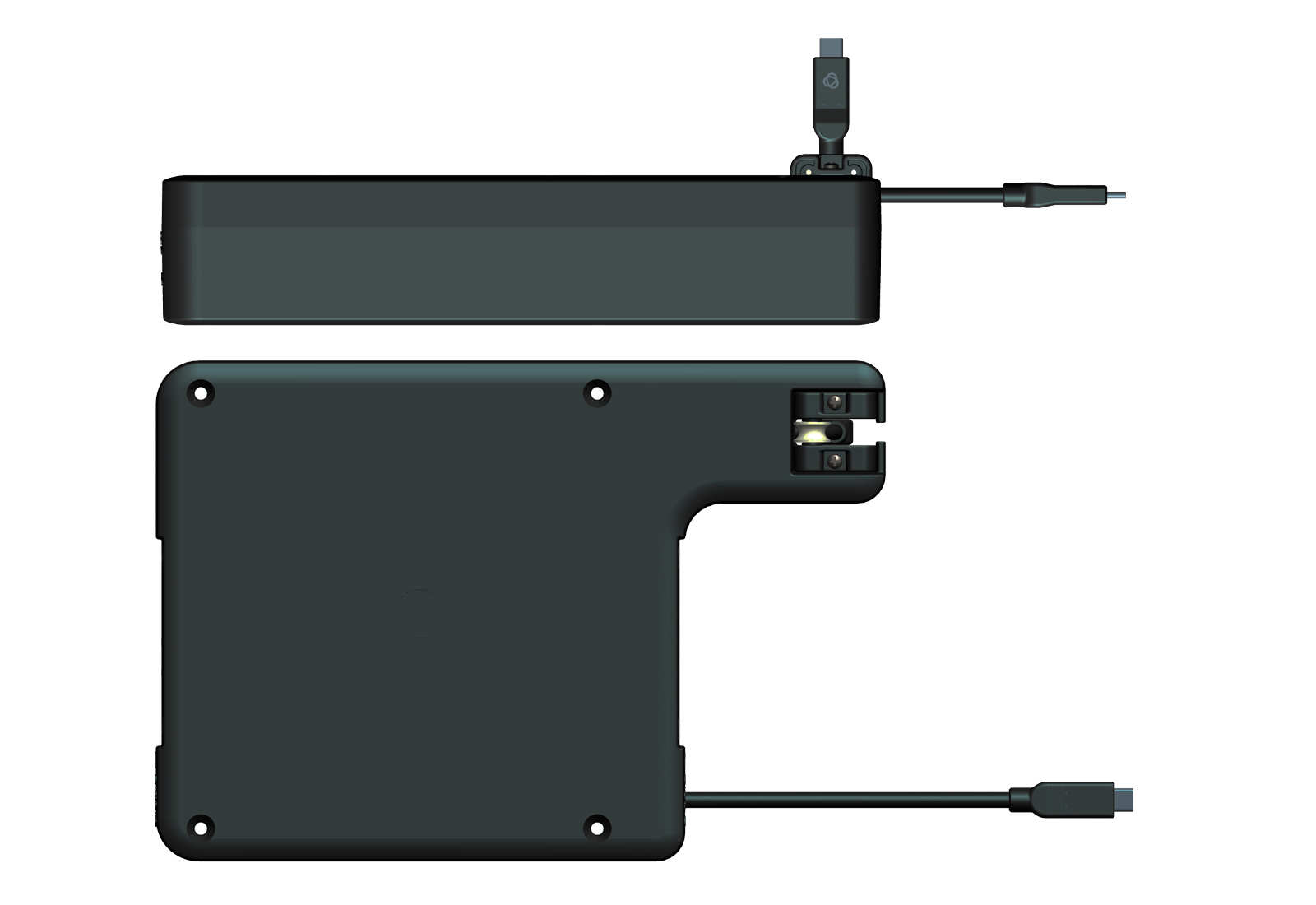
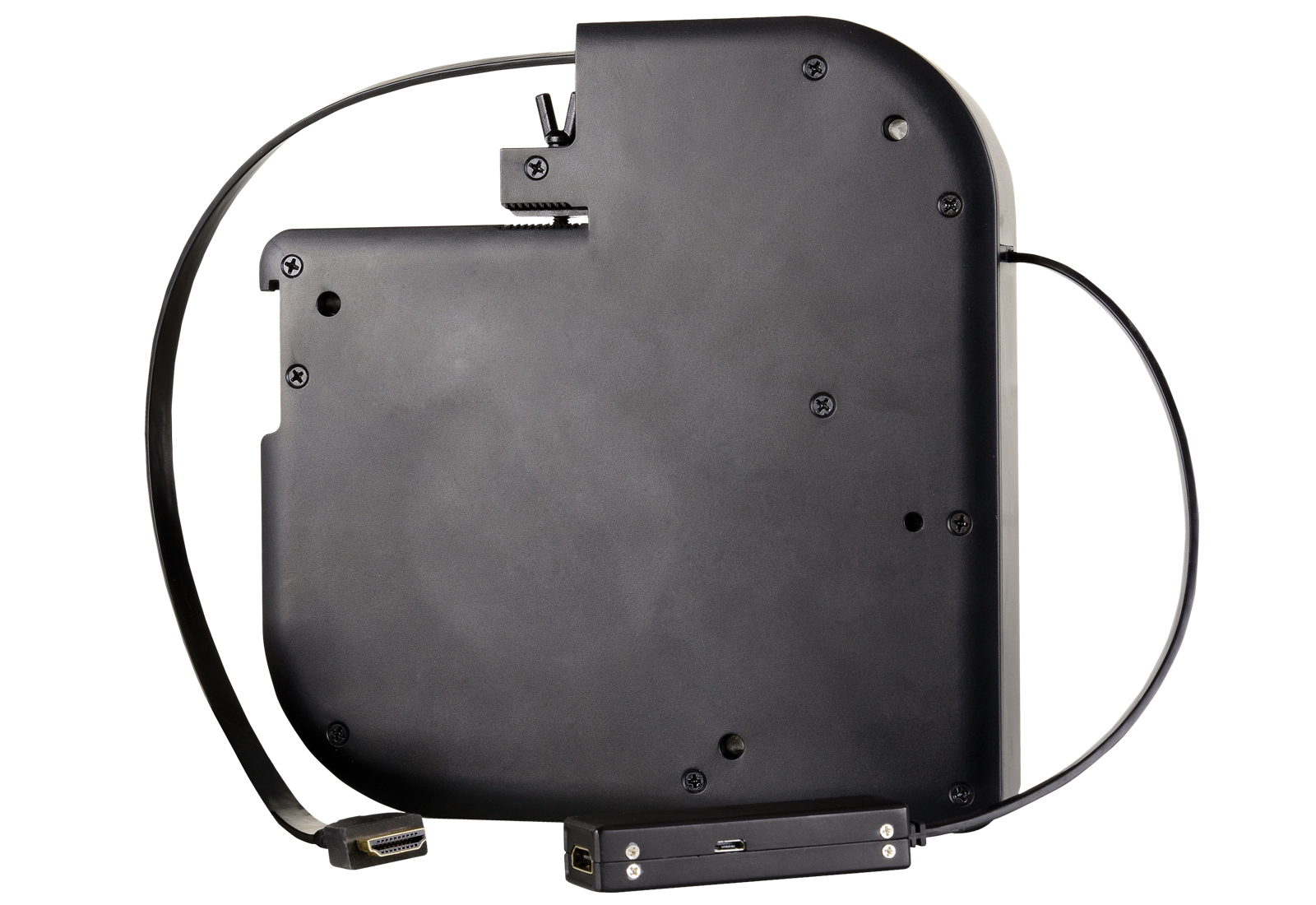
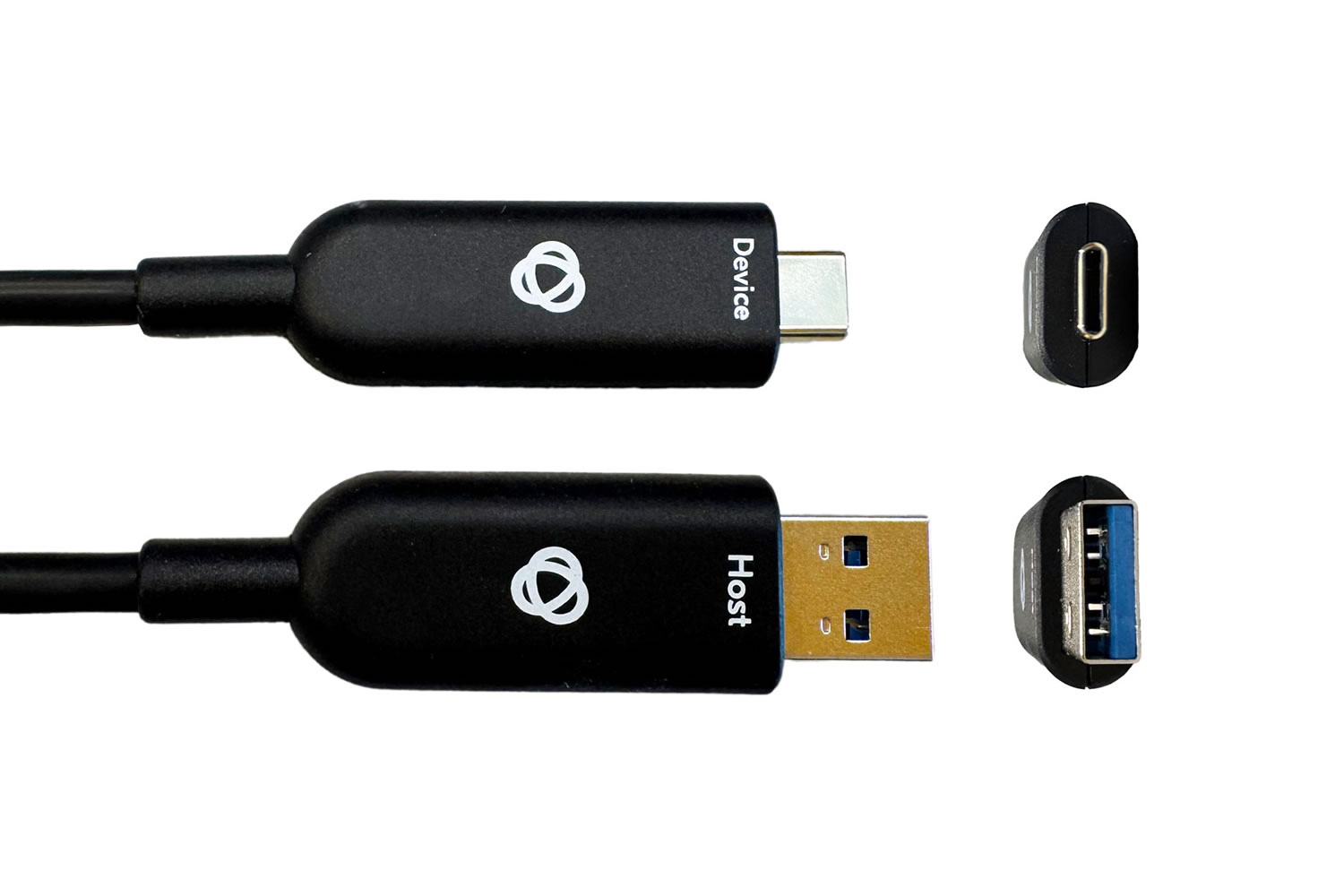
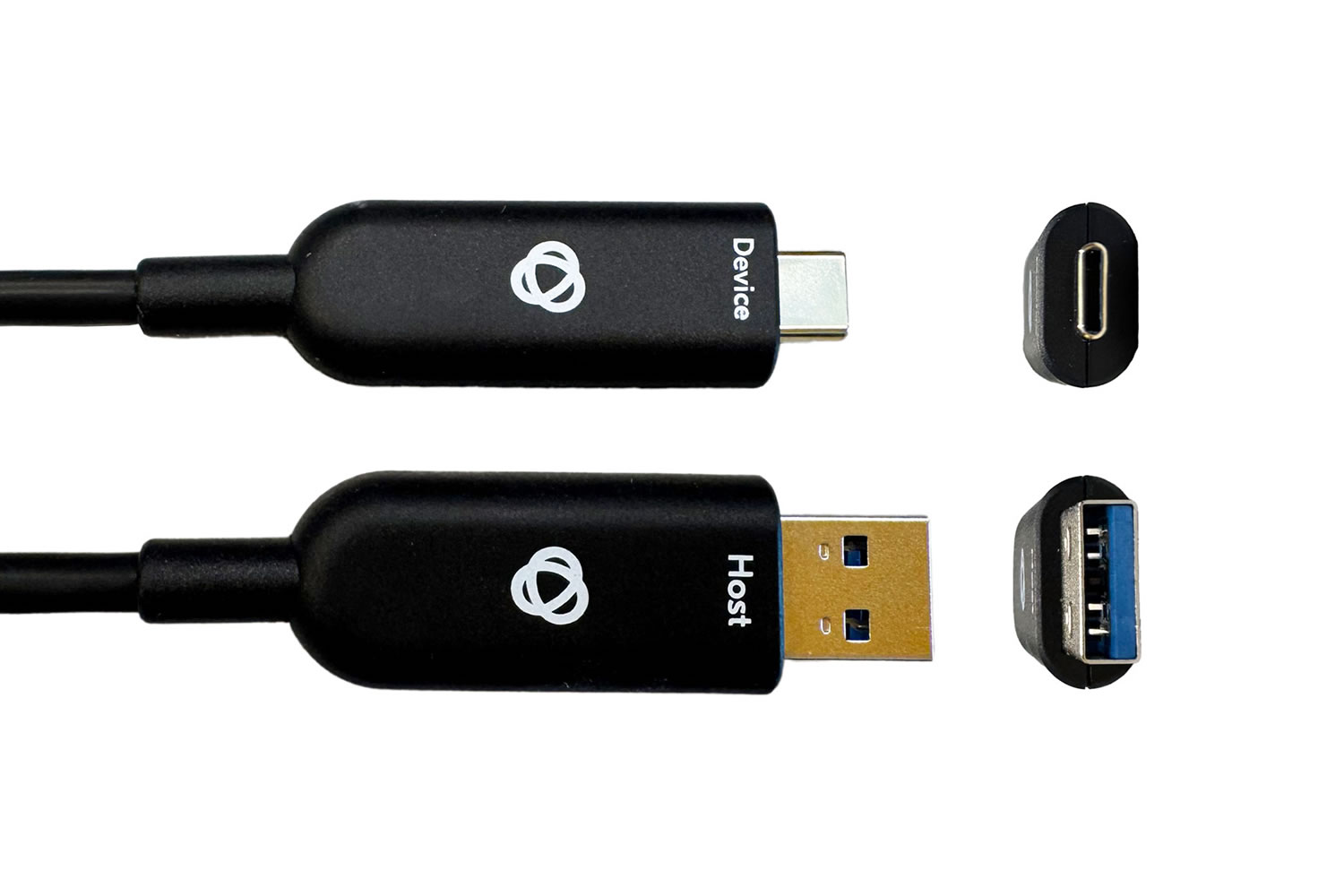
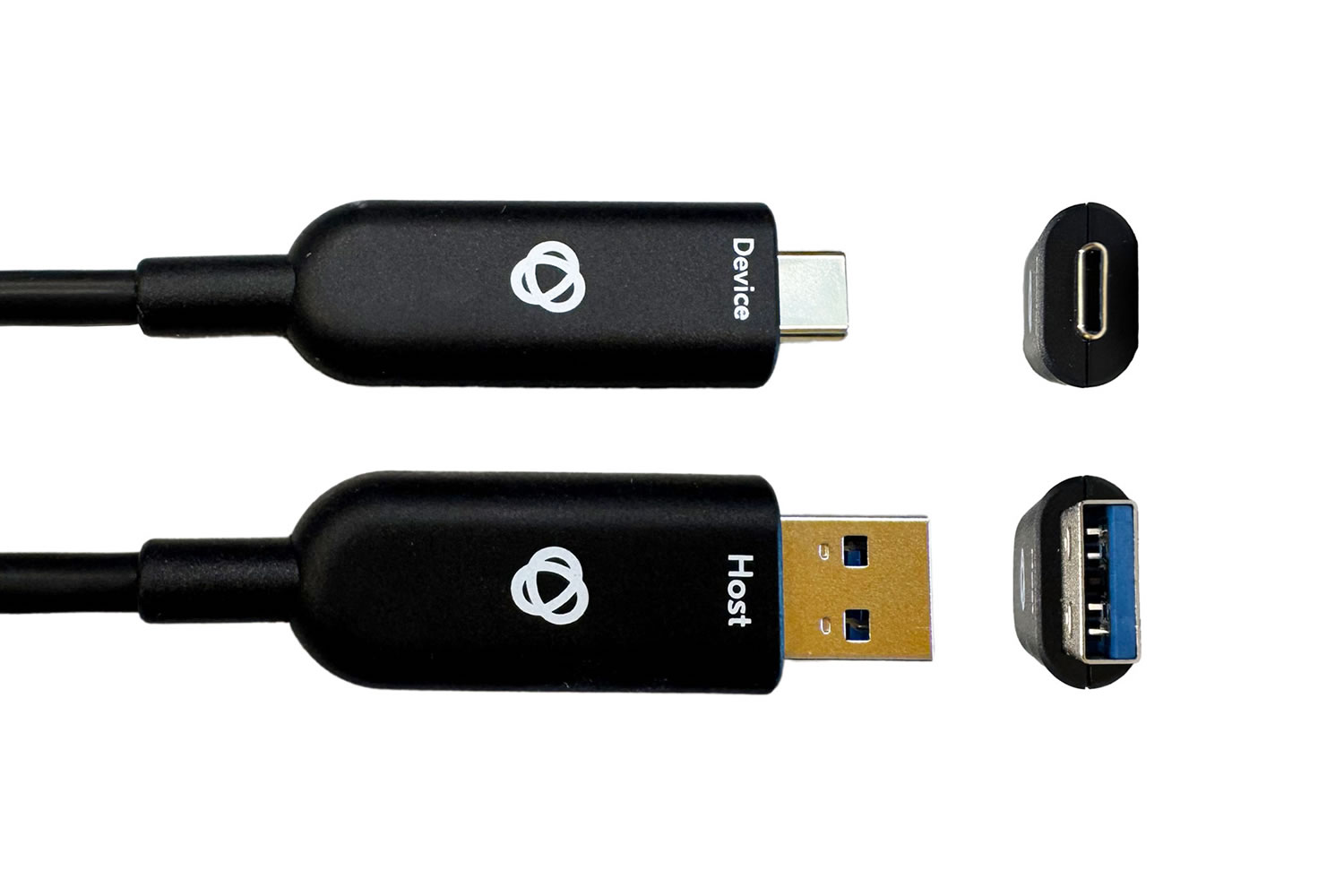
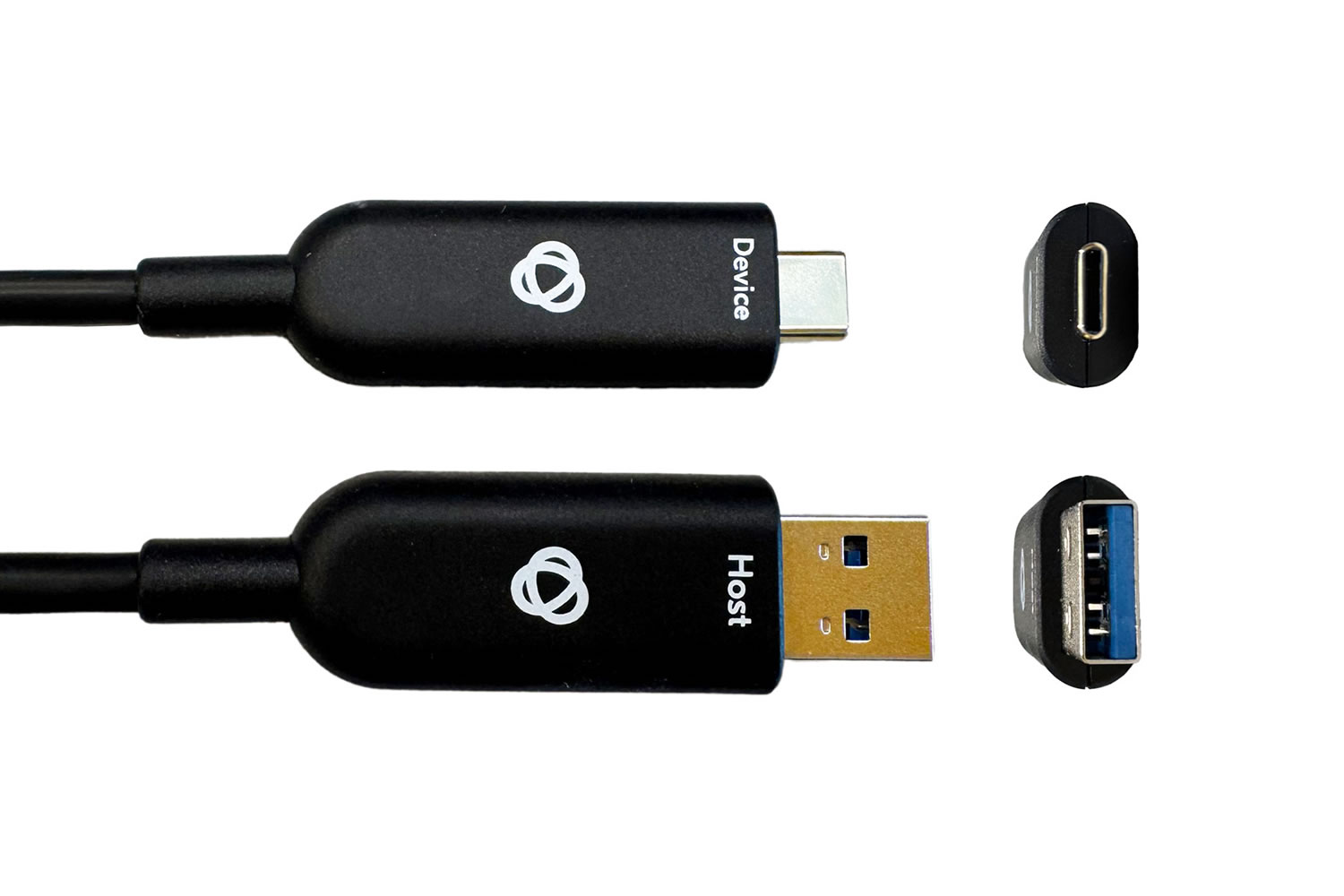
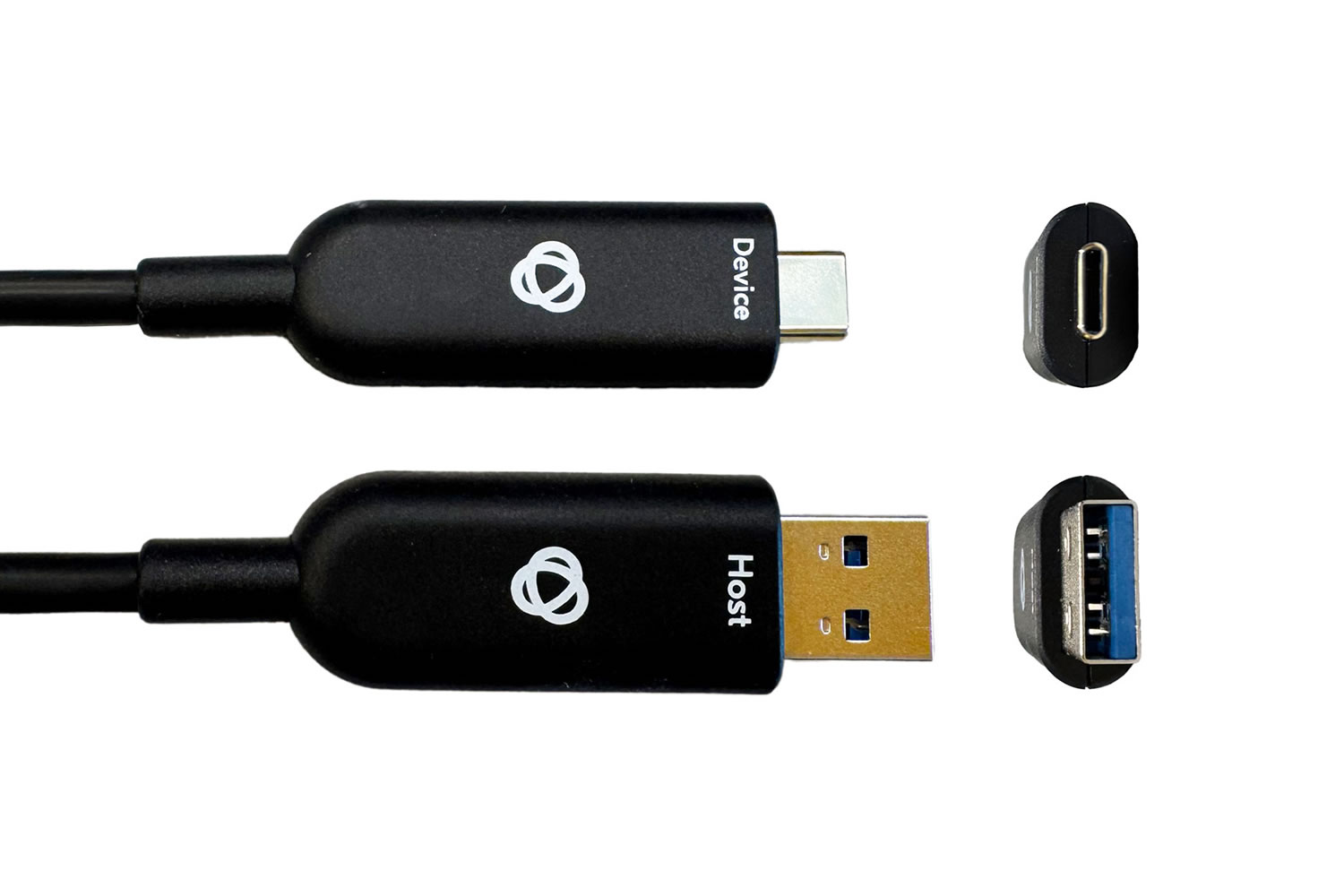
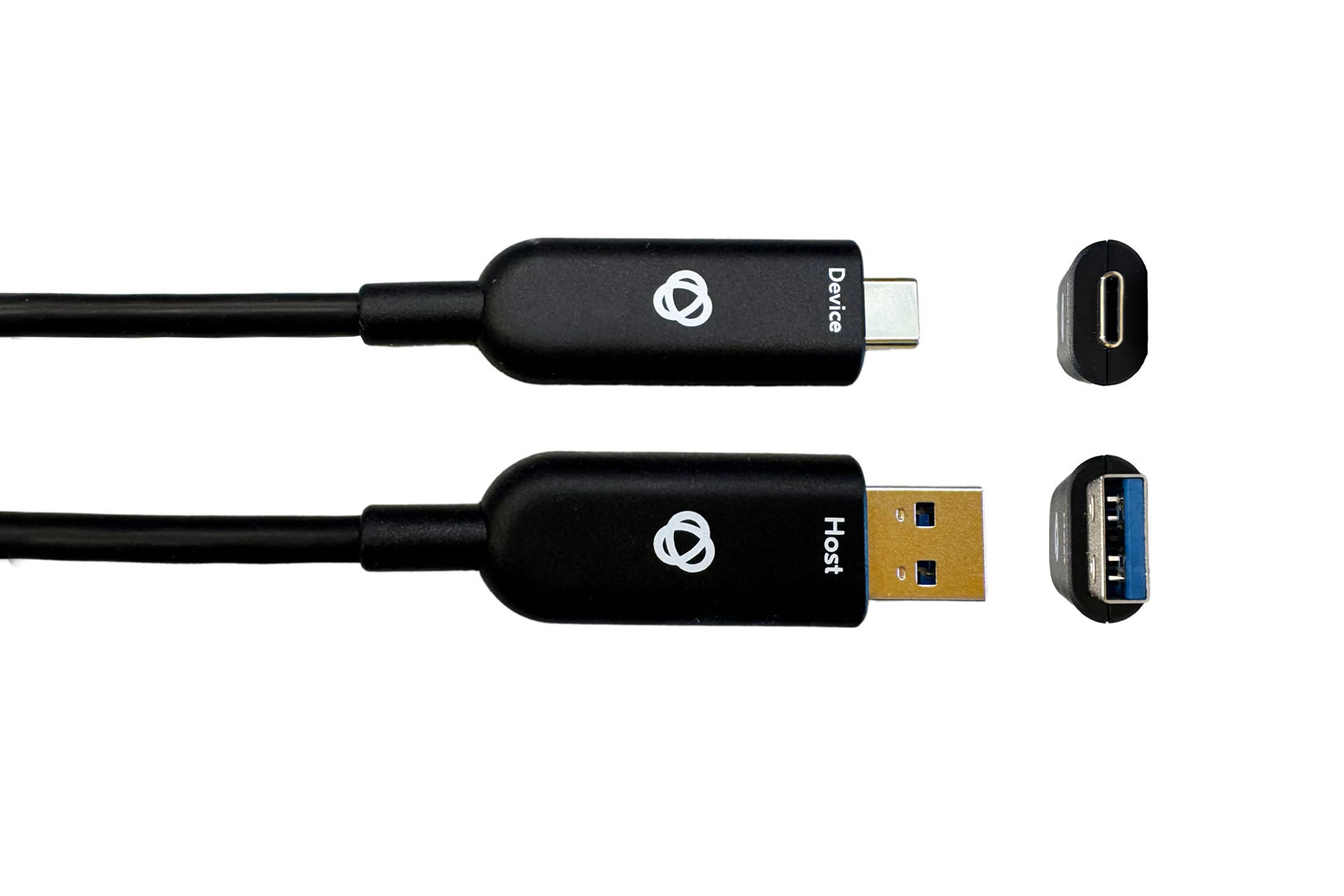
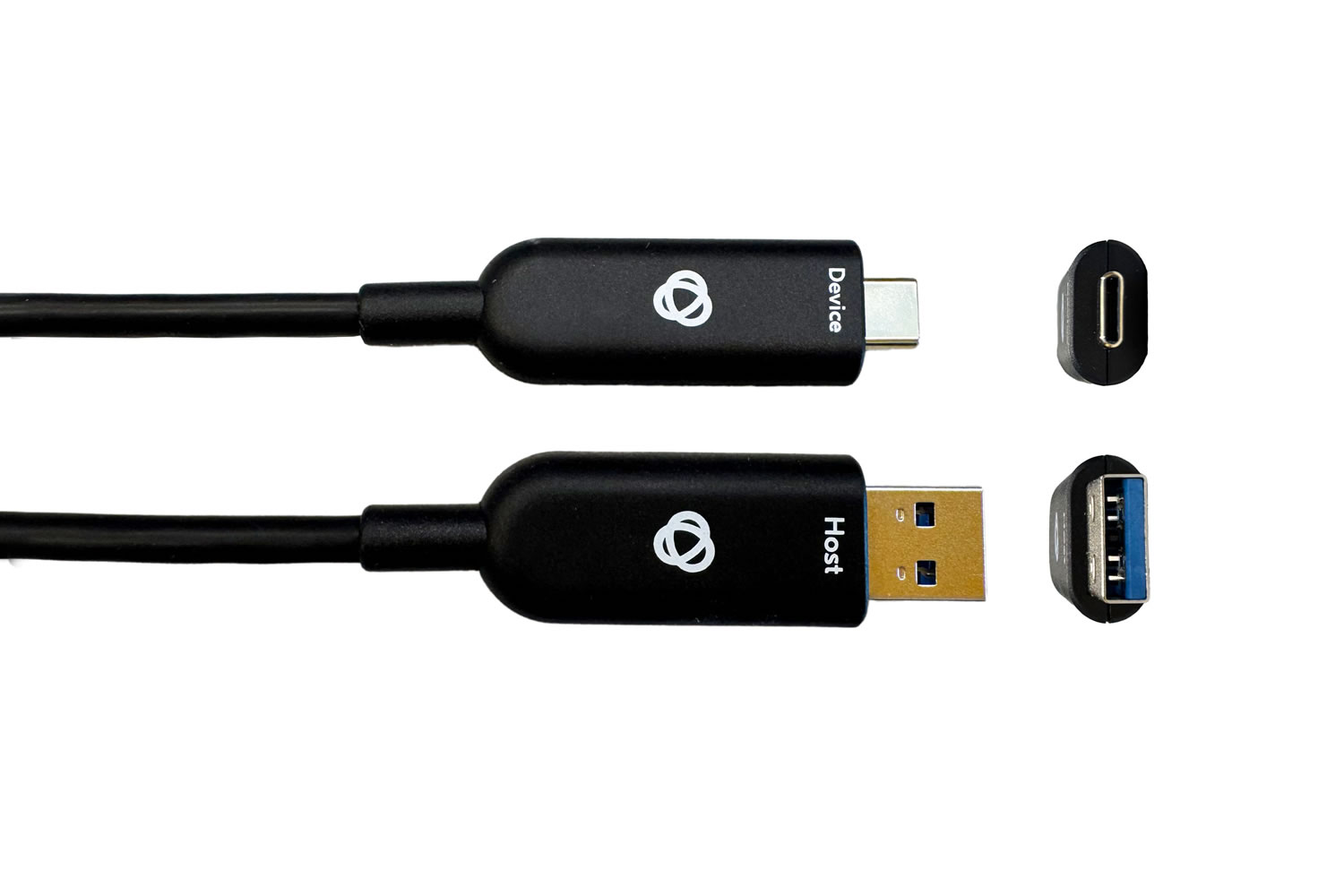
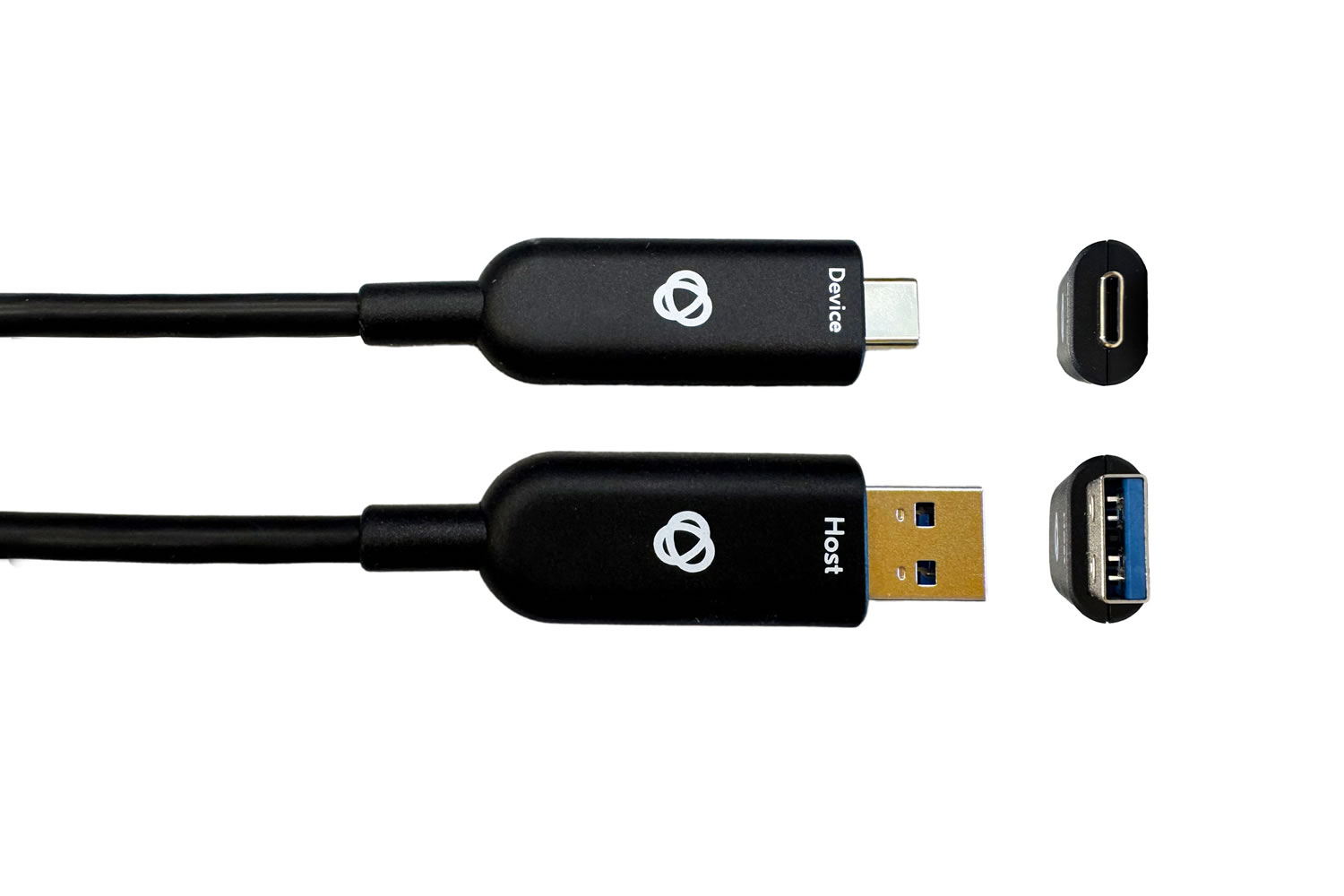
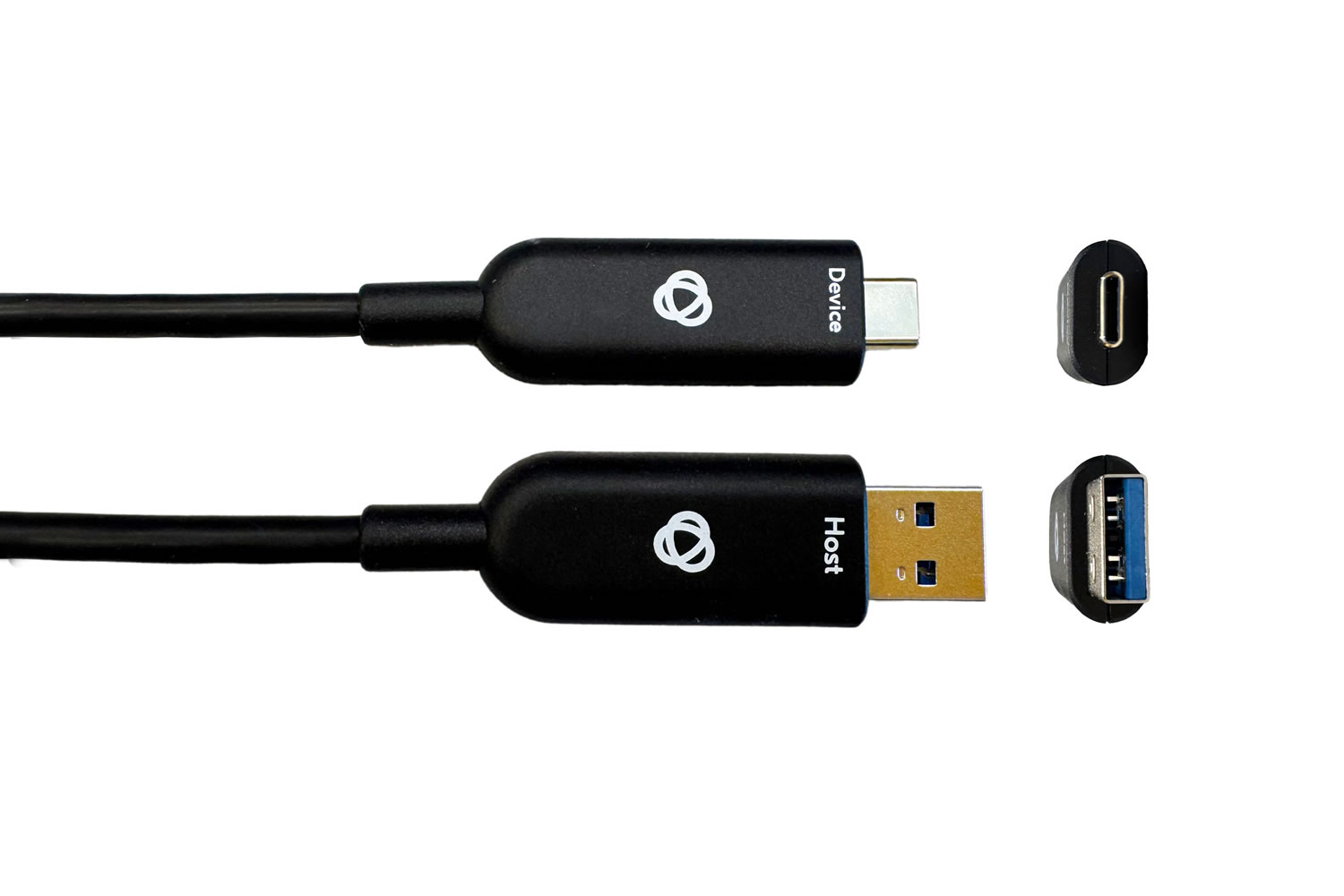
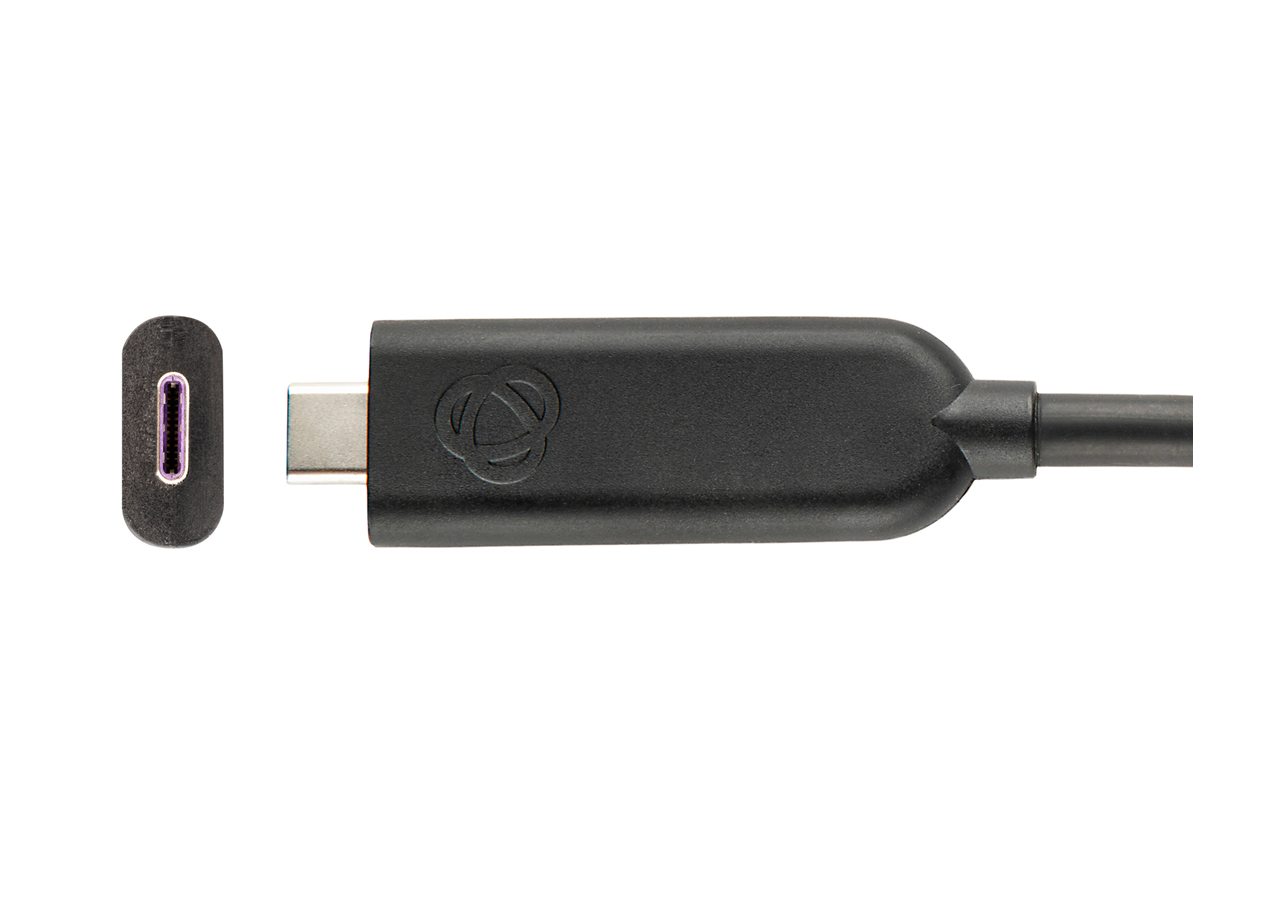
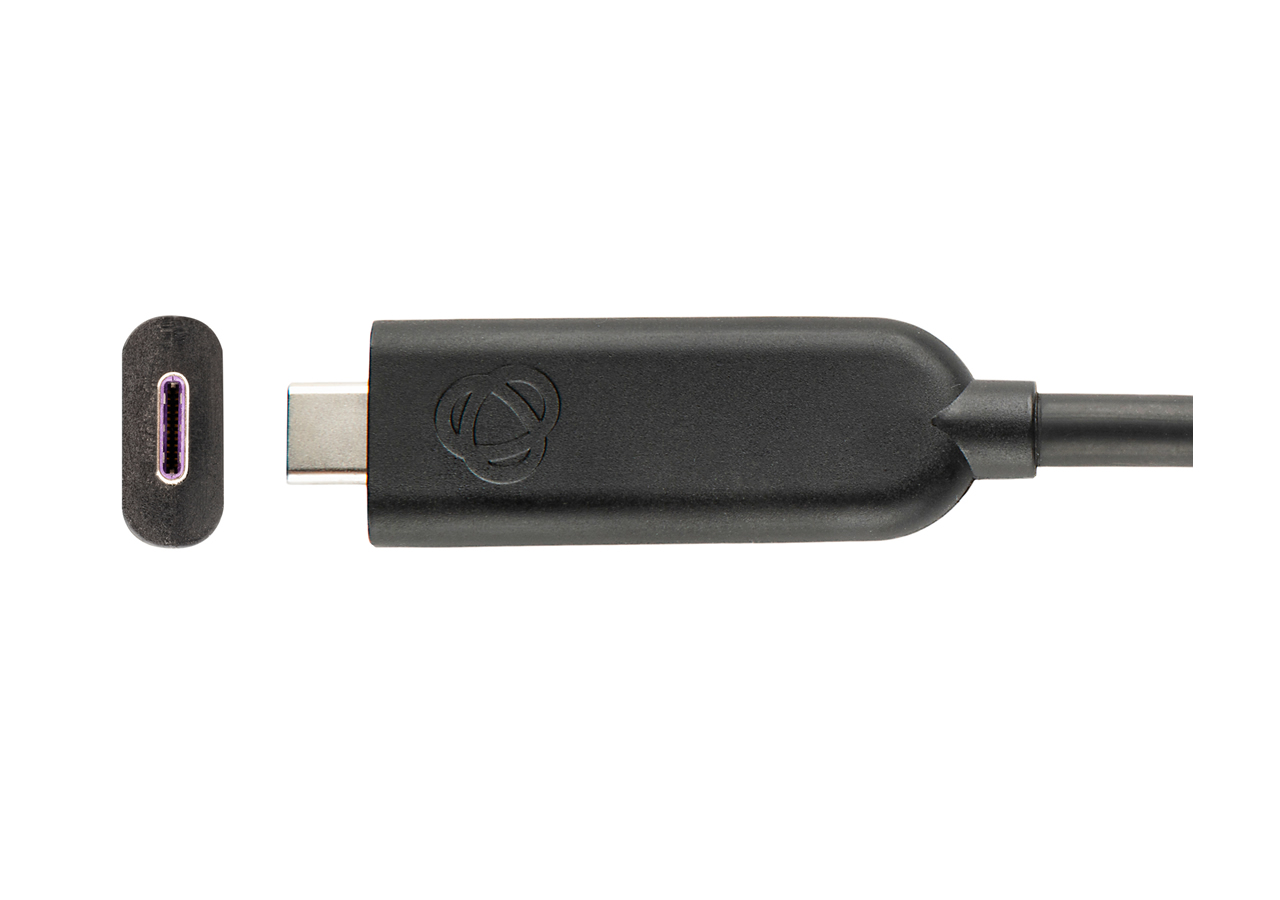
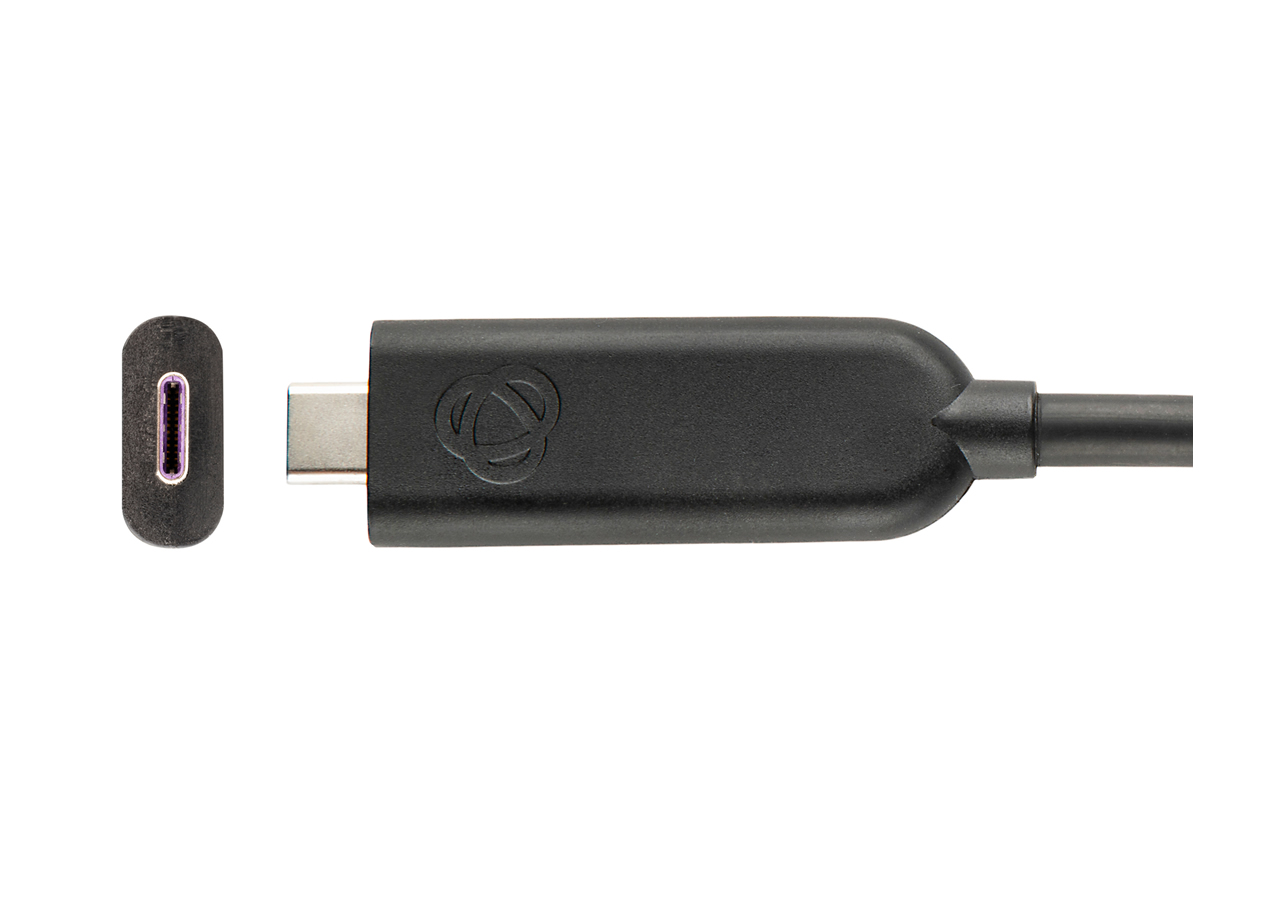
USB (Universal Serial Bus) is the industry standard for cables, communication protocols, and connectors used between computers and electronic devices for connection, communication, and power. USB cables are universal in modern computing: they connect computer peripherals (keyboards, digital cameras, printers, scanners, media players, external drives) to PCs and Macs, supply power and data to smartphones and tablets, and serve as the primary interface for many AV and IT devices in commercial installations.
USB has evolved through several versions with progressively higher data rates. USB 1.1 supports 12 Mbps. USB 2.0 supports 480 Mbps and was the workhorse version for decades. USB 3.0 (also called USB 3.1 Gen 1 or USB 3.2 Gen 1) supports 5 Gbps. USB 3.1 Gen 2 (USB 3.2 Gen 2) supports 10 Gbps. USB 3.2 2x2 supports 20 Gbps. USB4 supports 40 Gbps. The connectors used in modern installations are USB-A (the classic rectangular plug), USB-B (square with rounded corners, for printers and devices), USB Micro and Mini (smaller for portable devices), and USB-C (reversible, modern).
USB-C is the modern reversible connector used on most new laptops, tablets, and phones. It carries USB data, USB Power Delivery (up to 100W or more for charging), and optionally DisplayPort signals (DisplayPort Alternate Mode), allowing one cable to handle data, power, and video to an external display. This versatility makes USB-C the dominant interface in modern computing and AV, and USB-C to HDMI/DisplayPort/VGA adapters are common in commercial AV.
Modern USB cables can carry significant power: standard USB 2.0 carries 0.5A at 5V (2.5W); USB 3.0 carries 0.9A at 5V (4.5W); USB-C with Power Delivery (PD) carries up to 5A at 20V (100W). Higher-power USB-C PD variants reach 240W, enough to power a laptop or high-current AV device through a single cable. When buying a USB cable, always check the rated power capacity: a cable rated for 60W will not safely carry 100W and may fail or cause damage.
USB cables have specific length limits depending on the version. USB 2.0 is reliable to about 5 meters. USB 3.0 is reliable to about 3 meters. USB-C and USB4 at full bandwidth are typically reliable to 1 meter for passive cables. For longer runs, use USB Active Extender Cables (with built-in signal amplifiers, good to 10 to 15 meters), USB over CAT (extenders that send USB over twisted pair), or USB over fiber (for runs up to 100 meters or more).
USB cables are universal in modern AV and IT. Conference rooms use USB cables to connect laptops to room cameras, microphones, and presentation systems (often via USB-C to HDMI for video and USB-A or USB-C for cameras and microphones). Classrooms use USB for interactive displays, document cameras, and student response systems. Broadcast and recording studios use USB for audio interfaces, cameras, and control surfaces. Digital signage uses USB for media player connections and content updates. Charging stations use USB-C PD for laptops, tablets, and phones throughout commercial spaces.
USB 2.0 and USB 3.0 are USB protocol versions: USB 2.0 supports 480 Mbps, USB 3.0 supports 5 Gbps. These protocols can be carried on USB-A, USB-B, USB-Micro, USB-Mini, or USB-C connectors. USB-C is a connector type (the reversible oval connector found on modern laptops, tablets, and phones) that can carry various USB versions: USB 2.0, USB 3.0, USB 3.1, USB 3.2, USB4, and optionally non-USB signals like DisplayPort Alternate Mode for video. So "USB-C" is the connector, "USB 2.0/3.0/etc." is the protocol. A USB-C cable can be USB 2.0 (slow but flexible and cheap) or USB 4.0 (very fast but more expensive and rigid).
DisplayPort Alternate Mode is a feature of USB-C that lets the connector carry DisplayPort video signals alongside or instead of USB data. This is how most modern laptops output video to external displays through their USB-C ports. A USB-C cable supporting Alternate Mode can connect a laptop directly to a USB-C-input display, or via a USB-C to HDMI adapter to an HDMI display. The mode is negotiated automatically between the source and destination. Not all USB-C cables and ports support Alternate Mode; check the laptop's specifications.
Power capacity depends on the USB version and cable specifications. USB 2.0 carries 2.5W (5V at 0.5A). USB 3.0 carries 4.5W (5V at 0.9A). USB-C with Power Delivery (PD) carries up to 100W (20V at 5A), enough to power a laptop. Newer USB-C PD versions reach 240W for high-power devices. When buying a USB cable, especially USB-C, always check the rated power: a cable rated for 60W will not safely carry 100W. For commercial AV installations where USB cables power displays, cameras, or other devices, specify cables with the right power rating for the load.
USB 2.0 is reliable to about 5 meters (16 feet). USB 3.0 is reliable to about 3 meters (10 feet). USB-C and USB4 at full bandwidth are typically reliable to 1 to 2 meters for passive cables. For longer runs, use USB Active Extender Cables (with built-in signal amplifiers, good to 10 to 15 meters), USB over CAT extenders (sending USB over twisted pair cable, good to 100 meters or more), or USB over fiber (for very long runs). In commercial AV installations where USB devices are far from the host computer, USB extenders are essential equipment.
USB-C is just the connector shape; the cable's protocol support determines its actual data rate and capabilities. A USB 2.0 USB-C cable is electrically a USB 2.0 cable with a USB-C connector at each end, supporting 480 Mbps and basic charging. A USB 3.2 Gen 2 USB-C cable supports 10 Gbps. A USB4 USB-C cable supports 40 Gbps. The connector looks identical, but the internal cable construction and signaling differ greatly. This is one of the most confusing aspects of USB-C: two cables that look the same may perform very differently. Always check the cable's specifications when buying.
Conference rooms (laptops to room cameras, microphones, presentation systems, often via USB-C with DisplayPort Alt Mode to one HDMI display while data and power flow on the same cable), classrooms (interactive displays, document cameras, student response systems, BYOD presentations), broadcast and recording studios (audio interfaces, cameras, MIDI controllers, USB control surfaces), digital signage (USB media players, content updates, USB-powered displays), charging stations throughout commercial spaces (USB-C PD for laptops, tablets, phones), and any installation where a computer or device needs to connect to another for data, power, or video.

On order over $300 and more for US and US territory

We Offer a 30-Day Money Back Guarantee

Full manufacturer's warranty and quality assurance

Safe checkout with trusted payment providers