















Start typing to see results...
Find the perfect solution
This subcategory groups computer accessories that don't fit cleanly into the named subcategories: serial port adapters and USB-to-serial converters, power management strips with computer-specific features, surge protectors with telephone and network line protection, USB hubs and port replicators, specialty keyboards and pointing devices for AV environments, cable management accessories specific to computer integration, and various niche products that complete a computer-in-AV installation.
Many AV devices use RS-232 serial control, but modern laptops and small-form-factor PCs lack DB9 serial ports. USB-to-serial adapters bridge the gap: a USB device that presents a serial port to the operating system. Adapters come in various flavors (FTDI-based chips are the most reliable; Prolific chips are common but sometimes problematic), with most supporting standard RS-232 baud rates and signal levels. For commercial AV control system work, quality USB-to-serial adapters are essential in service kits.
Modern laptops often have limited USB ports, but AV installations and production workflows need many USB connections at once: cameras, audio interfaces, control surfaces, security tokens, storage devices. USB hubs and port replicators expand the available ports. Quality powered USB hubs provide stable power to multiple devices simultaneously; passive hubs rely on the host computer's power and may fail with multiple power-hungry devices. For permanent installations, look for USB 3.0 or USB-C hubs with adequate port count.
Computer-specific power accessories include sequenced power strips (turning equipment on in the right order to avoid inrush current spikes and to make sure interdependent equipment starts in sequence), UPS units for clean power and runtime through brief outages, surge protectors with computer-grade filtering (better protection than basic surge strips), and power monitoring outlets (knowing what equipment is on and being able to power-cycle remotely from network commands).
Commercial AV environments sometimes need specialty input devices: trackballs and trackpads designed for low-light operation in control rooms, gesture-controlled inputs for hands-free interaction with displays, foot pedals for hands-free media control during production, and specialty keyboards with mechanical switches for heavy use environments. Quality input devices last longer than consumer products in commercial use.
Cable management accessories specifically for computer integration include velcro straps and ties for organizing rack and under-desk cabling, cable trays for routing under conference tables, grommets and bushings for clean cable paths through walls and furniture, and braided sleeves that bundle multiple cables together for clean appearance. These accessories make computer installations look professional and easier to service.
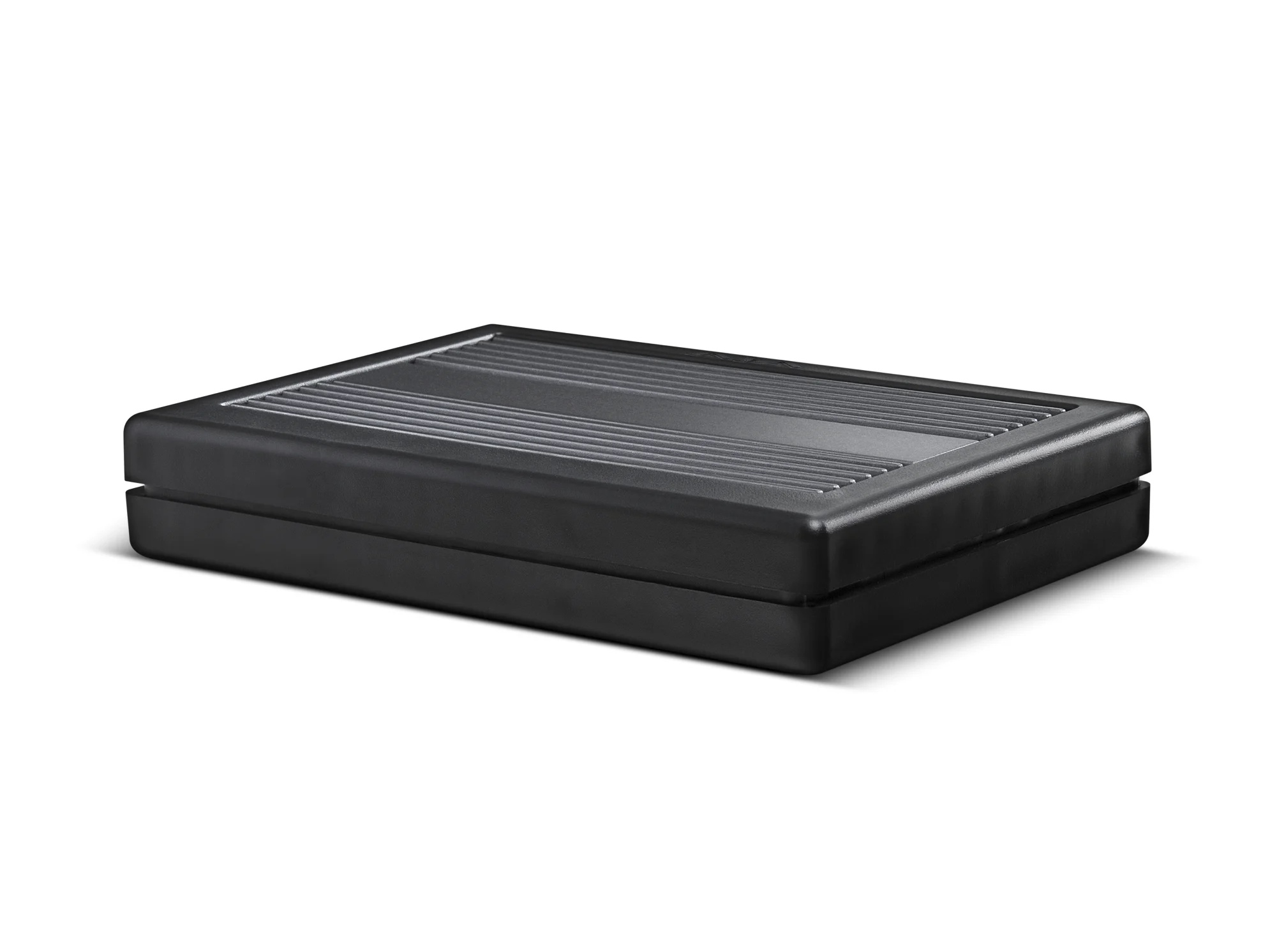
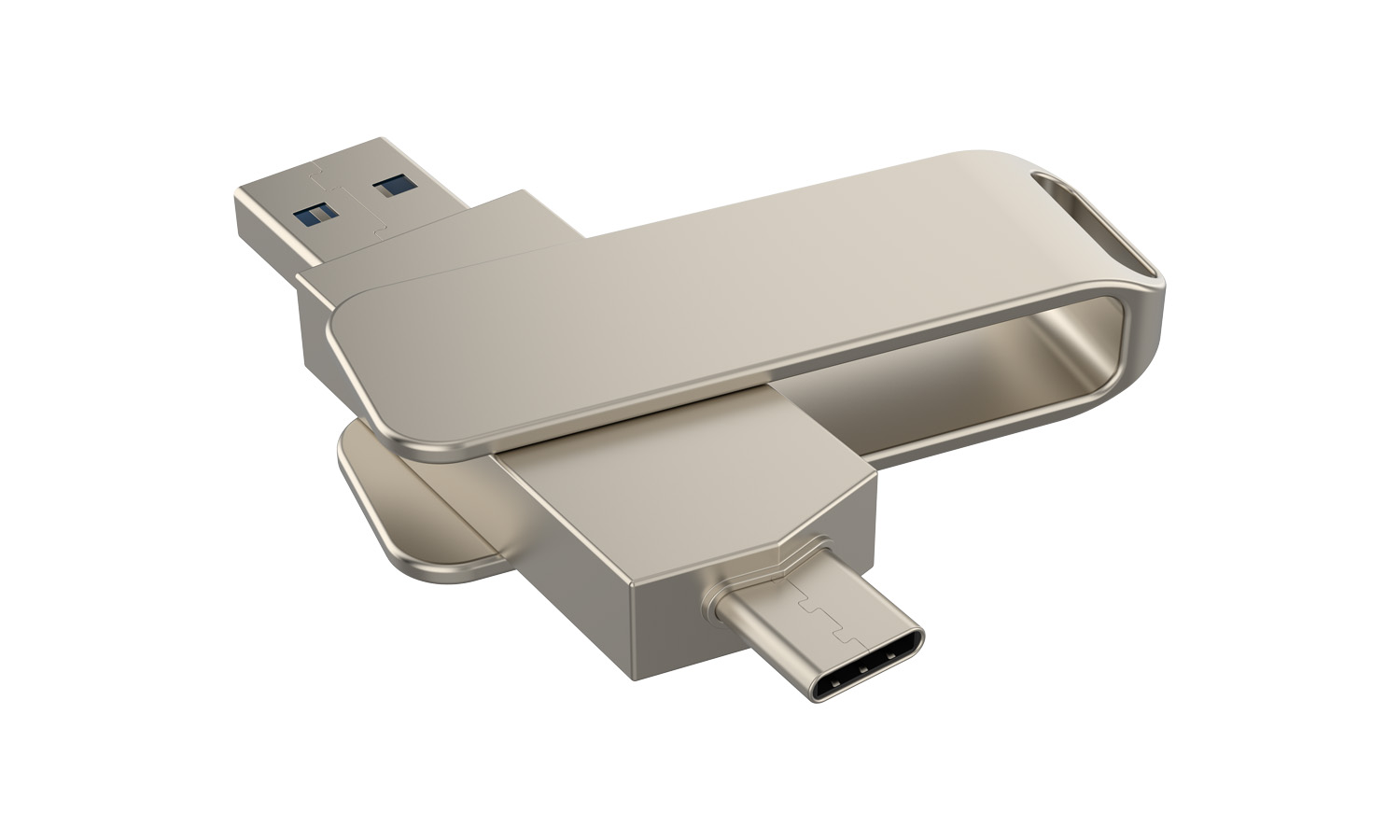
For computer-based recording and editing workflows, external storage accessories complete the system: external HDD and SSD enclosures for project storage, NAS appliances for shared storage across multiple editing stations, USB flash drives for transferring projects between machines, and LTO tape drives for long-term archive. Storage capacity and speed have a major effect on production workflows.
Other computer accessories are needed in every commercial AV installation with computers: USB-to-serial adapters in every control system installer's kit (for configuring RS-232 devices via modern laptops), USB hubs in conference rooms and production environments (expanding the laptop's USB connectivity), power management in equipment rooms (sequenced startup, surge protection, monitoring), specialty input devices in production environments (trackballs, gesture controls, foot pedals), and storage accessories for capture and editing workflows.
Specialty products that don't fit the named subcategories: USB-to-serial adapters for connecting modern laptops to RS-232 controlled AV equipment, USB hubs and port replicators for expanding laptop and PC connectivity, computer-specific power management (sequenced power strips, surge protectors, UPS units), specialty input devices for AV environments (trackballs for low-light control rooms, gesture-controlled inputs, foot pedals), cable management accessories specific to computer integration, and external storage accessories for capture and editing workflows.
Modern laptops don't have DB9 serial ports, but many AV devices still use RS-232 serial control for configuration and command. The USB-to-serial adapter presents a virtual serial port to the laptop's operating system, letting you connect to AV devices for setup, troubleshooting, and ongoing control. For any AV control system installer or service technician, a quality USB-to-serial adapter is essential equipment. Choose adapters with FTDI chips for the best reliability and broad operating system support.
Use a powered USB hub when you need to connect multiple USB devices that draw significant power (external hard drives, USB-C peripherals with power requirements, audio interfaces with phantom power for microphones, cameras with built-in microphones and LED indicators). Unpowered USB hubs rely on the host computer's USB ports for power, which is typically limited and shared across all connected devices. A powered hub has its own AC adapter and provides full USB power to every port, enabling power-hungry devices to work reliably.
A sequenced power strip turns devices on in a specific order with configurable delays between each outlet, rather than all at once when the strip is energized. This serves several purposes: avoiding inrush current spikes when many devices start simultaneously (which can trip breakers or stress equipment), ensuring that interdependent equipment starts in the right sequence (the network switch before the AV-over-IP encoders, the audio DSP before the amplifiers), and giving controlled startup for clean operation. Sequenced power strips are common in commercial AV racks where startup order matters.
For most commercial AV installations, standard keyboards and mice work fine. Specialty input devices serve specific use cases: trackballs are popular in control rooms because they don't need desk space for mouse movement and work well in low-light environments where the operator can find the trackball by feel; gesture-controlled inputs work in environments where touch isn't convenient (sterile medical environments, hands-busy production); foot pedals are useful for hands-free media transport control during production work. For general AV use, standard inputs are sufficient and easier to source replacements.
Every commercial AV installation eventually needs items from this category: USB-to-serial adapters in every control system installer's kit, USB hubs in conference rooms and production environments (where laptops need to connect to multiple peripherals), power management in equipment rooms (sequenced startup, surge protection, UPS for critical equipment), specialty input devices in production environments (control rooms, broadcast suites, lecture capture installations), cable management accessories during installation and renovation, and storage accessories for any capture and editing workflow.

On order over $300 and more for US and US territory

We Offer a 30-Day Money Back Guarantee

Full manufacturer's warranty and quality assurance

Safe checkout with trusted payment providers