















Start typing to see results...
Find the perfect solution
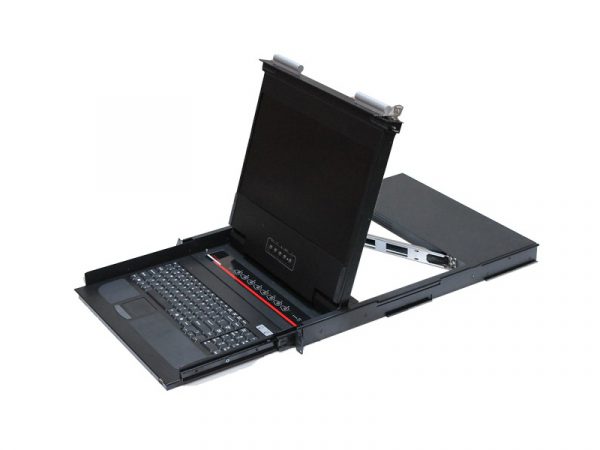
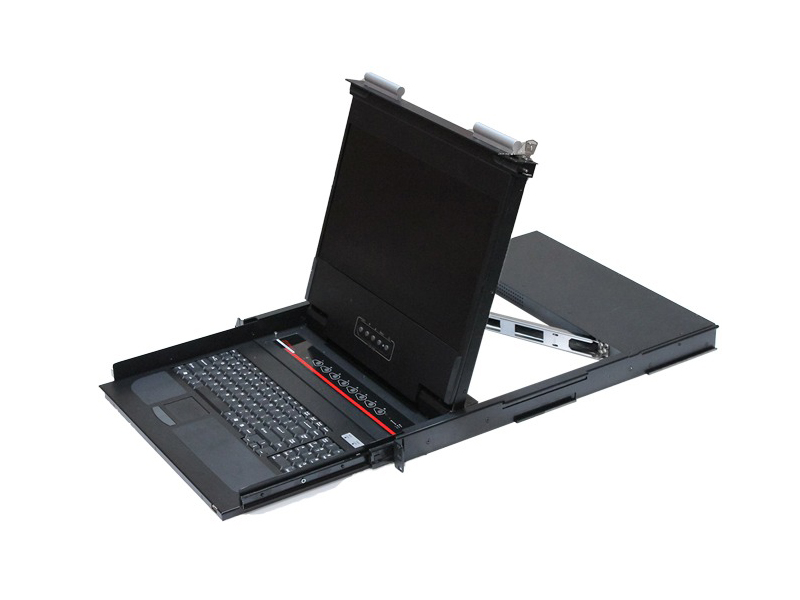
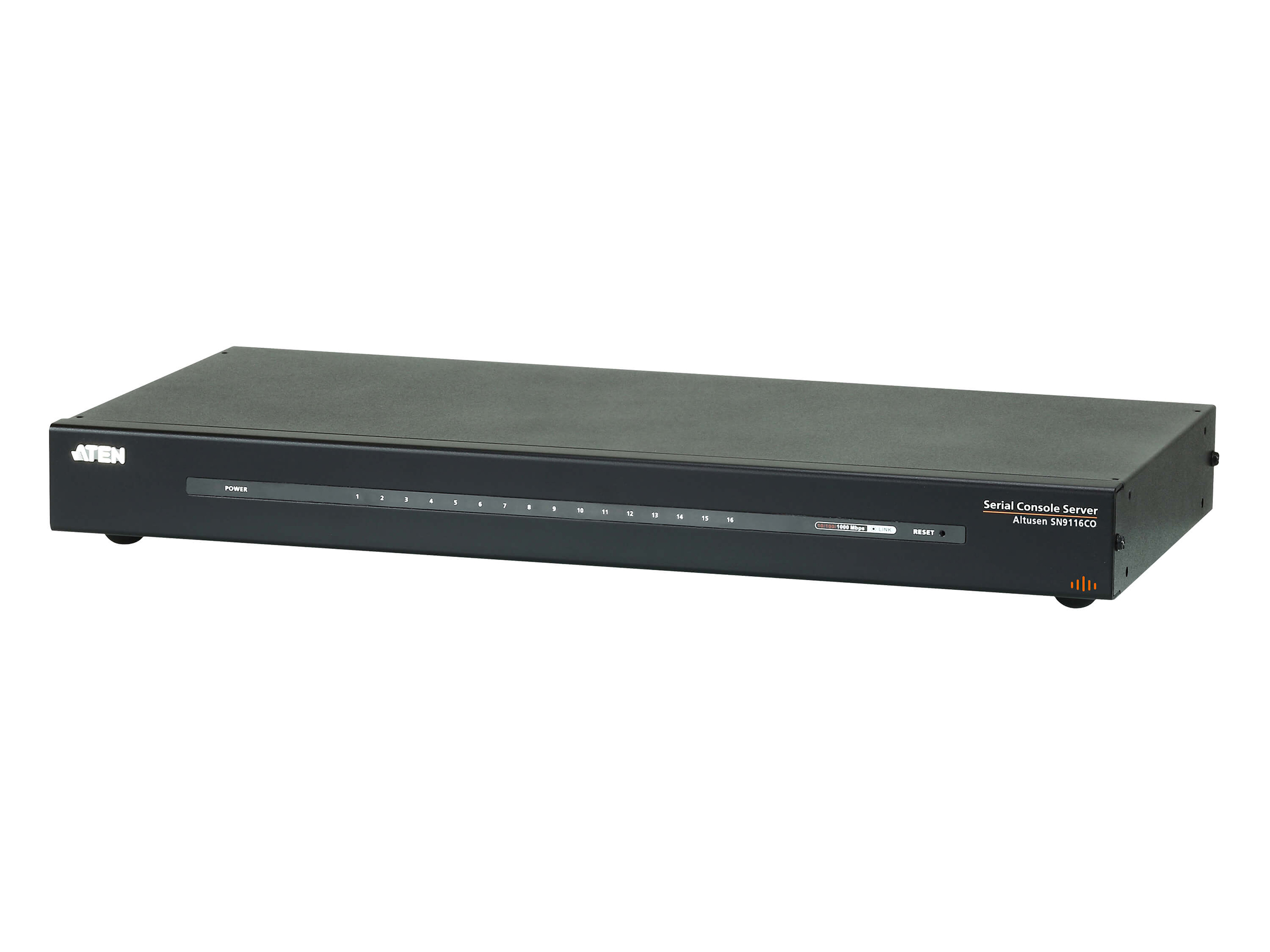
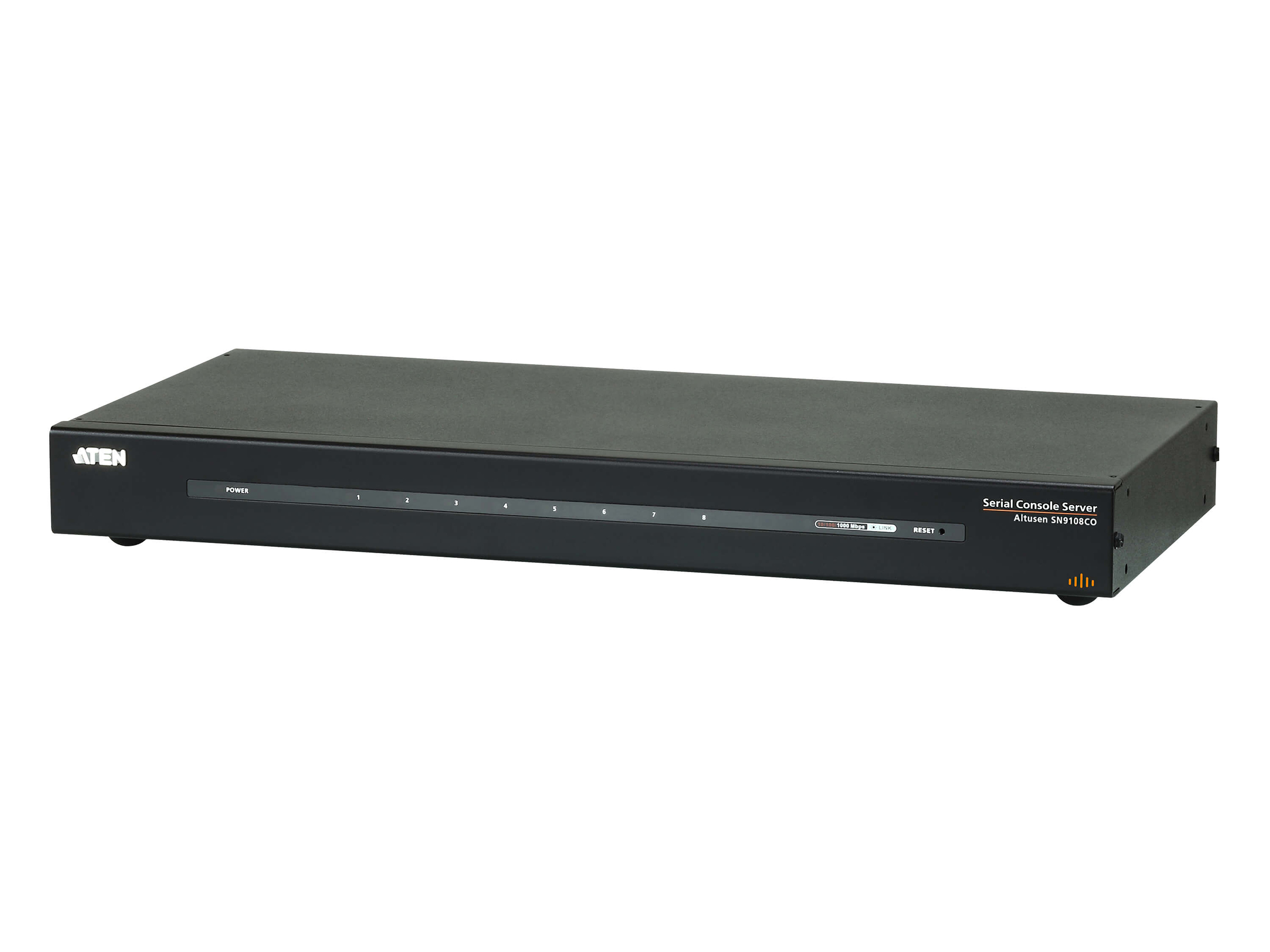
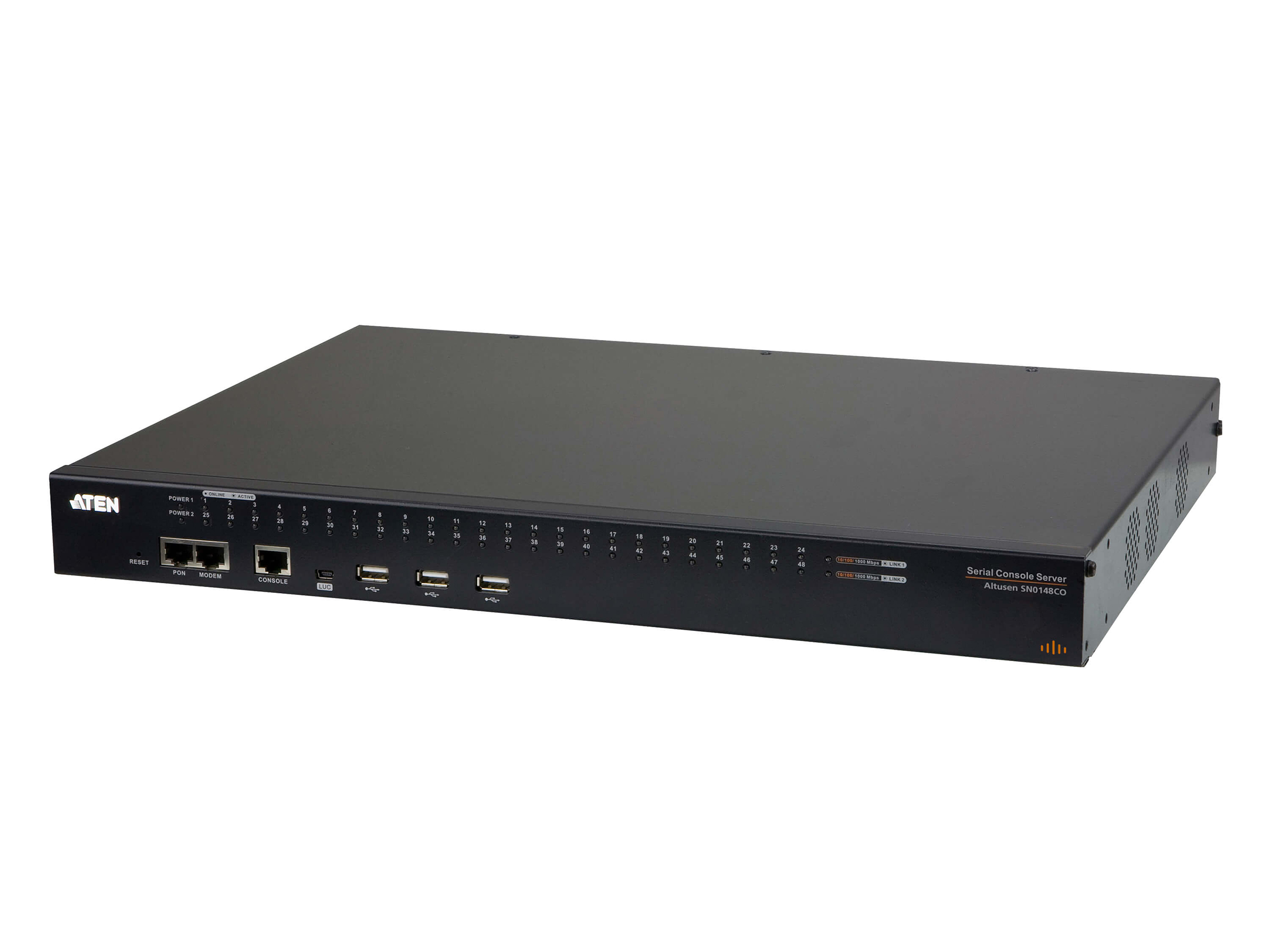
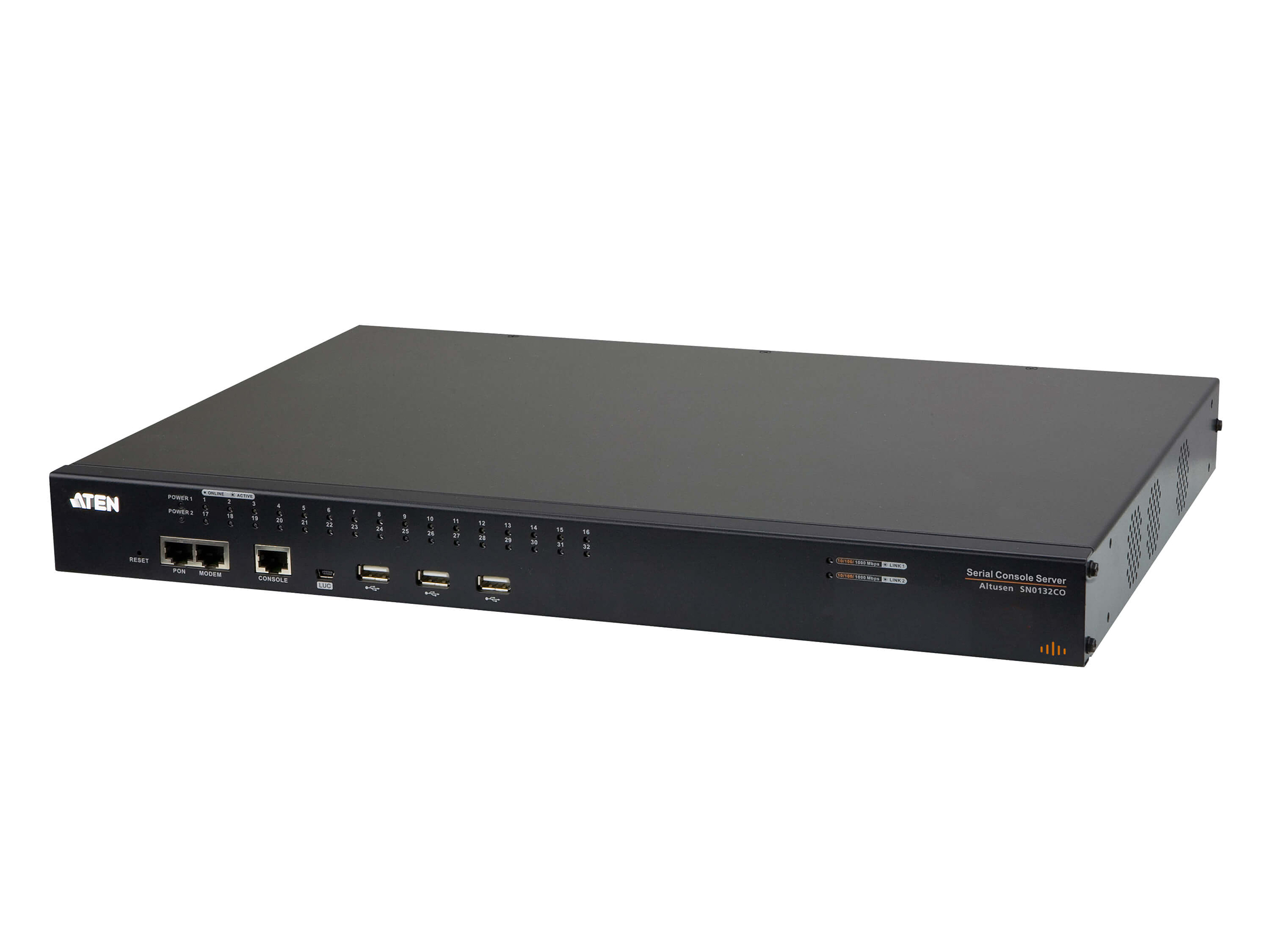
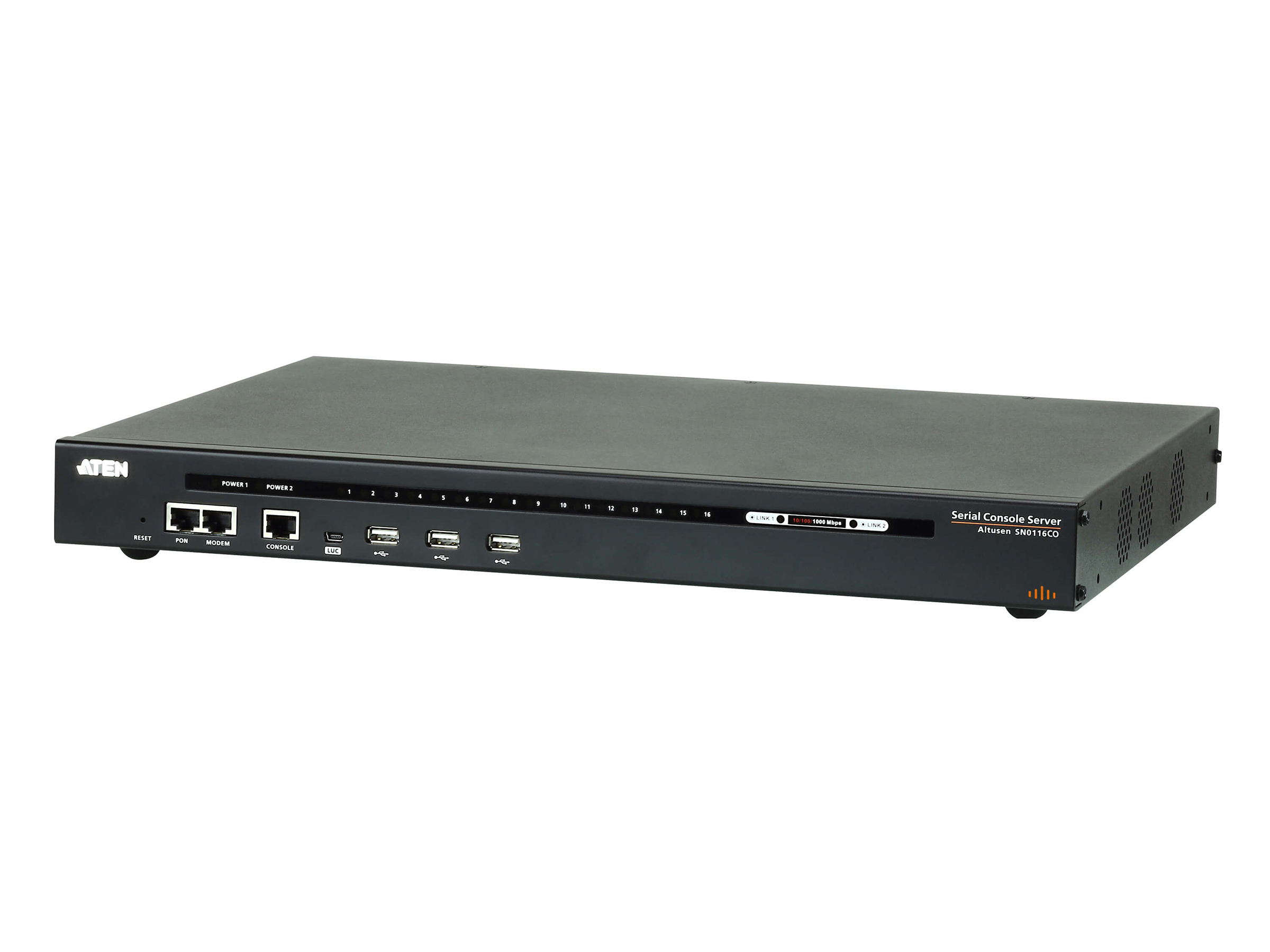
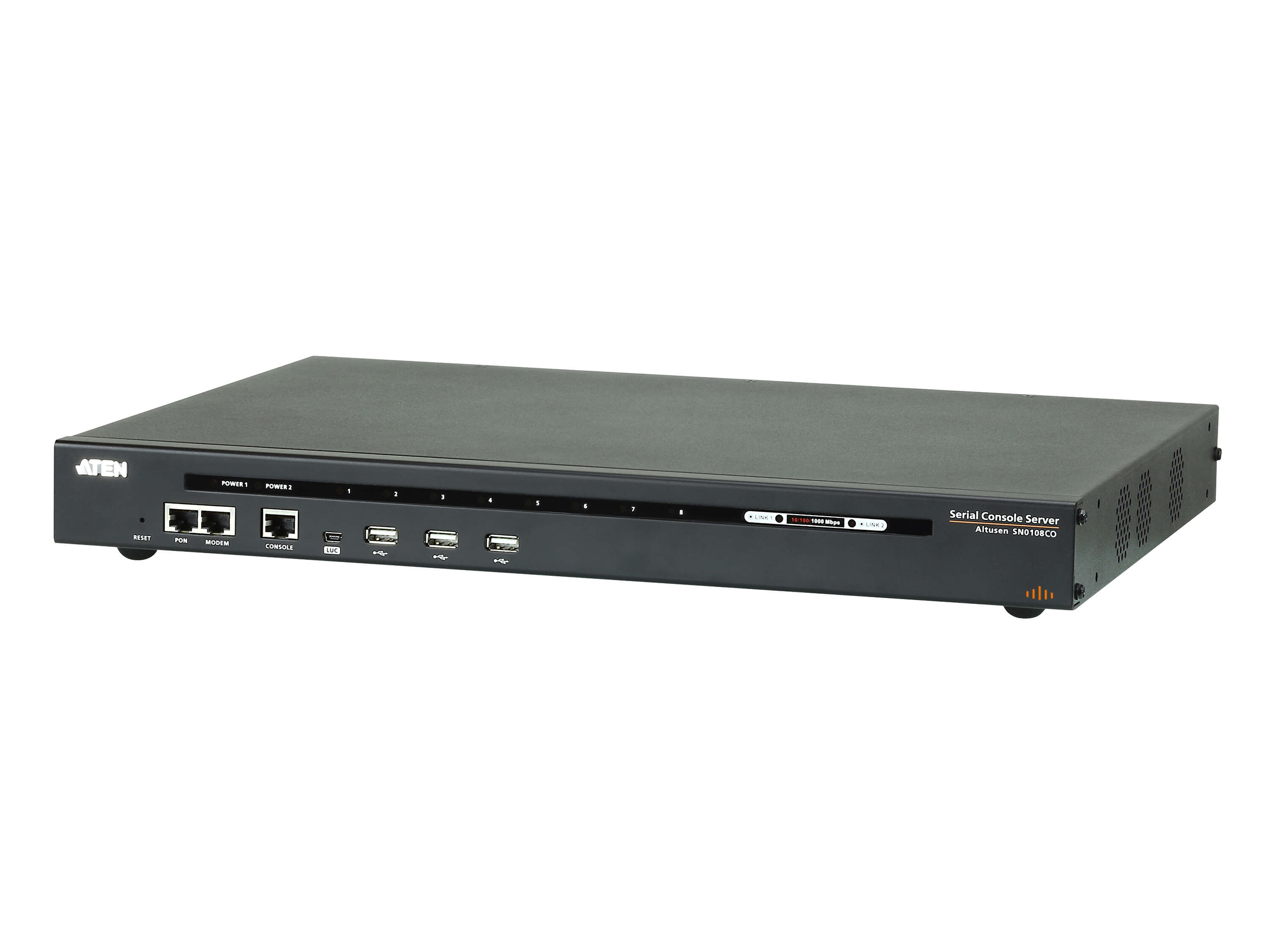
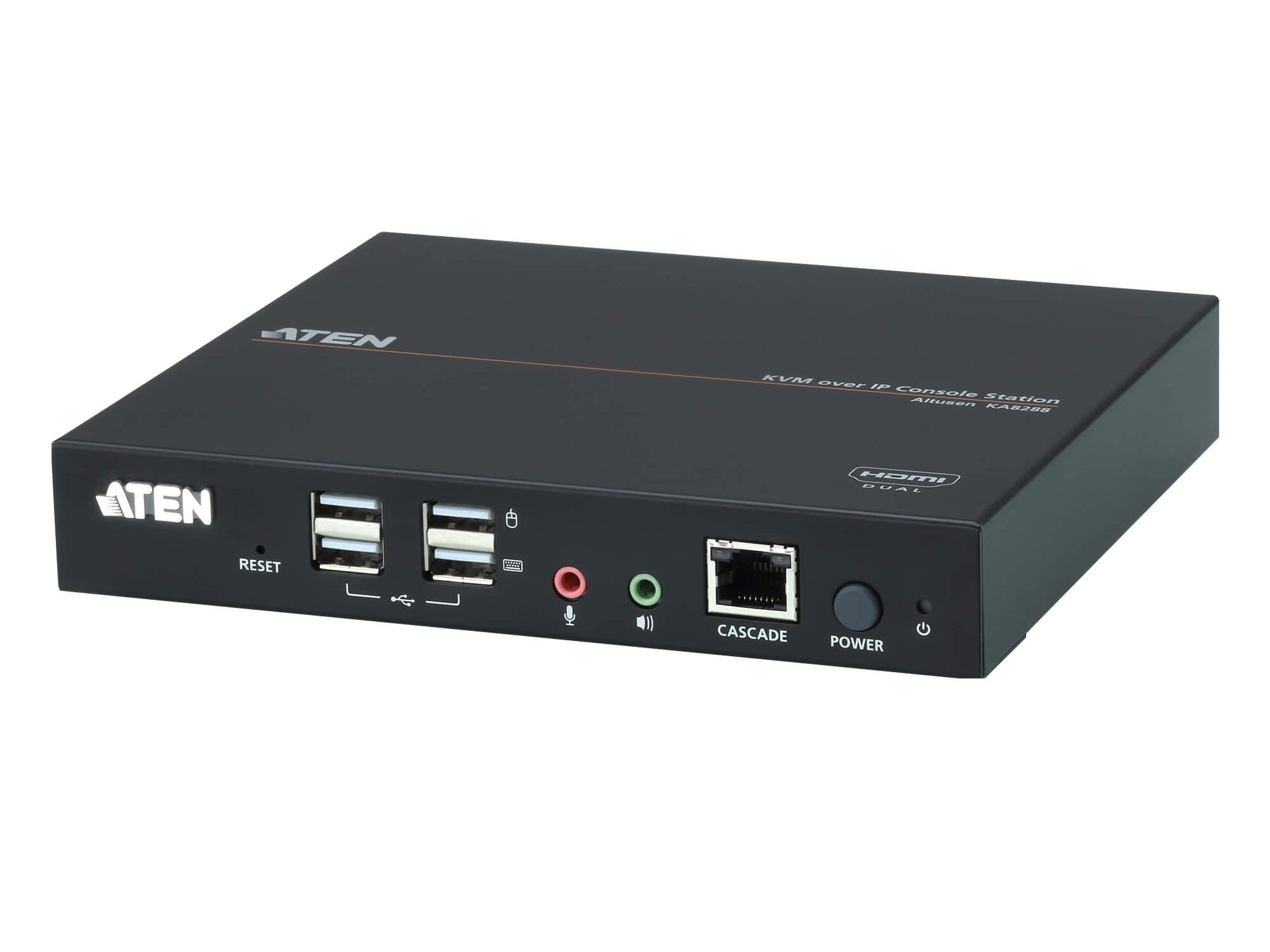
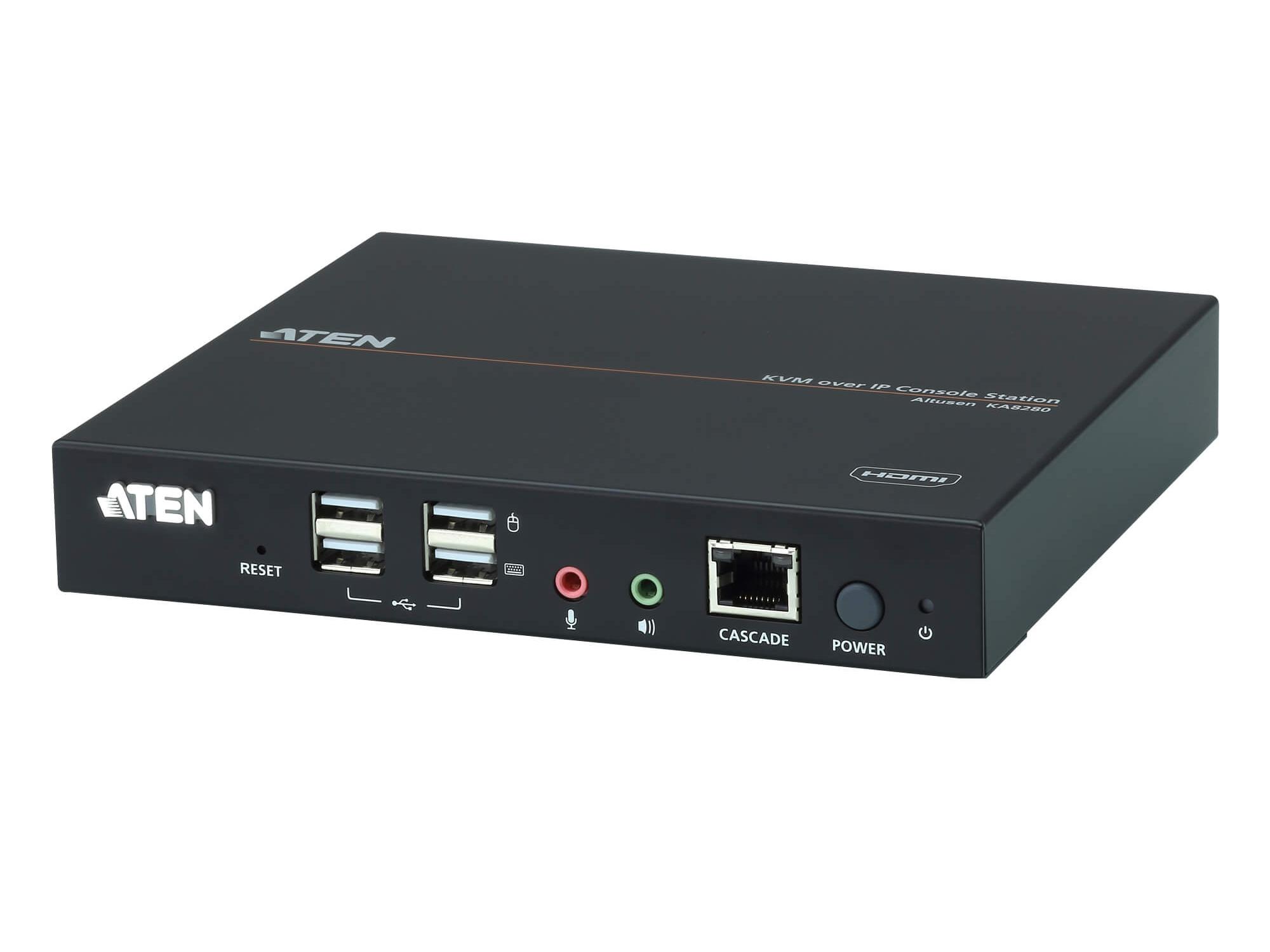
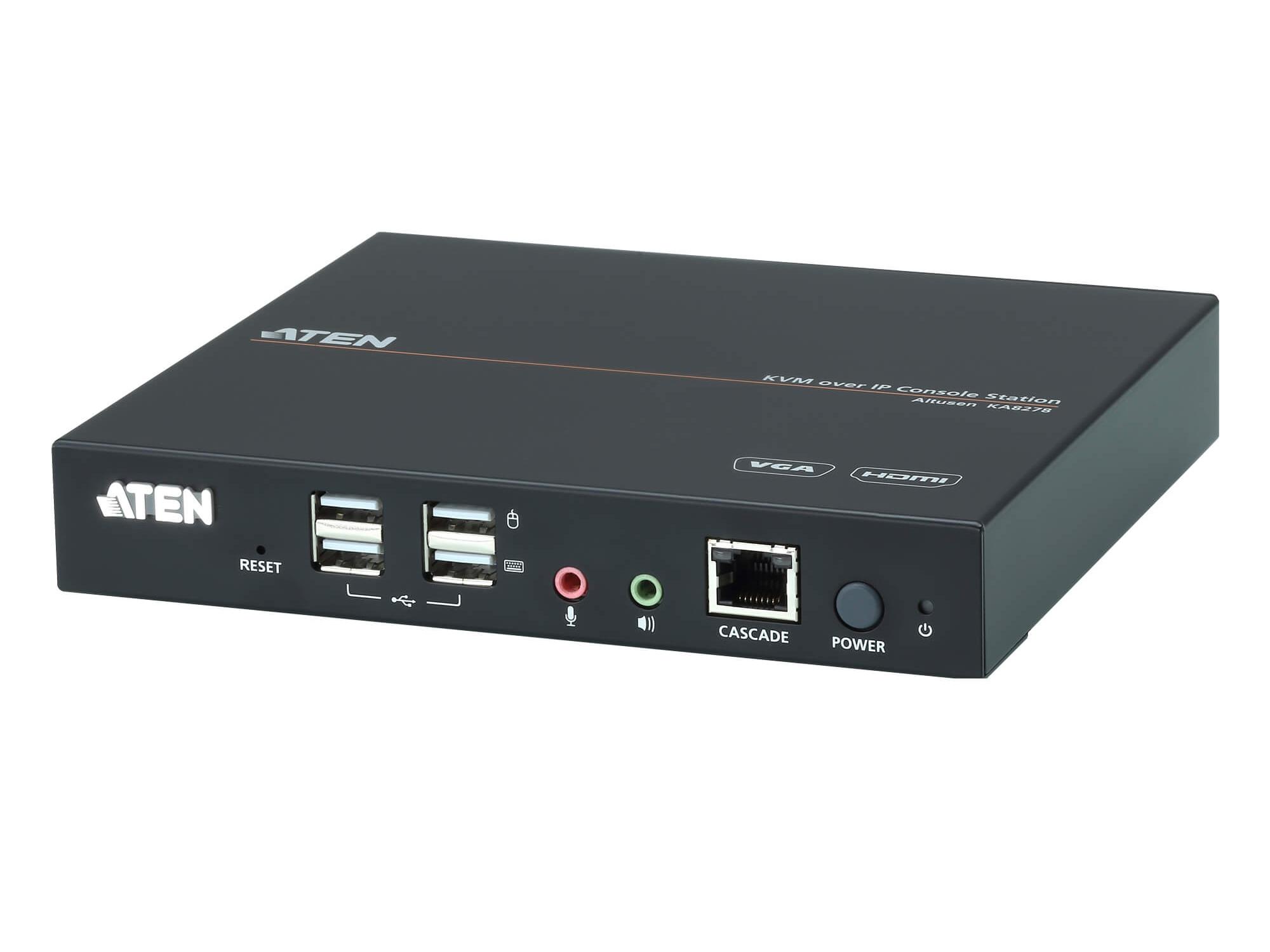
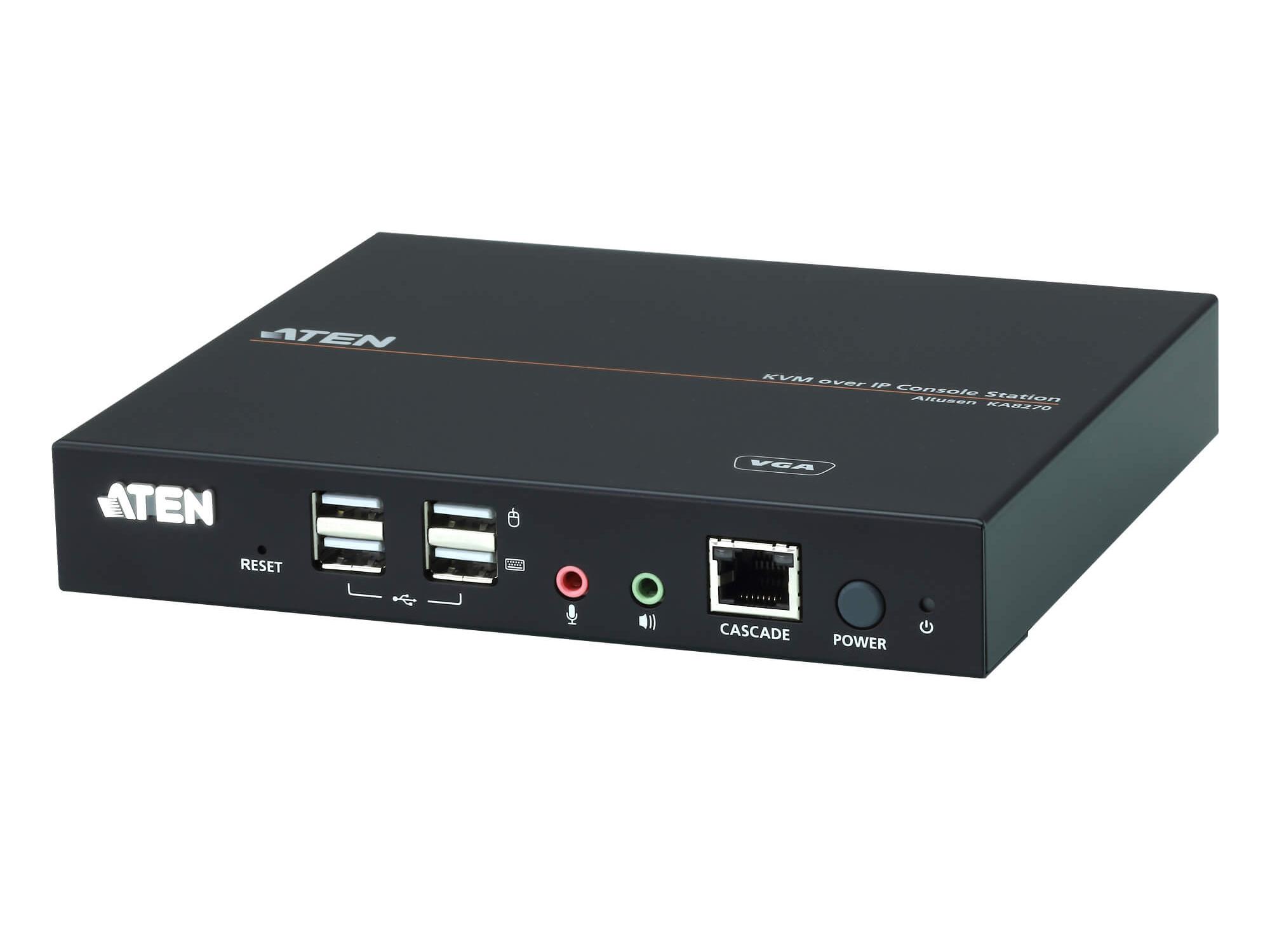
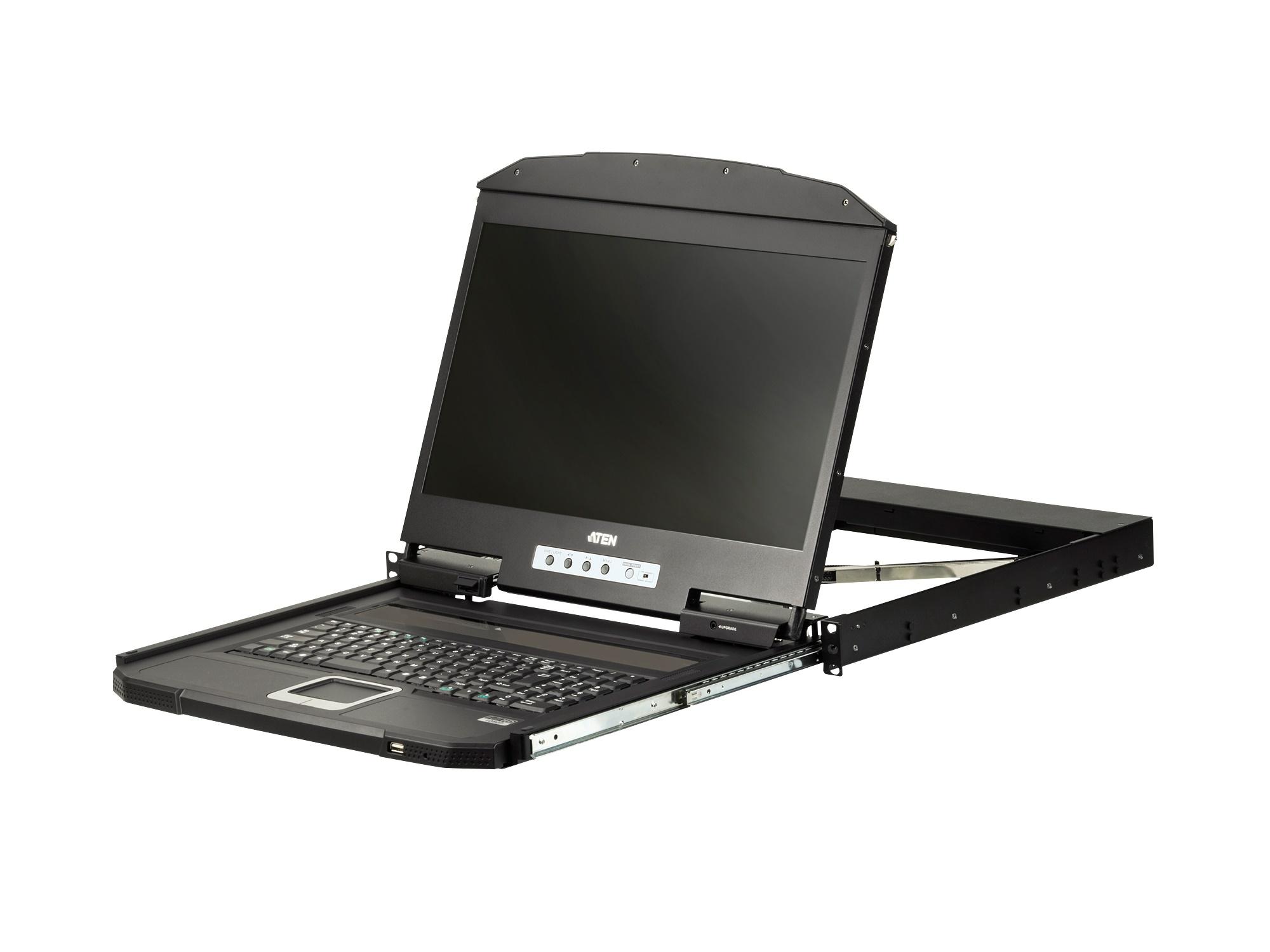
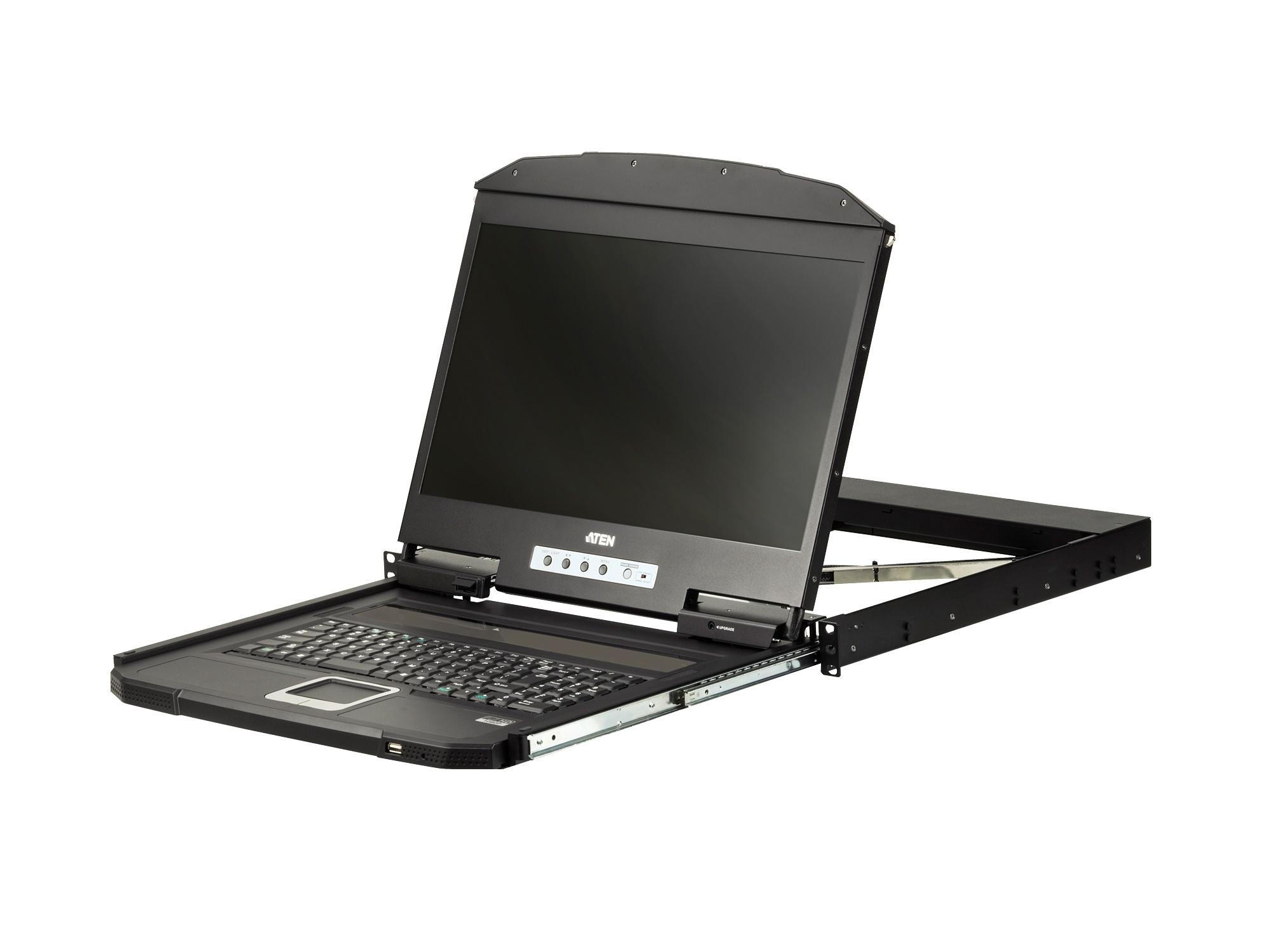
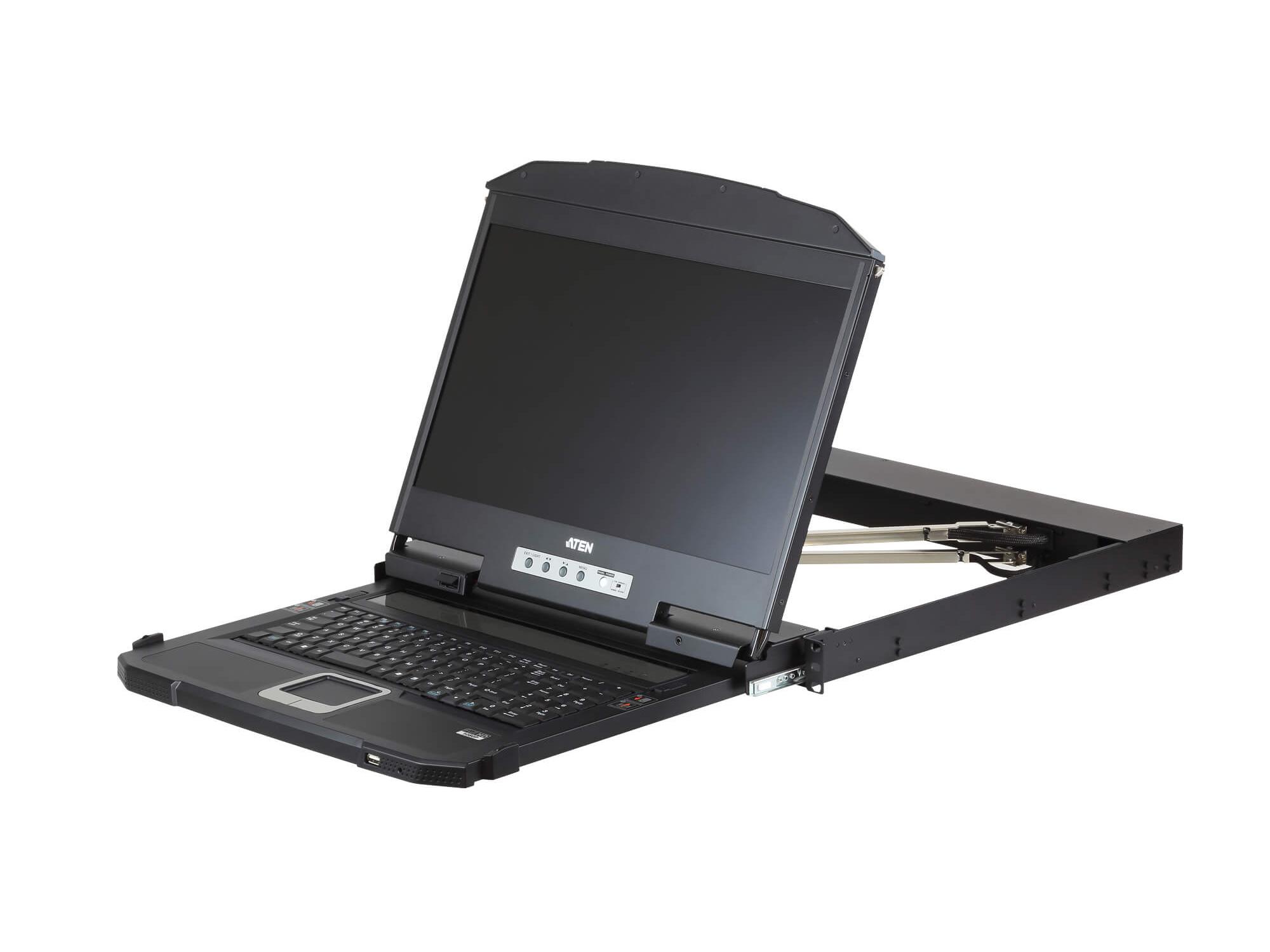
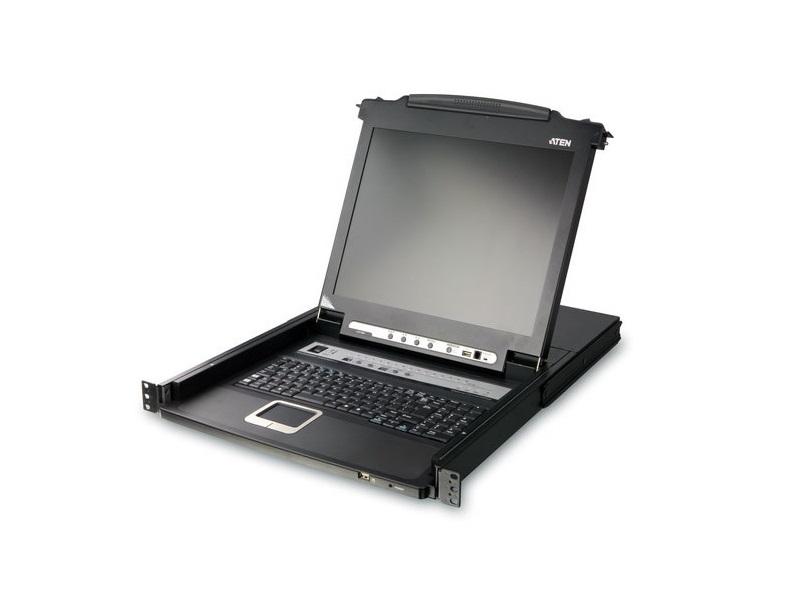
KVM drawers are compact rack-mount units that combine a keyboard, monitor, and trackpad or mouse in a 1U or 2U form factor. They slide out of an equipment rack when needed for console access to rack-mounted servers, AV computers, and network equipment, then slide back in when not in use. KVM drawers are essential in equipment rooms with multiple rack-mount machines, providing a single integrated console for maintenance and troubleshooting without dedicating wall or desk space.
A typical commercial AV equipment room has many rack-mount machines that occasionally need direct console access: production servers, recording appliances, media players, control system processors, network switches, and so on. Without a KVM drawer, each requires its own keyboard and monitor (impractical) or service requires bringing a portable laptop with a USB-to-VGA or other console adapter (slow and awkward). A KVM drawer provides instant integrated console access via a single unit that lives in the rack, used as needed and stored when not.
1U KVM drawers (1.75 inches tall) include a slide-out keyboard with built-in trackpad and a flip-up or pull-out 17 to 19 inch LCD display. They are the most common format, fitting in standard equipment racks alongside other gear. 2U KVM drawers add space for larger displays (19 to 24 inches) or for additional features like dual displays or higher-resolution screens. The choice depends on the rack space available and the operator's preference for screen size.
A KVM drawer alone connects to one machine. For multiple machines (the typical case), the drawer connects through a KVM switch that lets the operator select which machine to access. KVM switches come in 4, 8, 16, 32, or 64-port versions, with the drawer plugging into the switch's console output. Software-based KVM-over-IP gives further flexibility: the drawer plus a KVM-over-IP gateway lets the operator access any networked machine from the rack, including remote servers in other facilities.
Modern KVM drawers include USB ports beyond just keyboard and mouse: standard USB-A ports for thumb drives, security tokens, and other peripherals during maintenance. Some include audio output (for system sound monitoring) and microphone input (for diagnostic audio recording). Quality KVM drawers also support multiple video resolutions, from VGA legacy machines to current 1080p and 4K HDMI machines, with EDID management for clean switching between resolutions.
Quality KVM drawers include features beyond basic keyboard and monitor: cable management for clean rack installation, anti-tilt and slide locks for safe extension and retraction, optical or magnetic close detection for automatic power saving, integrated speaker bar for system audio, illuminated keys for low-light maintenance, and standard rack mount with rear cable clearance. Premium models add dual monitors, larger displays (19 or 24 inches), or specialty features.
For installations where the operators are not at the equipment rack, KVM-over-IP technology extends drawer access over the network. A KVM-over-IP gateway connects to the drawer and to the network, allowing remote operators to use the drawer as if they were in the equipment room. This is common in larger broadcast facilities, data centers, and remote-managed installations where central IT support needs occasional console access to equipment in many locations.
KVM drawers are essential in equipment rooms with rack-mounted servers and AV computers: broadcast and production facilities (multiple production servers, recording appliances, control system PCs), data centers and IT environments (server farm management), control rooms (multiple PC workstations served via KVM), houses of worship with serious production (recording servers, streaming computers, control processors), corporate AV equipment rooms (room PCs, conferencing servers, media players), and any installation with more than 2 or 3 rack-mounted machines needing occasional console access.
A KVM drawer is a 1U or 2U rack-mount unit combining a keyboard, monitor, and trackpad or mouse, sliding out for console access and storing back in the rack when not in use. You need one in equipment rooms with multiple rack-mounted machines that occasionally need direct console access for maintenance, configuration, or troubleshooting. The drawer eliminates the need for a separate keyboard and monitor and provides reliable instant access without dedicating wall space or carrying a laptop with adapter cables to the rack.
1U drawers (1.75 inches tall) include a slide-out keyboard with built-in trackpad and a 17 to 19 inch flip-up or pull-out LCD display. They are the most common format, fitting alongside other gear without consuming much rack space. 2U drawers add space for larger displays (19 to 24 inches), dual displays, or higher-resolution screens. Choose 1U for typical equipment rooms where rack space is at a premium; choose 2U for situations where the operator benefits from a larger screen (extensive configuration work, complex production servers, dense graphical interfaces).
The drawer alone connects to one machine. For multiple machines, connect the drawer to a KVM switch that lets the operator select which machine is active. KVM switches come in 4, 8, 16, 32, or 64-port versions. The drawer plugs into the switch's console output (keyboard, video, and mouse ports), and each managed machine plugs into one of the switch's machine ports. The operator presses a button or hotkey on the KVM switch to select which machine to access. For network-based access, a KVM-over-IP gateway extends the system across IP networks.
Modern quality KVM drawers support a range of video formats: VGA for legacy machines, DVI for older equipment, HDMI for current PCs and AV equipment, and DisplayPort. Some include scaling so different machines with different output resolutions can use the same drawer. 4K support is less common in current drawers but appearing in premium products. Always verify the drawer's supported resolutions against the machines it will serve; mismatches cause display issues or fallback to lower resolutions.
KVM-over-IP extends KVM access over the network. A KVM-over-IP gateway connects to the drawer (or to the KVM switch) and to the network, allowing remote operators to use the drawer as if they were in the equipment room. This is common in larger broadcast facilities, data centers, and remote-managed installations where central IT support needs occasional console access to equipment in many locations. Modern KVM systems often combine local drawer access with IP-based remote access for full flexibility.
Broadcast and production facilities (equipment rooms with multiple production servers, recording appliances, control system PCs, and broadcast graphics computers), data centers and IT environments (server farm management with one drawer per rack or per row), control rooms (multiple PC workstations managed via KVM for clean operator consoles), houses of worship with serious production (recording servers, streaming computers, control processors), corporate AV equipment rooms (room PCs, conferencing servers, media players), and any installation with more than 2 or 3 rack-mounted machines needing occasional console access for maintenance or troubleshooting.

On order over $300 and more for US and US territory

We Offer a 30-Day Money Back Guarantee

Full manufacturer's warranty and quality assurance

Safe checkout with trusted payment providers