















Start typing to see results...
Find the perfect solution
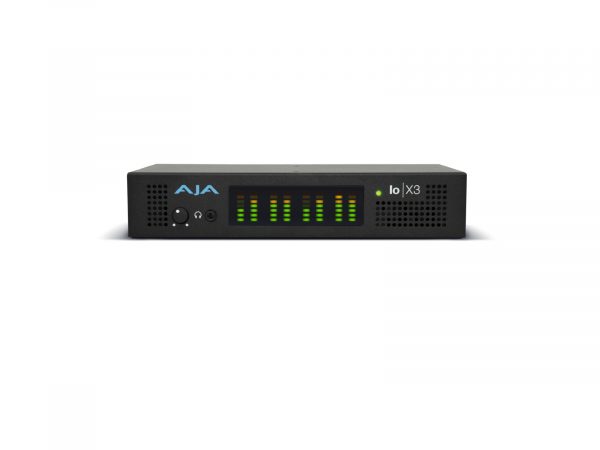
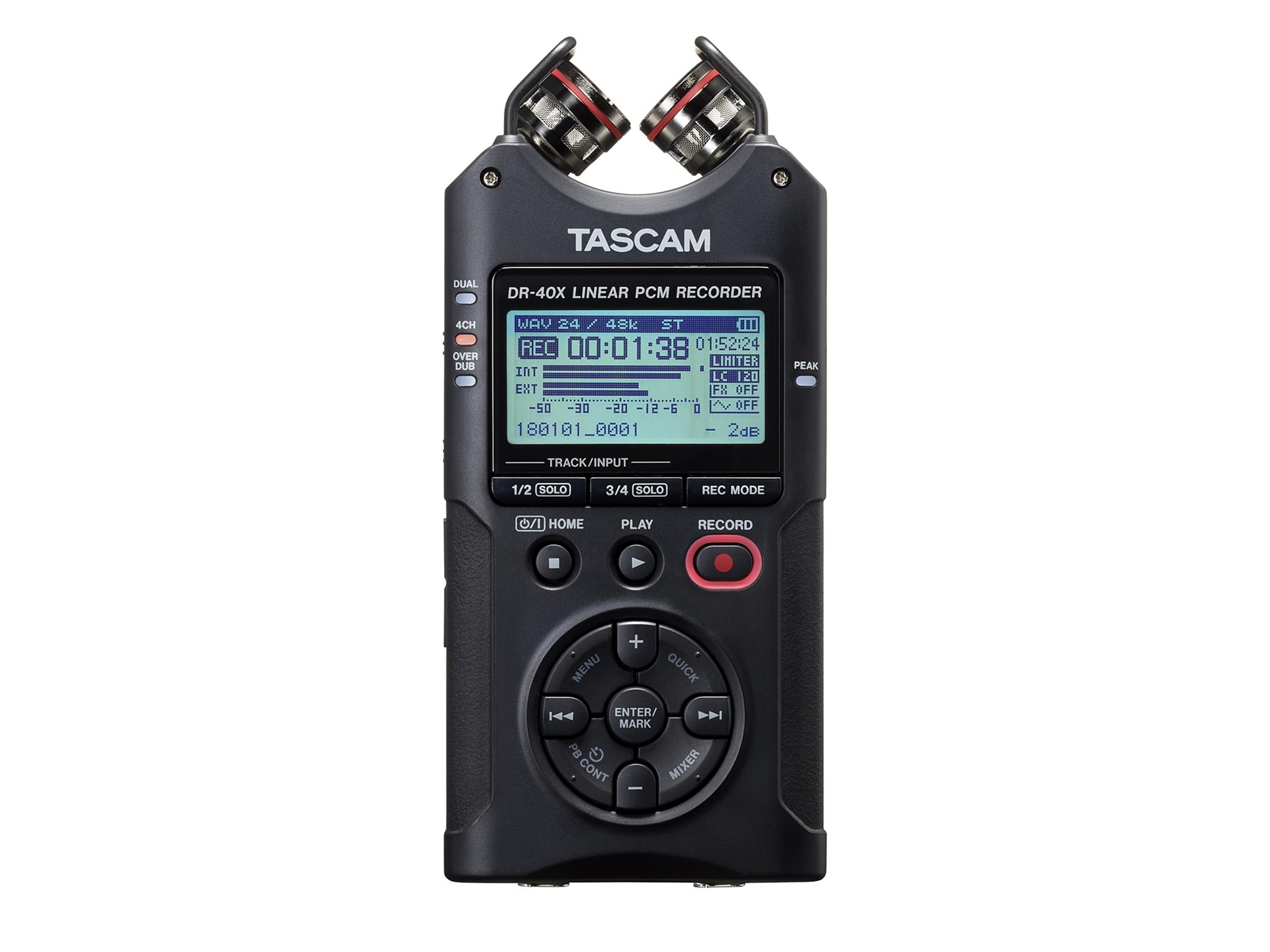
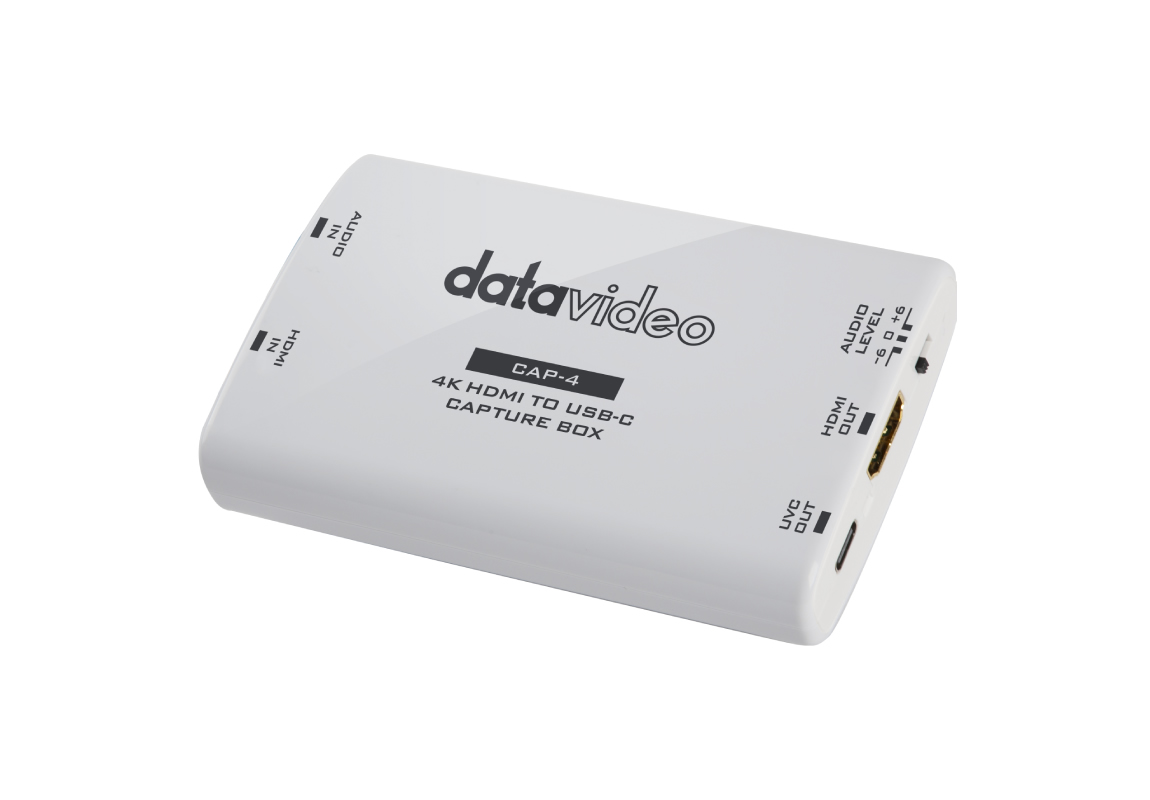
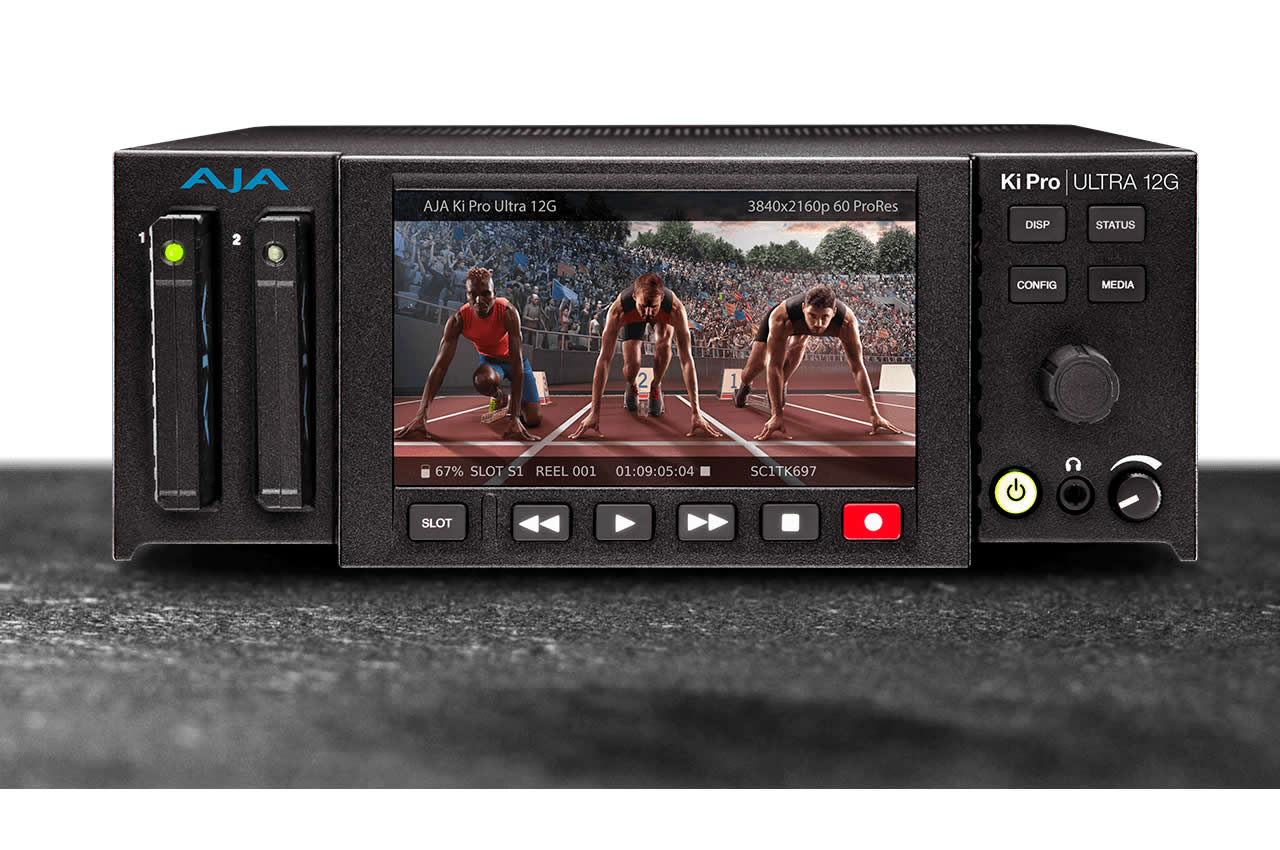
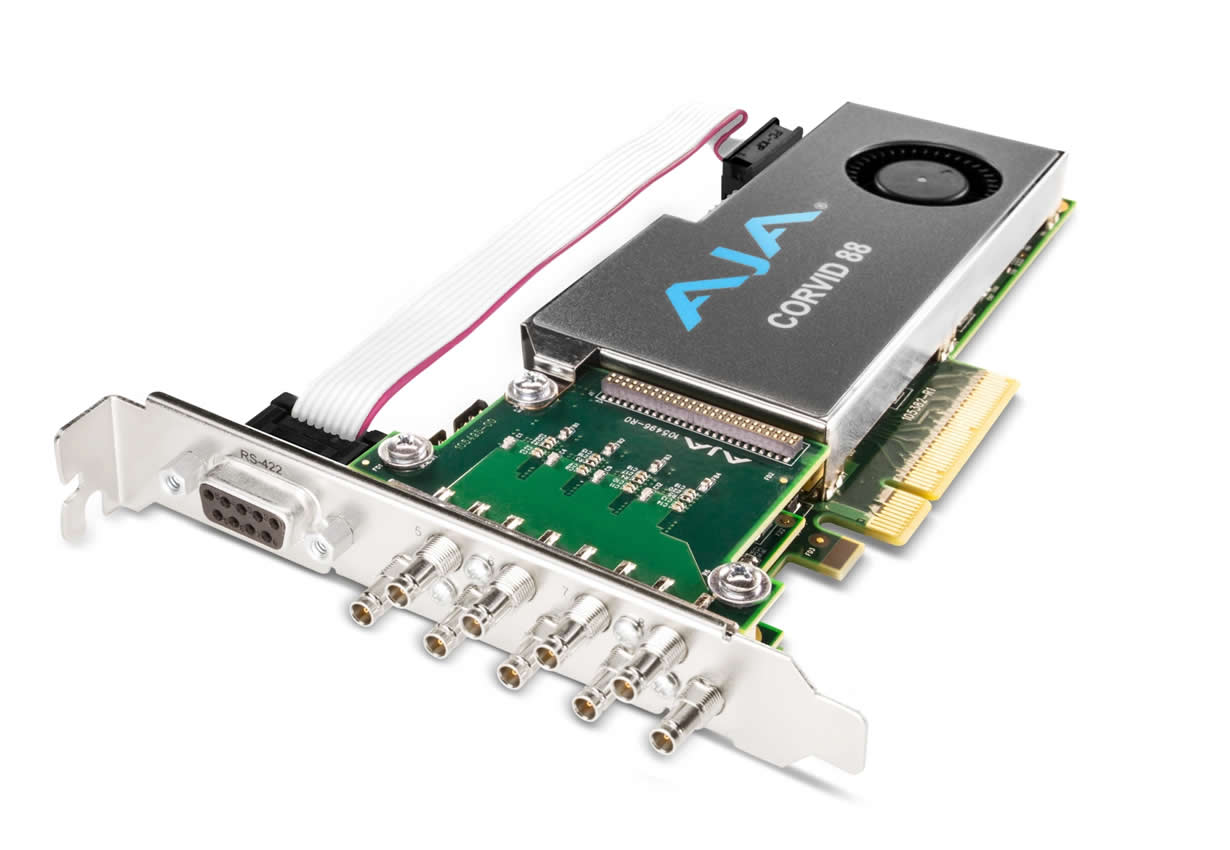
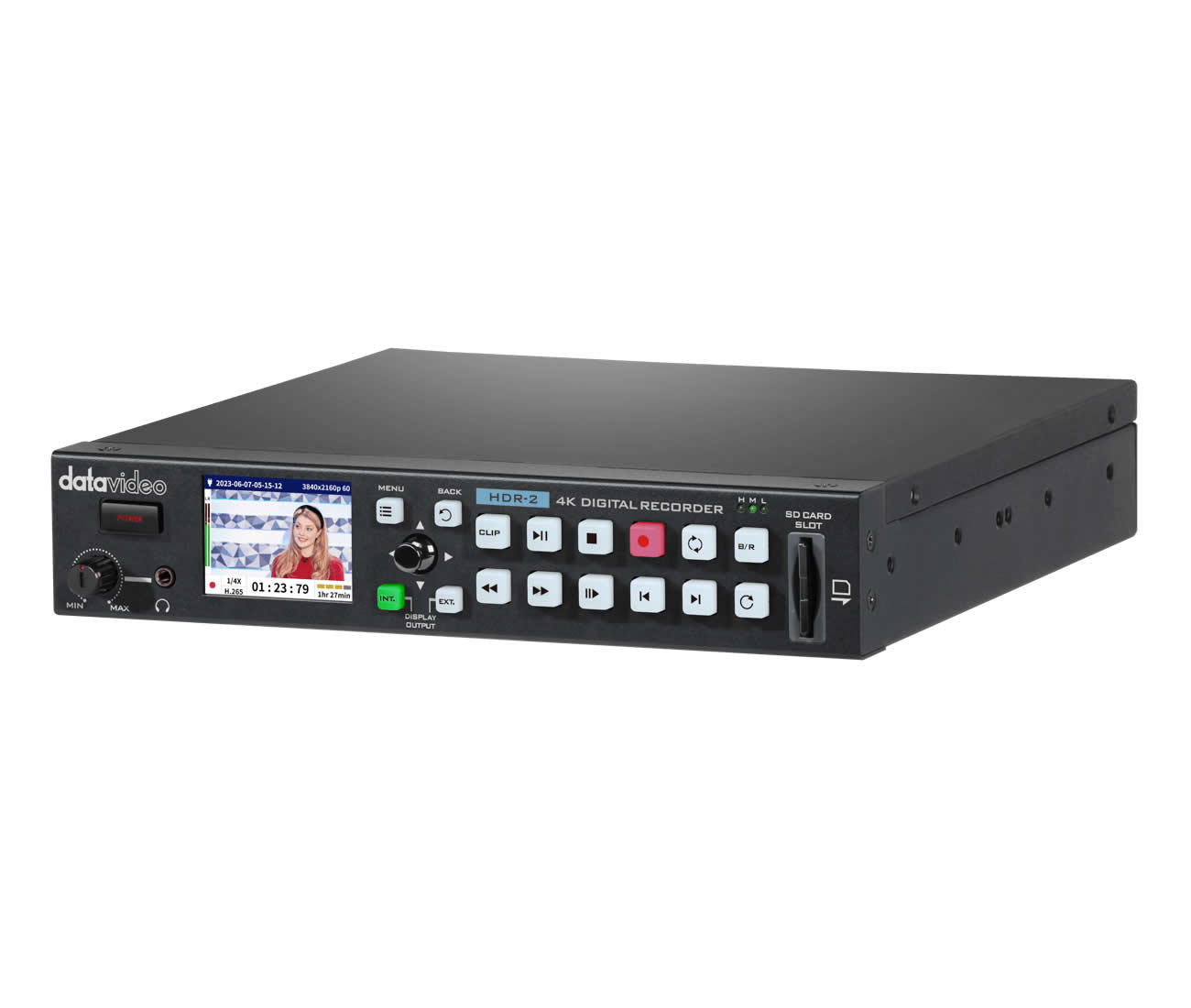
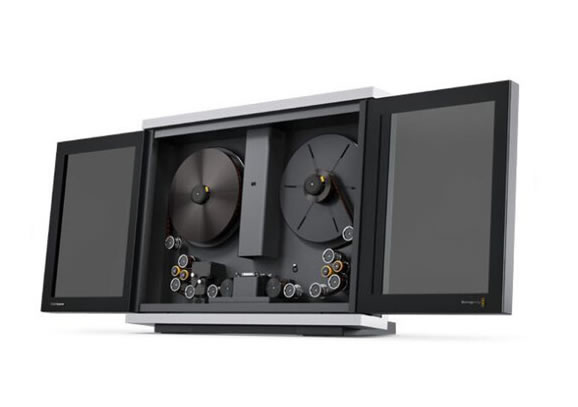
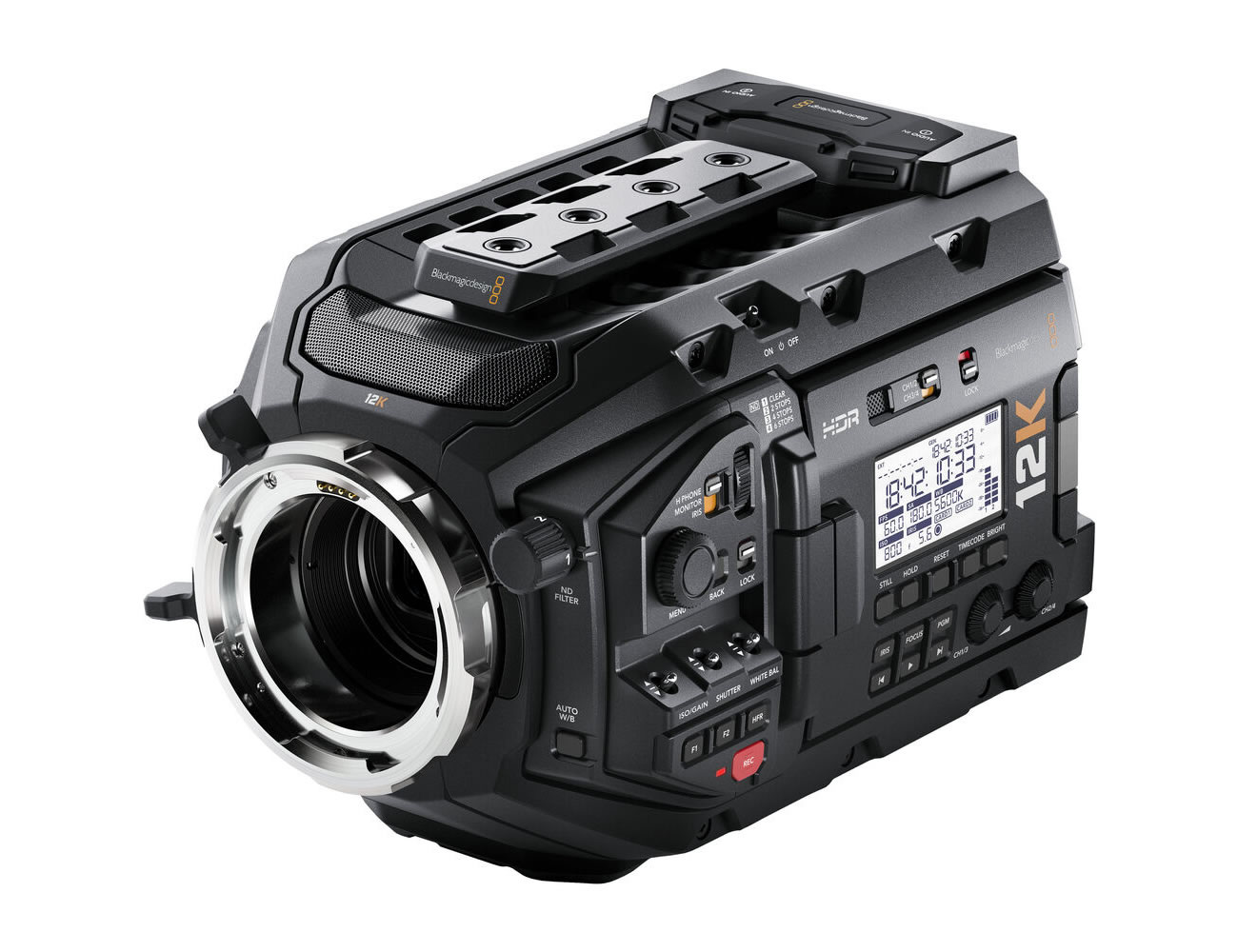
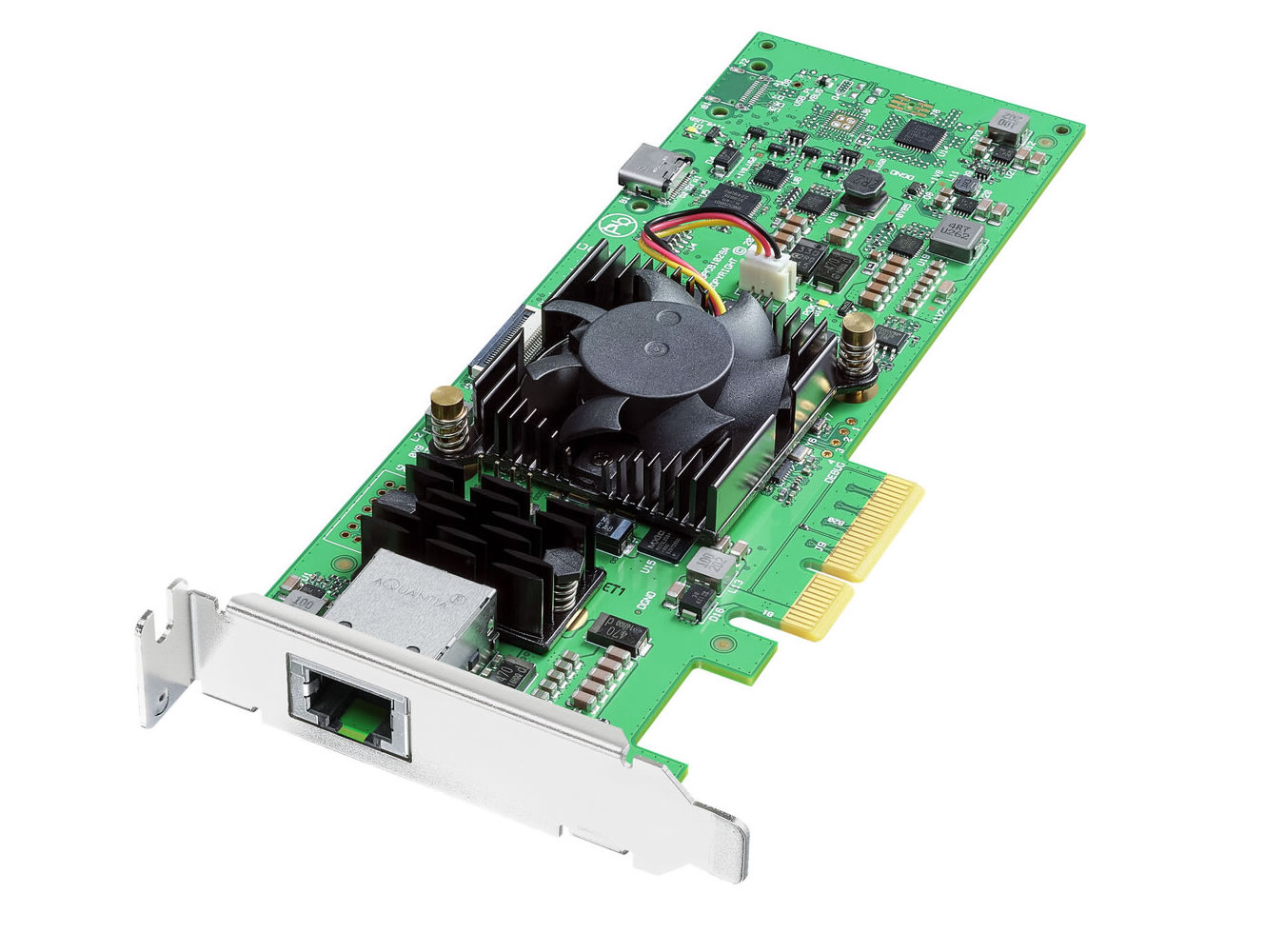
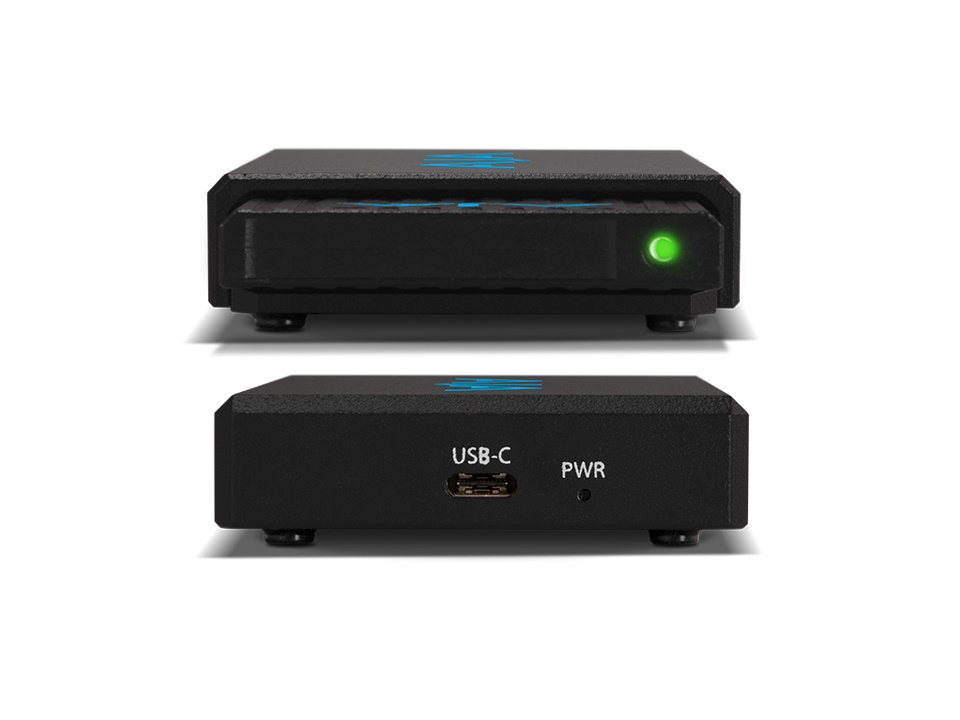
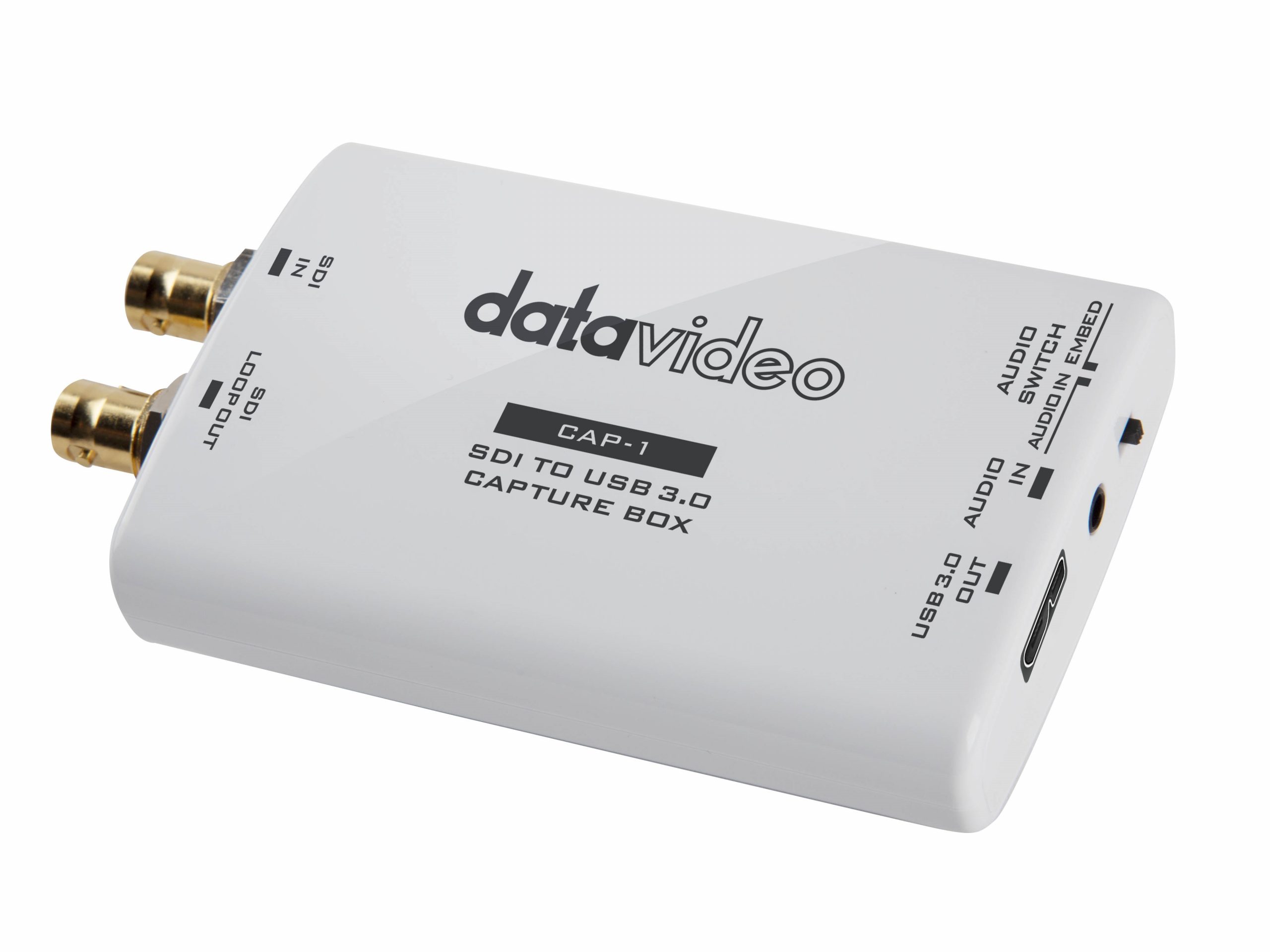
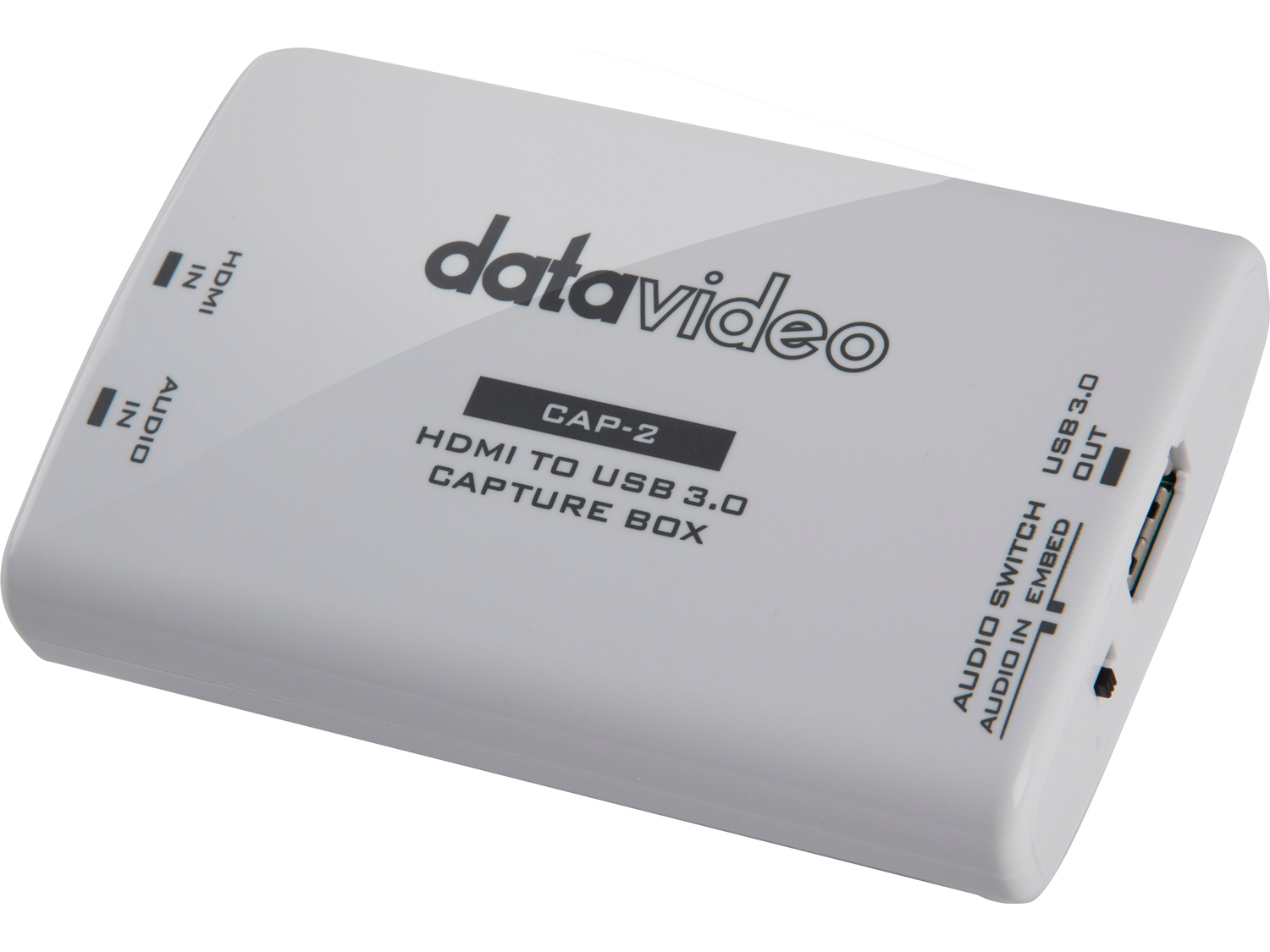
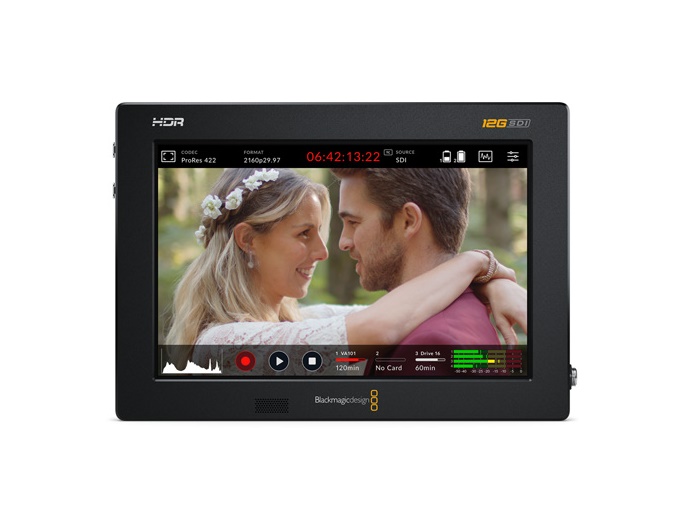
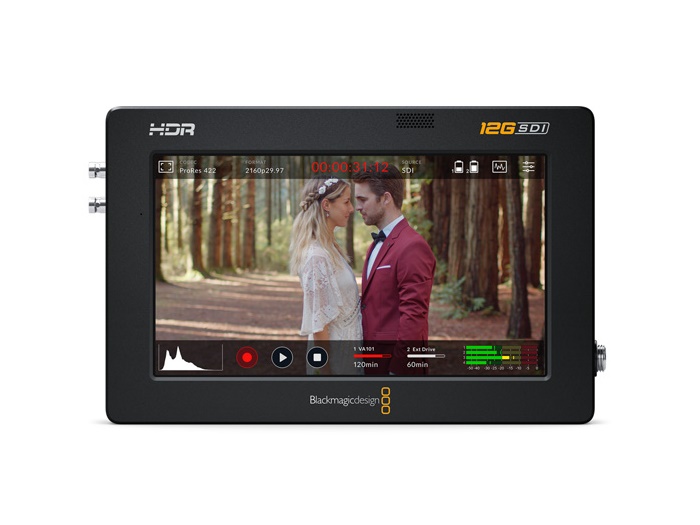
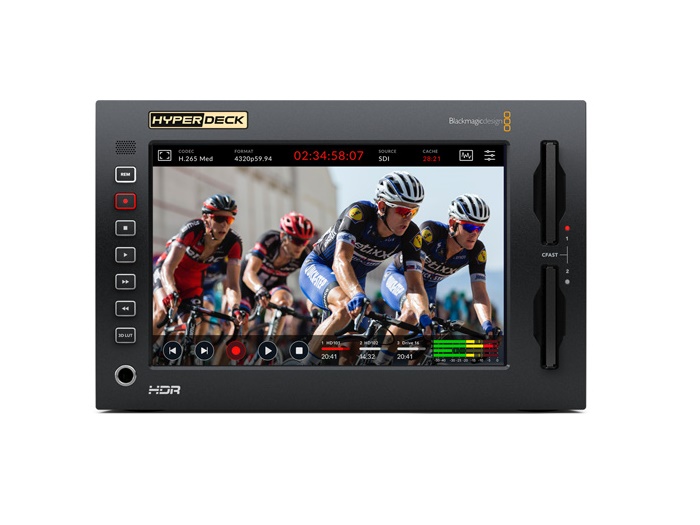
Capture and recording devices bring video and audio signals into computers for processing, recording, or streaming. They are the bridge between professional AV equipment (cameras, switchers, broadcast gear) and the software-based workflows that dominate modern production: OBS Studio, vMix, Wirecast, Adobe Premiere Pro, DaVinci Resolve, lecture capture platforms, and streaming applications. Without a capture device, a computer cannot accept HDMI or SDI input directly through its standard ports.
Capture devices come in several form factors. Internal PCIe capture cards install in a desktop computer's expansion slot, providing high-bandwidth low-latency capture with support for multiple channels (1, 2, 4, or 8 channels per card). They are the standard for permanent production workstations and broadcast facilities. External USB capture devices plug into a laptop or computer via USB, making professional camera capture portable; they appear to the computer as standard USB cameras (UVC class), so they work with any production software. Thunderbolt and USB-C capture devices offer higher bandwidth than USB 3.0 for 4K and multi-channel capture.
Recording appliances are standalone devices that capture, encode, and write video to local storage without requiring a host computer. They are used in lecture capture (scheduled classroom recording integrated with learning management systems), conference recording (capturing meetings for archive), broadcast logging (continuous recording of program output for compliance), and any workflow where simplicity and reliability matter more than the flexibility of computer-based capture. Recording appliances offer always-on operation, no software crashes, and one-button operation for non-technical users.
Single-channel capture cards or USB devices accept one HDMI or SDI input. They suit one-camera workflows: a podcaster recording one camera, a streamer with one source, a content creator with one input. Multi-channel cards accept multiple inputs (2, 4, 8 or more) and feed all of them to the computer simultaneously. Multi-channel capture is essential for software-based multi-camera production where the production software switches between sources in real time.
Modern capture devices support 1080p at 60 fps as a minimum, with 4K at 30 or 60 fps becoming standard. For high-quality streaming and recording, look for devices with full 4K at 60 fps support and good color depth (4:4:4 chroma sampling for graphics work and color-critical content, or 4:2:0 for typical streaming). Higher resolutions and frame rates require more computer resources for encoding, and most streaming platforms cap output at lower resolutions anyway.
NDI (Network Device Interface) is a video-over-IP protocol that lets capture devices share video across a local network without dedicated cables. NDI-enabled cameras and devices send video over a standard Ethernet network, where any NDI-aware software receives and uses it as a video source. NDI capture eliminates the need for individual capture cards for each camera in a multi-camera production: all cameras connect to the network, and the production computer accesses them all over IP. NDI dominates modern multi-camera production workflows.
Hardware-encoded capture devices (internal PCIe with onboard encoding) typically add very low latency, a few milliseconds. USB capture devices add more, typically 20 to 100 ms depending on the model and computer. Software encoding (using the computer's CPU or GPU) adds another 50 to 200 ms. For broadcast streaming with seconds of inherent delay, this added latency is negligible. For live performance with lip sync, gaming streams, or interactive content, low-latency hardware capture keeps total system latency manageable.
Capture and recording devices are used in content creation (podcasters, YouTubers, streamers capturing camera output for OBS or similar software), houses of worship (multi-camera production with vMix or ProPresenter), broadcast and production studios (capture from cameras and feeds into editing and production software, live production switching), live event streaming (capturing camera output to send to streaming platforms), corporate video production (recording executive interviews, training content), education (lecture capture, recording for learning management systems, hybrid classroom production), and any production workflow where camera output enters a computer or appliance.
You need a capture device whenever a camera's HDMI or SDI output must enter a computer for processing, recording, or streaming. The computer cannot accept HDMI or SDI directly through its standard ports; the capture device converts the camera signal into a format the computer's software can use. If you only have a built-in webcam or USB camera, you don't need a capture device. If you have a professional HDMI or SDI camera and want to use it with production software (OBS, vMix, Wirecast) or stream to a platform via the computer, you need a capture device.
Internal PCIe capture cards offer higher bandwidth, lower latency, and support for more simultaneous channels. They are the right choice for permanent production workstations and broadcast facilities. The downside is they require a desktop computer with an available PCIe slot. External USB capture devices plug into a laptop or computer via USB, making professional camera capture portable. They are the right choice for traveling content creators, rental and staging crews, and any setup where mobility matters. Quality external USB capture devices are nearly as good as internal cards for one-channel HD work; for multi-channel 4K, internal PCIe still has an advantage.
A capture device brings video into a computer, where software (OBS, vMix, Wirecast, editing software) handles encoding and storage. A recording appliance captures video and writes it to storage internally, without requiring a host computer. Recording appliances offer simpler operation (one-button start, always-on reliability) but less flexibility (no graphics overlays, no switching, no live effects). Capture devices plus computer-based software offer more flexibility but more complexity. The right choice depends on the workflow: simple capture for archive uses appliances, complex production uses computers with capture devices.
NDI (Network Device Interface) is a video-over-IP protocol developed by NewTek that carries video over standard Ethernet networks. NDI-enabled cameras and capture devices send video over the network, where NDI-aware software receives it as a video source. This eliminates the need for individual capture cards for each camera in a multi-camera production: all cameras connect to the network, and the production computer accesses them all over IP. NDI is dominant in modern multi-camera production. NDI cameras and converters complement (and sometimes replace) traditional HDMI/SDI capture devices.
Hardware-encoded internal PCIe capture cards add very low latency, typically under 10 ms. External USB 3.0 capture devices add 20 to 100 ms depending on the model. Software encoding (using the computer's CPU or GPU) adds another 50 to 200 ms. For broadcast streaming where audience sees the live event with 10 to 30 seconds of inherent delay, encoding latency is invisible. For live performance with lip sync to audio, gaming streams, or interactive content, low-latency hardware capture matters. Always check the device's stated latency for time-sensitive applications.
Content creation (podcasters with video, YouTubers, streamers capturing professional cameras for OBS or vMix), houses of worship (multi-camera production with vMix or ProPresenter for streaming services), broadcast and production studios (every camera in a production has a capture device or NDI converter), live event streaming (camera output to streaming platforms via capture-enabled production software), corporate video production (recording executive interviews, training content, internal video), education (lecture capture systems, hybrid classroom production, recording for learning management systems), and any production workflow where camera output enters a computer for processing, recording, or streaming.

On order over $300 and more for US and US territory

We Offer a 30-Day Money Back Guarantee

Full manufacturer's warranty and quality assurance

Safe checkout with trusted payment providers