















Start typing to see results...
Find the perfect solution
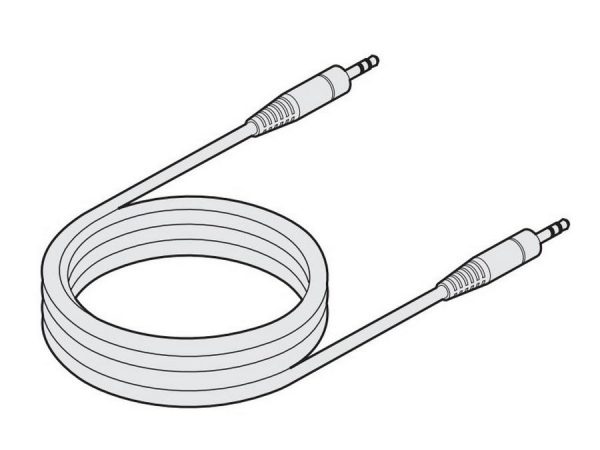
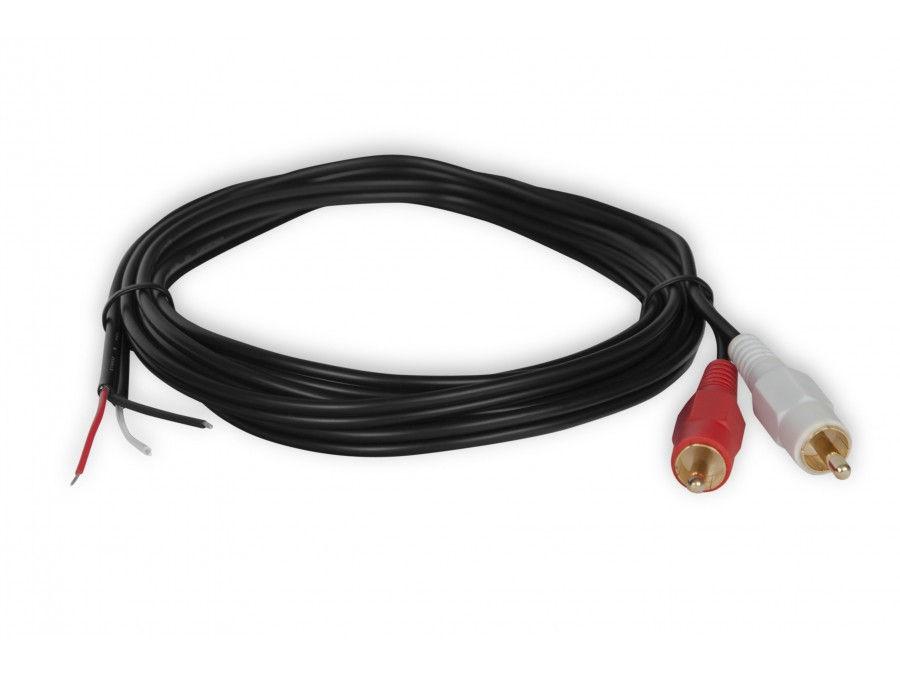
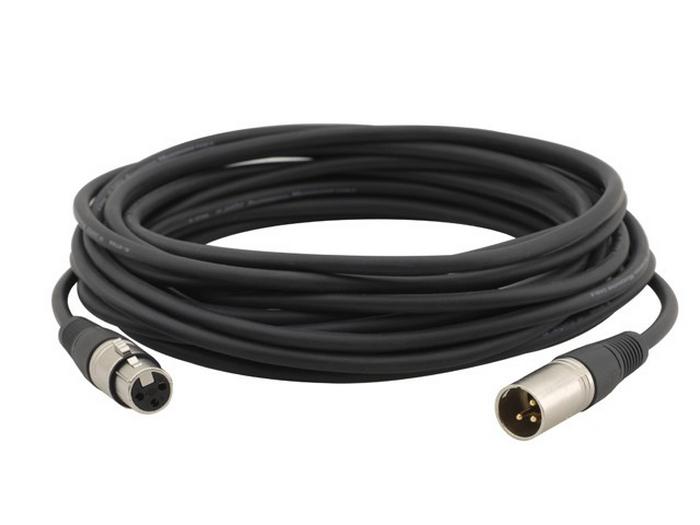
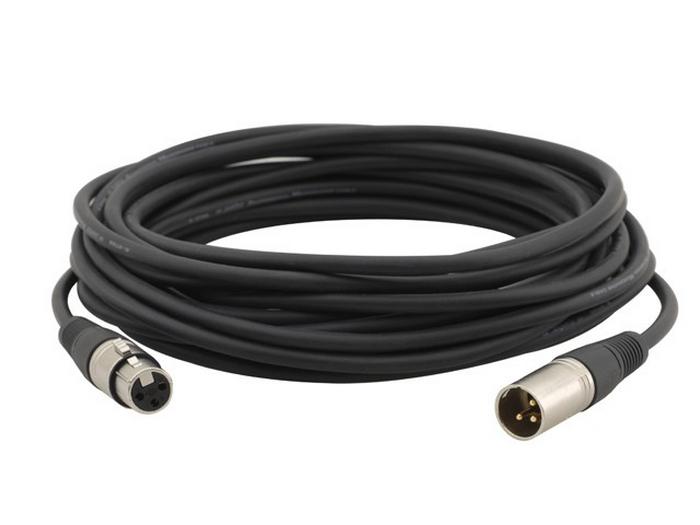
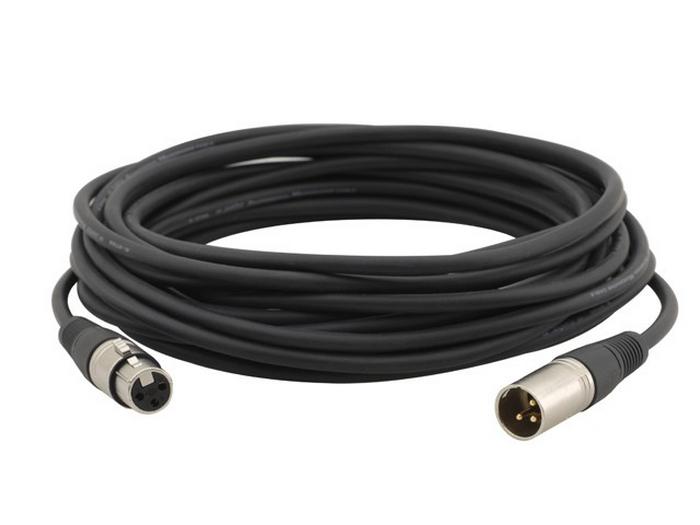
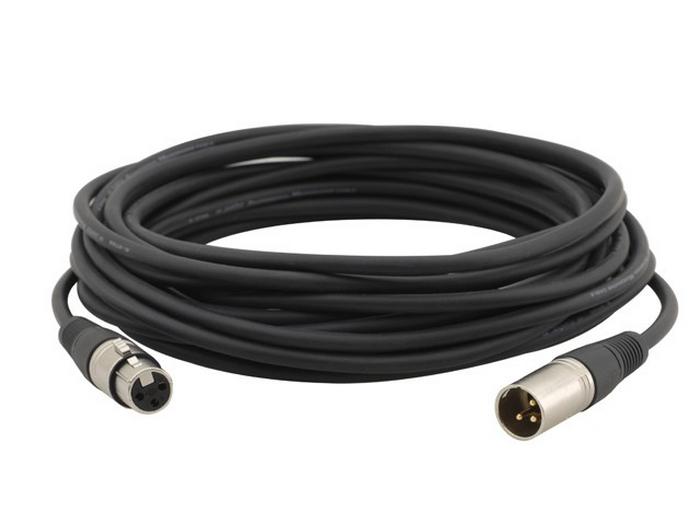
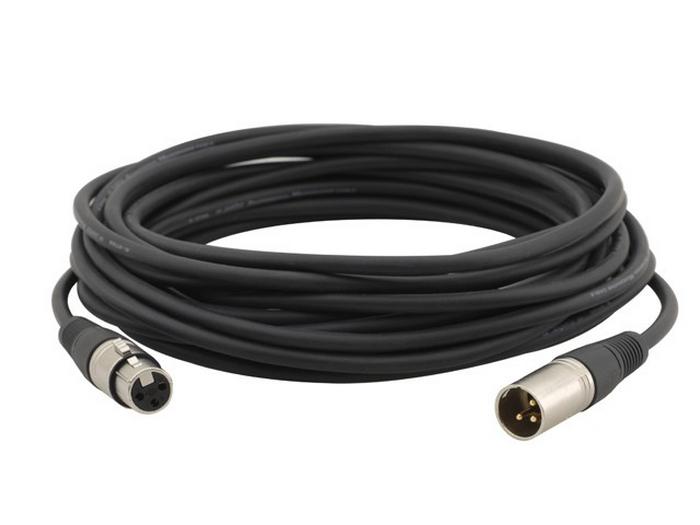
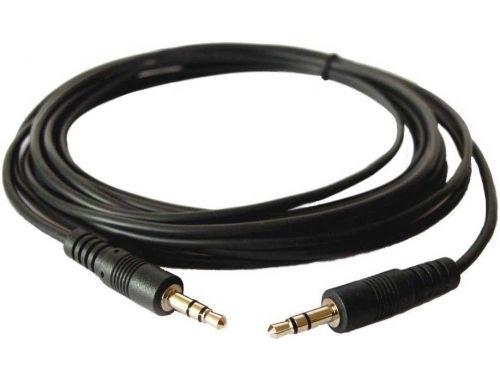
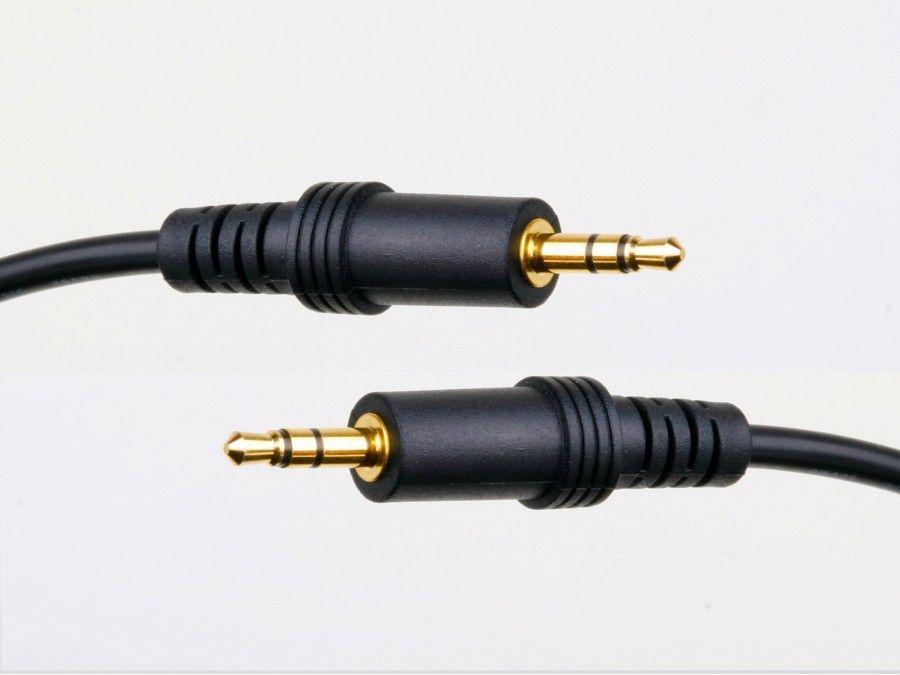
Analog stereo audio cables carry two channels of analog audio (left and right) between devices in their most universal form, with consumer RCA being the most common variant. The cable typically has two RCA male connectors at each end (red for right channel, white or black for left channel), with each conductor on its own coaxial shielded line. Other common variants include 3.5 mm to 3.5 mm (consumer headphone-style), 3.5 mm to RCA (laptop or phone to amplifier), and 6.3 mm 1/4-inch TRS to RCA (pro to consumer).
RCA stereo cables are the universal consumer interconnect, found on nearly every piece of consumer audio gear since the 1950s. The connector is simple, inexpensive, and reliable for short runs. RCA carries unbalanced line-level signals, with typical line level around 0.316 volts RMS (often called consumer level). Always pair red with red (right channel) and white with white (left channel) to avoid swapping channels.
The 3.5 mm Tip-Ring-Sleeve (TRS) connector is the standard for consumer portable audio: laptop headphone jacks, smartphone audio output, computer line-out, and headphones. 3.5 mm cables are common in commercial AV for bringing laptop audio into a sound system or mixer, often via a 3.5 mm to dual-RCA "Y" cable. Cable quality varies widely; for permanent or high-quality applications, use a shielded cable from a reputable manufacturer.
Many real-world AV installations need to bridge consumer (RCA, 3.5 mm) and pro (XLR, TRS) audio formats. Adapter cables (3.5 mm to dual-RCA, 1/4-inch TRS to dual-RCA, XLR to RCA) are common in commercial AV. Remember that consumer audio is unbalanced and at lower line level (about 0.316 V), while pro audio is balanced and at higher line level (about 1.23 V). Simply adapting the connector does not change the signal level, which can cause volume mismatches between consumer and pro gear.
Analog stereo cables (RCA, 3.5 mm) are reliable for short runs of a few meters in clean environments. Beyond about 5 to 10 meters, signal degradation appears as treble loss, hum, or audible noise pickup. Quality matters: shielded cables with oxygen-free copper conductors stay quieter than thin unshielded cables. For long runs in commercial AV, convert to balanced audio (XLR or TRS) at the earliest opportunity and use balanced cable for the long path.
Analog stereo cables connect a huge range of equipment in homes and commercial AV. In residential systems, RCA cables run from CD players, turntables, and streamers to AV receivers; 3.5 mm cables run from laptops and phones to receivers or powered speakers. In commercial AV, 3.5 mm and RCA cables bring laptop and tablet audio into mixers and audio systems. In broadcast and recording, RCA still appears in consumer-grade gear that must integrate with pro systems via adapter cables.
Both carry unbalanced stereo analog audio at consumer line level. The difference is the connector and the source equipment. RCA uses two separate connectors (red for right, white for left), commonly found on home audio equipment like AV receivers, CD players, and turntables. 3.5 mm Tip-Ring-Sleeve uses one combined connector carrying both stereo channels, found on laptops, smartphones, tablets, and portable audio. In commercial AV, adapter cables (3.5 mm to dual-RCA "Y") are common for bringing laptop or phone audio into a system with RCA inputs.
Use RCA (unbalanced) for short runs (under 5 to 10 meters) between consumer-grade equipment in quiet environments. Use balanced XLR or TRS for any run longer than a few meters, in environments with electrical interference, or between pro-grade equipment. Balanced cables cancel out electrical noise picked up along the cable, which makes a huge difference at longer distances. Many commercial AV installations bring laptop or other consumer-source audio in on RCA or 3.5 mm, then convert to balanced for the long run from the rack to the speakers or recording gear.
Yes, this is one of the most common consumer AV connections. A 3.5 mm to dual-RCA "Y" cable plugs into the phone's headphone jack (or a USB-C to 3.5 mm adapter on modern phones without a jack) and the two RCA connectors into the AV receiver's stereo line input (usually labeled "Aux", "CD", or similar). The connection works for music playback at reasonable quality. For higher quality, use the phone's digital output if available (USB-C with a DAC, or a Bluetooth or AirPlay connection on the receiver) and bypass the phone's internal DAC and headphone amp.
Hum or noise in an RCA cable connection usually has one of three causes. First, electrical interference picked up on the unshielded run: replace with a better-shielded cable, shorten the run, or move it away from power cables and noise sources. Second, a ground loop between the source and amplifier: the two devices may have ground references at slightly different voltages, causing a 60 Hz hum. Solutions include using a ground isolator (audio transformer), plugging both devices into the same outlet, or using a TOSLINK optical connection instead. Third, a defective cable or connector: try a different cable to isolate.
About 3 to 10 meters reliably in clean environments. Beyond that, signal degradation appears as treble loss, noise pickup, or hum. Quality matters: a shielded RCA cable with oxygen-free copper holds up better than a cheap thin cable. For commercial AV installations longer than 10 meters, convert to balanced audio (XLR or TRS) at the source side and use balanced cable for the long path. A DI (direct injection) box can convert unbalanced consumer audio to balanced pro audio for long runs in venues.
Home audio systems (CD player, turntable, streamer, or AV receiver to amplifier or powered speakers), home theater (sources to AV receivers in consumer setups), commercial AV (laptop or tablet audio into a mixer or sound system via 3.5 mm), residential whole-home audio (audio source to in-wall preamp or amplifier), recording studios (consumer-grade gear integrated with pro equipment via adapter cables), broadcast (consumer source feeds adapted to pro systems), and any installation where consumer-grade audio equipment needs to interconnect with other devices.

On order over $300 and more for US and US territory

We Offer a 30-Day Money Back Guarantee

Full manufacturer's warranty and quality assurance

Safe checkout with trusted payment providers