















Start typing to see results...
Find the perfect solution
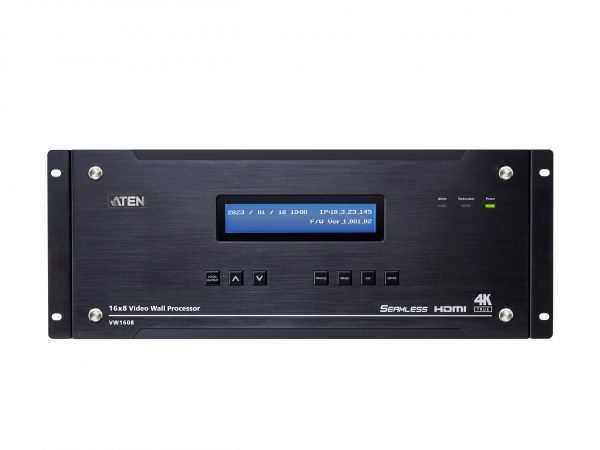
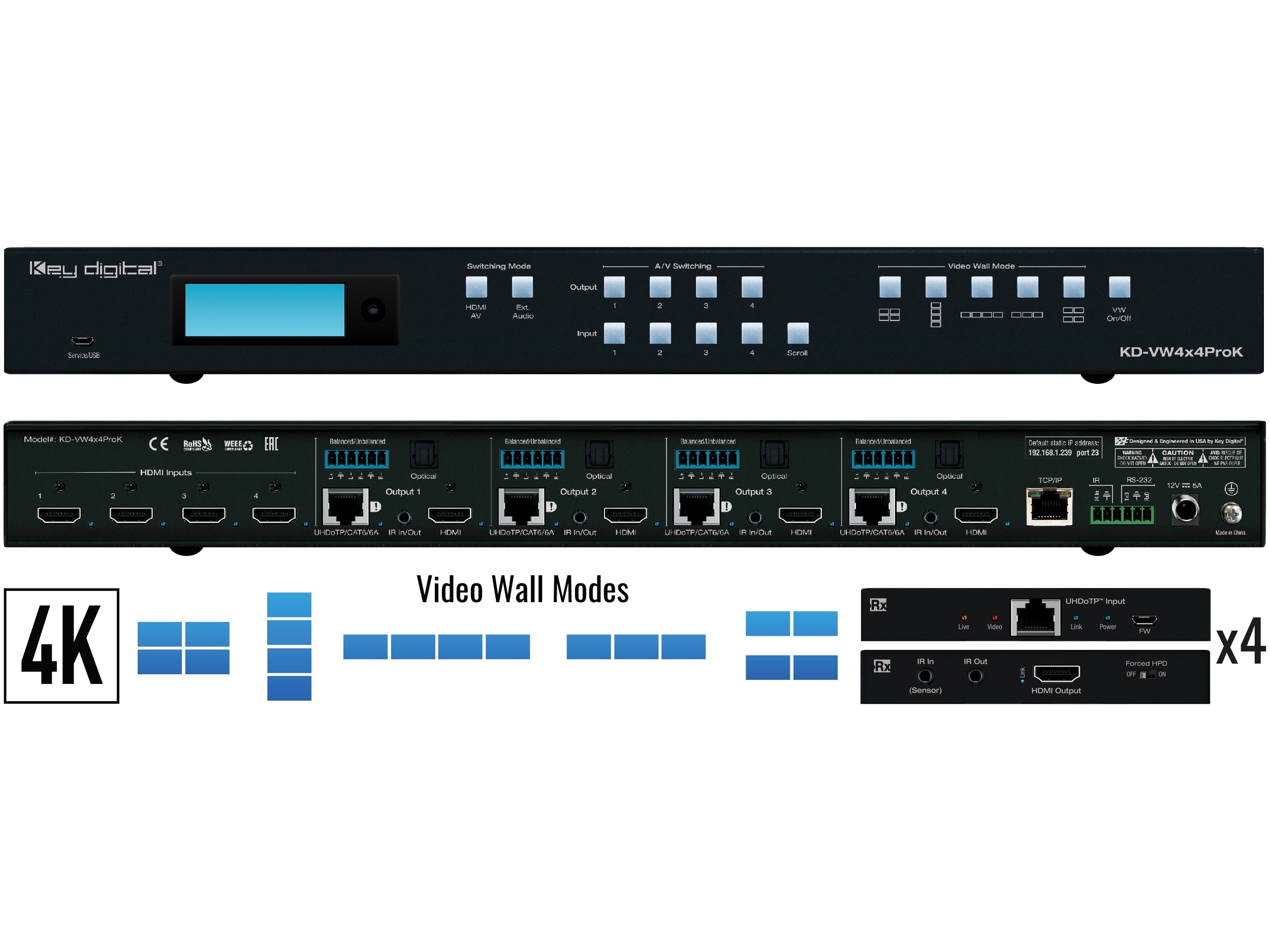
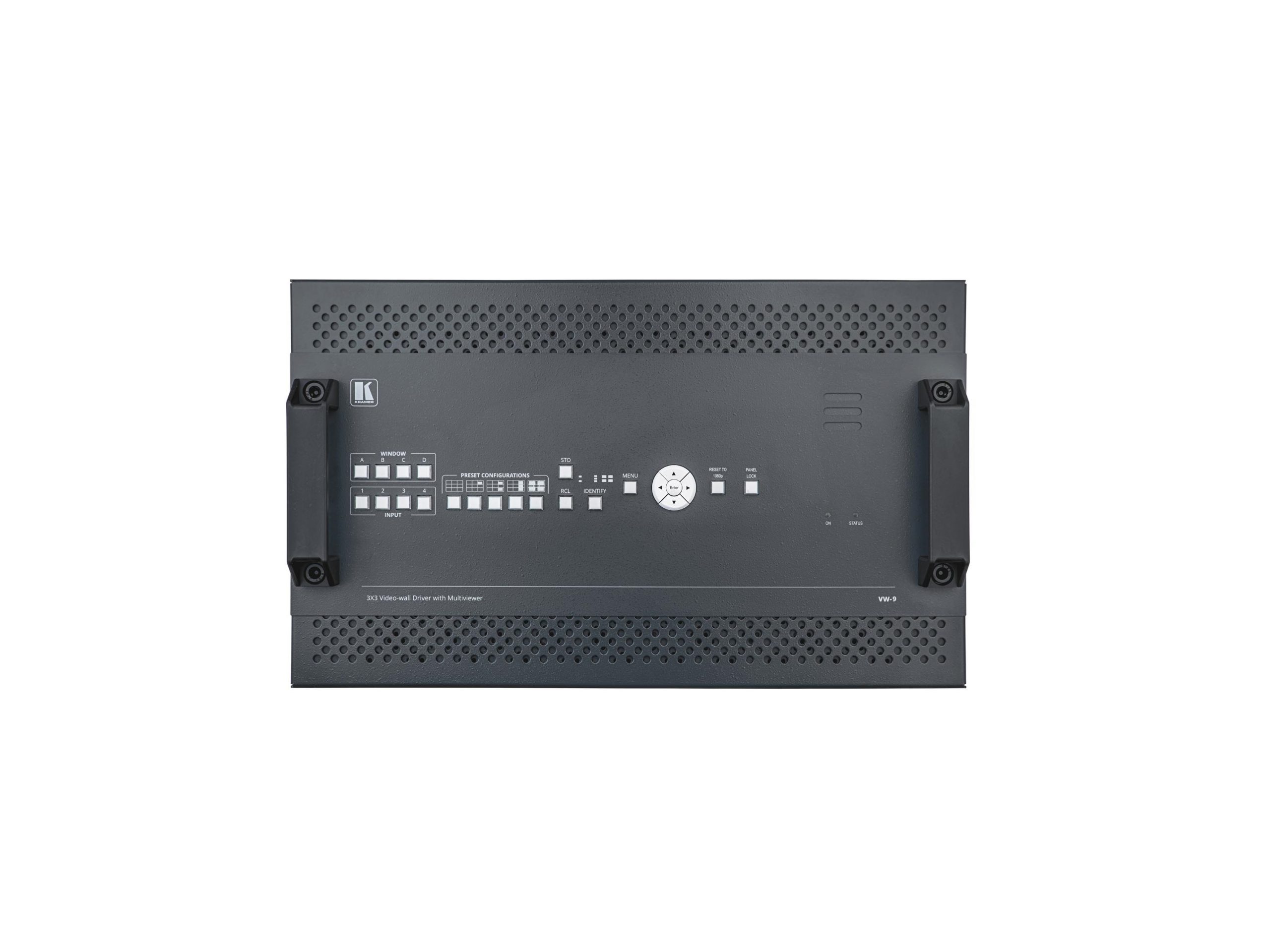
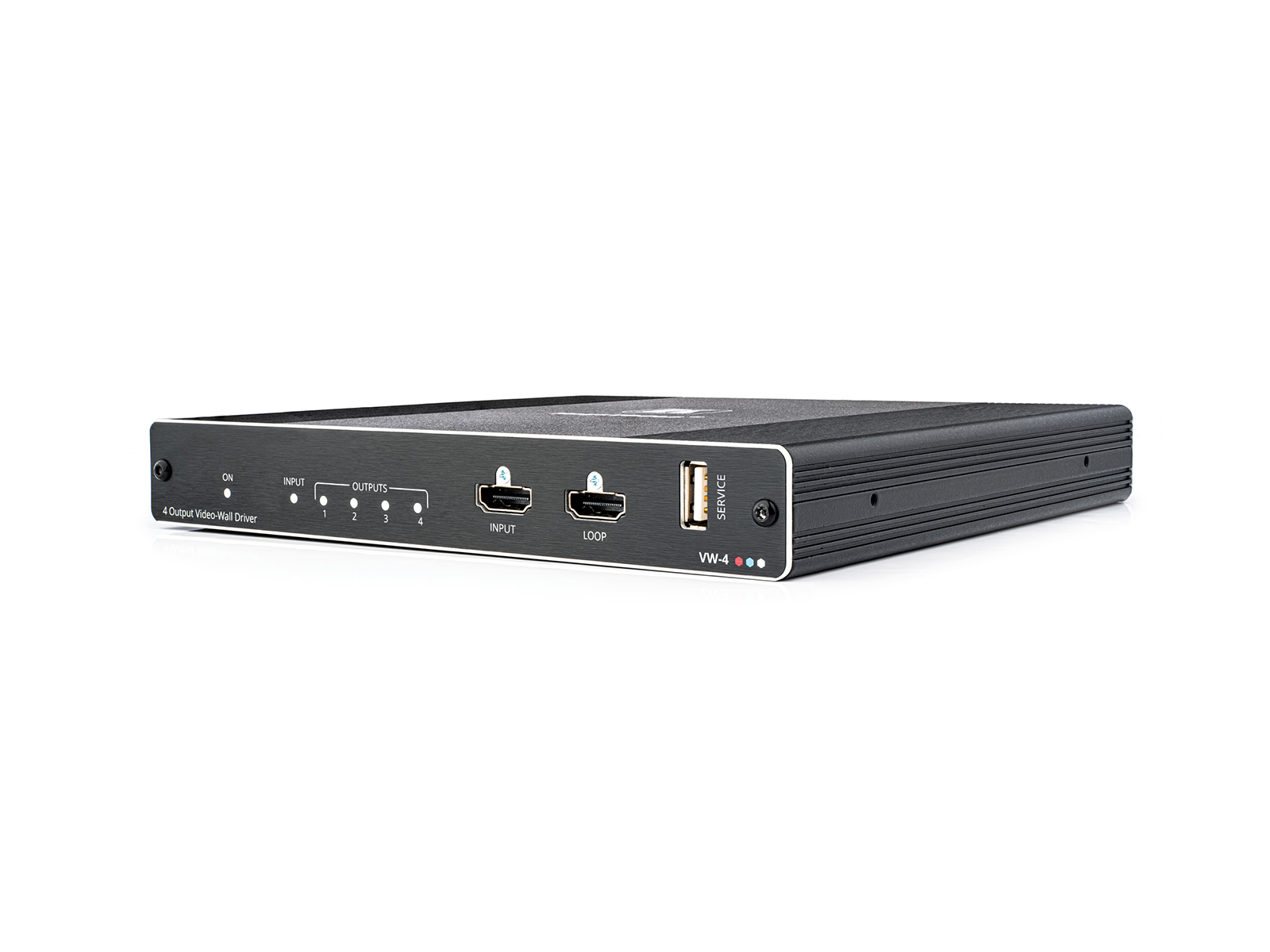
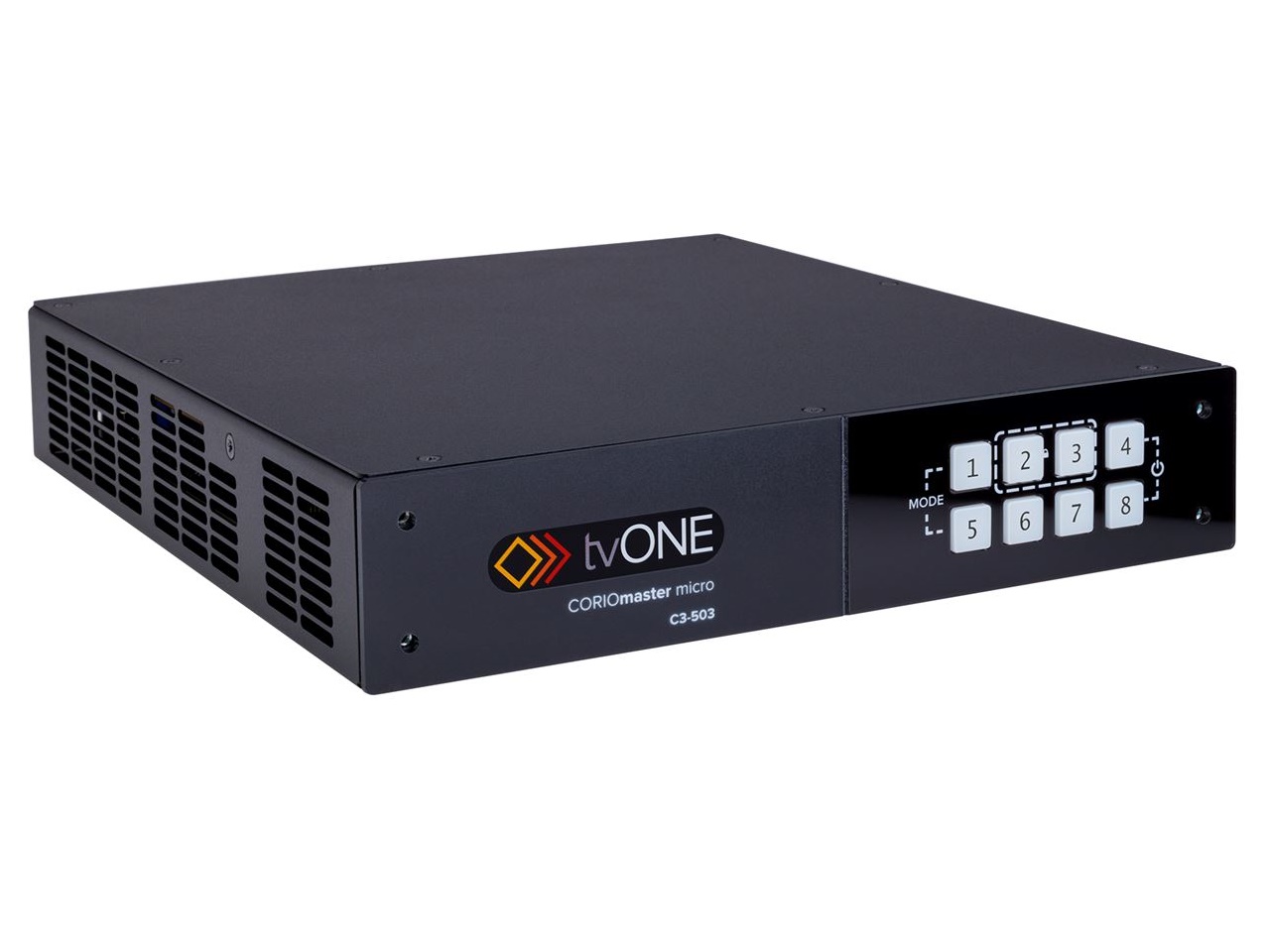
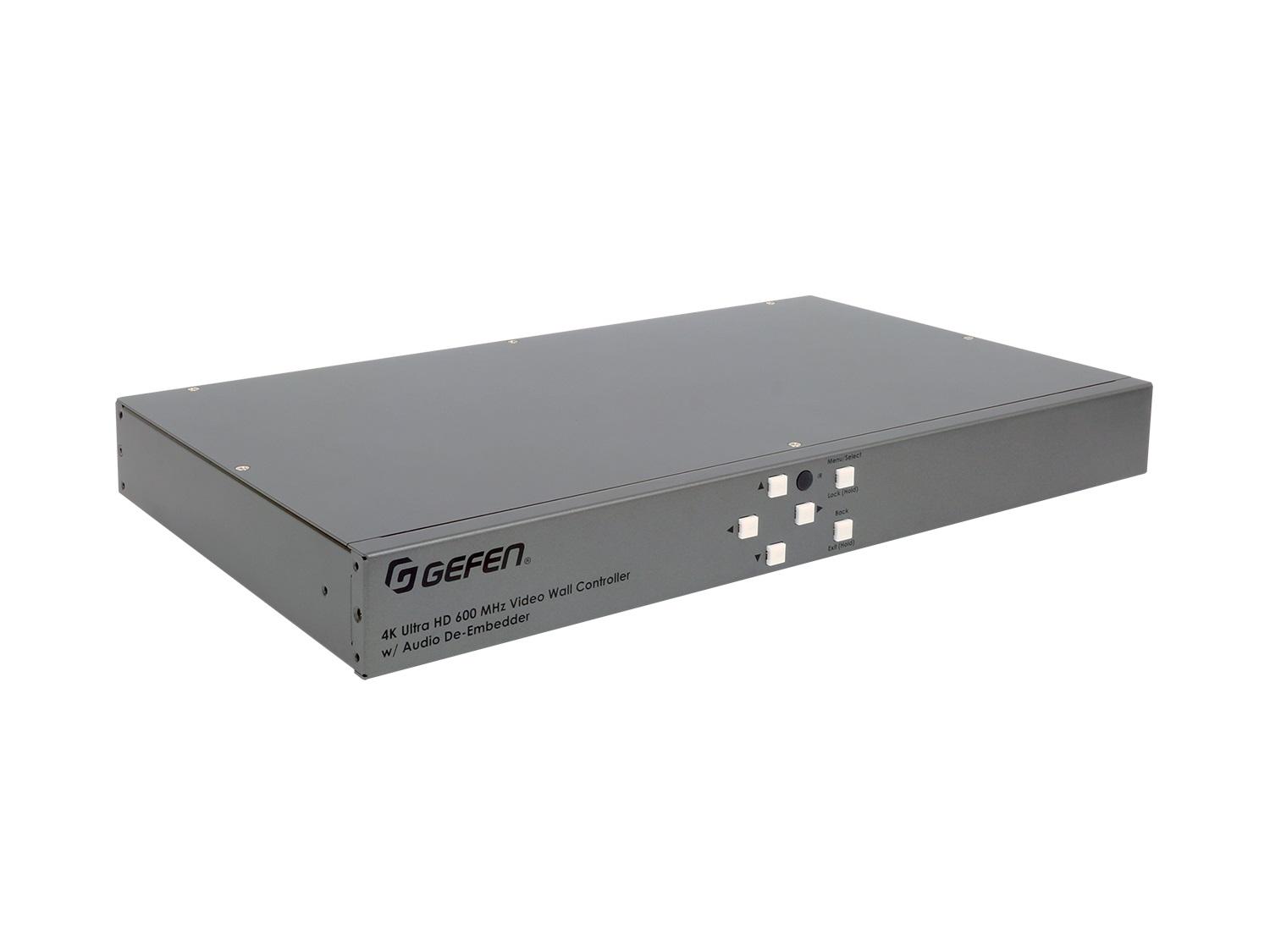
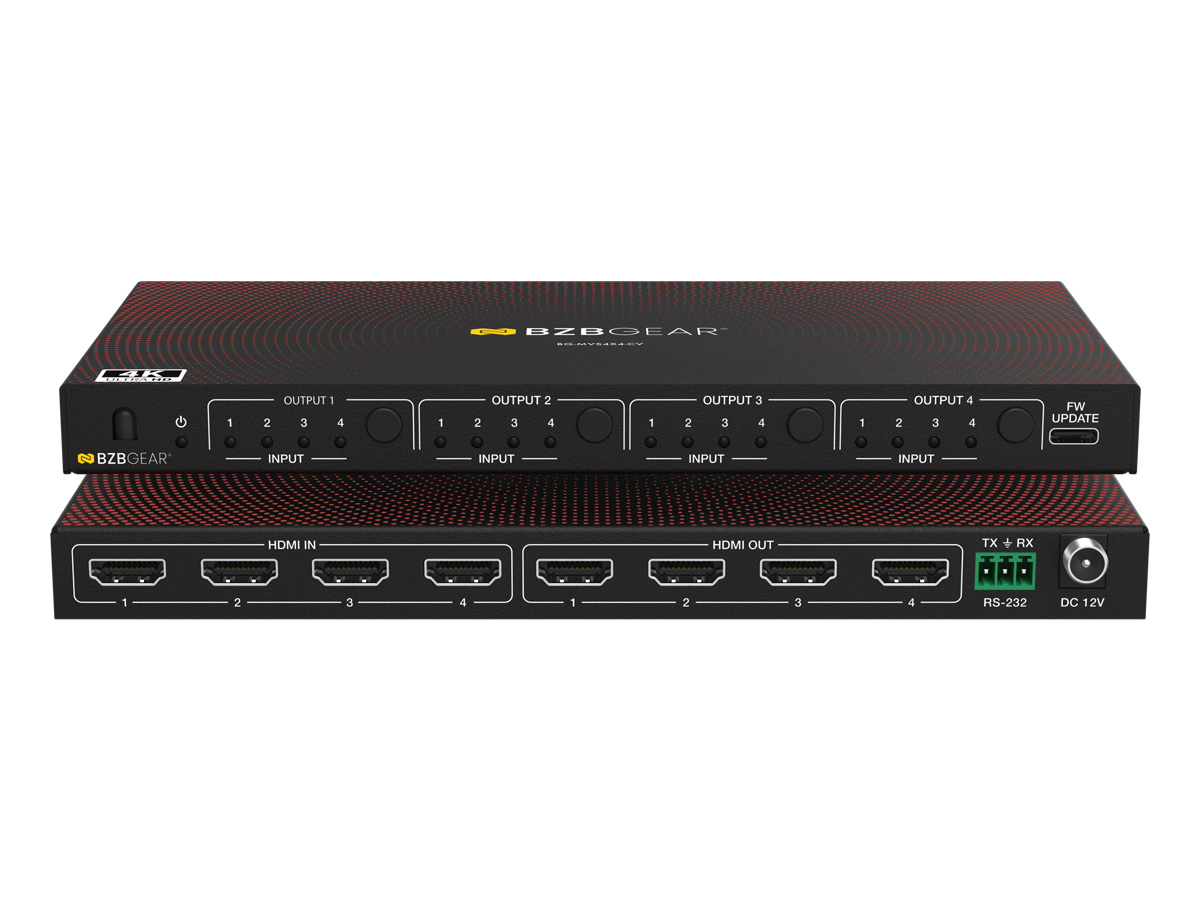
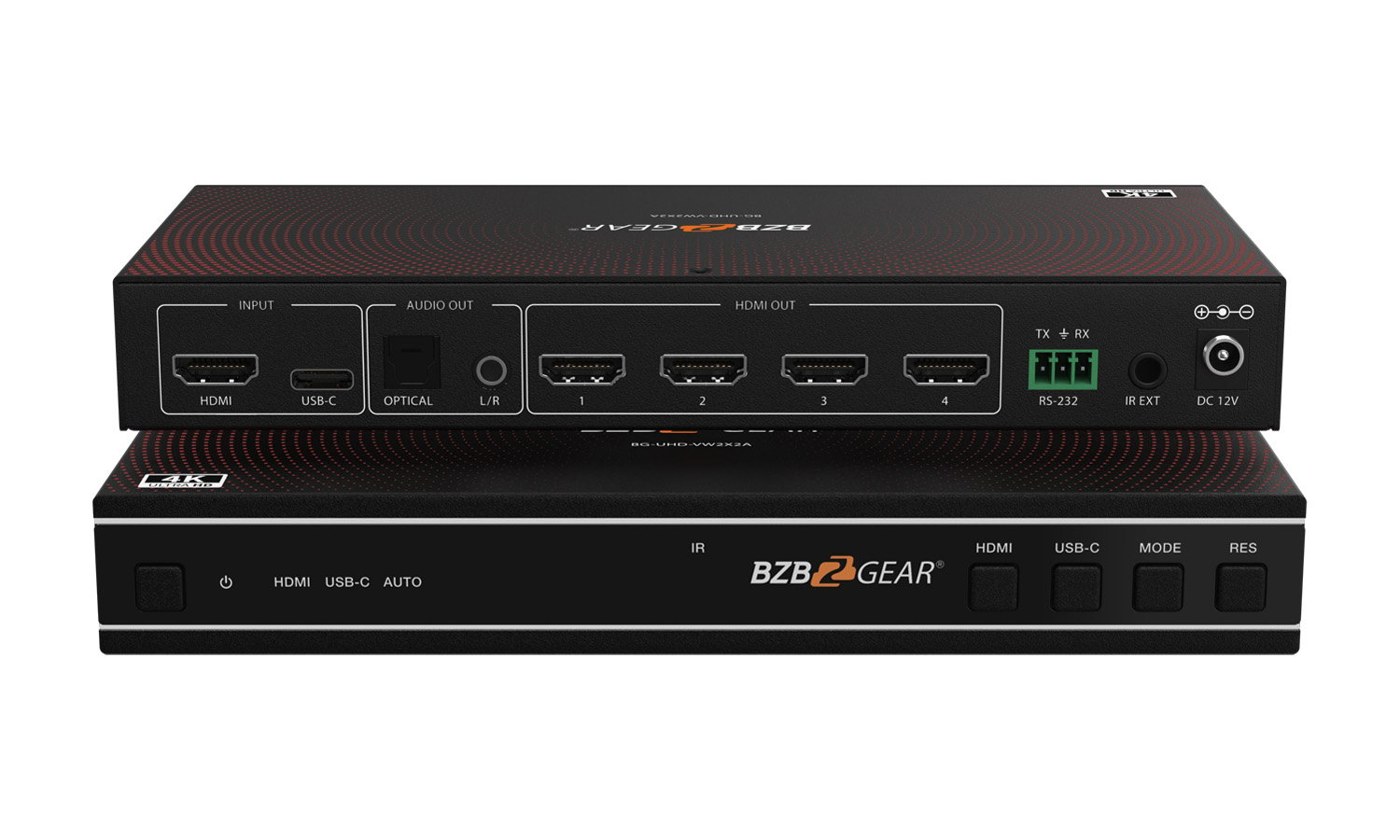
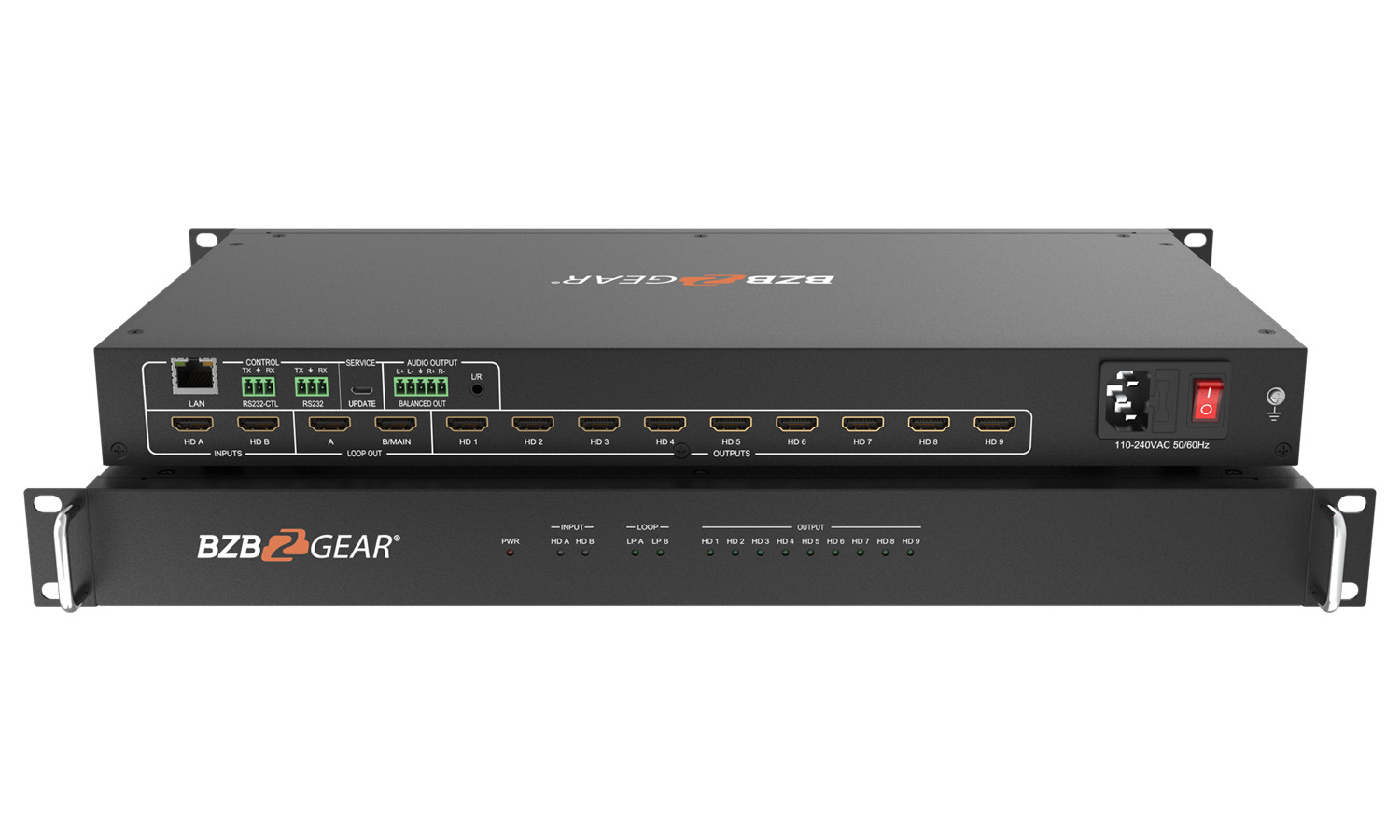
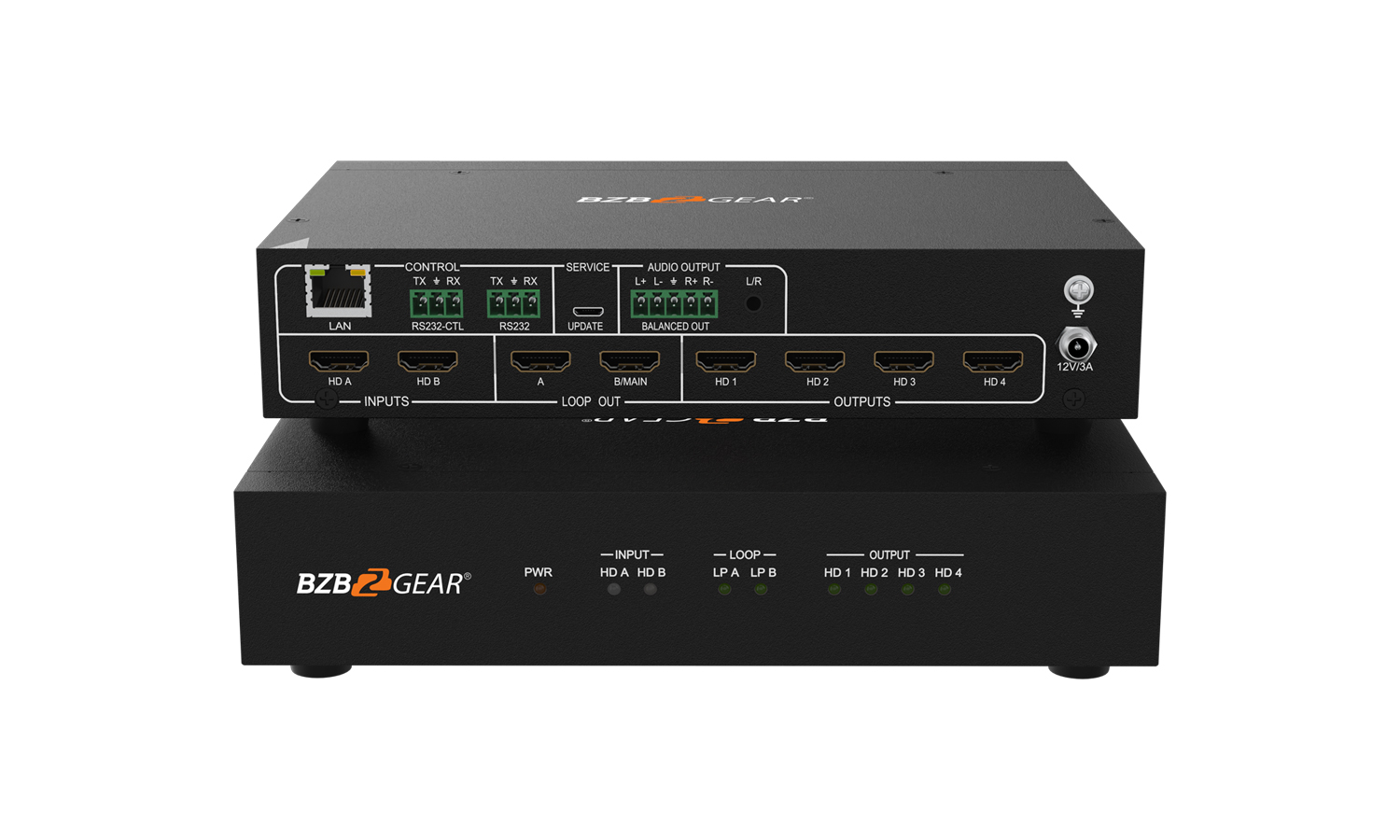
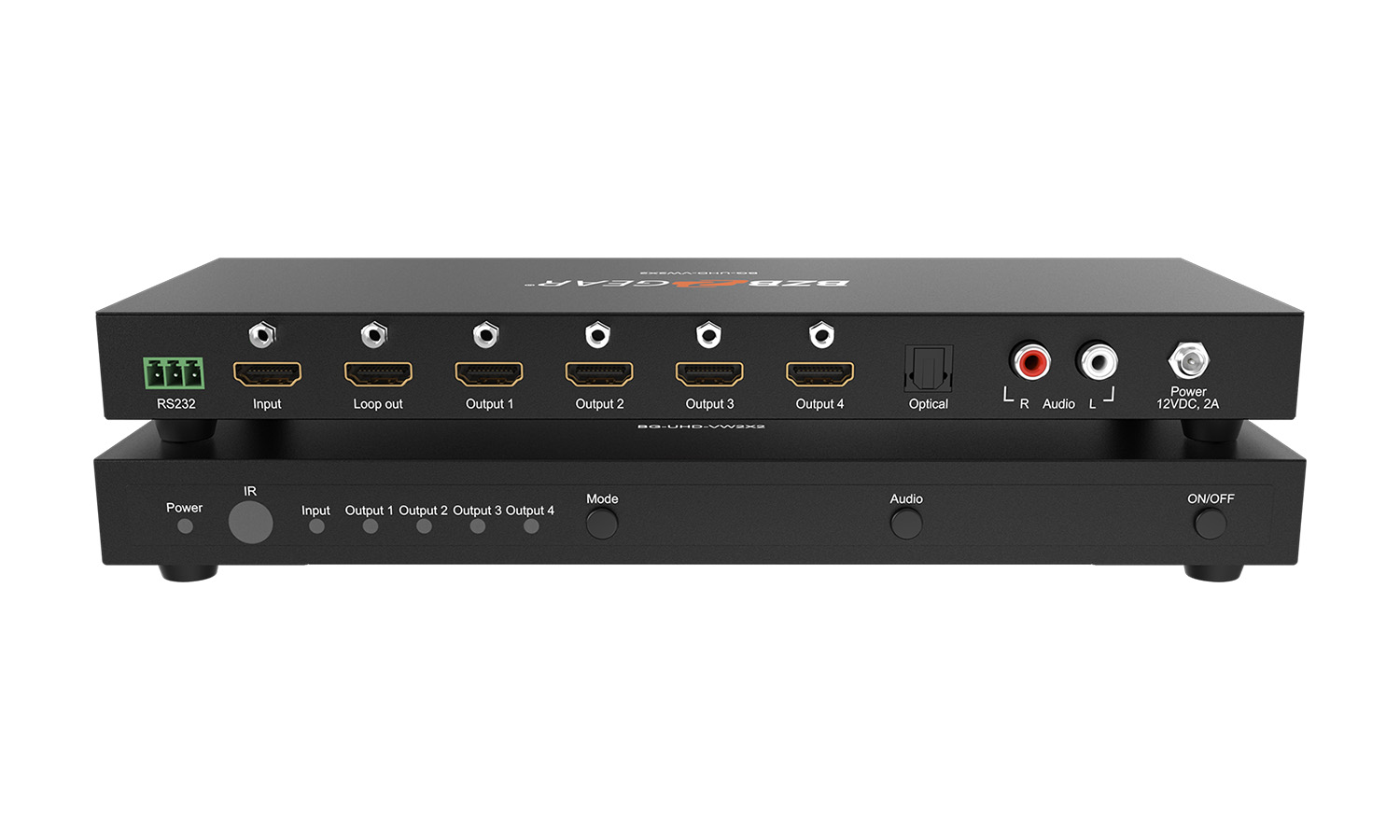
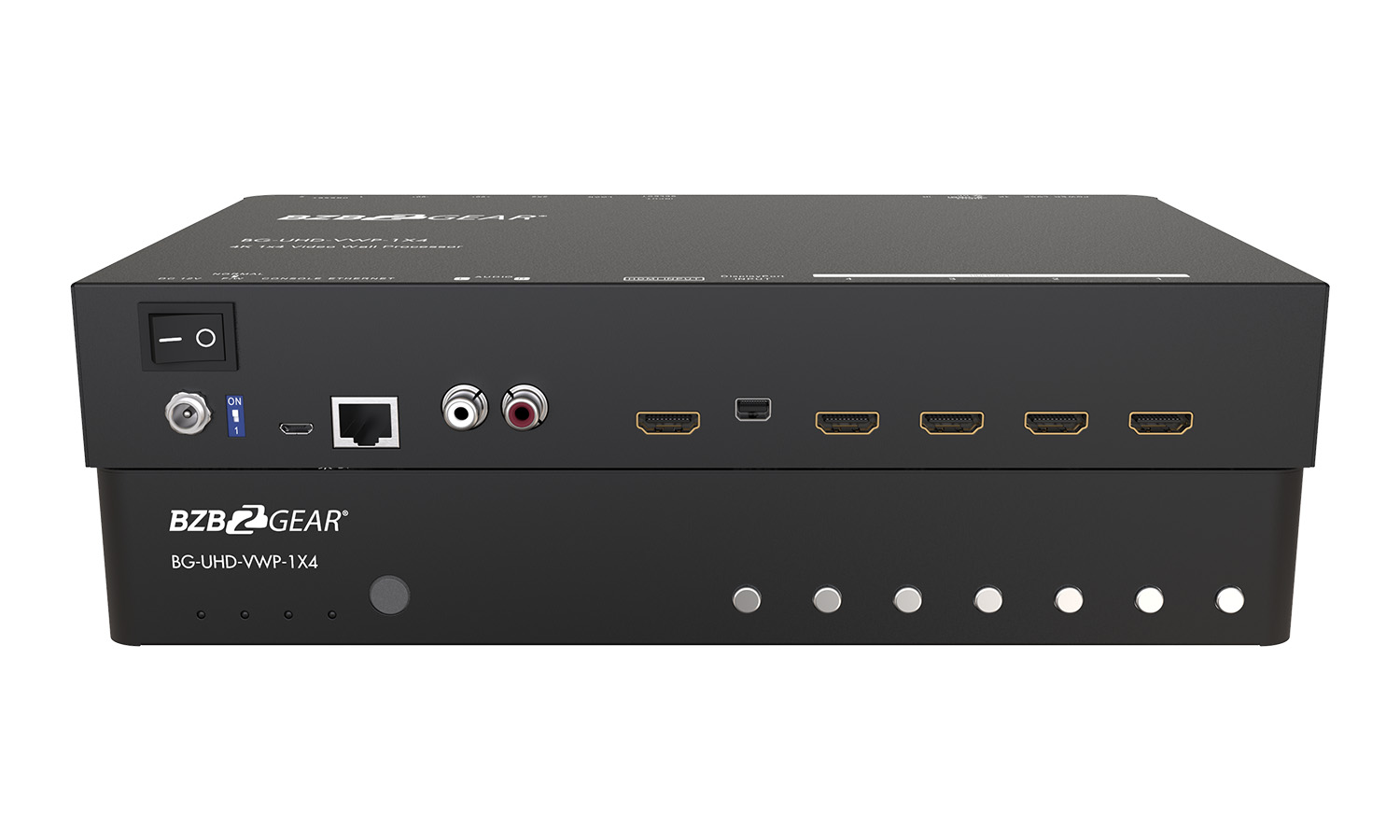
HDMI video walls assemble multiple HDMI displays into one larger virtual display, with HDMI as the connection format between the wall processor (or daisy-chain source) and each panel. They are the most common video wall type in modern commercial AV, serving installations from small 2x2 walls in corporate lobbies through large 4x4 and beyond in major retail, hospitality, and broadcast installations.
HDMI is the dominant connection format for commercial video walls because HDMI carries the necessary signal quality (4K UHD support, HDR, embedded audio) over reasonable cable distances, and because the source equipment (media players, computers, AV-over-IP decoders, broadcast equipment with HDMI output) typically uses HDMI as its primary output. HDMI video walls can use direct HDMI cabling for short runs (under 25 feet typically) or HDBaseT extension for longer runs (up to 100 meters on CAT cable).
HDMI video walls come in two main architectures. Daisy-chain walls: one HDMI source feeds the first panel, the panel processes its portion of the content and passes the signal to the next panel in the chain via HDMI output. The chain continues across all panels. This is the simplest architecture, with one source cable and chained connections. Wall processor walls: a dedicated wall processor takes content and distributes it via separate HDMI outputs to each panel. This is more flexible (any layout possible) but requires more cabling and the processor as a separate device.
HDMI video wall panels are commercial displays specifically rated for video wall use. Features include thin or zero bezels for minimized visible breaks between panels, daisy-chain HDMI input and output for the daisy-chain architecture, color calibration capability for uniformity across the wall, video wall processing built into the panel (knowing the panel's position in the wall and handling its portion of content), 24/7 operation rating for continuous use, and integration features (RS-232, IP control) for AV system integration.
HDMI video walls accept content from various HDMI sources. Dedicated media players designed for digital signage (BrightSign, Stratacache, similar) play scheduled content from local storage with simple operation. PCs and computers run signage software (BrightSign, Scala, etc.) or general-purpose applications (PowerPoint, video players) producing video wall content. AV-over-IP decoders receive network-distributed content and output to the wall via HDMI. Broadcast equipment with HDMI output feeds the wall in broadcast applications. Live sources (cameras, switchers) feed the wall in event applications.
HDMI sources with HDCP-protected content present challenges for video walls because the wall effectively distributes the protected content across multiple displays. Quality HDMI video wall systems handle HDCP correctly through proper repeater compliance and licensing. Always verify HDCP support against your content sources: cheap video wall systems often skip HDCP handling, causing protected content (streaming services, Blu-ray, corporate sources with HDCP) to show as black screens or fail to display correctly. For installations with HDCP-protected content, HDCP-compliant wall systems are essential.
HDMI video walls support various source resolutions. 1080p sources at the wall level produce HD content across the wall (each panel showing its portion at 1080p; total wall resolution depends on configuration). 4K UHD sources produce higher-resolution wall content (each panel showing its portion at sub-4K resolution, with total wall resolution potentially much higher than a single 4K panel). For premium installations with detailed content (corporate dashboards, news graphics, sports content), 4K source and wall infrastructure is increasingly standard.
HDMI carries embedded audio with video. HDMI video walls handle audio in various ways. Some walls extract audio from the source HDMI feed and output it to the room audio system through a separate audio path. Some walls don't handle audio specifically (the wall is video-only with audio handled through separate infrastructure). For commercial signage applications, audio is often less important than for entertainment applications; verify specific audio handling matches your installation needs.
HDMI video wall mounting requires specialty hardware: pop-out mounts for service access to individual panels, modular mounting systems supporting various wall sizes, careful cable management for the HDMI cables behind the wall, and proper grounding and bonding for electrical safety. Plan cable runs carefully during installation; retrofitting clean cable management after the wall is installed is much more difficult.
HDMI video walls serve corporate lobbies (large branded video walls), retail (brand walls and large-format signage), sports venues (large digital signage in stadium concourses and indoor areas), hospitality (lobby walls and convention center displays), broadcast and production studios (multi-panel backdrops and on-set displays), control rooms (large wall displays for security operations and command centers), houses of worship (large sanctuary and lobby displays), event venues (large displays for conferences and corporate events), and any installation requiring extensive display area with HDMI source infrastructure.
Choose daisy-chain architecture for simple video walls showing one source full-screen across the wall: the simplest architecture, one source cable, chained connections between panels. Choose wall processor architecture for complex video walls showing multiple sources in different zones, dynamic layouts that change throughout the day, or content that requires precise scaling and positioning beyond what daisy-chain panels handle. Wall processors cost more (the processor as a separate device) but provide significantly more flexibility. For 2x2 to 3x3 walls showing simple content, daisy-chain is typical; for 4x4 and larger walls with complex content, wall processors are common.
For runs over about 25 feet, use HDMI extension. HDBaseT extenders carry HDMI plus control signals over CAT cable up to 100 meters (330 feet), suitable for most installations with the source in an equipment rack and the wall in a lobby or main display area. Fiber HDMI extenders carry HDMI over fiber optic cable for very long distances (kilometers), suitable for cross-building campus installations. For typical commercial video wall installations, HDBaseT extension is the standard: one CAT cable from the source equipment rack to a receiver near the video wall, then short HDMI cables from the receiver to the wall panels.
Quality HDMI video wall systems do, with proper repeater compliance and HDCP licensing. Cheap video wall systems often skip HDCP handling, causing protected content (streaming services like Netflix or Disney+, Blu-ray sources, corporate sources with HDCP) to show as black screens. For installations with HDCP-protected content, verify the video wall system explicitly supports HDCP at the required version (HDCP 1.4 for 1080p content, HDCP 2.2 or 2.3 for 4K HDR content). Test with your actual content before final commitment; surprises after installation are expensive.
Match the wall resolution to the content and viewing distance. For typical commercial signage at moderate viewing distances (5 to 15 meters), 1080p per panel produces excellent results when the wall is 4 to 12 panels. For premium installations at close viewing distances (1 to 5 meters), 4K per panel maintains the detail that close viewers can appreciate. Always consider that each panel shows its portion of the larger content at the panel's resolution: a 2x2 wall of 4K panels effectively displays 8K resolution content across the wall. Source content should match or exceed the wall's total resolution capability for best results.
HDMI carries embedded audio with video, and the audio handling depends on the wall architecture. Some video walls extract the embedded HDMI audio and output it to the room's audio system through separate analog or digital audio outputs. Some walls don't handle audio specifically (the wall is video-only, with audio handled through separate infrastructure or distributed audio systems independent of the wall). For commercial signage applications (which is the dominant use of video walls), audio is often less critical than for entertainment applications: the wall shows visual content with the room's general audio playing through dedicated audio infrastructure. Verify specific audio handling matches your installation needs.
Corporate lobbies (large branded video walls; the largest single use, creating visual impact for visitors with company information, brand messaging, news feeds, and dynamic content), retail (brand walls in major stores, large-format signage in shopping centers, immersive in-store displays), sports venues (large digital signage in stadium concourses, indoor areas, and entrance lobbies for advertising and venue branding), hospitality (lobby walls in hotels and convention centers showing welcome content, event schedules, and brand messaging), broadcast and production studios (multi-panel backdrops behind news anchors and presenters, large walls for entertainment, weather, and sports analysis), control rooms (large wall displays in security operations centers, traffic management, network operations centers showing combined status and camera feeds), houses of worship (large sanctuary displays for lyrics and graphics, lobby information displays), event venues, and any installation requiring extensive display area with HDMI source infrastructure.

On order over $300 and more for US and US territory

We Offer a 30-Day Money Back Guarantee

Full manufacturer's warranty and quality assurance

Safe checkout with trusted payment providers