















Start typing to see results...
Find the perfect solution
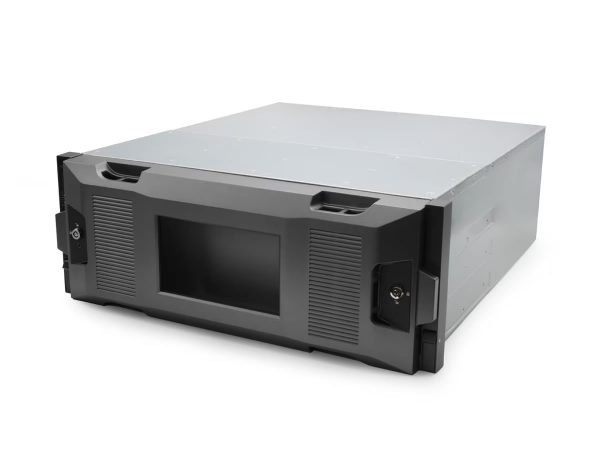
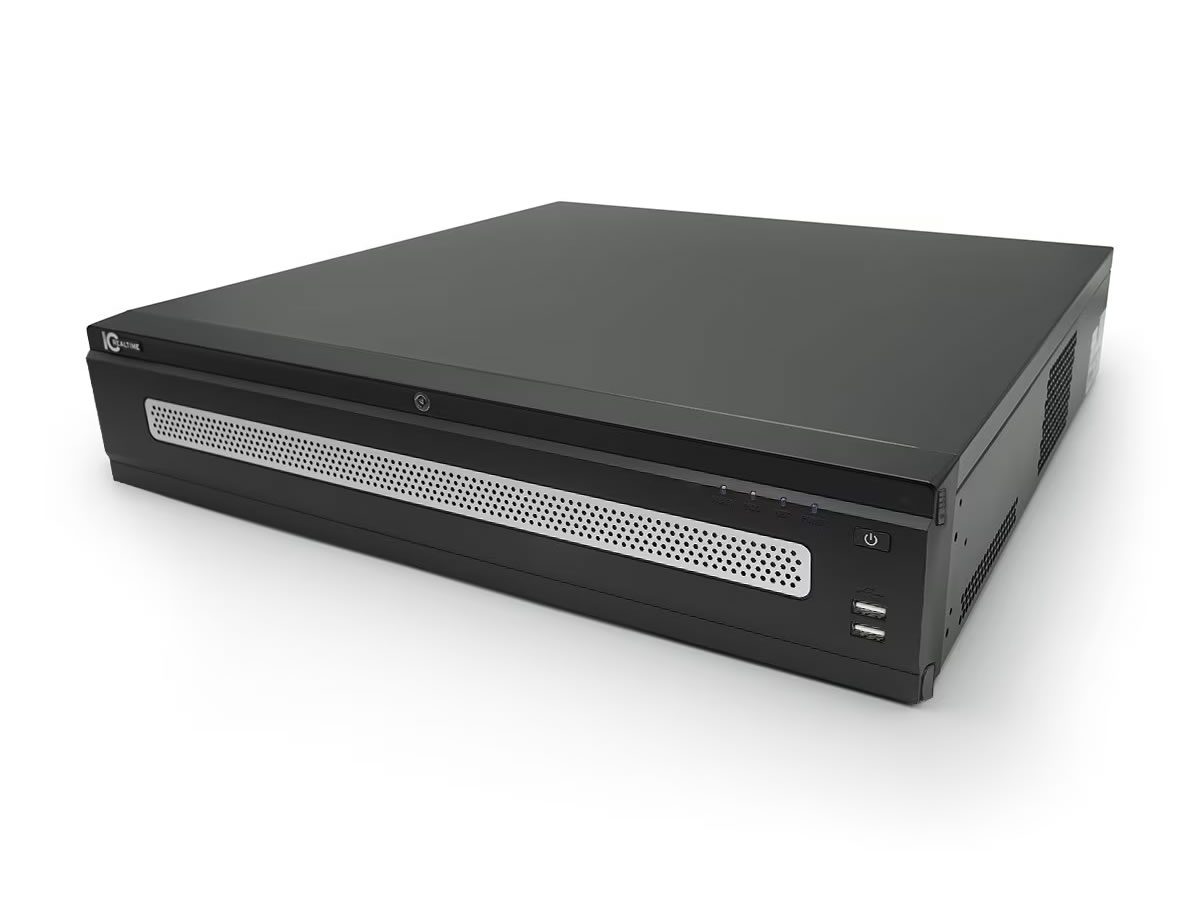
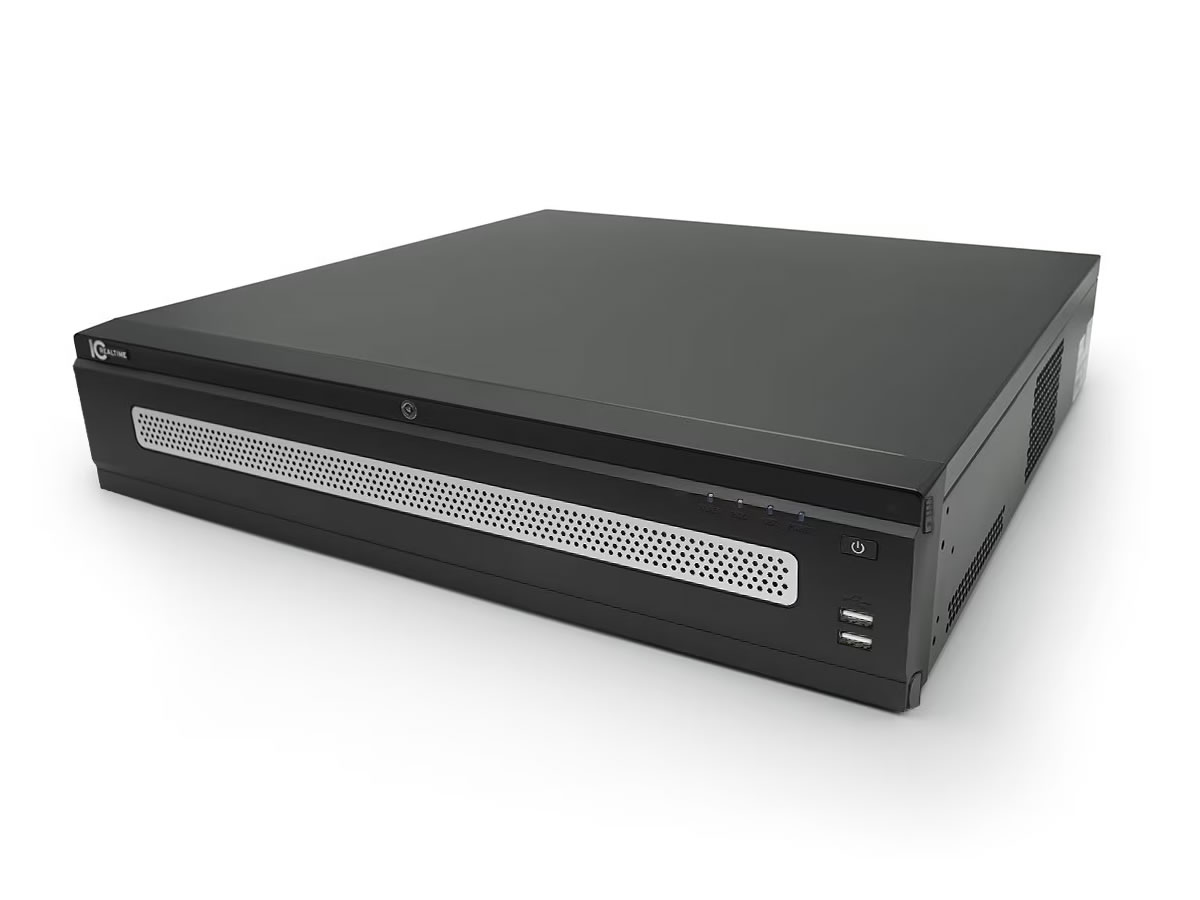
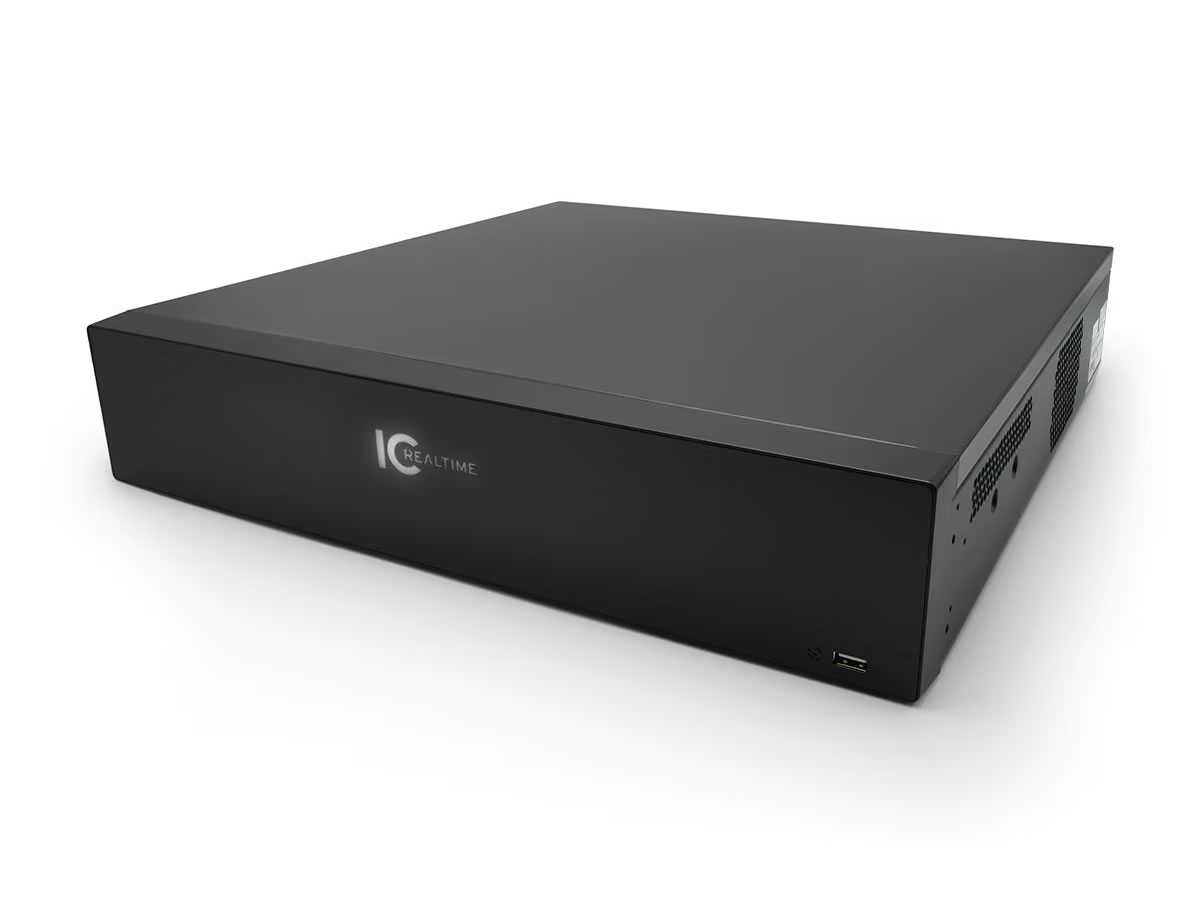
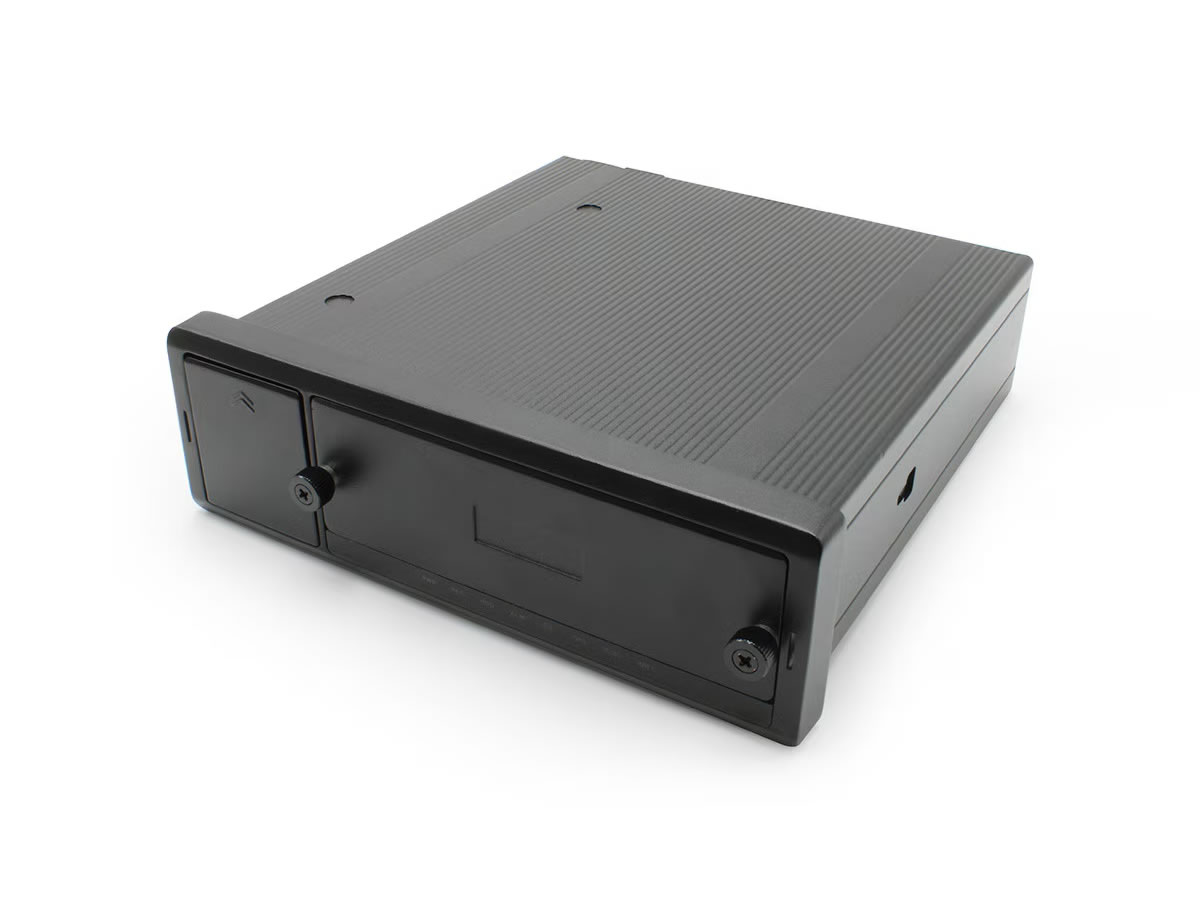
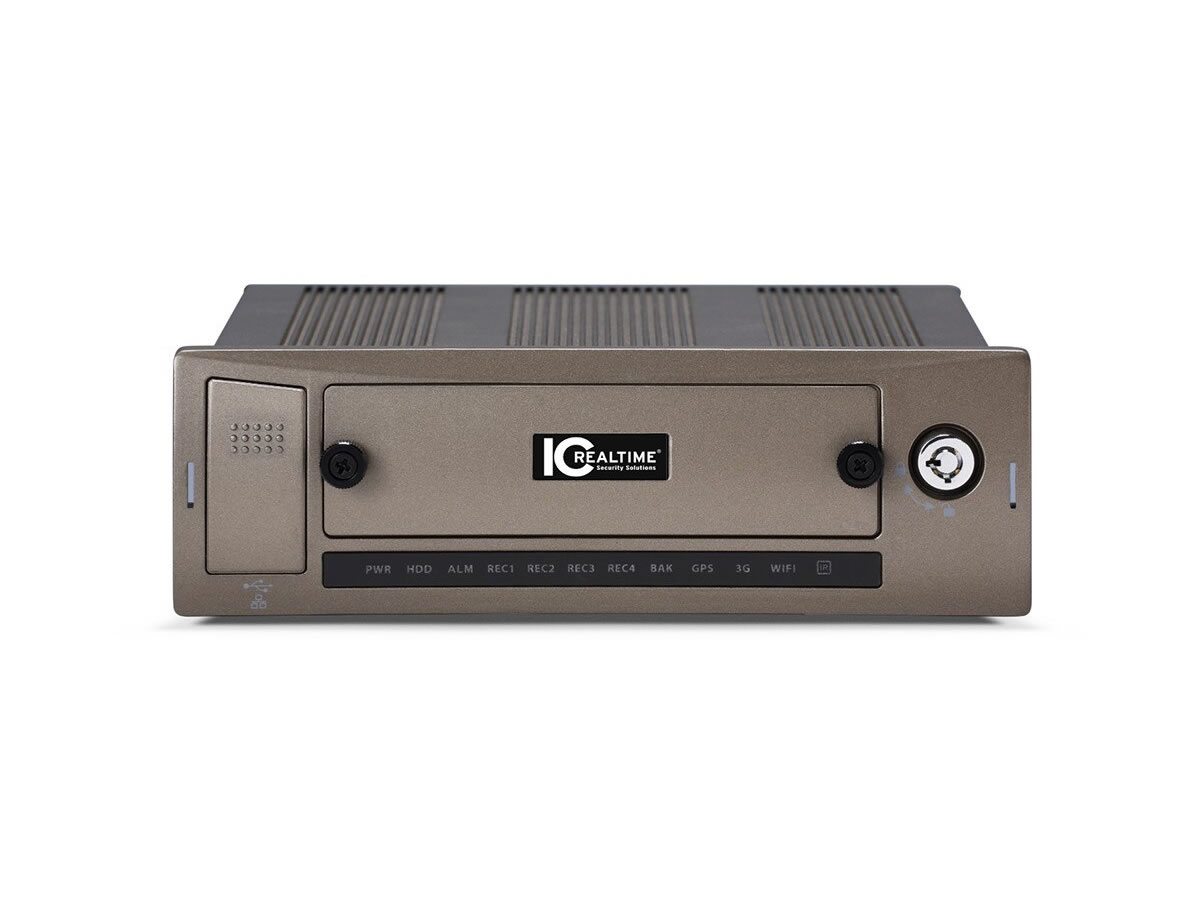
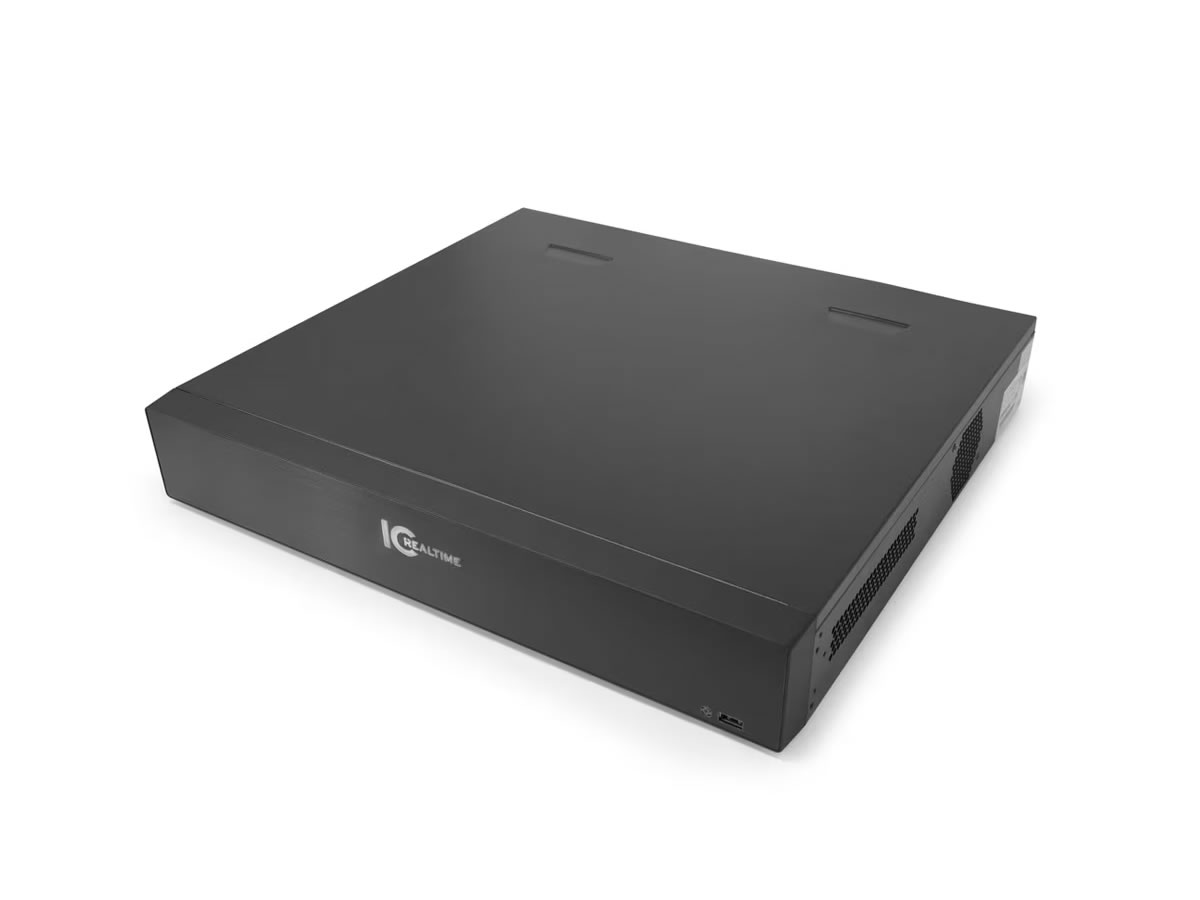
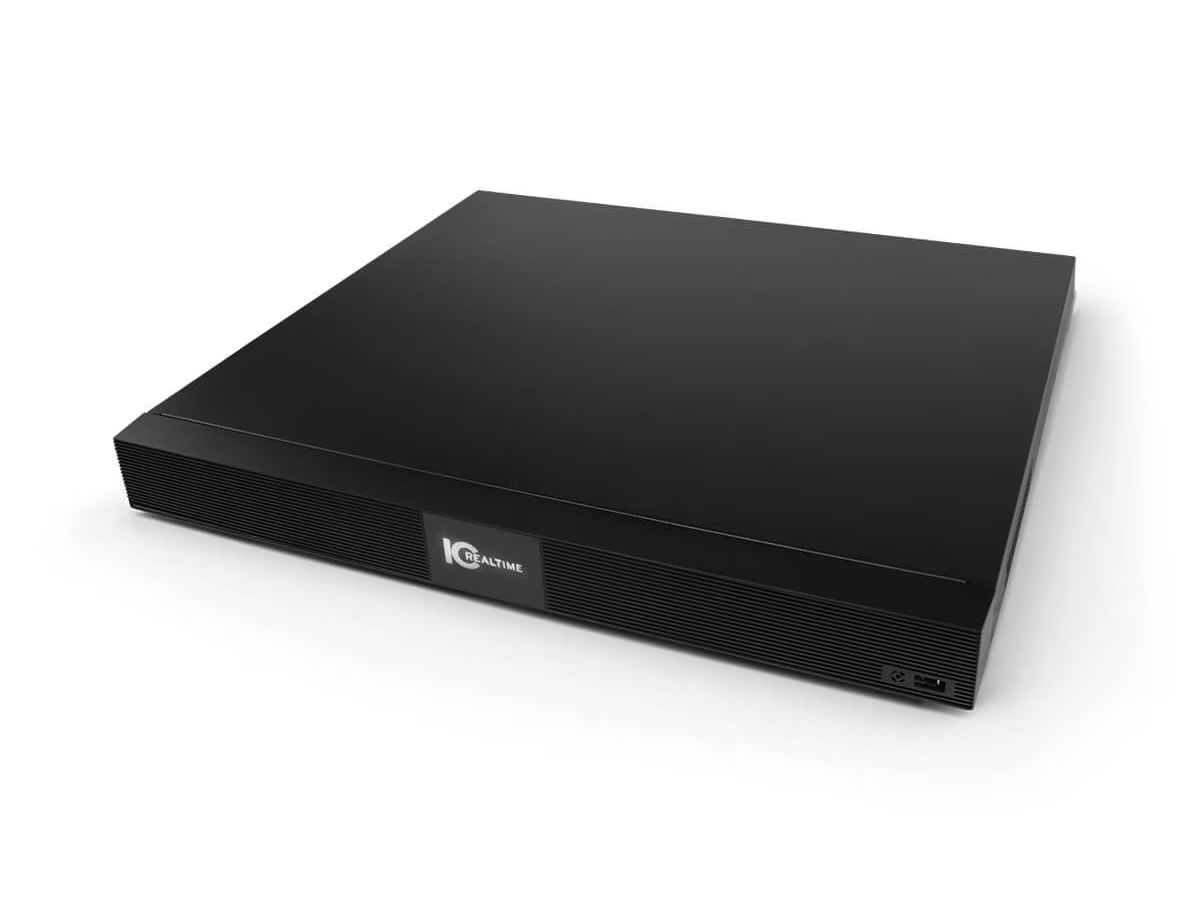
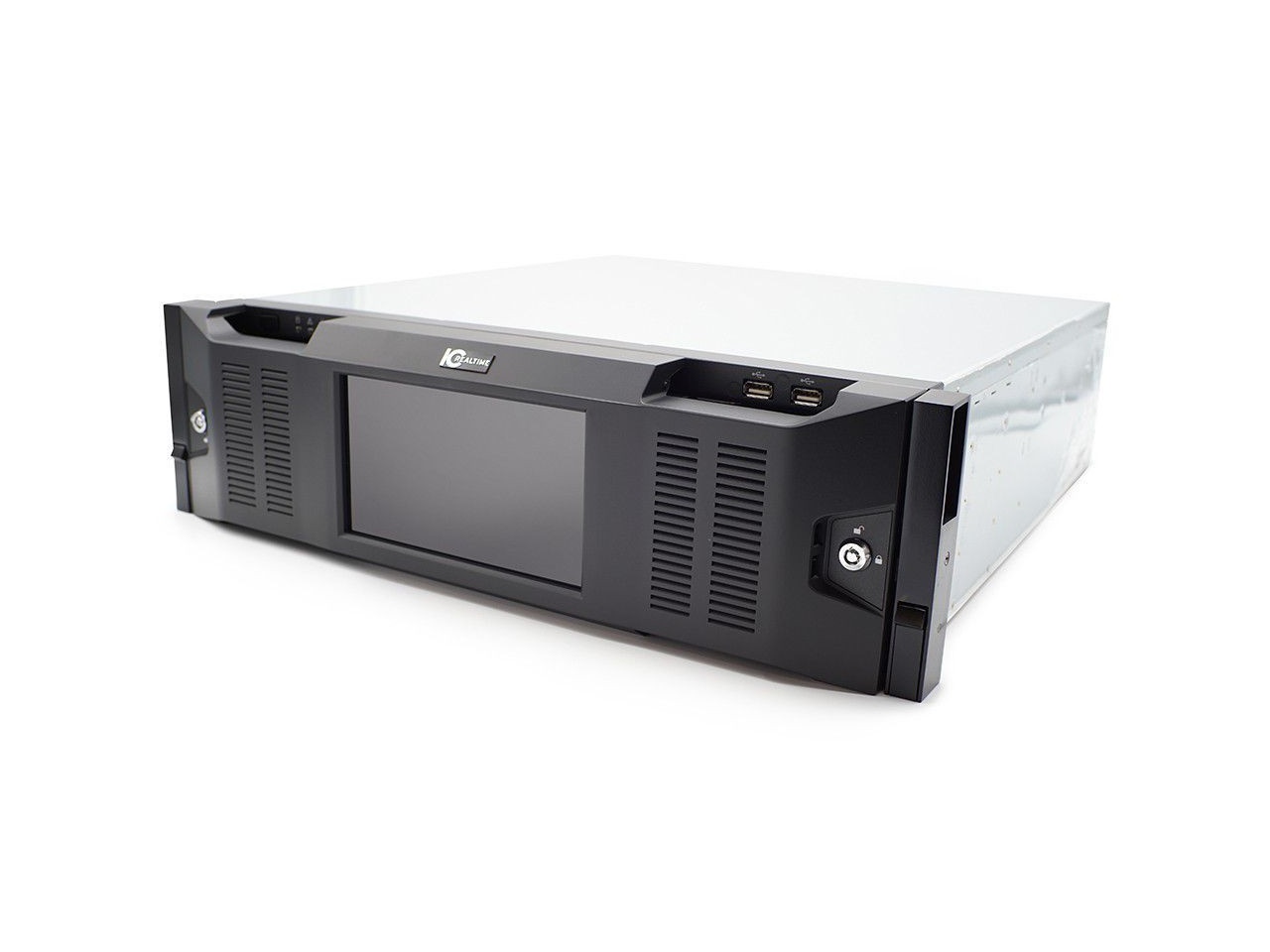
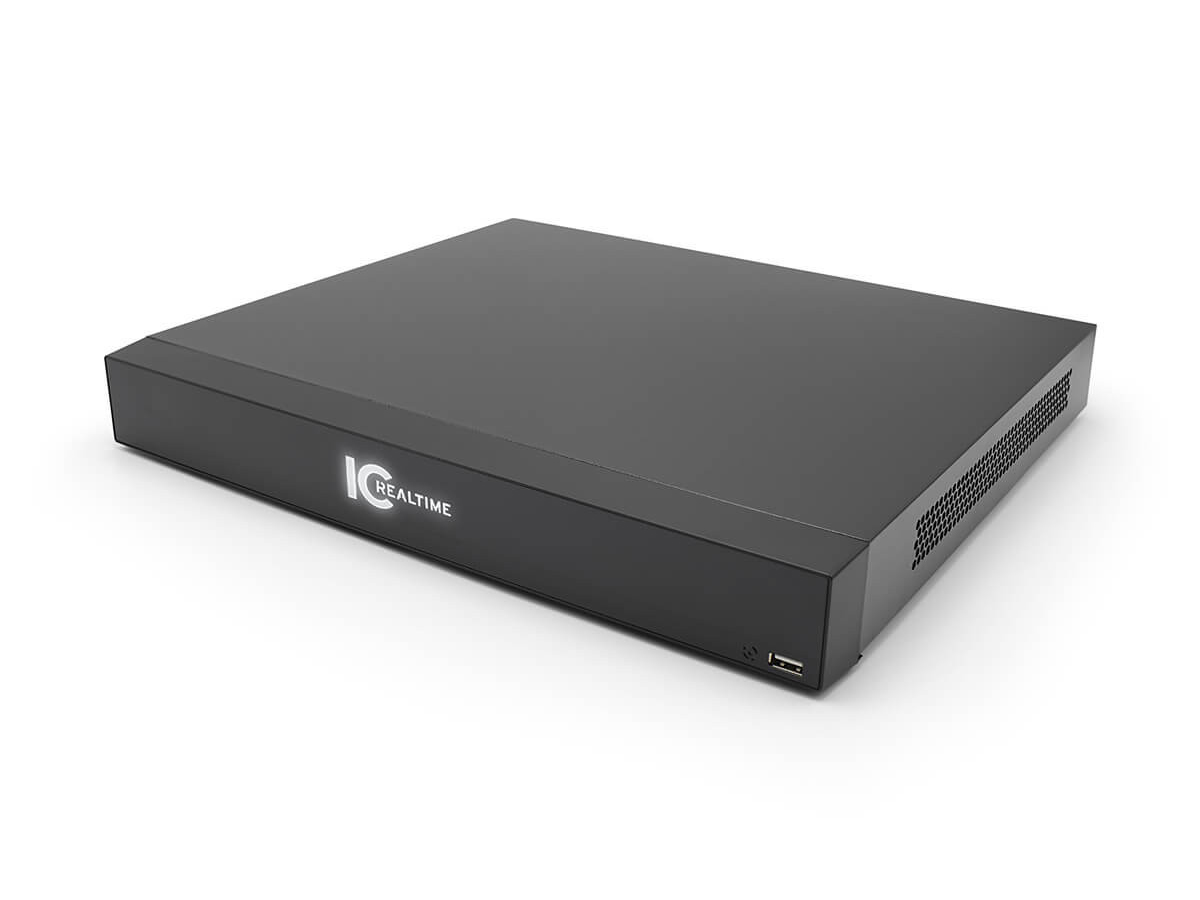
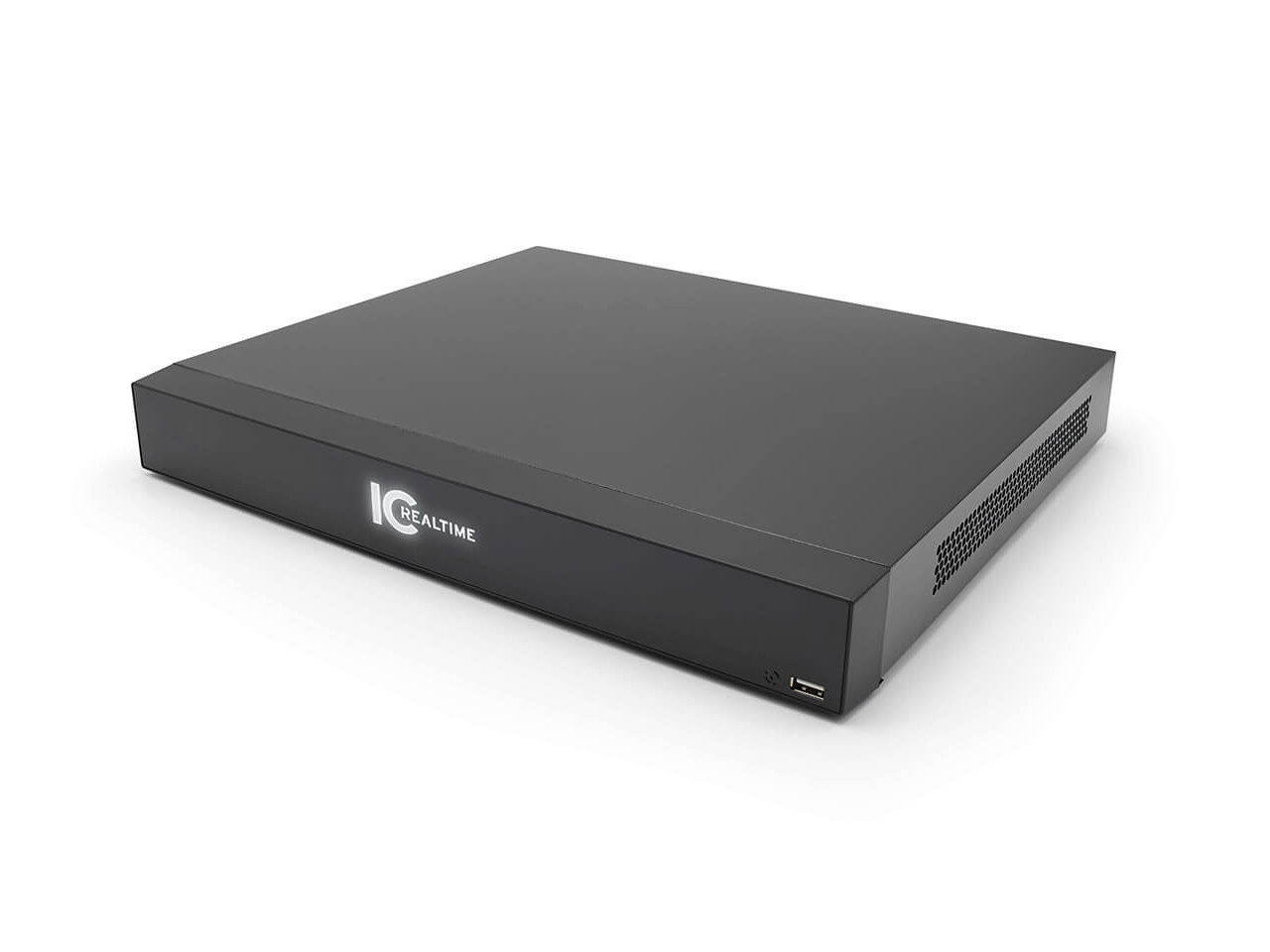
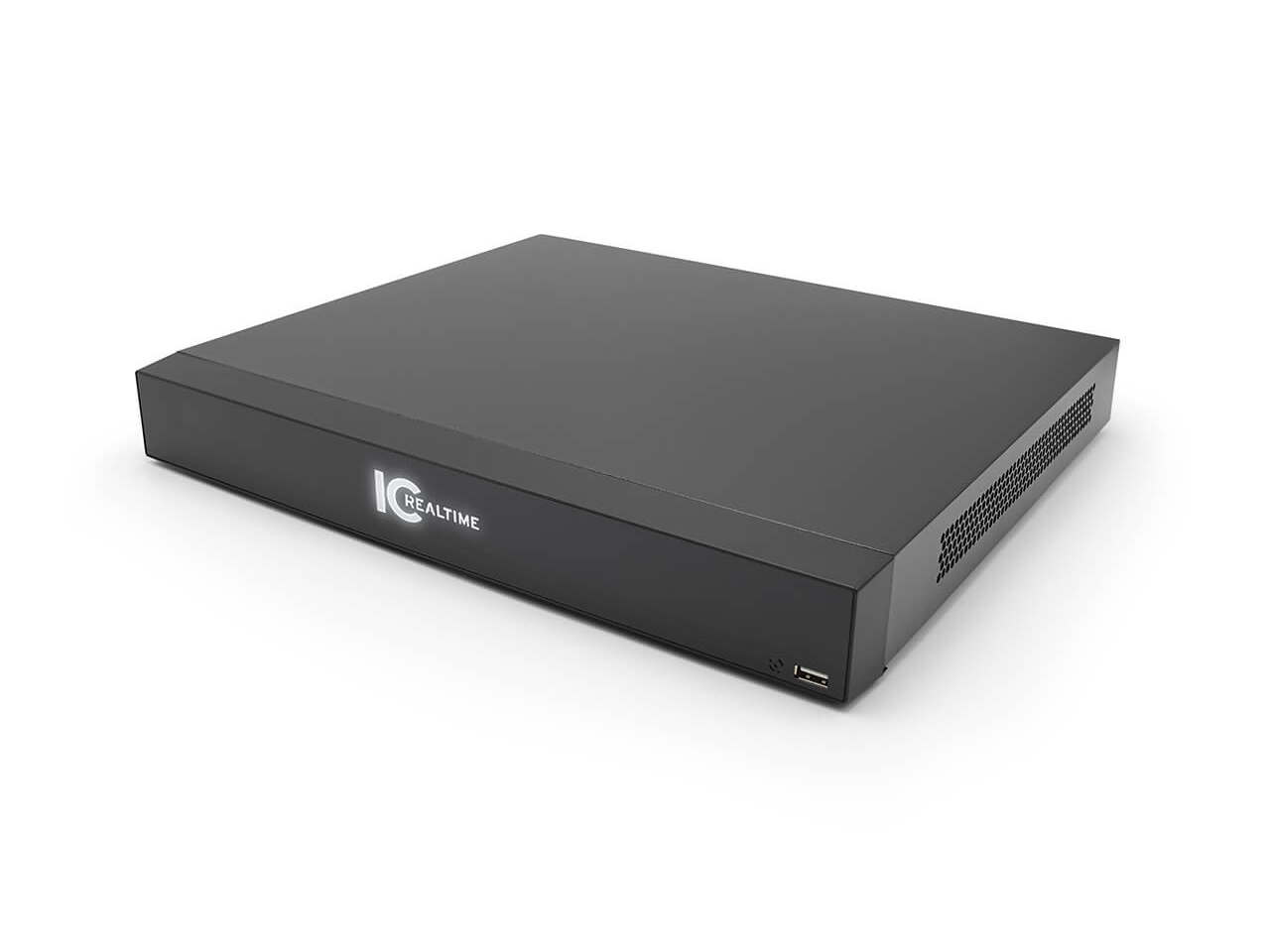
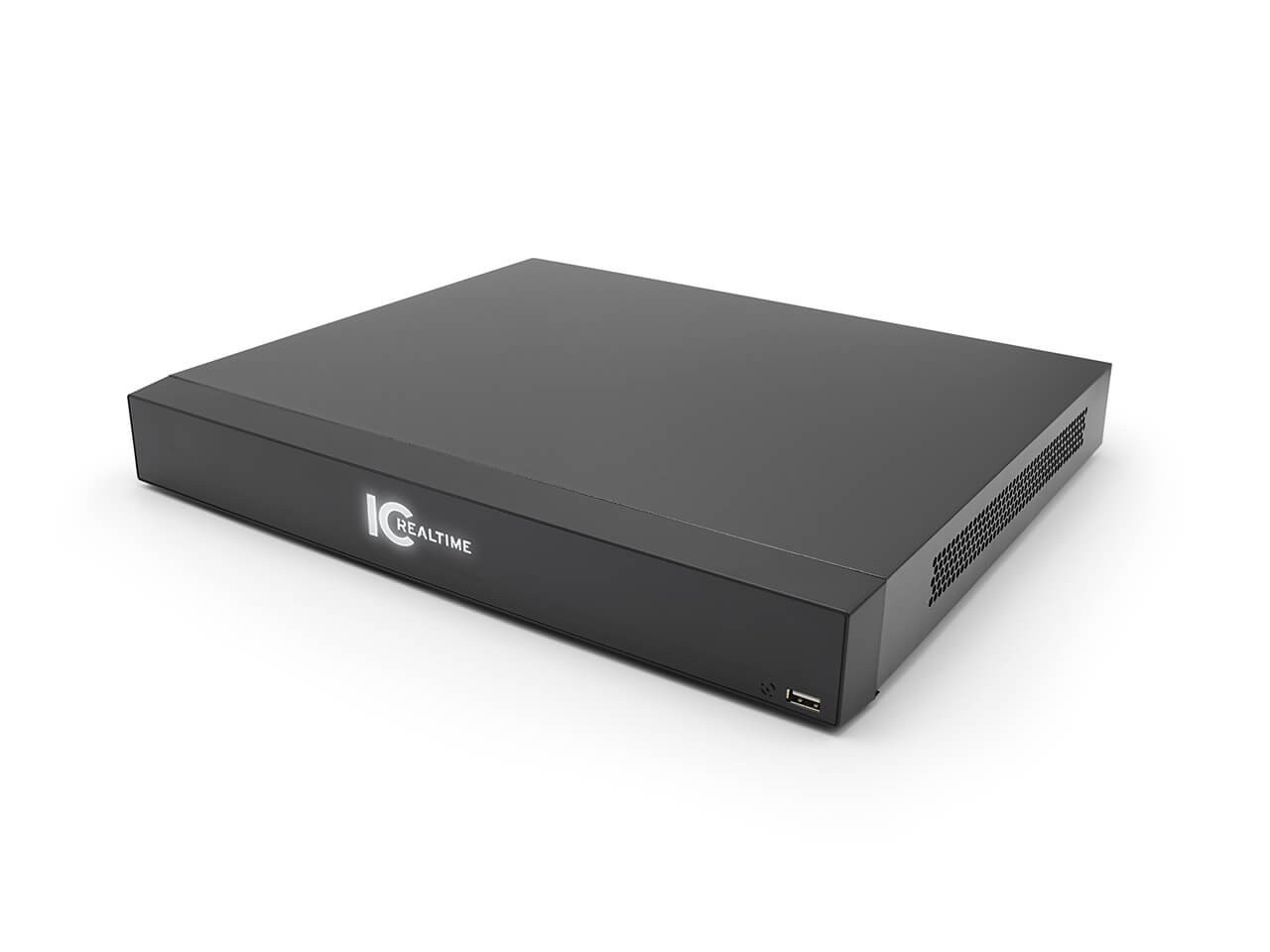
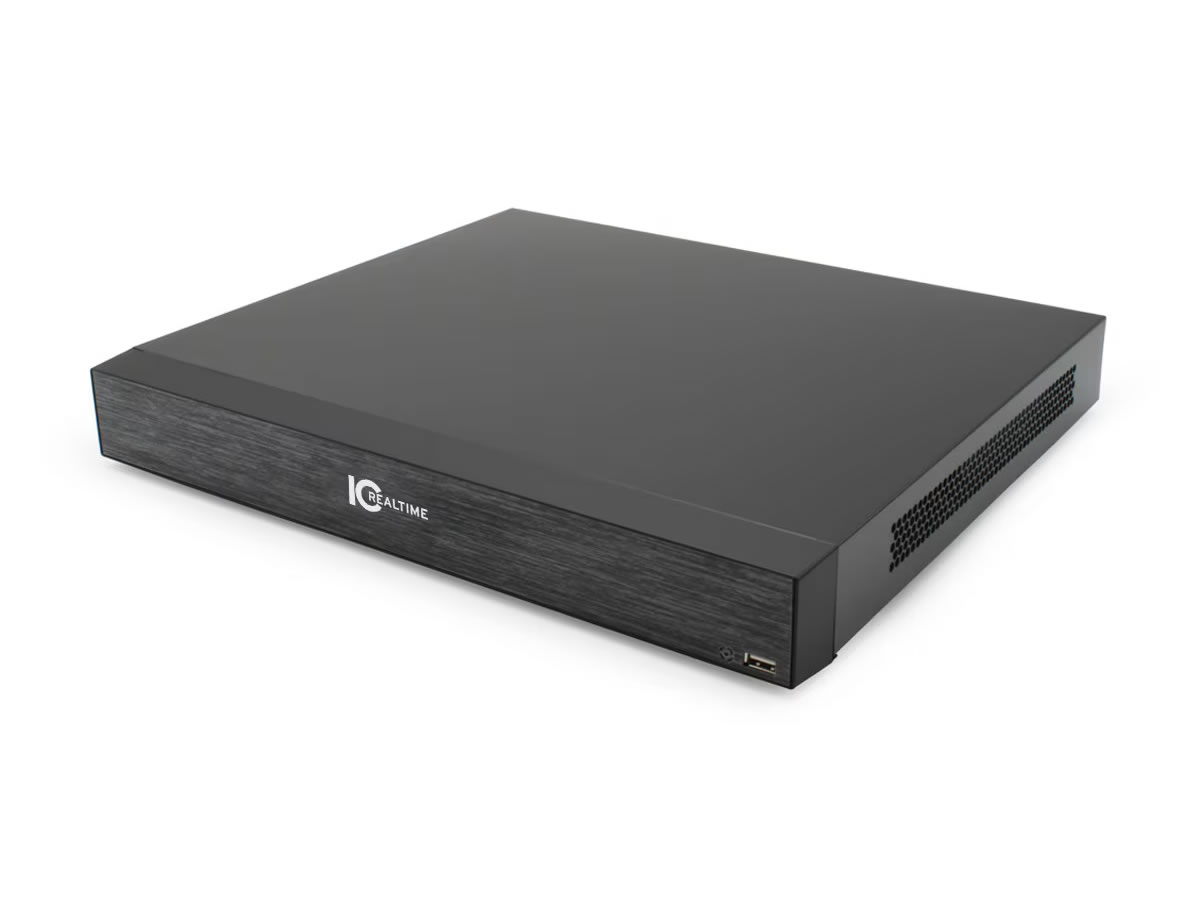
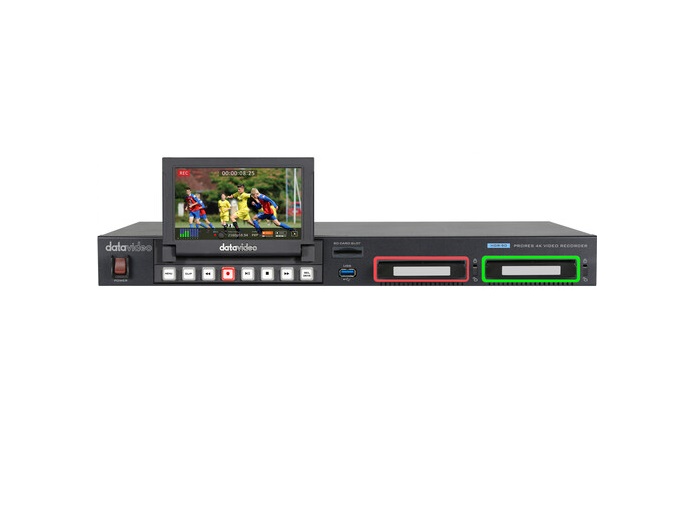
Recorders in security applications capture and store video from cameras for later review. The two main types are Network Video Recorders (NVRs) for IP cameras and Digital Video Recorders (DVRs) for analog cameras, with hybrid recorders supporting both types. Modern installations are mostly NVR-based because IP cameras dominate new deployments, but DVRs remain in service in many existing installations and continue to be available for retrofit and expansion of analog systems.
Network Video Recorders accept video from IP cameras over the network, decode the camera streams, store them to internal or external hard drives, and provide playback through video management software. Modern NVRs support 4 to 64 or more cameras per unit, with corresponding storage from a few terabytes to dozens of terabytes. Many include built-in PoE switches (powering connected cameras via the same Ethernet cable that carries video) and HDMI outputs for local display of live and recorded video.
NVRs and DVRs offer several recording modes. Continuous recording captures every camera at all times, providing complete coverage at the cost of significant storage. Motion-detection recording only records when the camera detects motion (or based on built-in analytics), reducing storage while maintaining capture of important events. Event-triggered recording starts when external triggers fire (door contact, alarm, panic button), useful for tying camera coverage to specific events. Scheduled recording uses different modes at different times (continuous during business hours, motion-only at night). Most installations use a mix tuned to the specific requirements.
Modern NVRs support cameras at 1080p (most common), 4K (premium installations), and lower resolutions for legacy compatibility. Frame rates range from 7 to 15 fps (low-bandwidth recording for retention) to 30 fps (smooth motion for detail capture). Higher resolution and frame rate consume more storage; balance these against retention requirements and storage budget. A typical 1080p camera at 15 fps with motion-only recording uses about 30 GB per day; 4K at 30 fps with continuous recording uses several times more.
Recorder storage scales with camera count, resolution, frame rate, recording mode, and retention. Storage is typically internal hard drives in the NVR chassis (4 to 16 bays in modern NVRs), with external storage expansion for larger installations. RAID configurations protect against drive failures: RAID 5 or RAID 6 keeps recording running through one or two drive failures while data is rebuilt. Quality NVRs include surveillance-grade hard drives designed for the 24/7 write-heavy workload of continuous recording.
A rough rule for IP camera storage: a 1080p camera at 15 fps with H.264 compression uses about 1 to 4 Mbps depending on scene complexity, which works out to about 10 to 40 GB per day continuous, or 3 to 15 GB per day with motion-only recording. Multiply by camera count and retention days for total storage. A typical 16-camera 1080p installation with 30-day retention needs about 10 to 30 TB of NVR storage. Always size storage with margin for unexpected camera additions or longer retention requirements.
NVRs include video management software (VMS) for viewing live cameras, reviewing recorded video, searching for events, exporting clips, and managing the system. Quality VMS includes intelligent search (find motion in a defined area over a time range), event correlation (link camera events with access control or other systems), mobile access (view live or recorded video from phones and tablets), and multi-site management (one VMS managing recorders across multiple buildings). Common platforms include Milestone, Genetec, Avigilon, ExacqVision, and many camera manufacturers' branded VMS.
Recorders serve every security installation: retail stores (NVRs in back offices recording the entire sales floor and exterior), restaurants and hospitality (NVRs in management offices), healthcare (NVRs in security offices with comprehensive coverage of facilities), education (campus security with NVRs in centralized security offices), corporate environments (NVRs in IT or facilities offices), industrial facilities (multi-NVR installations covering large plant areas), transportation (large-scale NVR installations at airports and stations), and government and military installations with stringent retention and access control requirements.
A Network Video Recorder (NVR) records video from IP cameras over the network (Ethernet, typically with PoE for camera power). A Digital Video Recorder (DVR) records from analog cameras over direct cable connections (coax for composite or HD-SDI video). Modern installations almost universally use NVRs because IP cameras dominate new deployments. DVRs remain in service in many existing analog installations and continue to be available for retrofit and expansion. Hybrid recorders accept both IP and analog cameras, useful for installations migrating from analog to IP in stages.
A rough rule for 1080p cameras at 15 fps with H.264 compression: about 1 to 4 Mbps per camera depending on scene complexity, which works out to about 10 to 40 GB per day continuous, or 3 to 15 GB per day with motion-only recording. Multiply by camera count and retention days. For example, 16 cameras at 1080p with 30-day continuous recording needs about 5 to 20 TB; the same installation with motion-only recording needs 1.5 to 7 TB. Always add margin for unexpected camera additions or longer retention requirements. For 4K cameras, multiply by 4 or more compared to 1080p.
The right mode depends on the application. Continuous recording captures every camera at all times, providing complete coverage and the easiest investigation workflow (you always have the footage), at the cost of significant storage. Motion-detection recording only captures when motion occurs, reducing storage 50 to 90 percent while still capturing meaningful events. Event-triggered recording captures based on external triggers (door contacts, alarms). Most installations use a hybrid: continuous recording for high-priority cameras (entrances, registers, sensitive areas) and motion-only for lower-priority cameras (parking lots, perimeter).
RAID (Redundant Array of Independent Disks) combines multiple hard drives into one logical volume with redundancy: if one drive fails, the system keeps running and rebuilds the data automatically when the failed drive is replaced. RAID 5 protects against one drive failure; RAID 6 protects against two. For security NVRs where continuous recording matters and any data loss is unacceptable, RAID is essential. Smaller installations with shorter retention requirements may use JBOD (separate drives without RAID), accepting that any drive failure loses some data.
Quality surveillance-grade hard drives in continuous-recording NVRs typically last 3 to 5 years before failure rates climb significantly. Consumer hard drives in surveillance use last shorter, often 1 to 2 years, because they aren't designed for the 24/7 write-heavy workload. Always use surveillance-grade drives (designated for the application by the manufacturer, such as Western Digital Purple or Seagate SkyHawk) in NVRs. Plan for drive replacement at the 3-year mark for high-availability installations.
Retail stores (NVRs in back offices recording the entire sales floor and exterior, often 16 to 32 cameras per location), restaurants and hospitality (NVRs in management offices, covering kitchen, dining, bar, parking), healthcare facilities (NVRs in security offices with comprehensive coverage of patient areas, common spaces, emergency rooms, exterior), education campuses (centralized NVRs covering classrooms, common areas, exterior, athletic facilities), corporate environments (NVRs in IT or facilities offices, covering lobby, parking, sensitive areas), industrial facilities (multi-NVR installations covering large plant areas and perimeters), transportation hubs (large-scale NVR installations at airports and train stations), and government and military installations.

On order over $300 and more for US and US territory

We Offer a 30-Day Money Back Guarantee

Full manufacturer's warranty and quality assurance

Safe checkout with trusted payment providers