














Start typing to see results...
Find the perfect solution
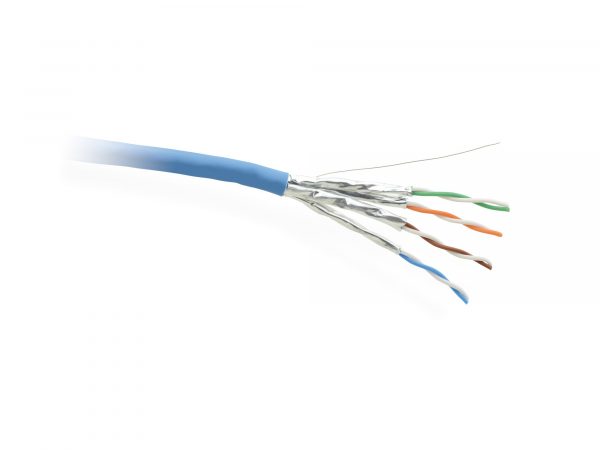
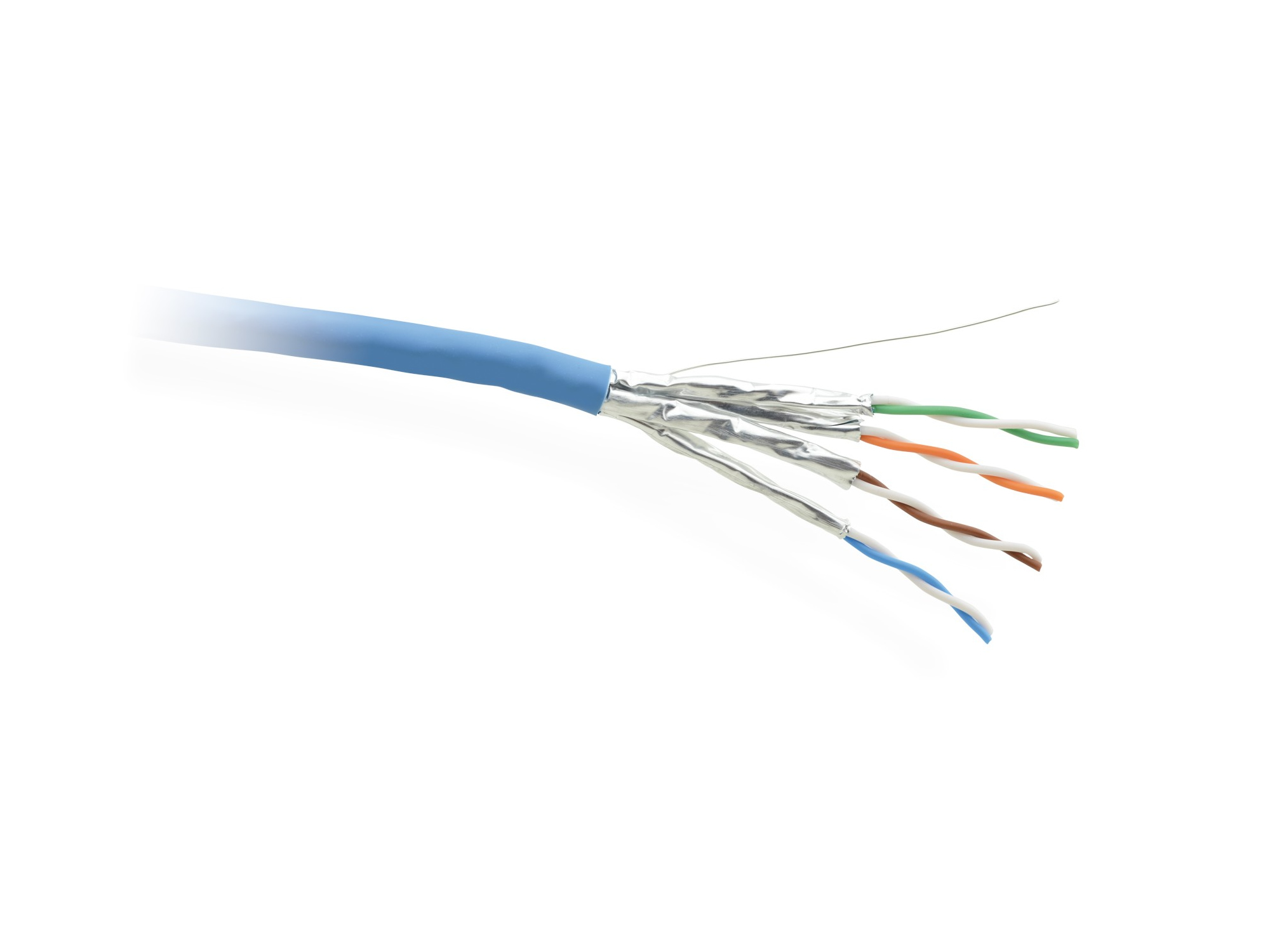
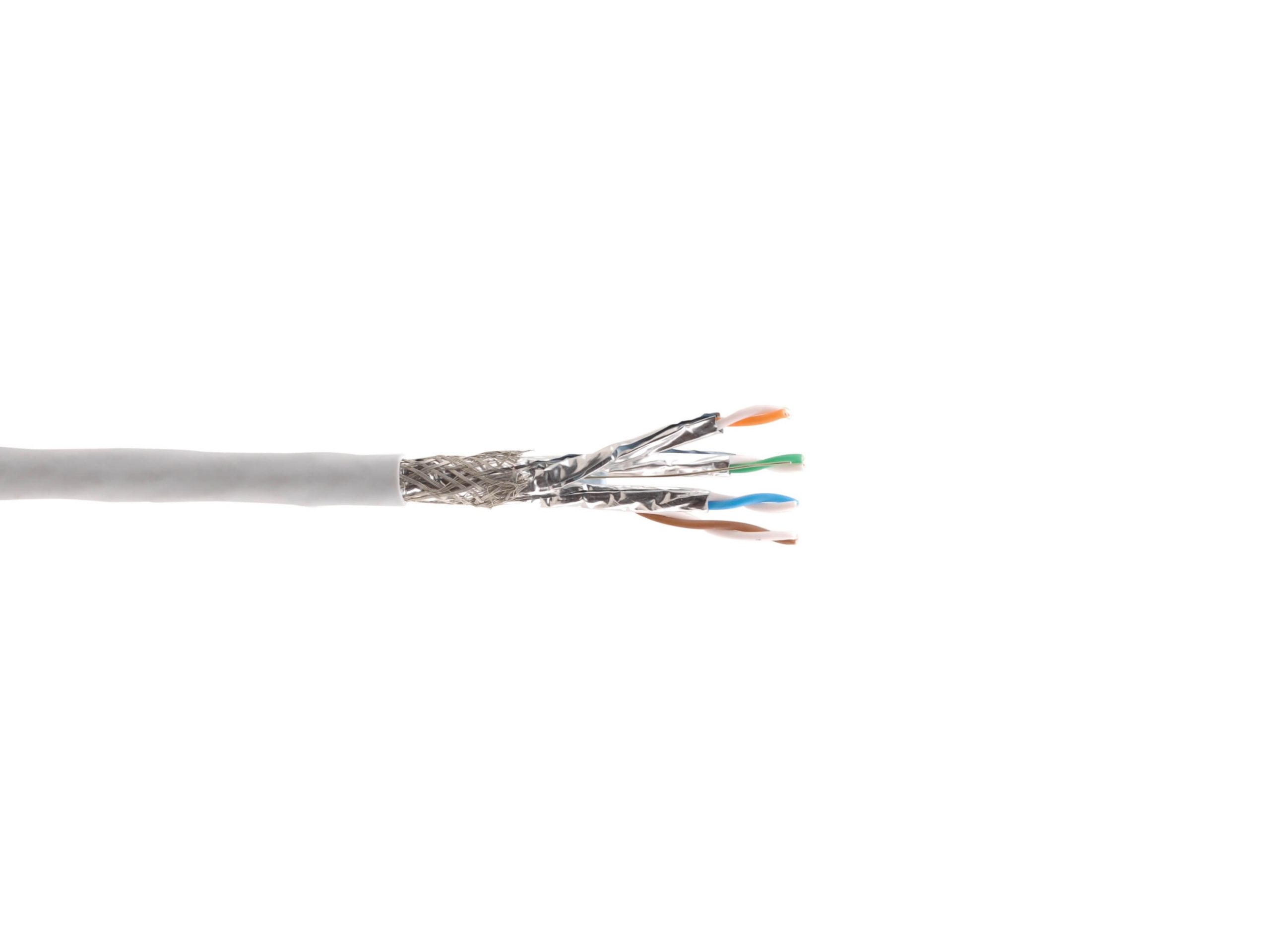
This subcategory groups network cables that do not fit cleanly into "CAT5/CAT5e" or "CAT6/CAT6a": CAT7 and CAT8 high-performance cables, network patch cables in specialty configurations, console and serial cables for network equipment management, crossover cables, color-coded patch cables for organization, and various network cable accessories. These cables serve specialty network applications, equipment management, and organization needs in AV and IT installations.
CAT7 supports 10 GbE at 600 MHz with comprehensive shielding (each pair individually shielded plus an overall braided shield). It uses non-standard connectors (GG45 or TERA) for its full rated performance, which limits adoption in standard Ethernet installations. CAT8 supports 25 GbE and 40 GbE over short distances (up to 30 meters) and is targeted at data-center applications where short-distance high-bandwidth connections matter more than long runs. Both are less common than CAT6 and CAT6a in commercial AV.
Crossover cables have the transmit and receive pairs swapped at one end, allowing two PCs or two switches to connect directly to each other without a network switch in between. Modern Ethernet equipment supports Auto-MDIX (automatic crossover detection), which makes physical crossover cables unnecessary in most cases. But crossover cables are still used in legacy equipment, in test bench setups, and in specialty configurations where Auto-MDIX is unavailable or disabled.
Console cables connect a laptop or workstation to the serial management port of a network switch, router, or AV processor for initial configuration and troubleshooting. The most common types are RJ45-to-DB9 (with the RJ45 plugging into the equipment's console port and DB9 into the laptop or a USB-to-serial adapter), RJ45-to-USB (with built-in USB-to-serial conversion), and proprietary cables for specific manufacturers' equipment. Every commercial AV install with managed network equipment needs at least one console cable in the toolkit.
Color-coded patch cables help organize cable in equipment racks, where dozens or hundreds of patch cables can quickly become an unmanageable tangle. Different colors identify different VLANs, services, locations, or priorities. Common color schemes: red for management, green for production VoIP/data, blue for general data, yellow for AV-over-IP, orange for security. A consistent color scheme across an installation makes troubleshooting and moves-adds-changes much faster.
This category also covers specialty network cable configurations: short patch cables (6 inches to 1 foot) for dense rack patching, extra-long patch cables (50 feet and longer) for unusual installations, slim or thin patch cables for cable bundles where flexibility matters, and waterproof or armored cables for harsh environments. Each serves a specific installation need that standard CAT5e or CAT6 patch cables cannot fill.
These other network cables appear throughout commercial AV: console cables in every equipment rack for managing network gear, color-coded patch cables in patch panels for service identification, short patch cables in dense AV racks, CAT7/CAT8 in specialty high-bandwidth applications (rare but growing in data centers), and crossover cables in legacy equipment service. They round out the network cable inventory beyond the dominant CAT5e and CAT6.
CAT7 supports 10 Gigabit Ethernet at 600 MHz with comprehensive shielding (each pair individually shielded plus an overall braid). It uses non-standard connectors (GG45 or TERA) for its full rated performance, which limits adoption in standard Ethernet installations because most network equipment has RJ45 ports. CAT7 can be terminated with RJ45 plugs at reduced performance (essentially CAT6a equivalent), but then the extra cost of CAT7 cable provides little benefit. For most commercial AV installations, CAT6a delivers the same Ethernet performance at lower cost.
CAT8 supports 25 Gigabit Ethernet (25GBASE-T) and 40 Gigabit Ethernet (40GBASE-T) over short distances (up to 30 meters), at frequencies up to 2 GHz. It is targeted at data-center applications where short, high-bandwidth connections between top-of-rack switches and servers matter more than long runs. CAT8 uses standard RJ45 connectors, simplifying adoption. In commercial AV, CAT8 is rare because AV applications rarely need 25 or 40 GbE on twisted pair (fiber is usually the right choice for those bandwidths). CAT8 is mainly a data-center cable.
Almost never with modern equipment. Crossover cables have the transmit and receive pairs swapped at one end, allowing two PCs or two switches to connect directly without a network switch in between. Modern Ethernet equipment supports Auto-MDIX (automatic crossover detection), which automatically swaps the pairs internally as needed, making physical crossover cables unnecessary. Crossover cables are still useful for legacy equipment that lacks Auto-MDIX, for test bench setups, and for specialty configurations where Auto-MDIX is disabled. In a typical commercial AV install, standard straight-through patch cables work everywhere.
A console cable connects a laptop or workstation to the serial management port of a network switch, router, or AV processor for initial configuration and troubleshooting. The most common types are RJ45-to-DB9 (with the RJ45 in the equipment's console port and DB9 to a laptop or USB-to-serial adapter), RJ45-to-USB (with built-in USB-to-serial conversion), and various proprietary cables for specific manufacturers. Every commercial AV install with managed network equipment needs at least one console cable in the toolkit, because initial setup, lost-password recovery, and certain troubleshooting tasks require direct serial access.
Color-coded patch cables make cable management and troubleshooting far faster in a dense equipment rack. Different colors identify different services, VLANs, locations, or priorities at a glance, without needing to trace each cable individually. A consistent color scheme across an installation (red for management, green for VoIP, blue for general data, yellow for AV-over-IP, orange for security) lets a technician immediately understand what each cable does, which speeds moves, adds, changes, and troubleshooting. Color coding is especially valuable in patch panels where dozens of cables enter and leave the same area.
Console cables in every equipment rack for initial configuration and troubleshooting of network switches, routers, and AV processors. Color-coded patch cables in patch panels and equipment racks for service identification and clean cable management. Short patch cables (6 inches to 1 foot) in dense AV racks where conventional 3-foot patch cables are too long. Crossover cables in legacy equipment service. CAT7 in specialty installations requiring its specific shielding profile. CAT8 in data centers with short high-bandwidth requirements. Each cable type fills a specific role beyond the dominant CAT5e and CAT6 cable runs.

On order over $300 and more for US and US territory

We Offer a 30-Day Money Back Guarantee

Full manufacturer's warranty and quality assurance

Safe checkout with trusted payment providers