












Start typing to see results...
Find the perfect solution
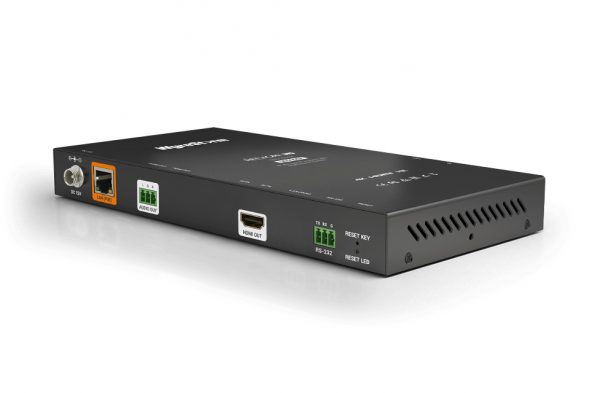
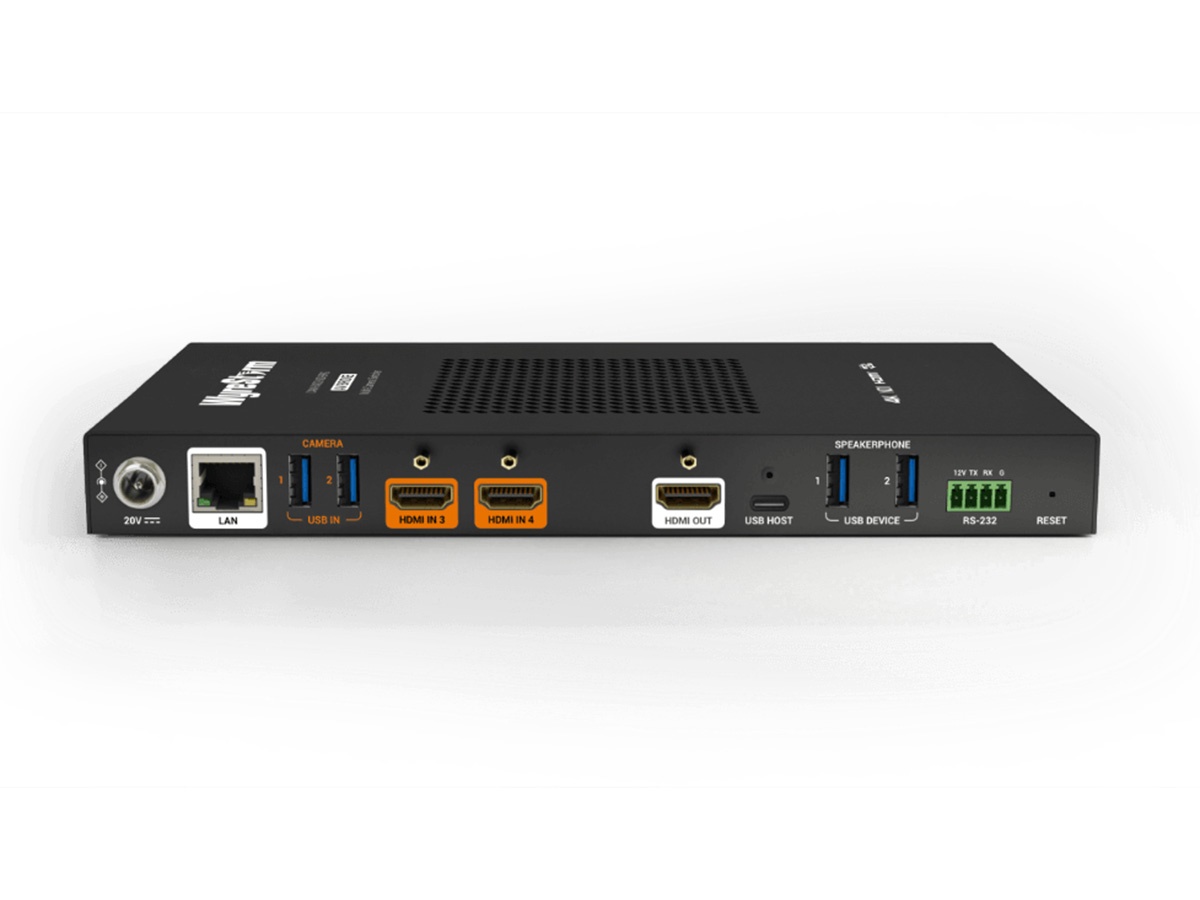
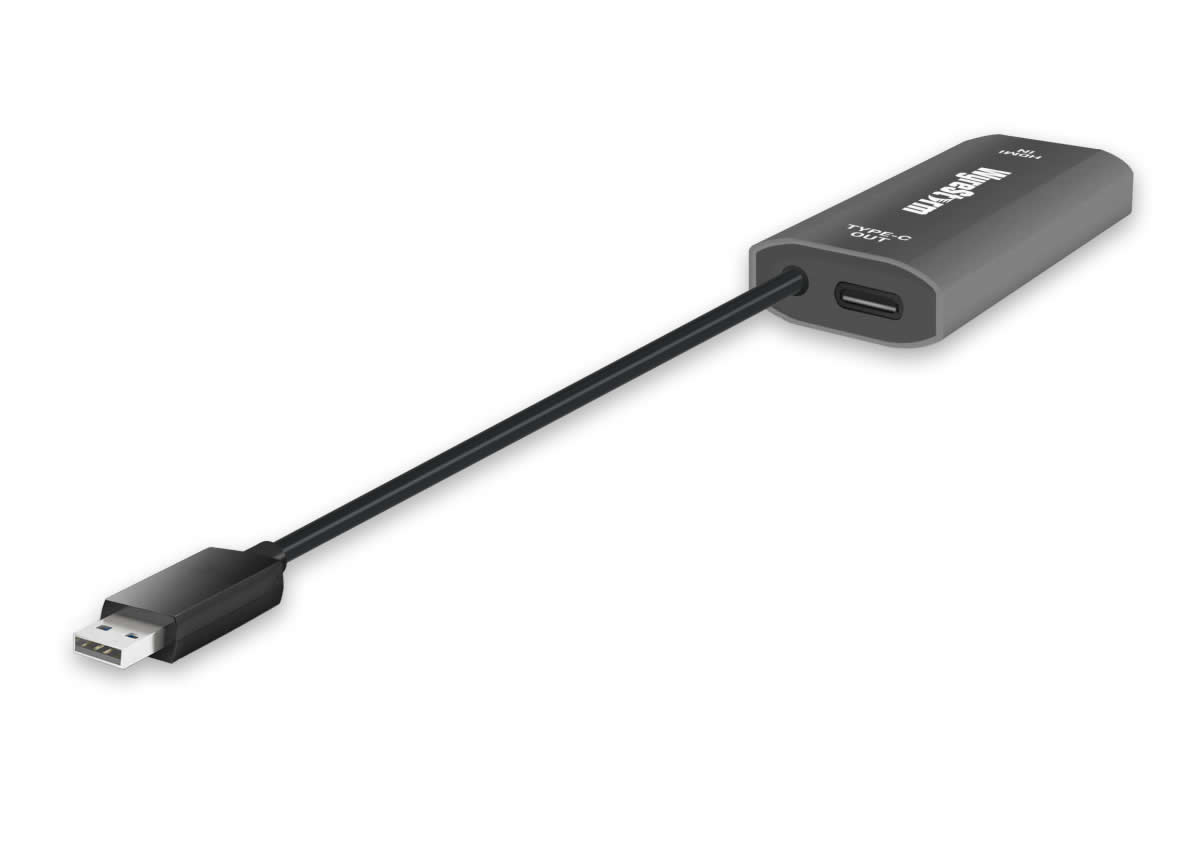
Multiviewers process multiple video input sources and combine them into one composite output, showing many sources simultaneously on one display. They are essential in environments where one operator needs to monitor many sources at once: broadcast control rooms (showing every camera, graphics source, playback, plus program and preview output), security operation centers (showing many camera feeds), traffic and emergency dispatch, network operations centers, and any installation requiring situational awareness across multiple feeds.
A multiviewer accepts multiple input sources (typically 4, 9, 16, 32, or more), scales each source down to a smaller resolution, and arranges them in a composite layout on one output display. Common layouts: 2x2 (4 sources at quarter screen each), 3x3 (9 sources at ninth screen each), 4x4 (16 sources), and custom layouts with different source sizes (one large primary source plus several smaller secondary sources, useful when one source is more important than others). The operator sees all sources at once, with the composite output going to one display.
Quality multiviewers support custom layouts beyond simple grids. The operator can arrange sources in any size and position on the output, sometimes with different layouts for different operational modes. For example, broadcast control rooms might use a 4x4 layout during routine operation but switch to a primary-plus-secondary layout during a news segment (program large, all cameras small around it). Layout flexibility lets the multiviewer match operational workflows rather than forcing operators to adapt to fixed layouts.
Multiviewers typically display source labels on each tile, identifying what's shown in each panel. Labels can include text identifiers (CAM 1, REPLAY, GRAPHICS, etc.), color coding for different source types, on-screen status indicators (tally lights showing which source is on-air), and metadata overlays (timecode, audio levels, source name from automation systems). Quality labels make operations faster by eliminating the need for operators to remember which tile is which source.
Broadcast multiviewers integrate with tally systems: indicators showing which source is currently on-air (the program output) and which is selected on preview. Tally typically appears as a colored border around the appropriate tile in the multiview (red for program, green for preview). This visual feedback is essential during live production: the director sees at a glance which source is being shown to viewers and which is queued next.
Multiviewers often include audio level meters for each source, showing audio levels alongside the video. This lets the operator monitor audio levels across all sources simultaneously: detecting muted sources, sources with audio problems, or sources with levels significantly different from others. Quality multiviewers also include audio waveform displays for detailed audio monitoring, and sometimes audio routing that lets the operator monitor specific source audio while watching all sources visually.
Multiviewers come in format-specific variants: SDI multiviewers for broadcast (the dominant variant in broadcast facilities), HDMI multiviewers for commercial AV with HDMI sources, DVI multiviewers for legacy installations, IP multiviewers receiving sources over network (AV-over-IP, NDI, ST 2110), and mixed-format multiviewers accepting various input types. Match the multiviewer's inputs to the actual source signals in your installation; conversion adapters can bridge mismatches but add complexity.
Multiviewer outputs typically support various resolutions and formats. HDMI output for commercial displays. SDI output for broadcast monitoring. Multiple outputs (one multiviewer producing several different composite views on different displays) for environments where different operators want different views. The output resolution must match the destination display: 1080p for most monitoring use, 4K for high-resolution displays where the composite can show many sources at high quality.
Multiviewers come in two main forms. Standalone multiviewers are dedicated hardware boxes that accept inputs and produce composite output, with a specific input count (typically 4 to 32). Processor-based multiviewers run on production switchers, broadcast routers, or specialty processors, with multiview as a feature of the larger system. For installations needing dedicated multiview monitoring, standalone is straightforward. For installations with production switchers or routers that include multiview features, using the existing infrastructure is more cost-effective.
Multiviewers serve broadcast control rooms (showing every camera, graphics source, playback, plus program and preview output to the director and technical director), security operation centers (showing many camera feeds across one or several displays for monitoring by operators), traffic and emergency dispatch (multiple camera feeds plus map and communication data), network operations centers (system status across many servers, network links, and applications), industrial control rooms (plant status, process variables, security camera feeds combined), and any installation requiring situational awareness across multiple video sources simultaneously.
A multiviewer processes multiple video input sources and combines them into one composite output, showing many sources simultaneously on one display. You need one when one viewer (or many viewers in a single space) must monitor many sources at once. Common scenarios: broadcast control rooms with every camera, graphics, playback, plus program and preview visible to the director, security operation centers with many camera feeds across monitoring displays, traffic and emergency dispatch with multiple camera feeds plus operational data, network operations centers with system status across many servers and networks, and any environment where situational awareness across many feeds matters.
Commercial multiviewers range from 4-input (2x2 layout, 4 sources at quarter screen each) to 64+ input (8x8 or larger layouts). Most broadcast and security applications use 16 to 32 input multiviewers, sized to the actual source count plus margin for future expansion. The right multiviewer size matches the actual source count: bigger isn't always better since each source becomes smaller on the display as the count grows. For installations with very high source counts (hundreds of cameras in large security installations), multiple multiviewers with output going to separate displays often serves better than one mega-multiviewer.
Tally is a visual indicator on the multiview showing which source is currently on-air (the program output) and which is selected on preview. The multiviewer overlays a colored border on the appropriate tiles (red for on-air program, green for preview that's queued next, sometimes yellow for sources being checked or ISO recorded). Tally is essential during live broadcast production: the director sees at a glance which source is being shown to viewers and which is queued for the next switch. Quality multiviewers integrate tally with the production switcher or automation system for accurate real-time indication.
Quality multiviewers support custom layouts beyond simple grids. Standard grids (2x2 with 4 sources, 3x3 with 9 sources, 4x4 with 16 sources, etc.) work well when all sources have equal importance. Custom layouts with different tile sizes work when one or more sources are more important than others: a primary source large in the center with smaller tiles around it for secondary sources, mosaic layouts with various proportions. Some multiviewers support multiple layout presets that the operator can switch between, matching different operational modes (routine monitoring vs. active production vs. emergency).
Choose SDI multiviewers for broadcast applications where SDI is the source format: broadcast control rooms, live event production with SDI cameras, broadcast contribution facilities. Choose HDMI multiviewers for commercial AV applications where HDMI dominates: corporate AV monitoring, conferencing operation centers, retail security with HDMI cameras and DVR feeds. For installations with mixed source formats, mixed-format multiviewers (or separate multiviewers for different format groups) handle the mix. Match the multiviewer to the dominant source format in your installation; conversion at the input increases complexity and cost.
Broadcast control rooms (the largest single use; every camera, graphics, playback, plus program and preview visible simultaneously to the director and technical director, often with multiple multiviewers feeding multiple monitoring positions), security operation centers (many camera feeds across one or several large displays for monitoring by operators, sometimes with multiple shifts of operators each with their own multiview), traffic and emergency dispatch centers (multiple camera feeds plus map and operational data on combined displays), network operations centers (system status across many servers, network links, and applications), industrial control rooms in plants and utilities, broadcast and entertainment venues with multi-camera production, and any installation requiring situational awareness across multiple video sources.

On order over $300 and more for US and US territory

We Offer a 30-Day Money Back Guarantee

Full manufacturer's warranty and quality assurance

Safe checkout with trusted payment providers