







Start typing to see results...
Find the perfect solution

Although Avprosupply has the legal right to set our own prices, some manufacturers place restrictions on how those prices may be advertised. This is why you may sometimes see requests like “add to cart for price”, “click here for price”, or “call for price”.
Specific actions required may vary based on the manufacturer's minimum advertised price policy. We'd love to show you our lowest price, quite simply, at the earliest possible time while shopping, but in these circumstances the manufacturers don't allow it. We realize this is an inconvenience and apologize. By ensuring we follow manufacturer advertising guidelines, Avprosupply is able to offer the very best pricing and value to our customers.
Although Avprosupply has the legal right to set our own prices, some manufacturers place restrictions on how those prices may be advertised. This is why you may sometimes see requests like “add to cart for price”, “click here for price”, or “call for price”.
Specific actions required may vary based on the manufacturer's minimum advertised price policy. We'd love to show you our lowest price, quite simply, at the earliest possible time while shopping, but in these circumstances the manufacturers don't allow it. We realize this is an inconvenience and apologize. By ensuring we follow manufacturer advertising guidelines, Avprosupply is able to offer the very best pricing and value to our customers.
Although Avprosupply has the legal right to set our own prices, some manufacturers place restrictions on how those prices may be advertised. This is why you may sometimes see requests like “add to cart for price”, “click here for price”, or “call for price”.
Specific actions required may vary based on the manufacturer's minimum advertised price policy. We'd love to show you our lowest price, quite simply, at the earliest possible time while shopping, but in these circumstances the manufacturers don't allow it. We realize this is an inconvenience and apologize. By ensuring we follow manufacturer advertising guidelines, Avprosupply is able to offer the very best pricing and value to our customers.
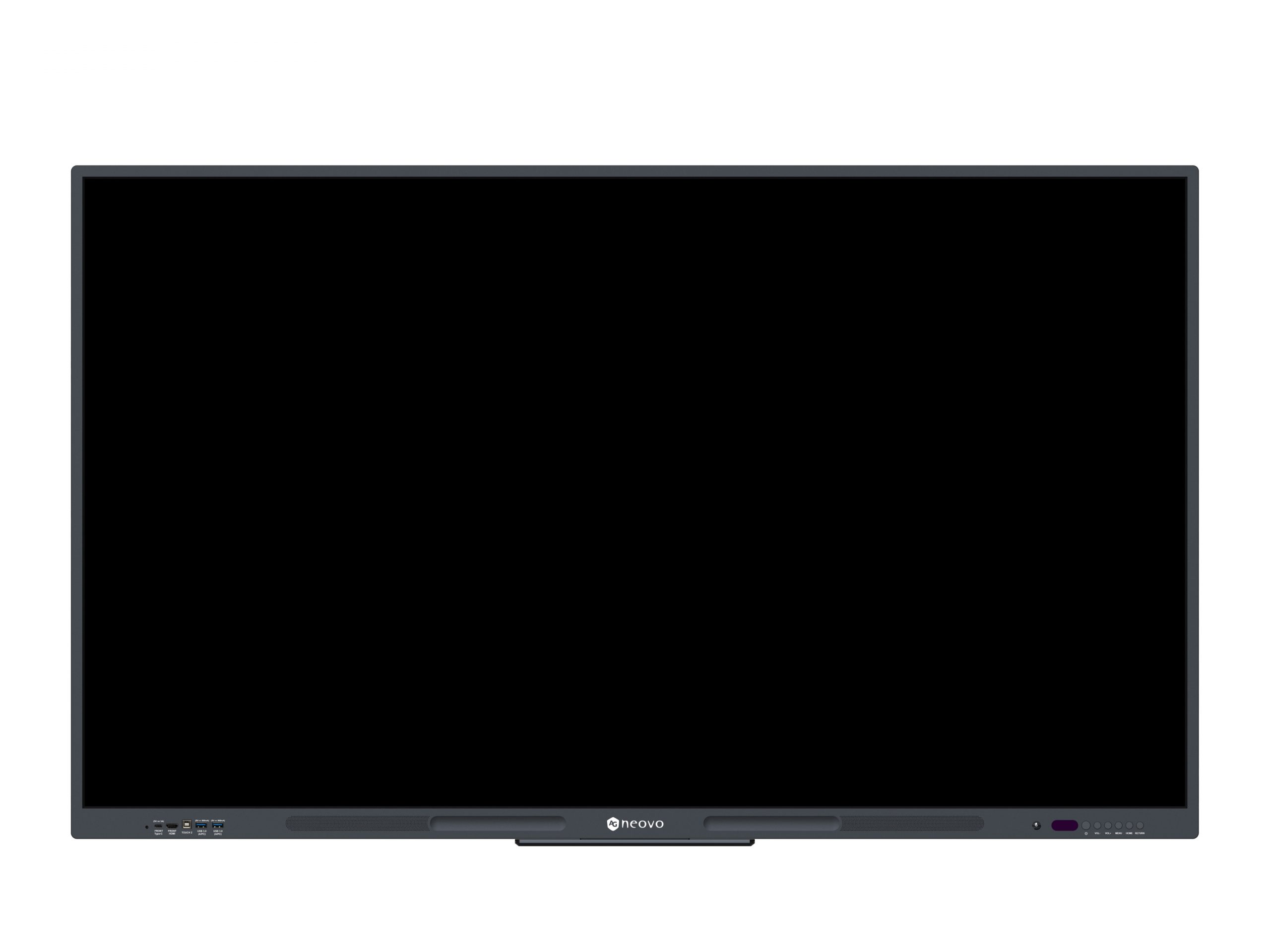
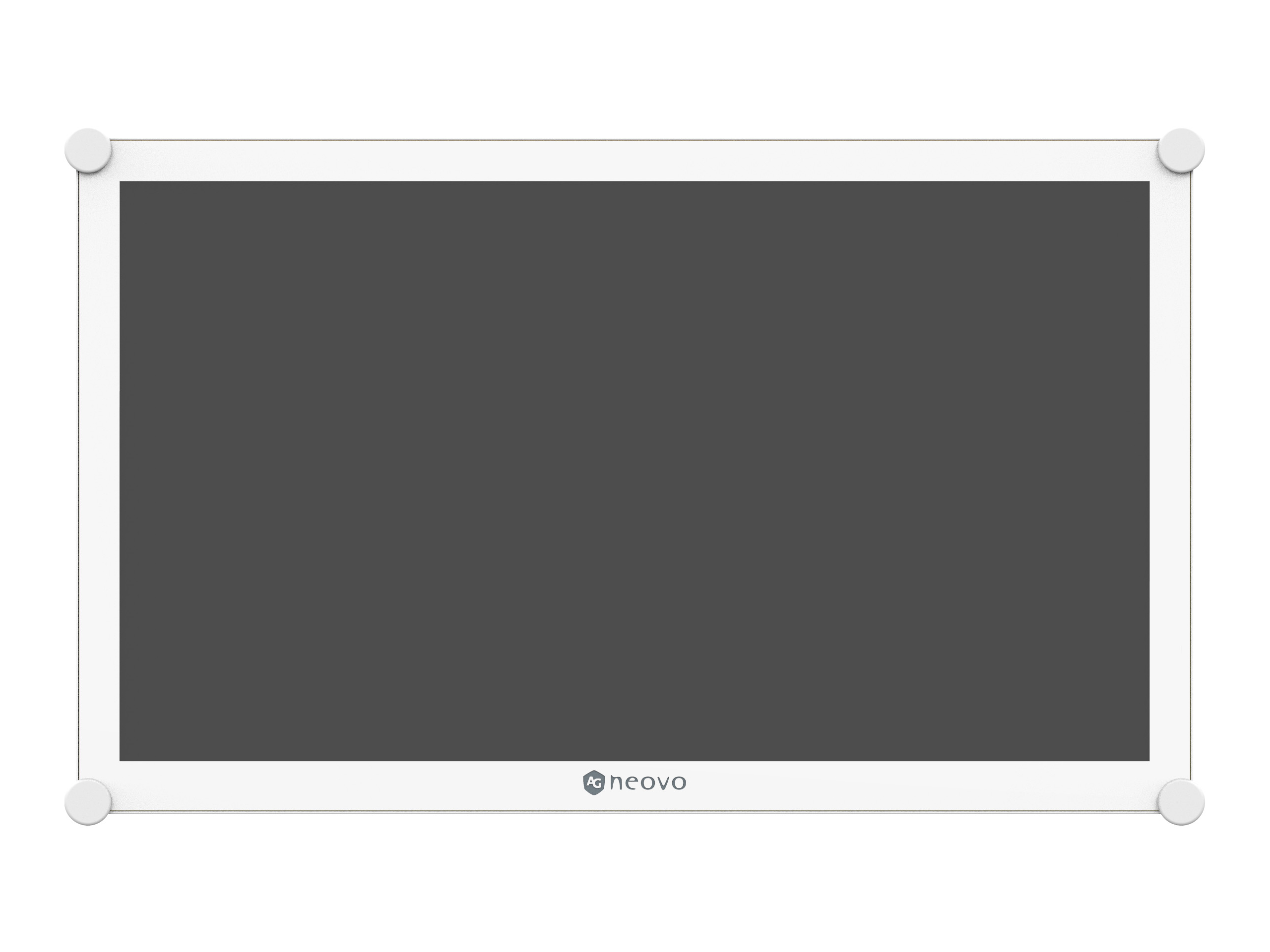
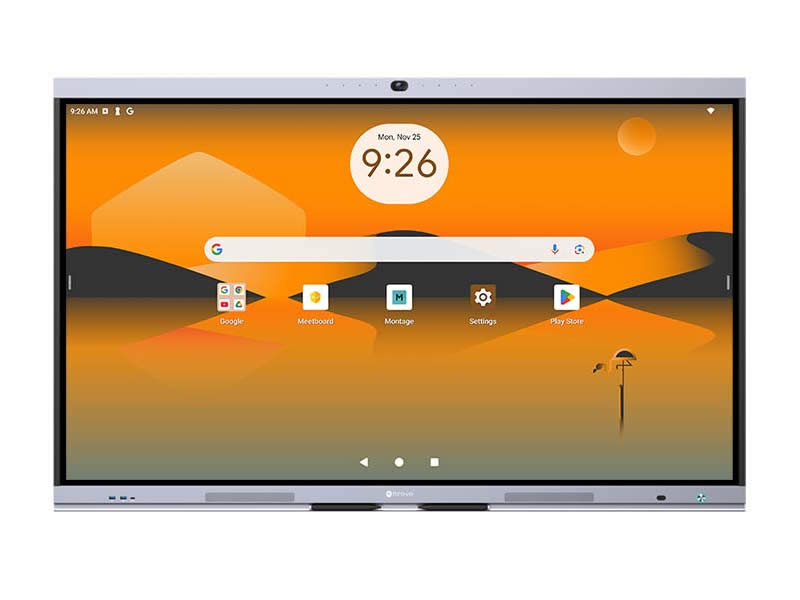
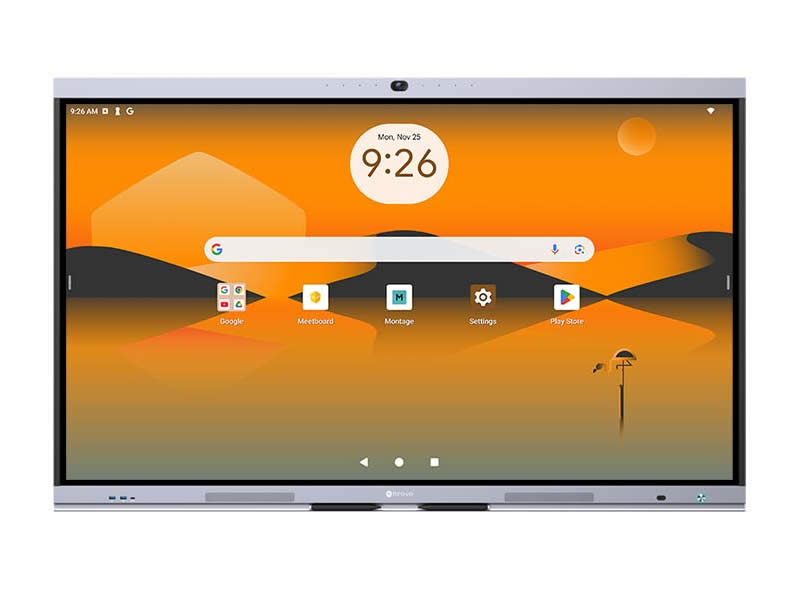
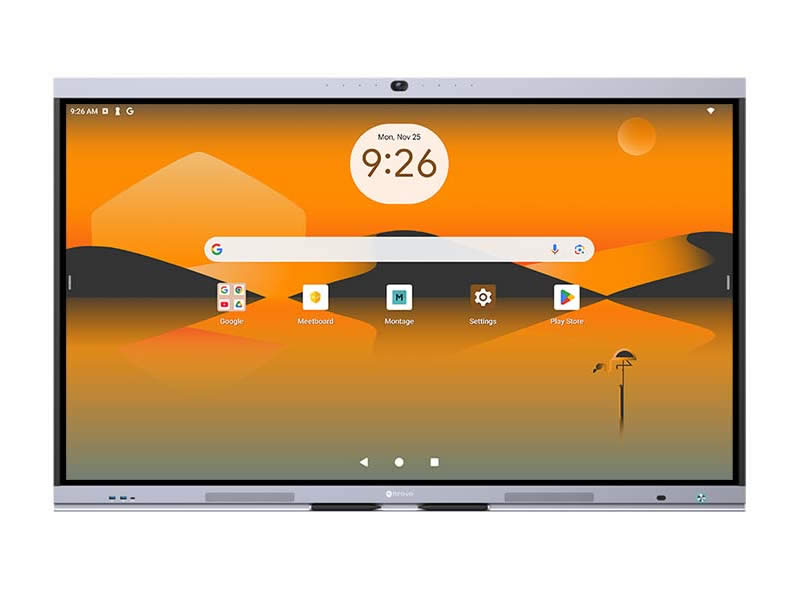
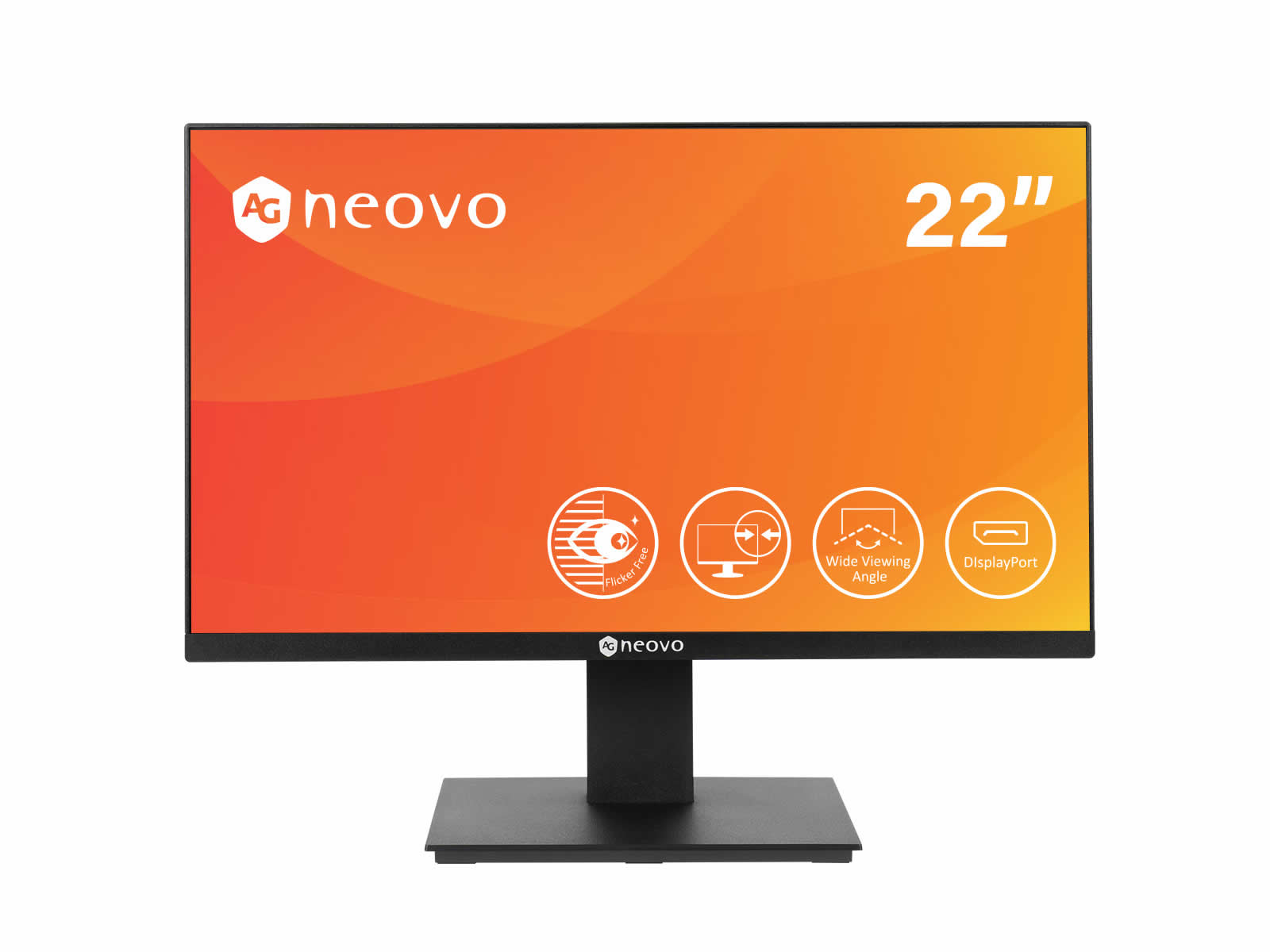
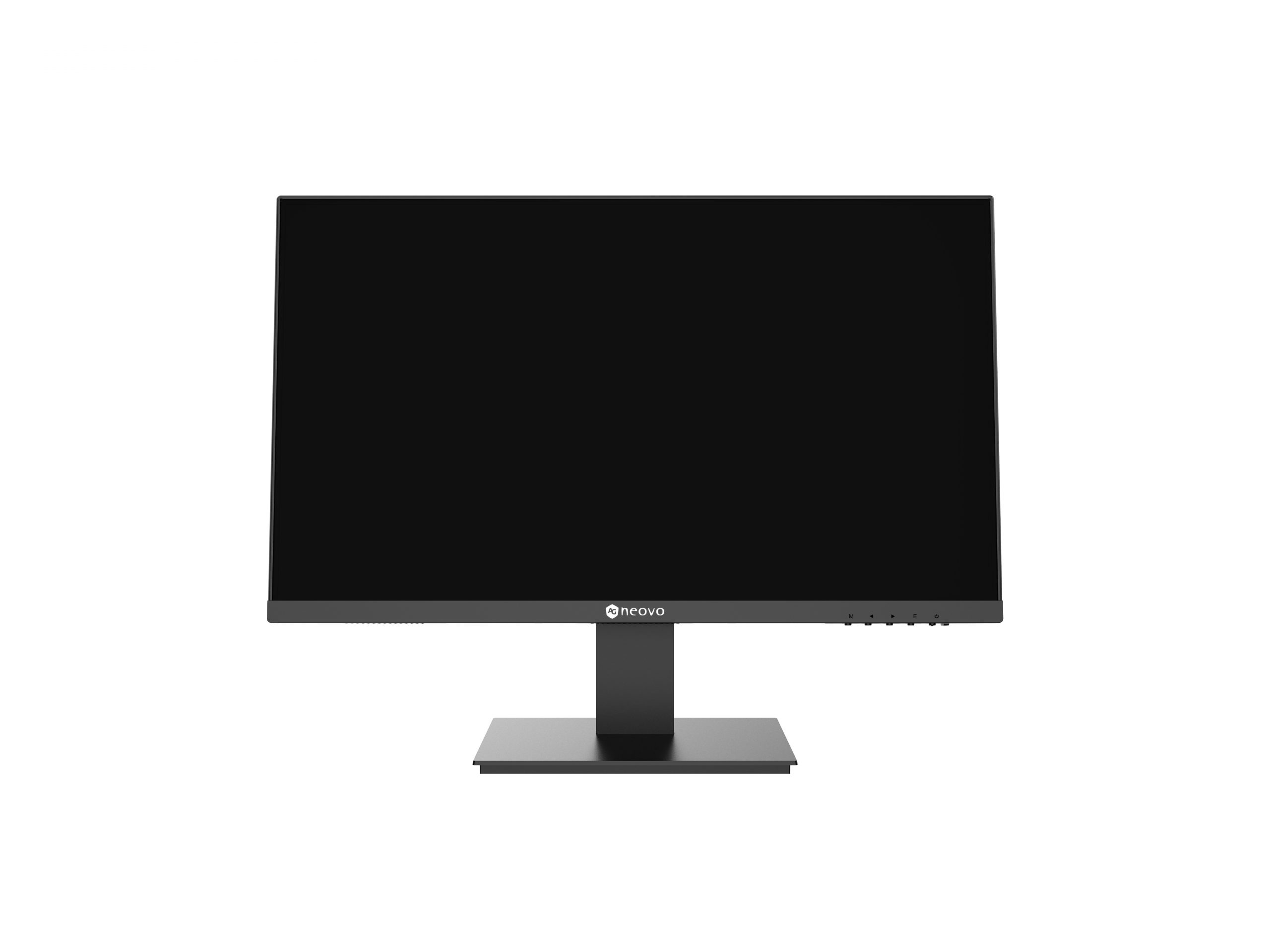
Displays and Monitors in commercial AV is the broad category for the various non-TV display panels used in commercial installations: monitors for control rooms and operator workstations, professional reference displays for broadcast and post-production, specialty displays for medical and industrial applications, BYOD-compatible displays for hot-desking and shared workspaces, and the various display panels that don't fit specific TV or video wall categories. While commercial TVs serve general AV display needs, professional displays and monitors serve more specialized applications.
Professional reference displays are color-critical monitors used in broadcast, post-production, and any environment where accurate color reproduction matters. They calibrate to broadcast color standards (Rec. 709 for HD, Rec. 2020 for UHD, DCI-P3 for digital cinema, sRGB and AdobeRGB for graphics), maintain precise color throughout their lifespan (with periodic recalibration), and serve as the reference image that productions match. Major manufacturers include Sony, JVC, Flanders Scientific, Eizo, and others. Reference displays cost significantly more than general commercial displays because of the precision color reproduction and quality control.
Control room monitors serve operator workstations in environments where reliability and visibility matter: security operation centers, broadcast control rooms, traffic and emergency dispatch, network operations centers, utility control rooms, and industrial control rooms. They typically include features for control room use: high brightness for visibility in lit environments, anti-glare panels for varied lighting, multiple input options, professional control interfaces (RS-232, IP), and rugged construction for 24/7 operation. Common sizes range from 24 to 32 inches for operator desk use.
Medical displays are specialty monitors for clinical applications: radiology diagnostic displays (extremely high resolution and contrast for reading mammograms, X-rays, CT scans, and MRIs), surgical viewing displays (in operating rooms for procedure imaging), and clinical review displays (in nursing stations and physician offices for patient information). Medical displays have specific certifications (DICOM compliance for medical imaging, regulatory clearances), require periodic calibration with documented quality assurance, and typically cost much more than general commercial displays because of the regulatory and clinical requirements.
Industrial displays are specialty monitors designed for industrial environments: factory floors, plants, utilities, military, marine, and outdoor industrial settings. They include features matching the environment: IP-rated enclosures (protected against dust and water), wide operating temperature ranges (from below freezing to high heat), shock and vibration resistance, daylight-readable brightness for outdoor installations, hazardous-area certifications for environments with explosive atmospheres, and rugged construction. Industrial displays cost significantly more than general commercial displays but survive environments that destroy ordinary displays.
Modern hot-desking workplaces use BYOD (Bring Your Own Device) displays: the user brings their laptop and connects to a display at the workstation. These displays optimize for BYOD use: USB-C connectivity (single cable for video, USB peripherals, and laptop charging), KVM-style connectivity (the display can switch between connected devices), multiple HDMI inputs for various laptops, and clean cable management. They serve modern flexible workspaces where employees don't have assigned desks.
Specialty display formats include curved displays (subtle curve toward the viewer for more immersive viewing) and ultra-wide displays (21:9 or 32:9 aspect ratios providing extensive horizontal screen real estate). These serve specific applications: ultra-wide for trading floors and control rooms (replacing multiple monitors with one wide display), curved for premium executive workstations and immersive gaming installations. They are specialty formats, not the typical choice for general commercial use.
Touch capability in displays and monitors is increasingly standard for many commercial applications. Conference room displays, classroom displays, kiosk displays, and many other commercial applications include touch sensing. Touch displays span the entire size range from small (15 inches for kiosks and point-of-sale) through large (98 inches for large interactive displays). Touch specifications include multi-touch capability (number of simultaneous touch points), pen support, and touch technology (IR, capacitive, optical).
Displays and monitors serve professional broadcast and post-production (reference displays for color-critical work), control rooms (operator workstations in security operation centers, broadcast control, traffic and emergency dispatch, network operations), medical facilities (radiology diagnostic displays, surgical viewing, clinical review), industrial environments (factory floors, plants, utilities, military, marine), modern offices with BYOD and hot-desking (USB-C connected workstation displays), conference rooms (large displays with or without touch), kiosks and self-service (touch displays in retail, hospitality, transportation), and any commercial installation where specialty display features matter more than general TV functionality.
The terminology overlaps significantly. Commercial TVs typically refer to display panels with TV tuners and consumer-style features (remote control, content streaming apps), positioned for hospitality and similar applications. Commercial displays typically refer to panels without TV tuners, optimized for AV input use, with professional control interfaces and longer lifecycles. Monitors specifically refer to displays used at desk distances (24 to 32 inches typically) for computer or workstation use. In practice, "display" is the broader term covering both TVs and monitors plus specialty panels. AVProSupply organizes them in categories matching commercial AV usage patterns.
You need a professional reference display whenever color accuracy is critical: broadcast operations (where every monitor in the facility must show the same colors), post-production color grading (where the image is being adjusted to match a specific color standard), quality control before distribution, professional photography and video editing (where the displayed image must match the printed or distributed output), and any application where the image must be a true reference. For general viewing, presentations, conferencing, and most commercial AV, commercial TVs and displays are sufficient.
DICOM (Digital Imaging and Communications in Medicine) is the medical imaging standard. DICOM-compliant medical displays are calibrated to specific brightness and contrast curves required for clinical diagnostic reading of medical images (X-rays, CT scans, MRIs, mammograms). The compliance is required for diagnostic radiology displays per FDA and medical regulatory requirements. You need DICOM-compliant displays only for clinical diagnostic use; for non-diagnostic medical applications (clinical review, surgical viewing, training, administrative), DICOM may not be required. Always verify regulatory requirements with the medical facility's compliance team.
IP rating (Ingress Protection) specifies the display's protection against dust, water, and other contaminants. The two digits indicate solid ingress protection (first digit, 0 to 6) and liquid ingress protection (second digit, 0 to 9). IP65 means complete dust protection and protection against low-pressure water jets (good for outdoor or wet industrial environments). IP67 means complete dust protection and protection against temporary immersion (good for marine and harsh outdoor environments). IP69K means complete protection plus protection against high-pressure high-temperature cleaning (food processing and pharmaceutical environments). Always specify the right IP rating for the actual environment.
Use ultra-wide displays when the work requires continuous horizontal real estate without bezels breaking up the image: financial trading (continuous market data), video editing (multi-track timelines), CAD and design work (extensive horizontal layouts), and immersive applications. Use multiple monitors when the workspaces serve different purposes and benefit from bezels separating them: programming with code on one screen and reference on another, communication with email on one monitor and calls on another, and any workflow with distinct task areas. Both approaches are valid; the right choice depends on the actual workflow.
Professional broadcast and post-production (reference displays for color-critical color grading and quality control), control rooms (operator workstations in security operation centers, broadcast control rooms, traffic and emergency dispatch, network operations centers, utility control rooms, industrial control rooms), medical facilities (radiology diagnostic displays in reading rooms, surgical viewing displays in operating rooms, clinical review displays in nursing stations and physician offices), industrial environments (factory floors with IP-rated rugged displays, plants and utilities, military and marine installations, outdoor industrial settings), modern offices with BYOD and hot-desking (USB-C connected workstation displays for flexible workspaces), conference rooms (large displays for hybrid meetings, often with touch capability), kiosks and self-service (touch displays in retail, hospitality, transportation, healthcare wayfinding), and any commercial installation where specialty display features matter more than general TV functionality.

On order over $300 and more for US and US territory

We Offer a 30-Day Money Back Guarantee

Full manufacturer's warranty and quality assurance

Safe checkout with trusted payment providers