













Start typing to see results...
Find the perfect solution
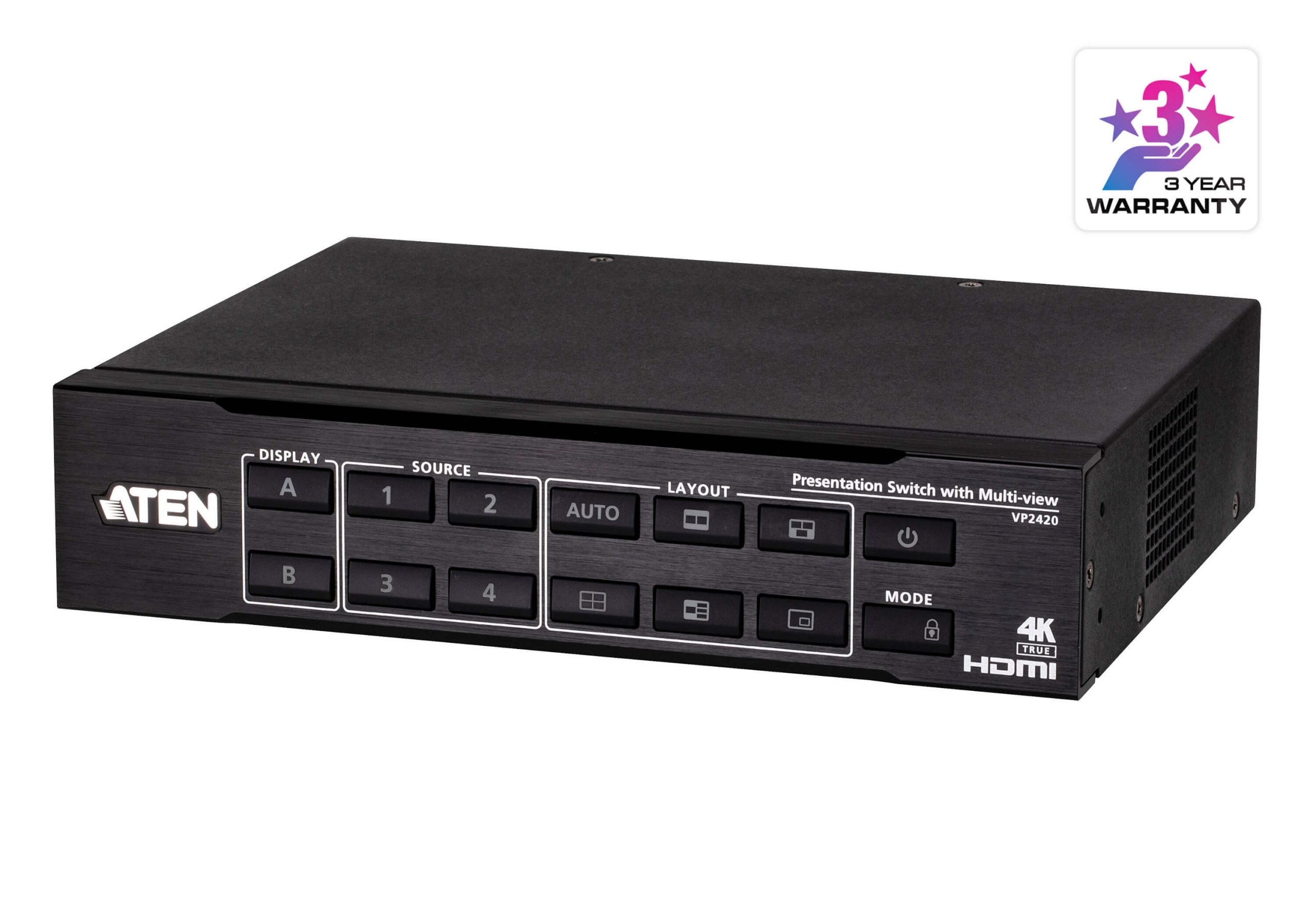
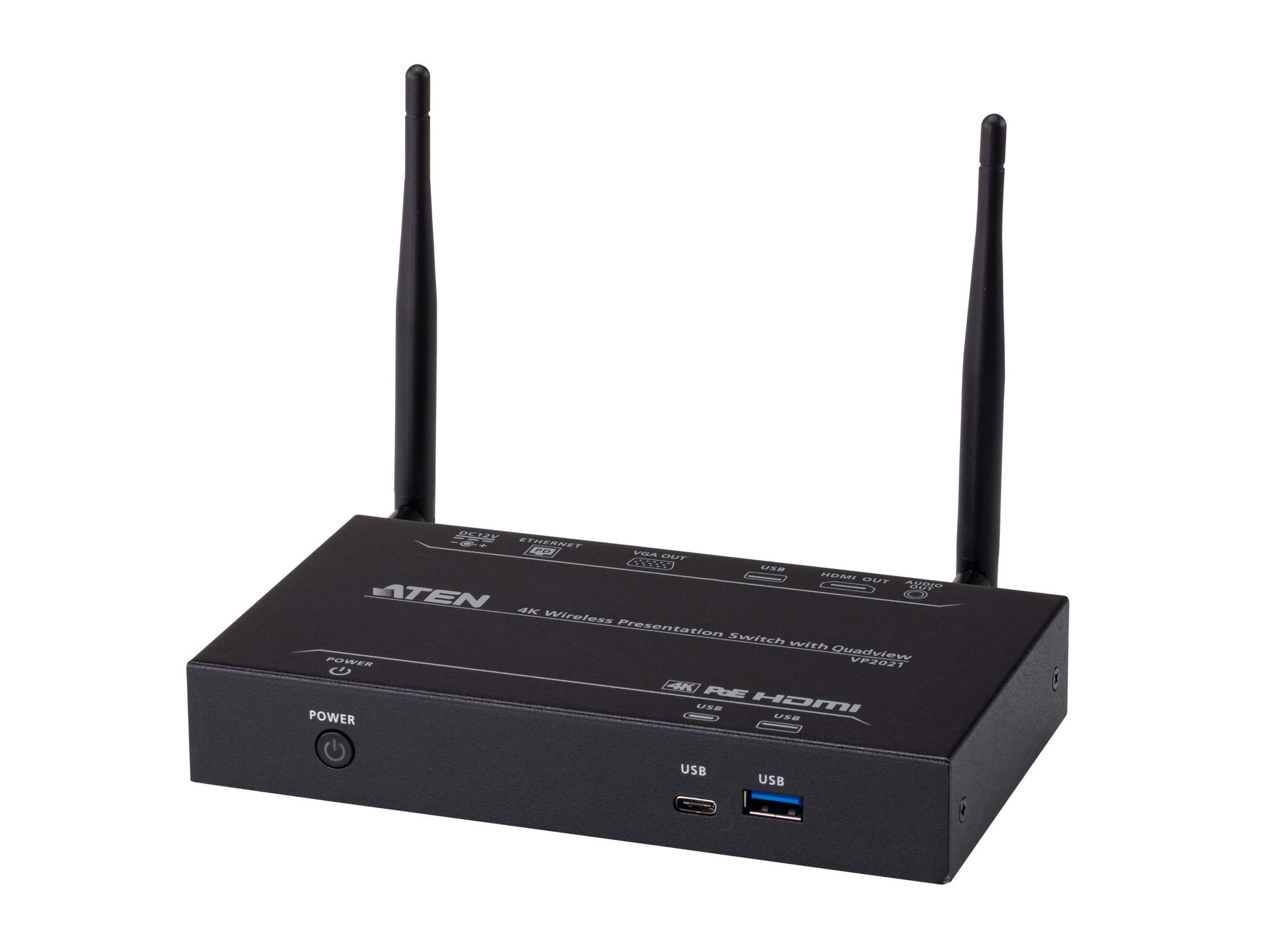
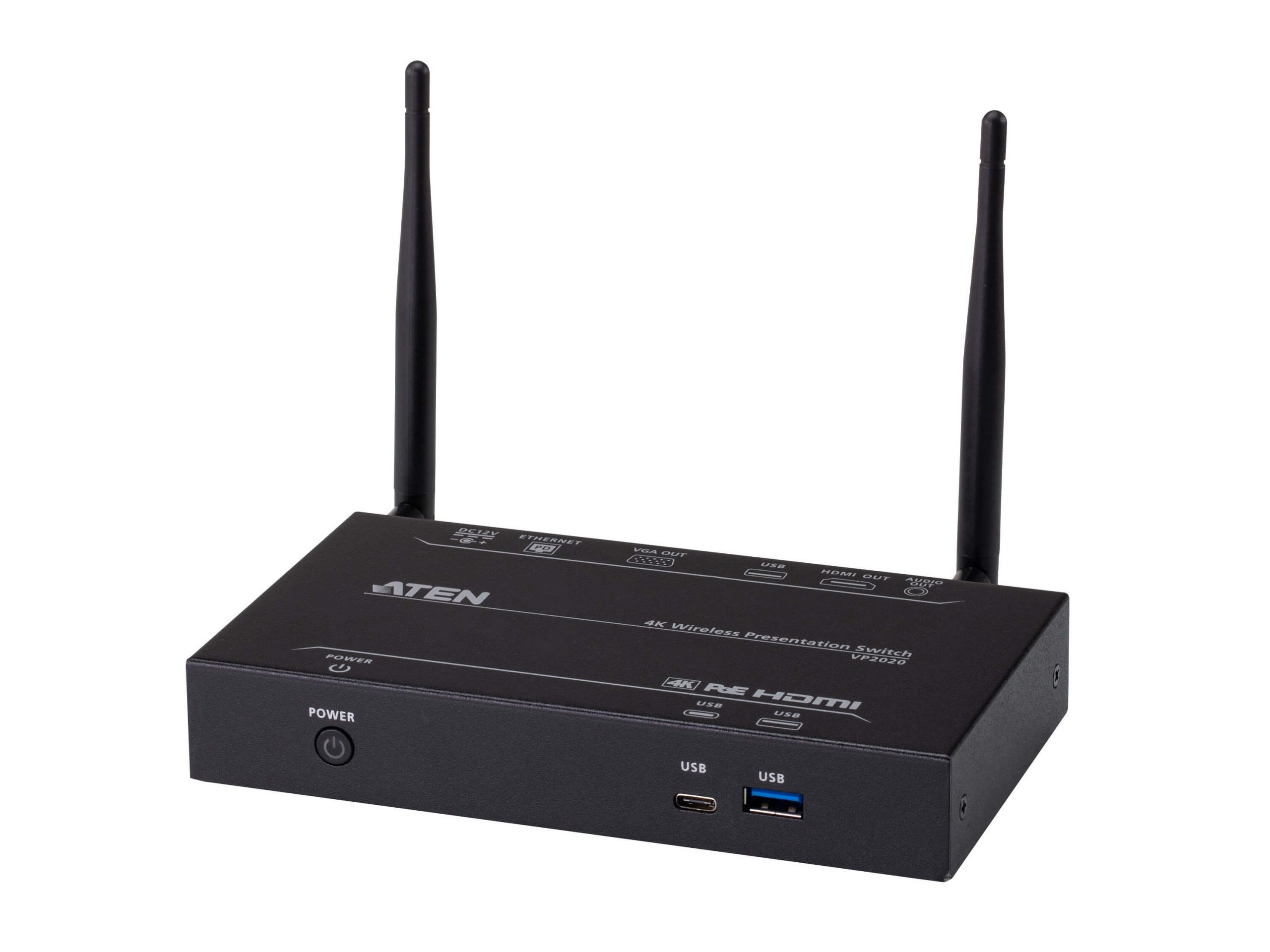
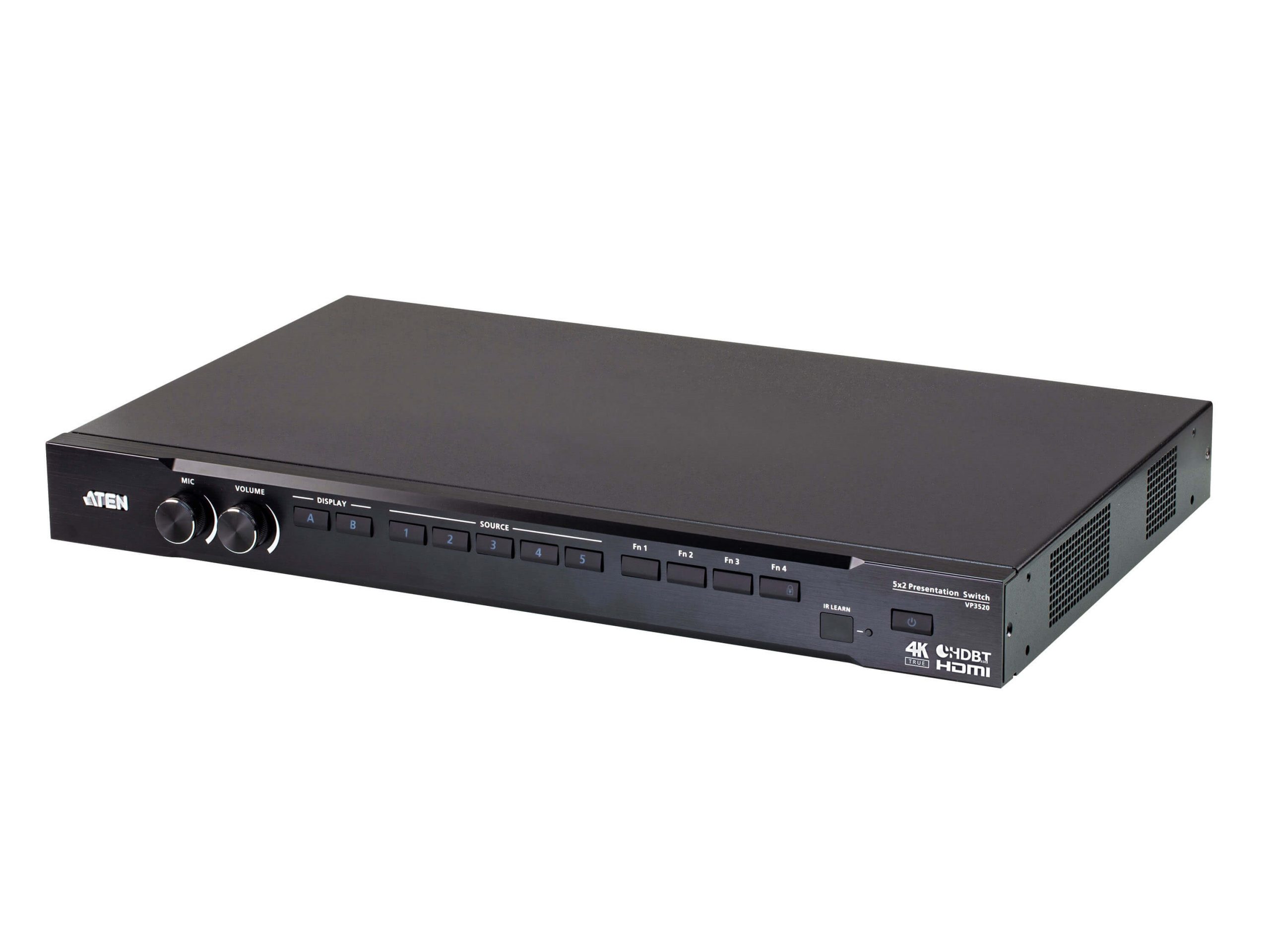
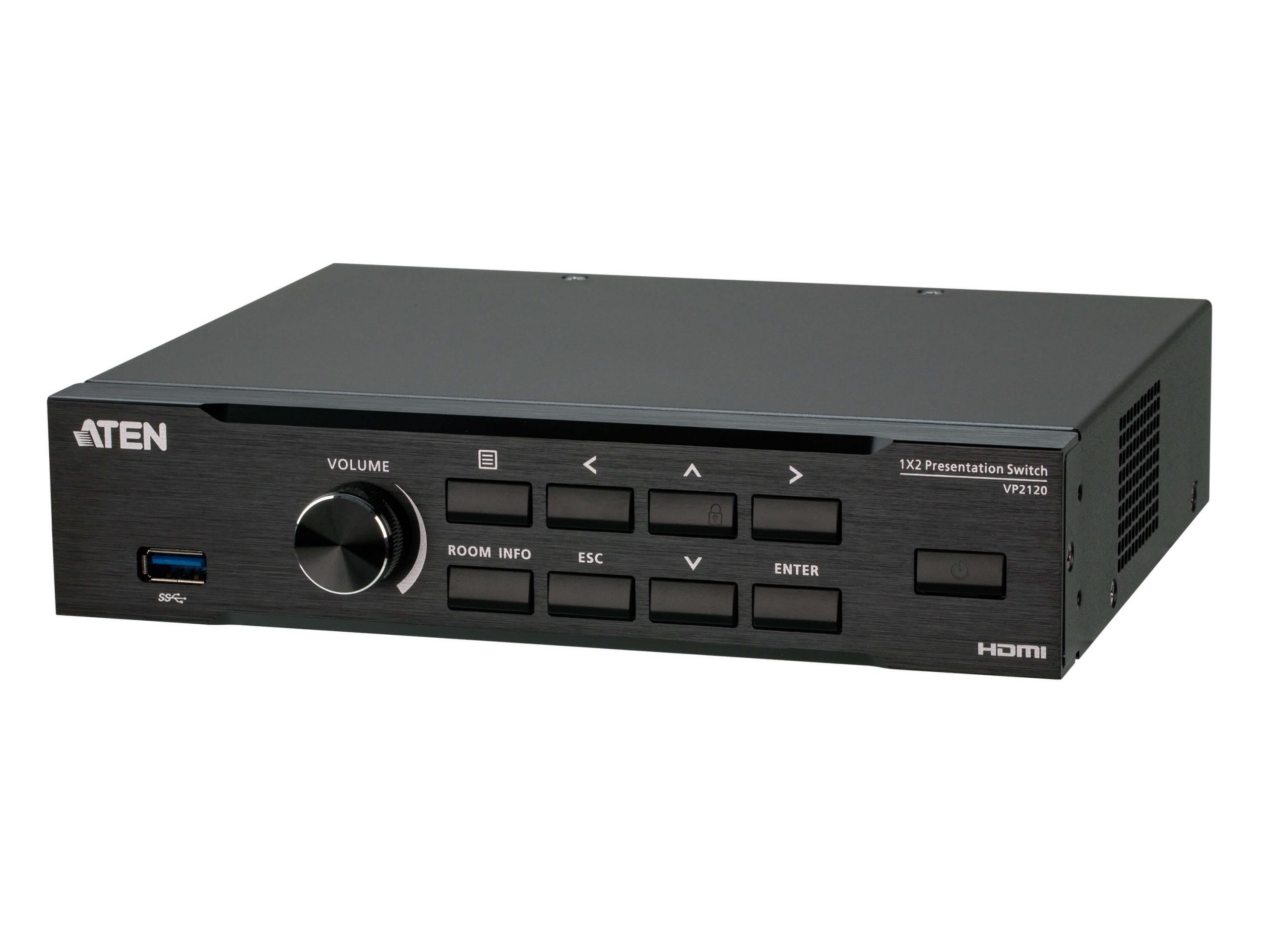
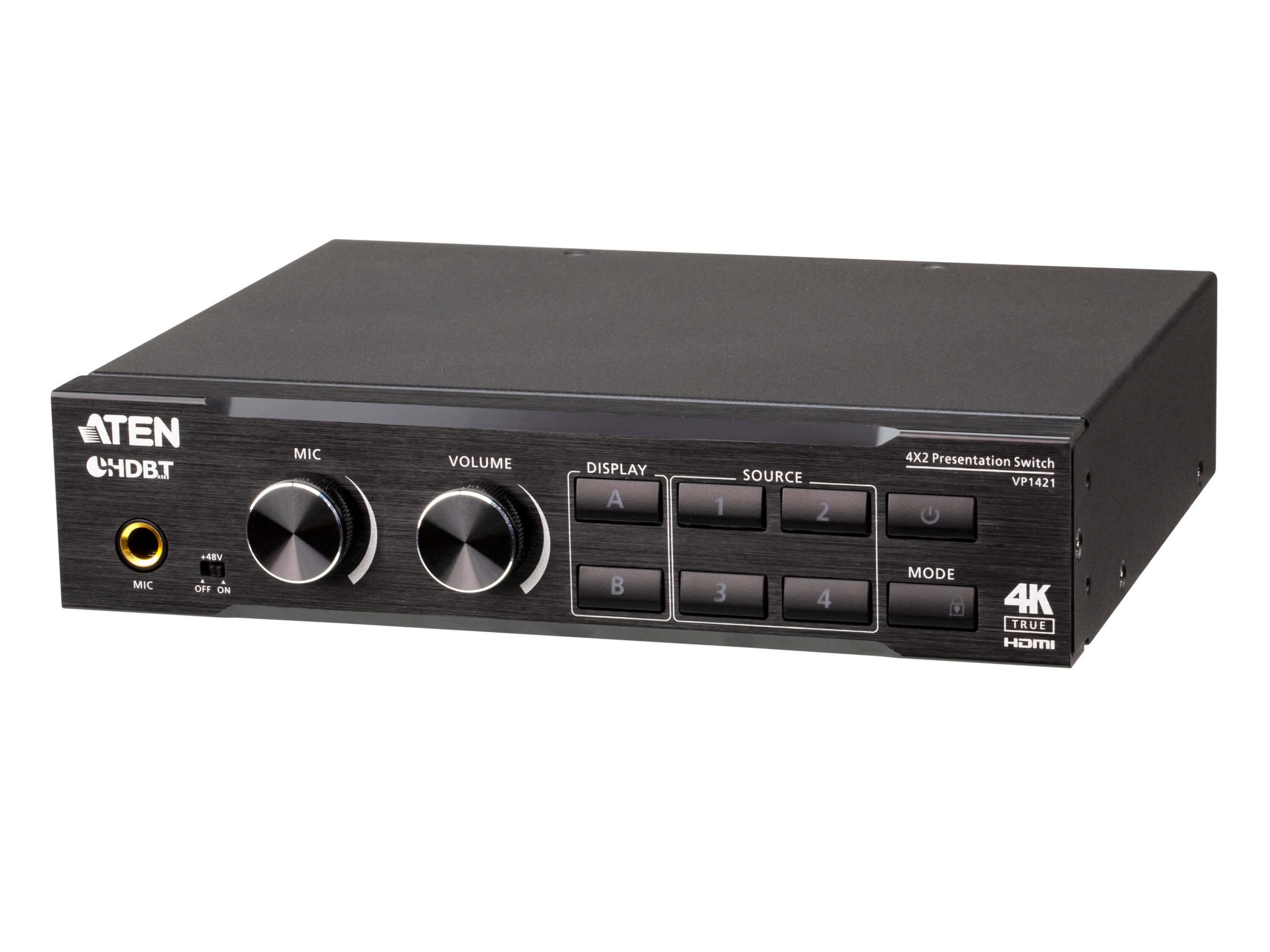
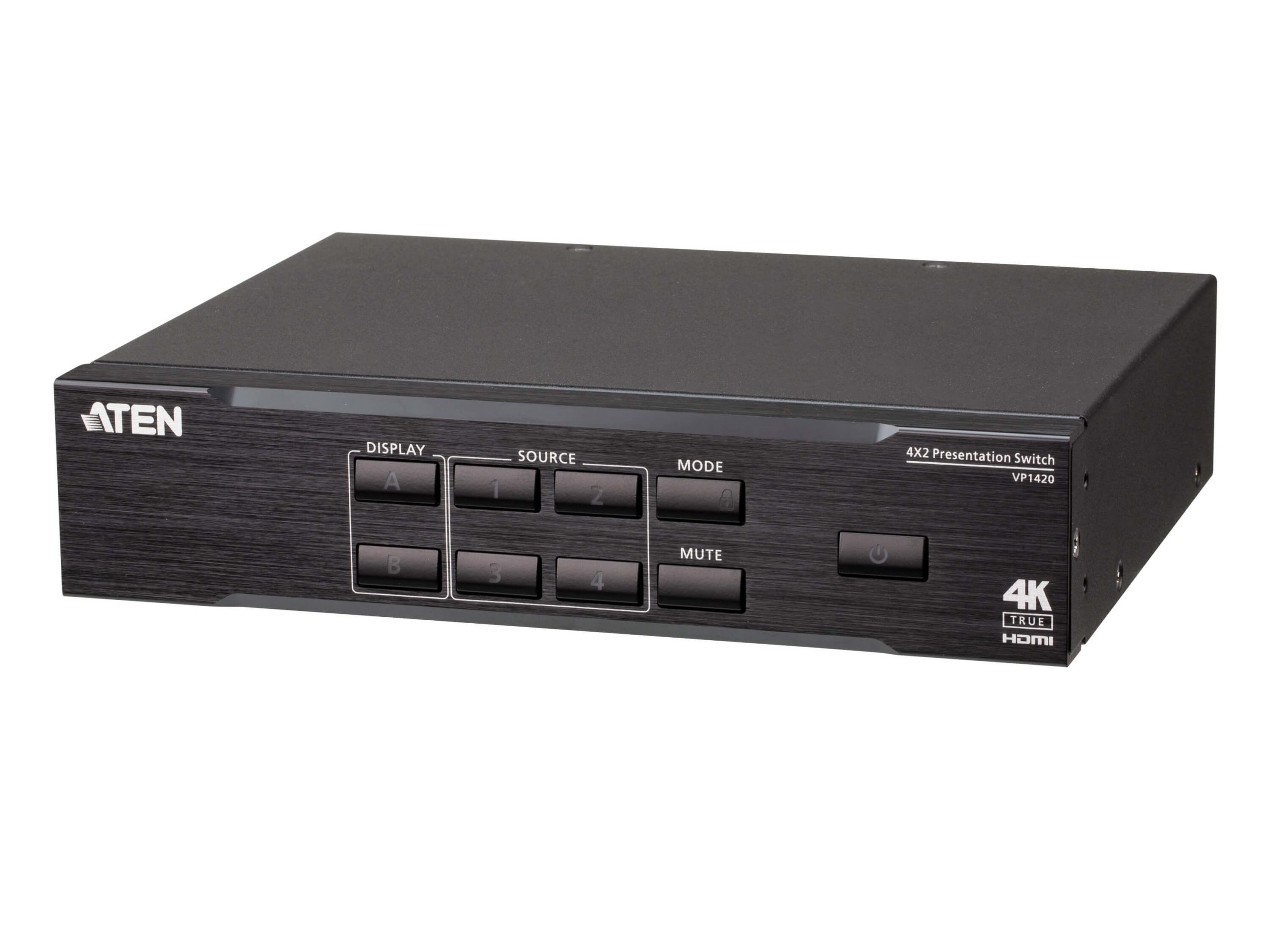
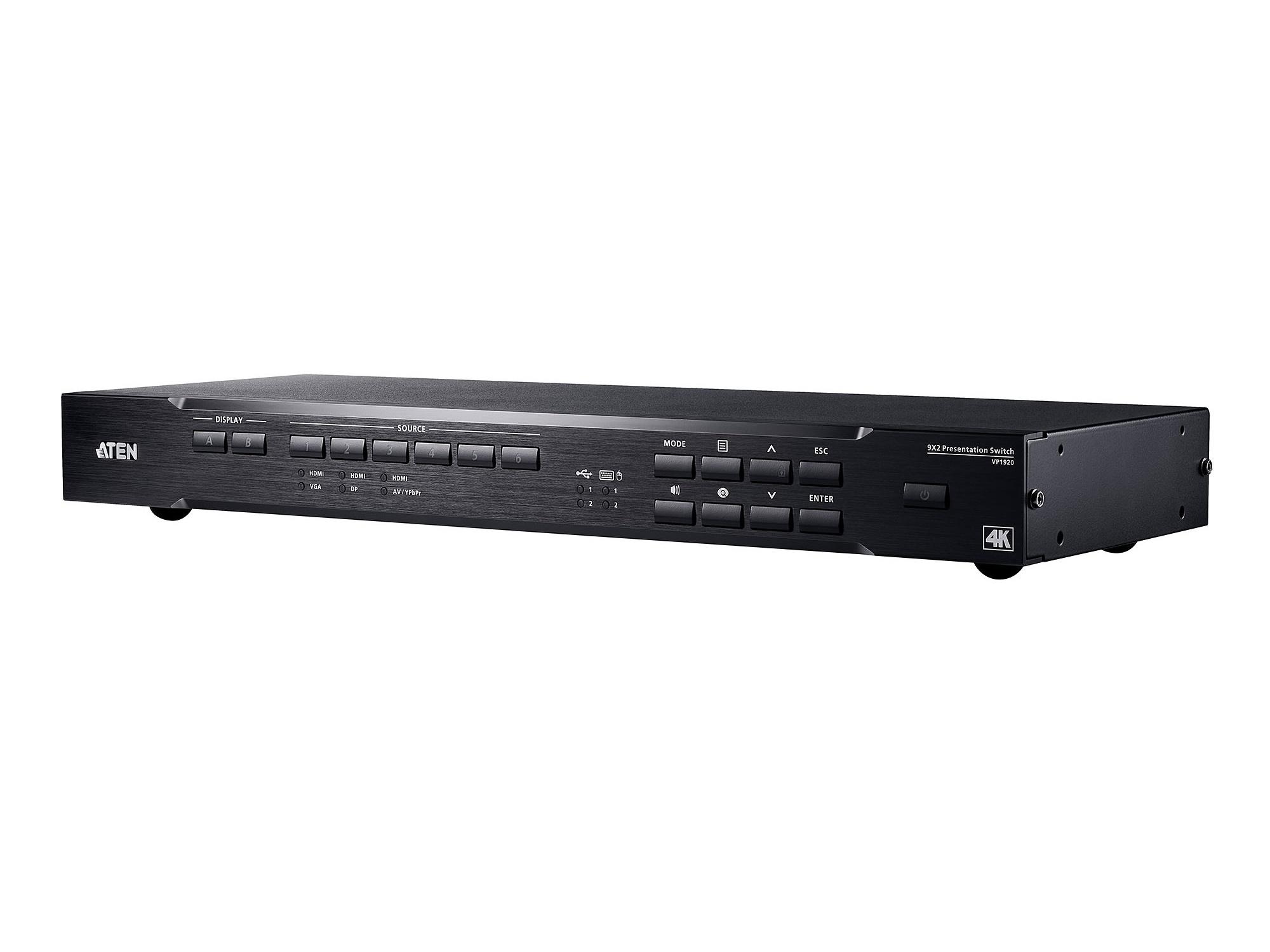
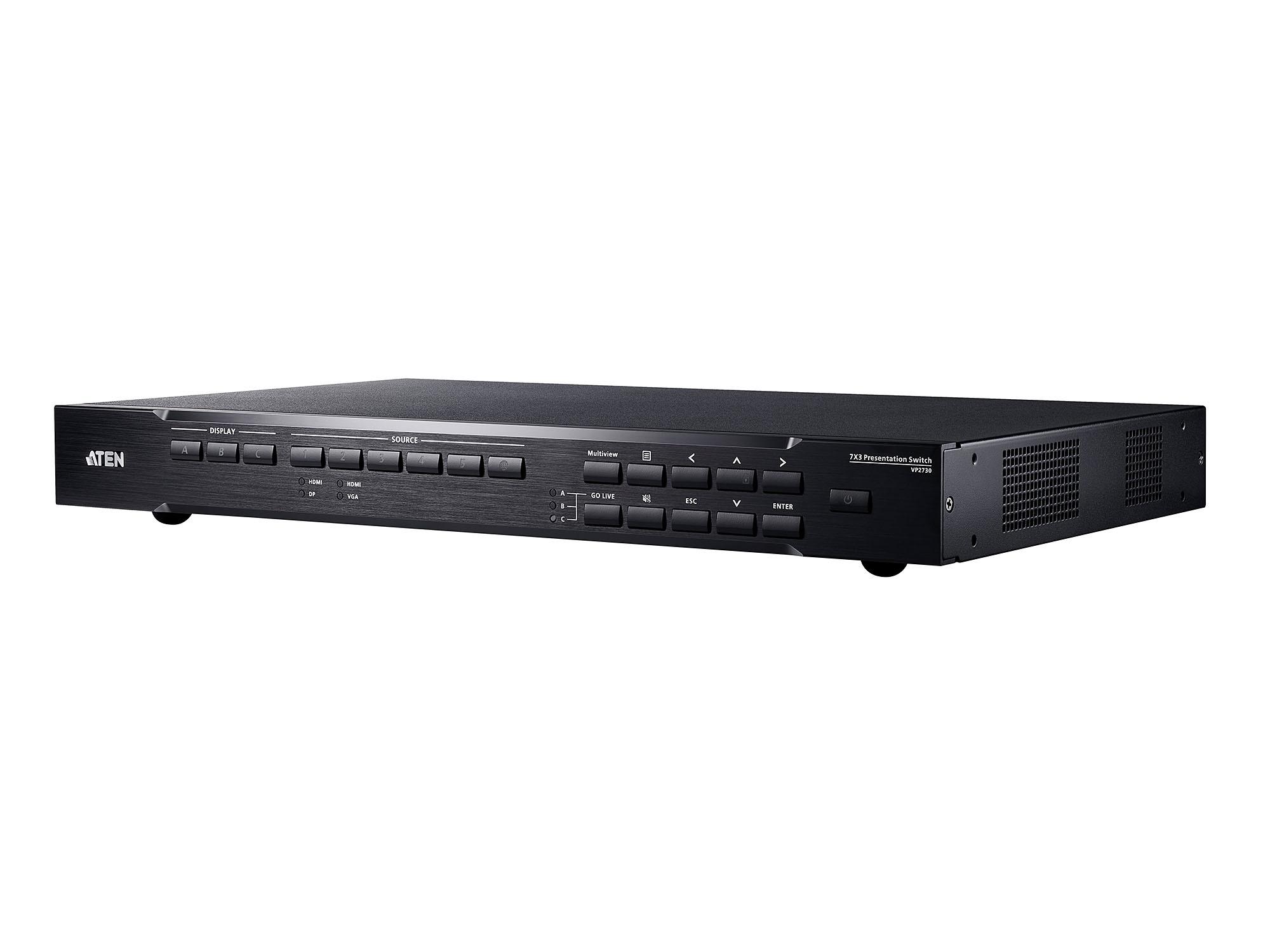
Presentation switchers (also called multi-format switchers) are designed for environments where users connect various source types to a common output, typically a projector or display. Imagine a classroom presentation environment using a laptop, VCR or DVD player, projector, HDTV display, and wireless microphone. All these devices can be interconnected using a multi-format switcher with a built-in scaler. The same applies to meeting rooms and boardrooms: having this type of unit installed saves time and creates an efficient working atmosphere.
Multi-format switchers accept various input signal types simultaneously: HDMI (modern laptops, AV equipment), VGA (older PCs and laptops), DVI (legacy commercial equipment), DisplayPort (modern PCs and Apple laptops), USB-C (modern laptops with DisplayPort Alt Mode), composite video (legacy DVD, VHS, security equipment), component video (legacy HD broadcast and consumer equipment), and analog audio (3.5 mm, RCA). The switcher accepts whatever connection the user brings, normalizes everything to a single output format (typically HDMI), and routes to the destination display.
Multi-format switchers typically have more inputs than outputs. A common configuration: 6 inputs (covering HDMI, VGA, DVI, DisplayPort, composite, and audio) with 1 or 2 HDMI outputs. The single primary output goes to the main display; the secondary output may go to a confidence monitor, a recording device, or a secondary display. For more complex installations, larger multi-format switchers offer more inputs and multiple outputs.
A key feature of multi-format switchers is built-in scaling. The scaler converts each input to a consistent output resolution, eliminating problems with mixed-resolution sources and enabling seamless switching between sources. For example, consider a laptop connecting via VGA cable to the switcher with the only display being a 4K-capable LCD screen. An advanced multi-format switcher takes the low-resolution VGA signal and upscales it to higher resolution to drive the 4K display effectively. In a similar scenario, if a 4K Blu-ray player connects to the switcher with a lower-resolution projector as output, the switcher downscales the resolution to match the projector.
Depending on where each source is located, extenders may be needed on the input end. The same applies to the output: if a classroom has a projector installed in the ceiling and the switcher is on the other side of the room, an extender is required on the output end. In the era of HDBaseT, many multi-format switchers are now compatible with CAT cables for extension, with HDBaseT output options that send the switched signal directly over CAT cable to receivers at remote displays.
Modern multi-format switchers may include wireless input support: built-in wireless receivers for screen mirroring (AirPlay, Miracast, Chromecast) that let users present from phones and tablets without physical connections. This is increasingly important in modern conference rooms and classrooms where users expect to share content wirelessly. Some switchers include both wireless screen mirroring and wireless microphone receivers in one unit.
Multi-format switchers typically include comprehensive audio handling: each video input may have an associated audio input (essential for VGA, DVI, and composite which don't carry audio), embedded audio extraction from HDMI inputs, dedicated wireless microphone inputs, and audio outputs that combine the routed source's audio for the room sound system. Some switchers include basic audio processing (volume control, EQ, level matching) for clean integration with room audio.
Multi-format switchers can easily be controlled with multiple interfaces: IR remote for handheld operation, front panel buttons for manual selection, IP/Ethernet for control system integration, and RS-232 for legacy control. Many include touch panel integration for direct touch control. Quality switchers integrate with major control system platforms (Crestron, Extron, AMX) for unified room control.
Multi-format switchers serve classrooms and lecture halls (the largest single segment; instructor PC, document camera, BYOD laptops, and DVD playback all routing to the room projector), training rooms (corporate training with mixed-vintage equipment), corporate AV (meeting rooms and boardrooms with multiple input types), houses of worship (production sources, BYOD speakers, multimedia playback), and any installation where users bring various device types and connect them to a common display.
A regular HDMI switcher accepts only HDMI inputs; all sources must already be HDMI. A multi-format switcher accepts multiple input types simultaneously (HDMI, VGA, DVI, DisplayPort, composite, audio), making it appropriate for installations where users bring various device types: classrooms with mixed equipment, corporate AV with BYOD scenarios, training rooms with older equipment alongside modern laptops. The multi-format switcher's built-in scaler normalizes all sources to one output resolution, simplifying the destination display's job.
Choose HDBaseT output when the display is far from the switcher (over about 25 feet, typical for classroom projectors and large-room displays). The HDBaseT output sends the switched signal over CAT cable to a receiver at the display, eliminating separate HDMI-to-HDBaseT extenders. Common scenario: a classroom multi-format switcher at the instructor podium with a ceiling-mounted projector at the front of the room (or back, depending on layout). One CAT cable runs from the switcher's HDBaseT output to a receiver at the projector. For installations with the switcher close to the display, direct HDMI output is simpler.
The scaler converts each input source to a consistent output resolution before sending the signal to the display. For example, a 1080p HDMI laptop and a 1024x768 VGA computer both route through the scaler and emerge at the output at the same resolution (typically the display's preferred resolution, like 1920x1080 or 3840x2160). This eliminates problems where switching between sources causes the display to resync to different resolutions (causing brief blanking and potential signal issues). It also enables seamless switching between sources of different resolutions.
Yes, quality multi-format switchers handle audio comprehensively. Each video input typically has an associated analog audio input (essential for VGA, DVI, and composite which don't carry audio on the video connector). HDMI inputs carry embedded audio that the switcher extracts and routes. Some switchers include dedicated wireless microphone inputs for combined system installation. The audio output combines the routed source's audio with any active microphones, feeding the room's audio system. Some switchers also include basic audio processing (volume control, EQ, level matching) for clean integration.
Many modern multi-format switchers do, integrating wireless screen mirroring (AirPlay for iOS and Mac, Miracast for Windows, Chromecast for Android and Chrome) and sometimes wireless presentation systems (Crestron AirMedia, Mersive Solstice, Barco ClickShare). This lets users present from phones and tablets without physical connections, which is increasingly important in modern conference rooms and classrooms. For BYOD-heavy environments, wireless source support significantly simplifies the user experience.
Classrooms and lecture halls (the largest single use; instructor PC, document camera, DVD/Blu-ray player, BYOD laptops via HDMI or USB-C, and sometimes wireless screen mirroring all routing to the room projector or display), training rooms (corporate training with mixed-vintage equipment and BYOD scenarios), corporate AV (meeting rooms and boardrooms with multiple input types and varying user devices), houses of worship (production sources, BYOD presenter laptops, multimedia playback, sometimes wireless microphones in combined input/audio handling), conference centers and event venues (where users bring whatever equipment they have), and any installation where users connect various device types to a common display.

On order over $300 and more for US and US territory

We Offer a 30-Day Money Back Guarantee

Full manufacturer's warranty and quality assurance

Safe checkout with trusted payment providers