













Start typing to see results...
Find the perfect solution
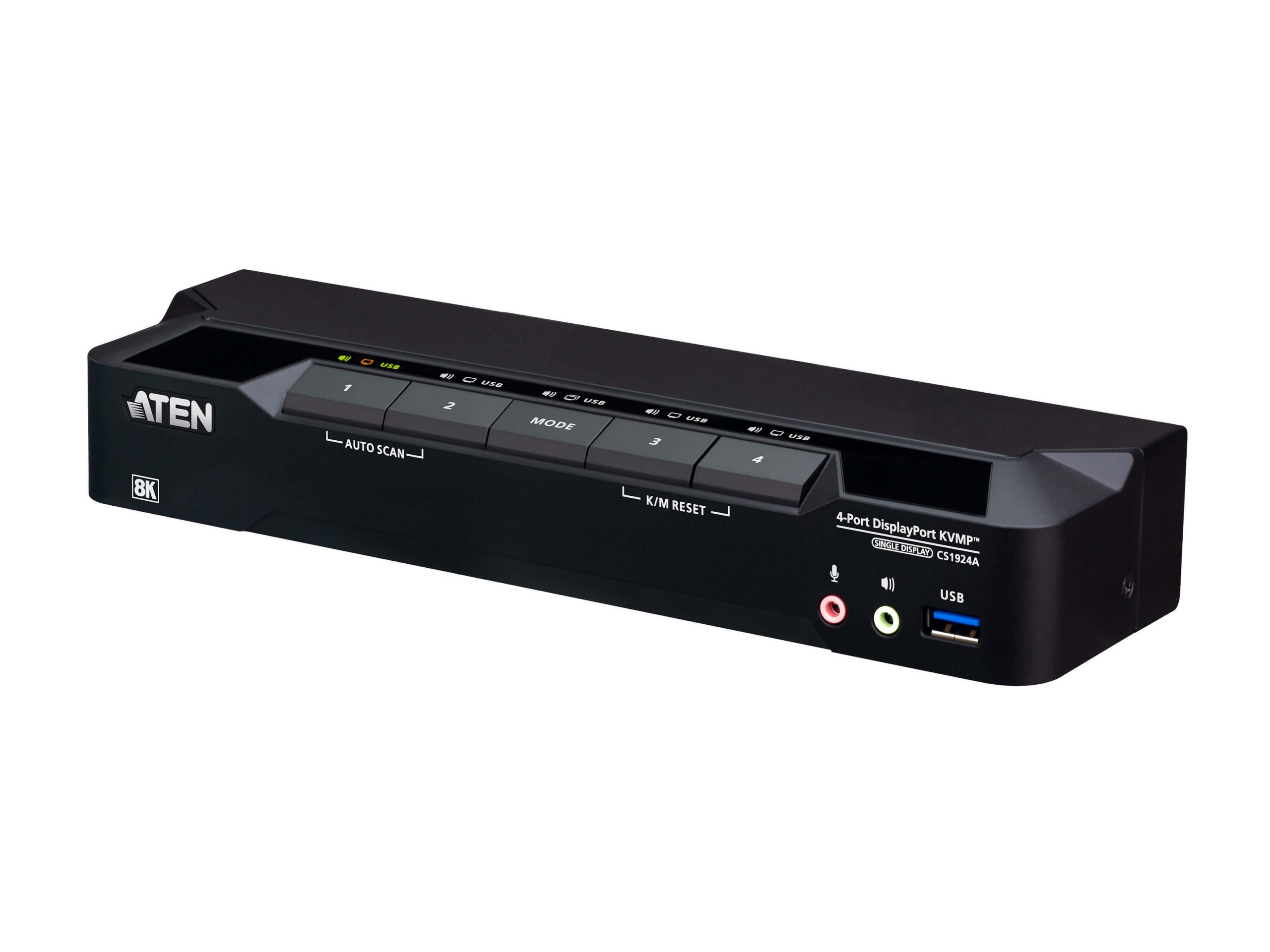
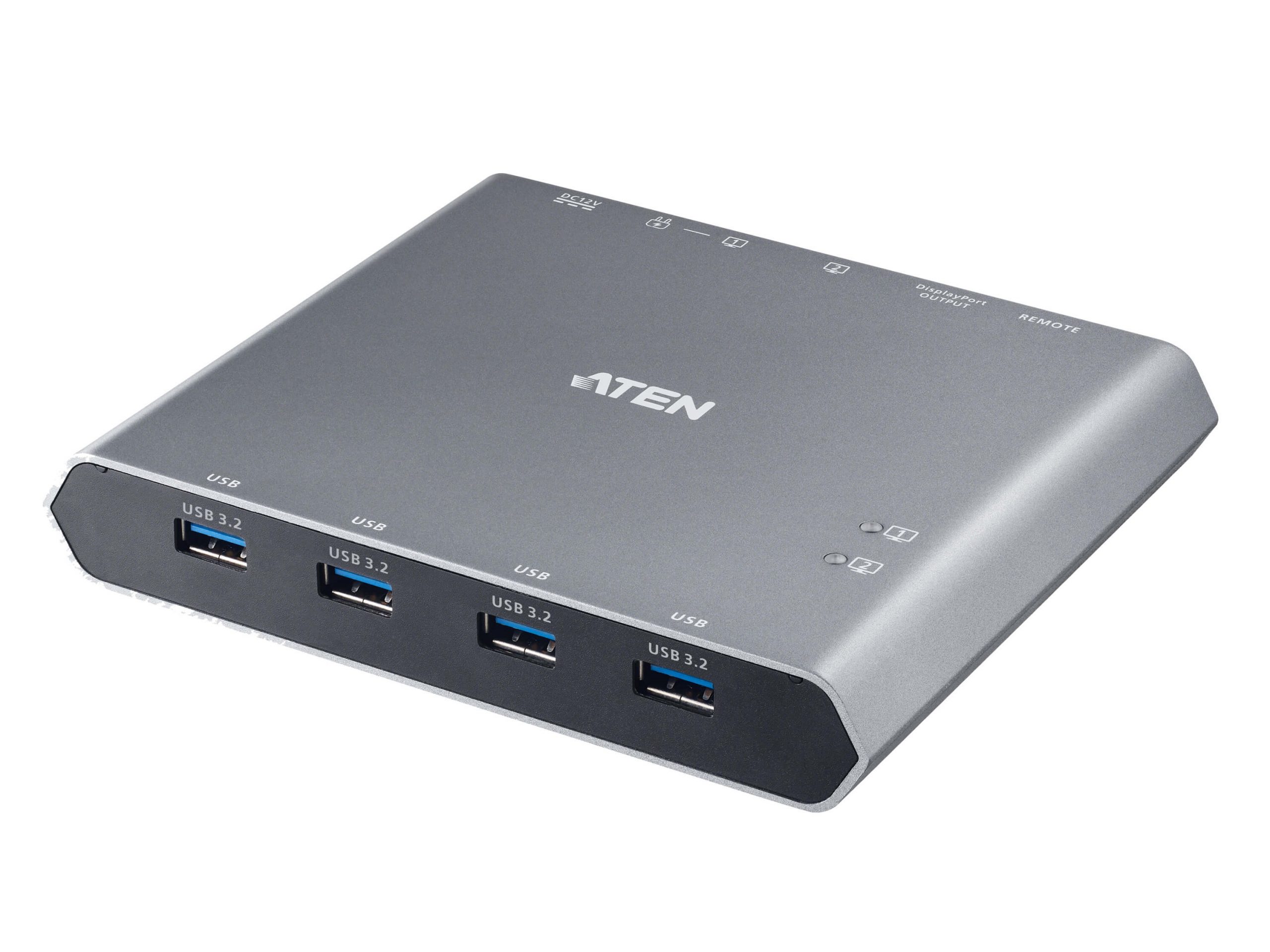
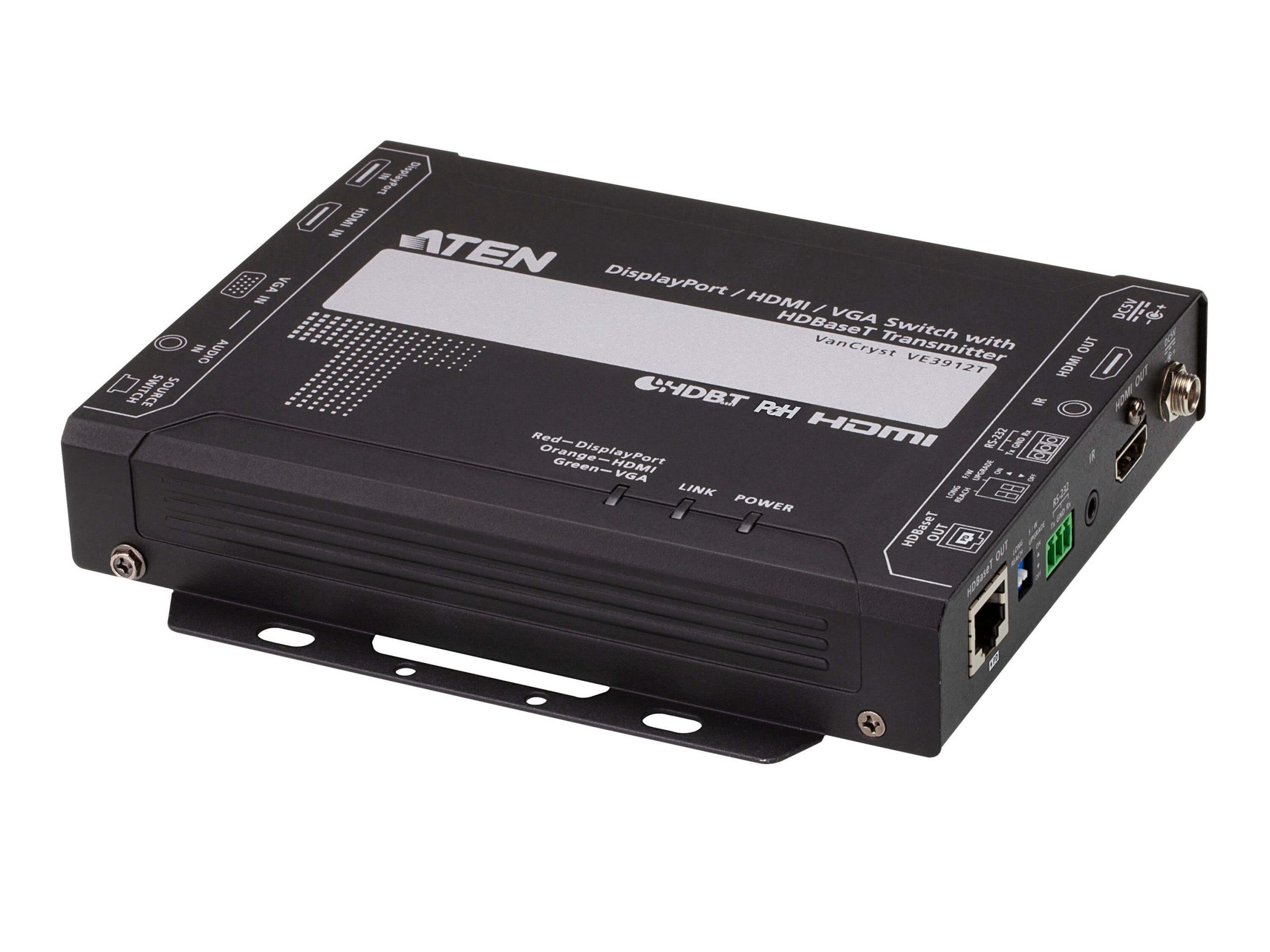
DisplayPort and Mini DisplayPort are digital display interfaces primarily used to connect a video signal between a computer and a display. DisplayPort can also transmit audio, USB, and other forms of data over the same cable. It was designed to replace VGA, DVI, and FPD-Link in computer applications, with backward compatibility through adapters to those older formats. DisplayPort switchers route multiple DisplayPort sources to one or more DisplayPort destinations, serving installations where multiple PCs, workstations, or other DisplayPort sources need to share displays.
DisplayPort and Mini DisplayPort switchers are employed in applications where PCs (including Apple computers) connect to displays: homes, offices, data centers, hospitals, and movie studios. The DisplayPort interface is sometimes called the "Ultimate Digital Connection" for its ability to handle high-bandwidth digital imaging and audio. It works with many device types including computers, monitors, some TVs, camcorders, cameras, and DVD players. A main benefit of DisplayPort is allowing a wide range of electronic devices to communicate with each other.
DisplayPort and Mini DisplayPort have adapters that accommodate HDMI, DVI, and VGA. This backward compatibility is significant for installations migrating from older formats: a new computer with only DisplayPort output can connect to existing HDMI, DVI, or VGA displays through adapters. Within a DisplayPort switcher installation, sources can include both native DisplayPort devices and HDMI/DVI/VGA devices through appropriate adapters at the source side.
When searching for the right DisplayPort switcher, important considerations include: the number of inputs and outputs needed for the installation, the DisplayPort version supported (1.2 for 4K at 60 Hz, 1.4 for 8K and HDR, 2.0 for 16K and 80 Gbps bandwidth), the computer resolutions that need to be supported, and the data rates required. Match the switcher to the highest capability needed in the installation.
An EDID management system in DisplayPort switchers is essential for maintaining a continuous connection with connected devices and proper video output. The switcher presents controlled EDID to each source regardless of which display is currently routed, eliminating problems where switching between displays causes sources to renegotiate output mode (which can cause delays and unexpected resolution changes). Quality DisplayPort switchers include sophisticated EDID management.
DisplayPort switchers come in several configurations. Basic 4x1 I/O switchers route multiple DisplayPort sources to one DisplayPort destination, common in conference rooms with multiple PC sources sharing one display. DisplayPort matrix switchers route any input to any output independently, common in control rooms and workstation environments. KVM switchers with DisplayPort combine DisplayPort video switching with USB peripheral switching, letting one operator control multiple computers through a single keyboard, monitor, and mouse setup.
DisplayPort's Multi-Stream Transport (MST) allows one DisplayPort output to drive a daisy chain of monitors. Quality DisplayPort switchers preserve MST through their routing, supporting daisy-chained displays at the output. For workstation environments with multi-monitor setups (trading floors, design studios, control rooms), MST support in the switcher is essential. Budget switchers may not preserve MST, limiting destination support to single monitors only.
Modern laptops, tablets, and phones output DisplayPort signals through their USB-C ports using DisplayPort Alternate Mode. Some DisplayPort switchers accept USB-C input directly, simplifying connection to modern laptops without separate cables or adapters. The signal handling is the same as for native DisplayPort: the switcher provides USB-C input ports alongside or instead of native DisplayPort ports.
Multiple control points exist for DisplayPort switchers: front panel buttons for manual operation, RS-232 for serial control integration, IP/Ethernet for network-based control, and IR remote for handheld operation. Quality switchers integrate with major control system platforms (Crestron, Extron, AMX) for unified AV system control.
DisplayPort switchers serve commercial AV with multiple PC sources: control rooms (multiple workstations sharing displays), trading floors (multi-monitor setups with DisplayPort), design studios (Mac and PC sources to color-critical displays), data centers (KVM switching with DisplayPort), corporate AV (modern conference rooms with USB-C and DisplayPort sources), education (computer labs and design programs with DisplayPort equipment), and any installation where DisplayPort is the dominant source interface.
DisplayPort is primarily a computer display interface, designed to replace VGA and DVI on PCs. HDMI is primarily a consumer and commercial AV interface, designed to connect AV equipment to displays. The two have different connector styles (DisplayPort with a unique connector, HDMI with its trapezoid-shaped connector), different feature emphases (DisplayPort with higher bandwidth and Multi-Stream Transport for daisy-chained monitors; HDMI with broader consumer device support and Audio Return Channel features), and different ecosystem placements (DisplayPort on PCs and workstations; HDMI on TVs, cable boxes, gaming consoles, AV receivers). For PC-to-display connections, DisplayPort is often preferred; for AV equipment, HDMI dominates.
Yes, through appropriate adapters. DisplayPort to HDMI adapters are common and inexpensive, supporting both video and embedded audio. DisplayPort to DVI adapters handle DVI-D displays. DisplayPort to VGA adapters bridge legacy VGA displays (active adapters required because VGA is analog and DisplayPort is digital). The backward compatibility makes DisplayPort flexible for installations bridging modern computers with older display infrastructure.
Match the switcher version to the highest capability needed. DisplayPort 1.2: 4K at 60 Hz, the minimum for modern installations. DisplayPort 1.4: 8K at 60 Hz, 4K at 120 Hz, full HDR support, the right choice for premium installations. DisplayPort 2.0: 16K and 80 Gbps bandwidth, future-proofs for next-generation equipment. For most current commercial installations, DisplayPort 1.4 is appropriate; DisplayPort 1.2 is acceptable for cost-constrained installations without 8K or 4K-at-120-Hz requirements.
Quality DisplayPort switchers do, allowing one DisplayPort output to drive a daisy chain of monitors at the destination. This is essential in workstation environments with multi-monitor setups: trading floors with 4 to 8 monitors per trader, control rooms with multi-screen workstations, design studios with extensive displays. Budget switchers may not preserve MST, limiting destinations to single monitors. Always verify MST support if your installation uses daisy-chained monitors. For maximum compatibility, look for switchers explicitly stating MST passthrough capability.
Many modern DisplayPort switchers do, supporting the DisplayPort Alternate Mode that modern laptops use to output video through USB-C ports. The switcher provides USB-C input ports alongside or instead of native DisplayPort ports, with USB-C carrying the DisplayPort signal directly to the switcher. This simplifies connection to modern laptops, tablets, and phones that have only USB-C output. Always check the specific switcher's USB-C support; not all switchers include USB-C input ports.
Control rooms and command centers (multiple PC and workstation sources driving extended displays at operator positions across the room or in adjacent rooms), trading floors (PCs driving multi-monitor setups with DisplayPort and MST for multiple monitors from one extended cable), design studios (Mac and PC sources to color-critical reference displays for film and broadcast color grading), data center KVM rooms (matrix switching of servers to operator console positions, with DisplayPort as the video format in newer KVM infrastructure), modern conference rooms (laptops with USB-C outputs requiring DisplayPort switching, often through USB-C input ports on the switcher), education (computer labs and design programs with DisplayPort equipment), and any commercial AV environment where DisplayPort is the dominant source interface.

On order over $300 and more for US and US territory

We Offer a 30-Day Money Back Guarantee

Full manufacturer's warranty and quality assurance

Safe checkout with trusted payment providers