













Start typing to see results...
Find the perfect solution
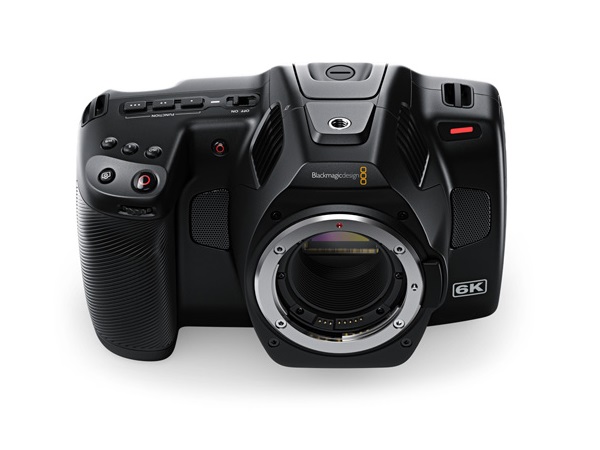
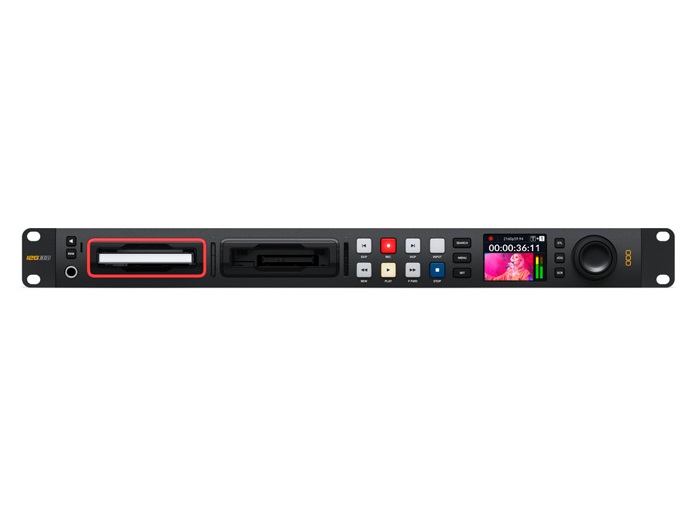
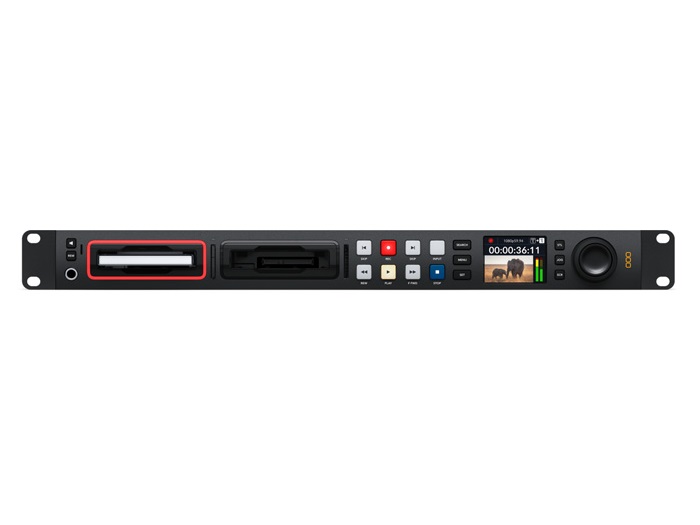
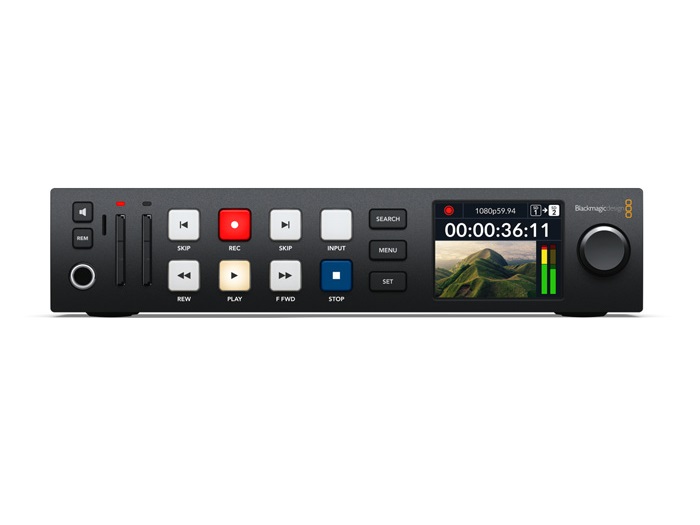
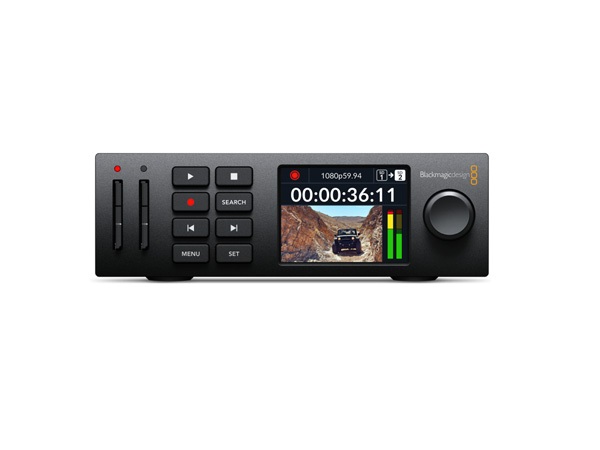
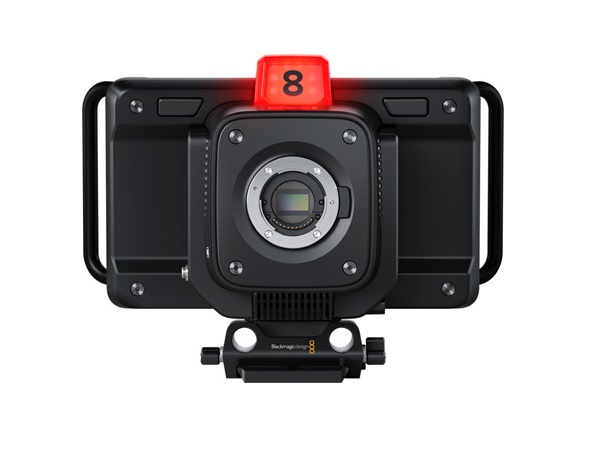
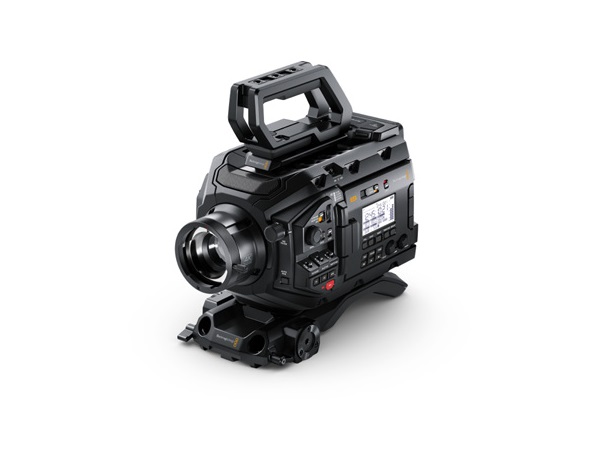
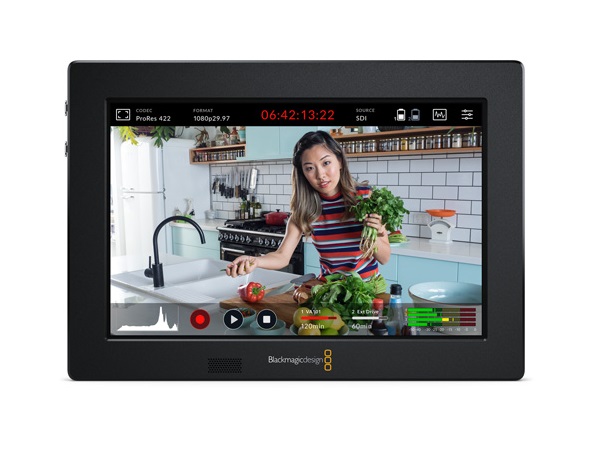
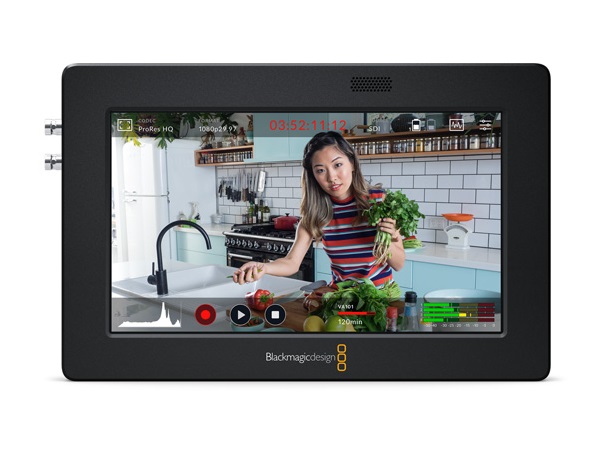
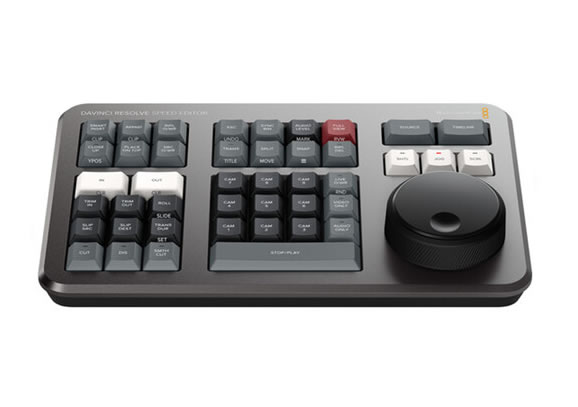
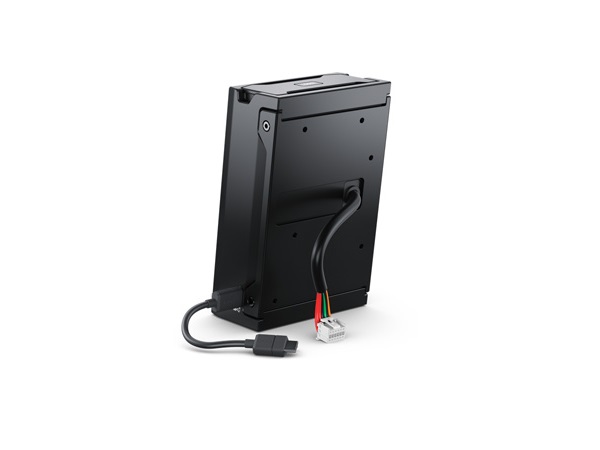
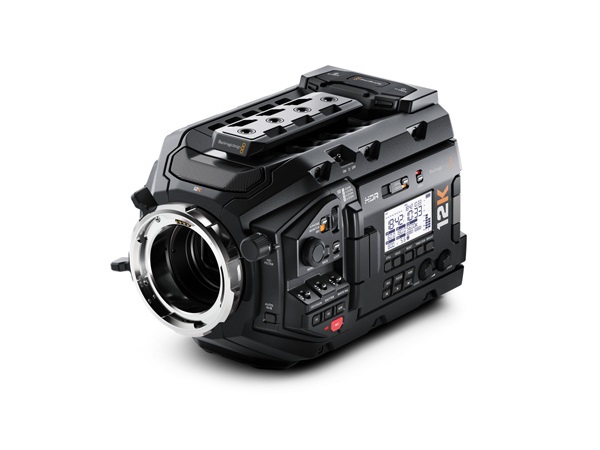
Video recording and editing equipment supports the workflows that capture, store, and post-produce video content beyond simple live streaming. The category includes dedicated recording appliances (purpose-built devices that record video from cameras or AV systems to local storage), capture cards (for bringing camera signals into computers), editing workstations (powerful computers configured for video editing software), storage systems for video archives, color correction and grading tools, and the various accessories that complete a recording and post-production workflow.
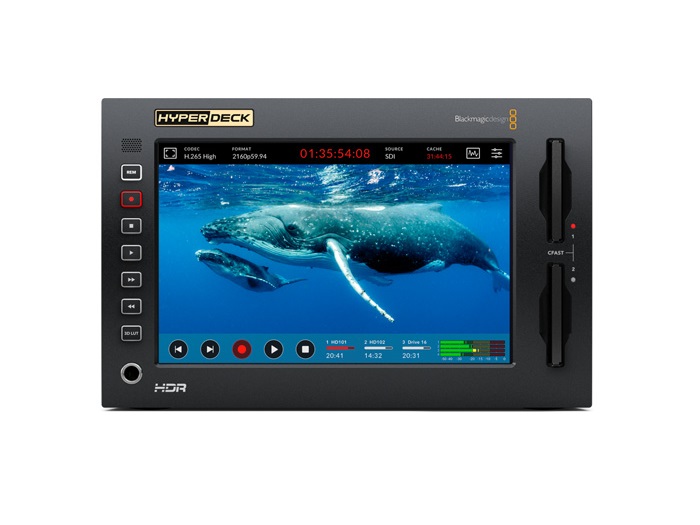
Recording appliances are standalone devices that capture video from HDMI, SDI, or network sources and write it to internal or external storage. They are used in lecture capture (recording classroom sessions to learning management systems), conference recording (capturing meetings for archive or review), broadcast logging (continuous recording of program output for compliance and analysis), and live event recording (capturing concerts, sports, theater for archive and rebroadcast). Recording appliances offer simpler operation than a computer plus software, with reliable always-on operation and no risk of software crashes interrupting a capture.
For multi-camera productions and complex installations, multi-channel recorders capture multiple sources simultaneously: each camera in a multi-camera shoot, the program output plus individual camera ISOs (isolated camera feeds), separate audio channels for post-production mixing, and metadata like timecode. Multi-channel recording is essential in broadcast, sports production, theater, and any production where individual camera feeds need to be available in post-production.
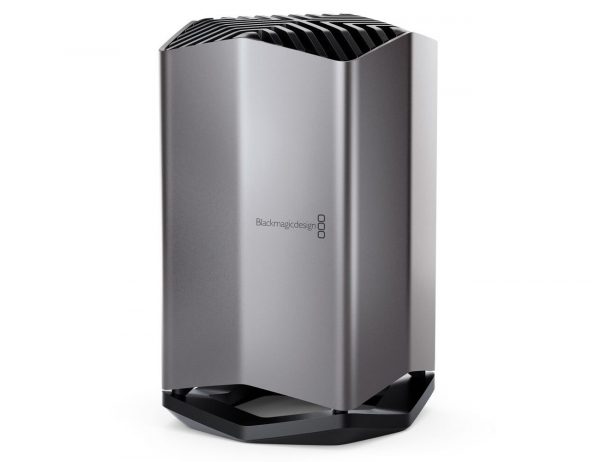
Video editing workstations are powerful computers configured specifically for video editing software (Adobe Premiere Pro, DaVinci Resolve, Final Cut Pro, Avid Media Composer). They include fast multi-core CPUs, GPU acceleration for video effects and color grading, large amounts of RAM (32 GB minimum, 64 to 128 GB for serious work), and fast storage (NVMe SSDs for active projects, large HDDs or RAID arrays for archive). Quality editing workstations make the difference between fluid editing and constant waiting for renders.
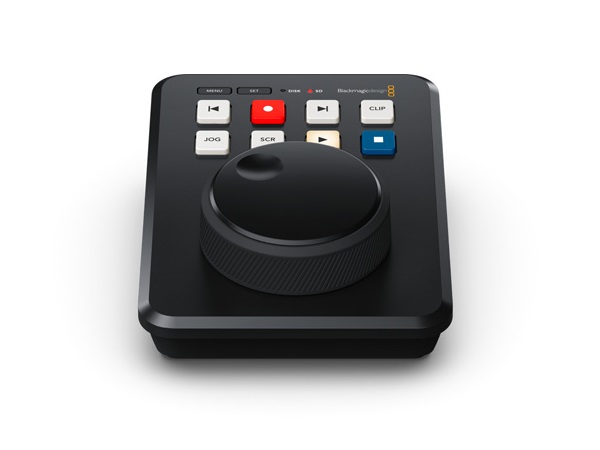
Color correction and grading are post-production processes that adjust the look and feel of video content: matching shots from different cameras, creating a specific visual style, ensuring legal broadcast levels, and producing the final polished look. Tools include hardware control surfaces (dedicated color grading panels with track balls and wheels for precise adjustment), reference displays (high-end monitors with calibrated color reproduction), and the software (built into the editing platform or as separate specialty tools like Filmlight Baselight or DaVinci Resolve's color page).
Video editing and archive require significant storage. Active editing projects need fast storage (NVMe SSDs deliver the read speeds needed for 4K editing and color grading). Project archives need large but slower storage (HDD-based RAID arrays for medium-term storage, LTO tape for long-term archive). Specialty NAS (Network Attached Storage) systems support multiple editors accessing the same project simultaneously over high-speed network (10 GbE or higher). Storage cost adds up quickly in serious video work; plan capacity for both active projects and long-term archive.
For live multi-camera production, hardware production switchers combine multiple camera inputs into one program output: cameras, graphics, playback sources, and effects all switched live by an operator. Common products include the Blackmagic Design ATEM series (budget-to-mid range), Ross switchers (broadcast production), Sony switchers (broadcast and pro production), and others. For software-based switching, the production switcher software (vMix, Wirecast, OBS) runs on a regular computer with multi-channel capture.
Video recording and editing equipment serves broadcast and production studios (the main use case), educational institutions with lecture capture and student production programs, corporate video production (executive interviews, training content, internal video), houses of worship recording services for archive and rebroadcast, theater and performing arts archive, sports facility recording, and content creators (YouTube, podcasts with video, online courses). Each application has different requirements for resolution, channel count, real-time vs. file-based workflows, and budget.
A recording appliance is a standalone device that captures video from HDMI, SDI, or network sources and writes it to internal or external storage, without requiring a computer plus software. You need a recording appliance when reliability matters (no software crashes interrupting capture), when the workflow is simple (record one or two sources to a file for later use), or when the operator doesn't want to manage a computer-based recording system. Common applications: lecture capture (recording classroom sessions automatically), conference recording (capturing meetings for archive), broadcast logging (continuous recording for compliance), and live event recording (capturing concerts and theater for archive).
Choose a recording appliance for simple workflows where reliability matters more than flexibility: scheduled lecture capture, broadcast logging, single-source live recording, anywhere a non-technical user just needs to press one button to start recording. Choose a computer with capture cards and software (OBS, vMix, Wirecast) when you need flexibility (graphics, switching, multi-source mixing), when the workflow involves real-time production rather than just capture, or when the budget favors using existing computer infrastructure. Many production setups use both: appliances for clean capture of individual sources, computers for production switching and effects.
For 1080p editing with basic effects, a modern multi-core CPU (Intel Core i7 or AMD Ryzen 7, current generation), 32 GB RAM, a mid-range GPU, and NVMe SSD storage are sufficient. For 4K editing or heavy color grading, step up to 16-core or higher CPU, 64 to 128 GB RAM, high-end GPU (NVIDIA RTX 3080 or higher, AMD Radeon Pro), and fast NVMe storage for media. For 6K, 8K, or RAW video editing, dedicated workstation-class hardware (Intel Xeon or AMD Threadripper, workstation GPU, 128+ GB RAM, RAID NVMe storage) is necessary. The hardware significantly affects whether the editing experience is fluid or frustrating.
All three are professional video editing platforms with overlapping features. DaVinci Resolve is the dominant tool for color grading (its color page is industry-standard) and offers free and paid versions, with strong editing and audio features in addition to color. Premiere Pro is Adobe's editing platform, integrated with the rest of the Creative Cloud (After Effects for graphics and effects, Audition for audio); subscription-based licensing. Final Cut Pro is Apple's editing platform, Mac-only, with strong performance on Apple Silicon hardware; one-time purchase pricing. The choice depends on platform preference, integration needs, budget, and existing skills.
A rough rule for 4K video: 4K at 30 fps in modern codecs (ProRes, DNxHR) uses about 70 to 250 GB per hour depending on quality. For a typical production with 10:1 shooting ratio (10 hours of source footage for 1 hour of finished video), one project can easily require 1 to 2 TB of storage. Plan for fast NVMe storage for active editing (1 to 4 TB), HDD-based RAID for medium-term project storage (10 to 50 TB), and LTO tape or cloud for long-term archive. Storage cost adds up; serious video work justifies dedicated NAS or SAN infrastructure.
Broadcast and production studios (the main use case: TV stations, live event production companies, post-production houses), educational institutions (lecture capture for online and hybrid courses, student production programs in journalism and media schools), corporate video production (executive interviews, training content, internal video, marketing content), houses of worship (recording services for archive and rebroadcast on streaming platforms or church websites), theater and performing arts archive (recording performances for documentation and grant applications), sports facility recording (game film for coach review, highlight reels, broadcast contribution), content creators (YouTube channels, podcasts with video, online course producers, streamers archiving their content), and any organization producing video content for any purpose.

On order over $300 and more for US and US territory

We Offer a 30-Day Money Back Guarantee

Full manufacturer's warranty and quality assurance

Safe checkout with trusted payment providers