











Start typing to see results...
Find the perfect solution
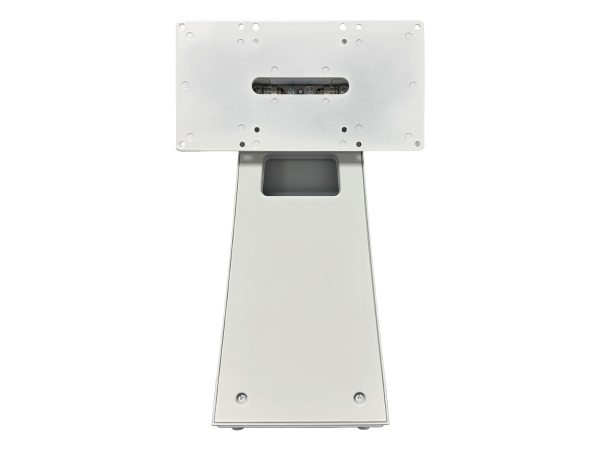
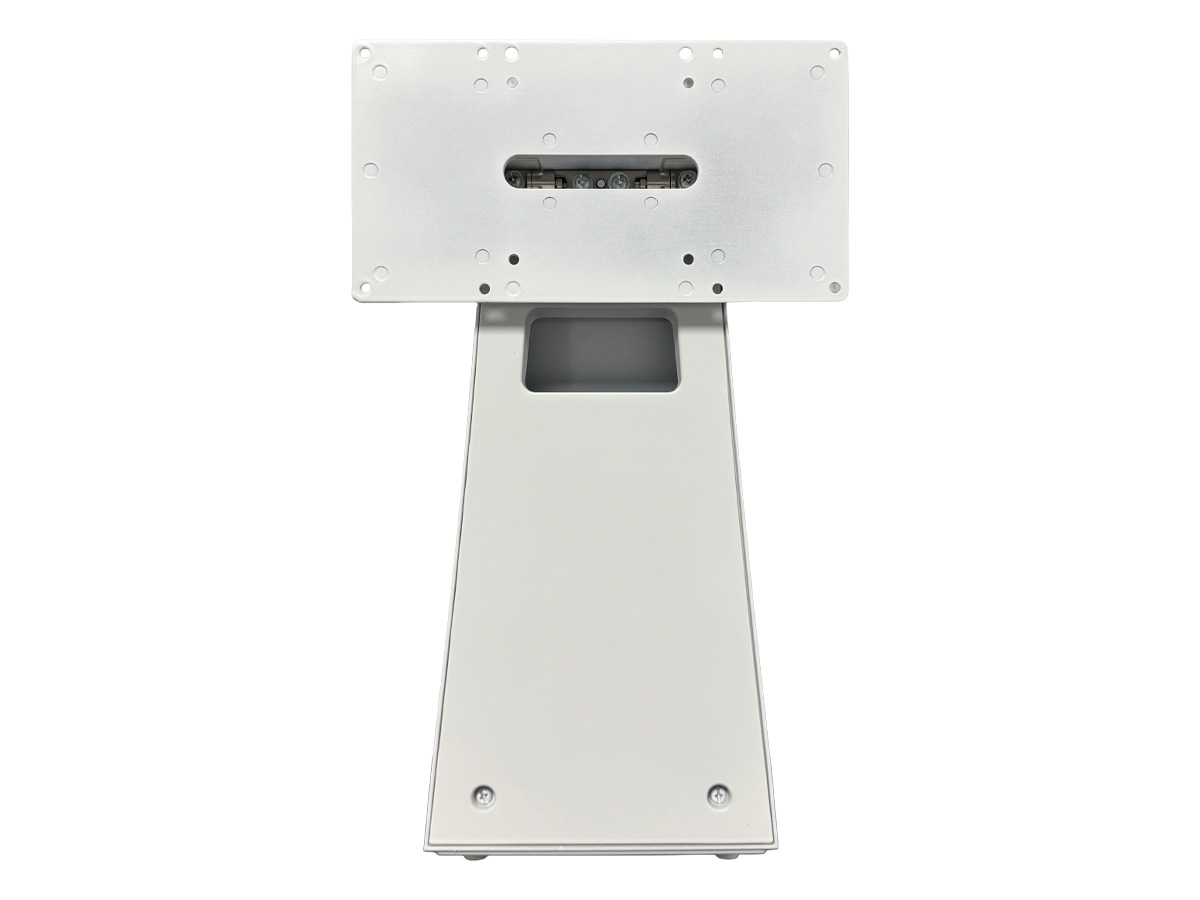
Table mounts and accessories integrate AV equipment cleanly into conference tables, podiums, lecterns, and similar furniture. They include cable cubbies and pop-up boxes (with HDMI, USB, audio, network, and power connectors that hide when not in use), table-mount microphone arrays and pucks, table-mount touch panels for room control, in-table monitor lifts, integrated wireless charging pads, and the cable management accessories that keep the underside of tables clean and the connections protected.
A modern conference room or boardroom should not look like an electronics workshop. Dangling cables, exposed power strips, and cluttered tabletops detract from the professional impression a well-designed AV installation should give. Integrated table AV solves this: connections appear cleanly when needed (a button press raises a pop-up box from the tabletop) and disappear when not needed. The room looks polished, the connections work consistently, and users can connect without struggling with cable management themselves.
Cable cubbies are flush-mount enclosures in the tabletop that hide HDMI, USB, audio, network, and power connectors. Users open the cubby to access the connections; close it when done. Pop-up boxes rise up out of the tabletop at the press of a button, presenting connections at the user's level. Both styles integrate with the room's AV system: video and audio signals run from the connection points to the room's switcher, displays, and audio system. Quality cable cubbies and pop-up boxes use durable mechanisms for the thousands of open/close cycles they will see.
Modern table accessories often combine AV connections with power and data: AC outlets for laptop chargers, USB charging ports, network connections for guests' laptops, and wireless charging pads for phones. The combined integration means one cable cubby or pop-up serves all the user's needs. For installations with universal AV equipment (Microsoft Teams Rooms, Zoom Rooms, etc.), the integration is typically standardized around the platform's recommended connection set.
Conference room microphones often integrate into the table itself: omnidirectional pucks at fixed positions around the table, beam-forming microphone arrays in the table center, or ceiling-recessed alternatives. Table-mount microphones are common in smaller meeting rooms where dedicated ceiling microphones don't fit. They pick up nearby speakers well while remaining unobtrusive. Wireless microphones integrate via wireless receivers in the equipment rack.
For executive briefing centers and high-end boardrooms, monitor lifts hide a confidence monitor or touch screen in the tabletop when not in use, raising it for presentations and meetings. The monitor remains hidden during regular meal-style table use, then appears when the room transitions to presentation mode. Monitor lifts are premium accessories used in high-end installations where the room serves multiple functions.
Beneath the table, cable management products organize the runs from each cable cubby or microphone position to the equipment rack. Plastic or metal cable channels keep cables off the floor, away from feet, and properly separated for serviceability. Cable conduits within the table legs hide the runs from the user's view. Quality cable management improves both appearance and service access; cables that are properly run are easier to repair and replace.
Where cables must cross floors (from table positions to wall outlets or AV equipment racks not directly below), floor cable covers protect cables and prevent trip hazards. Floor cable covers are typically rugged and ADA-compliant (passable by wheelchairs and avoiding raised lips that cause trips). For permanent installations, in-floor power and data boxes are more elegant but require renovation to install.
Table mounts and accessories serve modern conference rooms and boardrooms (every meeting room benefits from clean integrated connections), classrooms and training rooms (instructor podium with integrated AV connections, student tables with power and USB for personal devices), executive briefing centers (premium integrated table AV for client visits), broadcast and production tables (microphone arrays, headphone connections, monitor lifts), and any installation where clean professional appearance and reliable connections matter.
A cable cubby is a flush-mount enclosure in a conference table that hides AV connectors when not in use. Users open the cubby (often by lifting a hinged door or sliding a panel) to access HDMI, USB, audio, network, and power connectors. When the meeting ends, the cubby closes and the connections disappear. You need cable cubbies in any conference room or boardroom where users connect their laptops or other devices to the room AV system: it keeps the tabletop clean, protects the connections from spills and physical damage, and makes the room look professional rather than like an electronics workshop.
Both serve the same purpose (hiding AV connectors when not needed, revealing them when needed), but with different mechanisms. A cable cubby is a static enclosure that the user opens manually with a hinged door or sliding panel. A pop-up box uses an electric or pneumatic mechanism: at the press of a button (or by the control system), the box rises out of the tabletop to present the connections; another press lowers it back. Pop-up boxes are more elegant and easier to use; cable cubbies are simpler and less expensive. Both work well; the choice depends on budget and the room's aesthetic.
For most modern conference rooms, include HDMI input (for laptops with HDMI output), USB-C input (for modern laptops with USB-C), USB-A ports for charging, AC power outlet for laptop chargers, and network RJ45 for guests' wired internet. Many cubbies also include audio inputs for legacy laptops without HDMI, and HDMI passive output for connecting to in-table monitors. For executive spaces, also consider wireless charging pads and USB-C with high-power Power Delivery for fast laptop charging. The exact mix depends on the room's typical usage.
Use table-mount microphones in smaller meeting rooms where the ceiling is high or where running cable to ceiling microphones is impractical. Pucks or beam-forming arrays in the table center pick up nearby speakers well. Use ceiling-mount microphones in larger rooms where you want to pick up everyone around a long table or where ceiling microphones can be installed cleanly. Ceiling microphones often sound better in large rooms because they are closer to the speakers' mouths; table microphones can have problems with paper rustling, water glass clinks, and hand noise close to the table surface.
A monitor lift is a mechanism in the conference table that raises a touch screen or display from below the table surface, presenting it when needed and hiding it when not. Monitor lifts are used in executive briefing centers and premium boardrooms where the room transitions between different uses (a meal-style table during catered events, then a presentation room when the meeting starts). The monitor lift makes both modes possible without the constant visible presence of a display when it isn't needed. They are typically premium accessories used in high-end installations where the room serves multiple functions.
Modern conference rooms and boardrooms (every meeting room benefits from clean integrated connections via cable cubbies or pop-up boxes), classrooms and training rooms (instructor podium with integrated AV connections, student tables with power and USB for personal devices), executive briefing centers (premium integrated table AV for client visits and important meetings), broadcast and production tables (table-mount microphone arrays for panel discussions, integrated headphone connections, monitor lifts for confidence monitors), and any installation where clean professional appearance and reliable connections matter to the room's overall impression and functionality.

On order over $300 and more for US and US territory

We Offer a 30-Day Money Back Guarantee

Full manufacturer's warranty and quality assurance

Safe checkout with trusted payment providers