











Start typing to see results...
Find the perfect solution
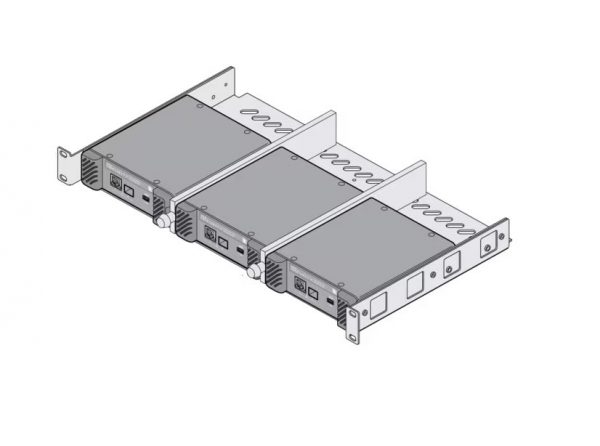
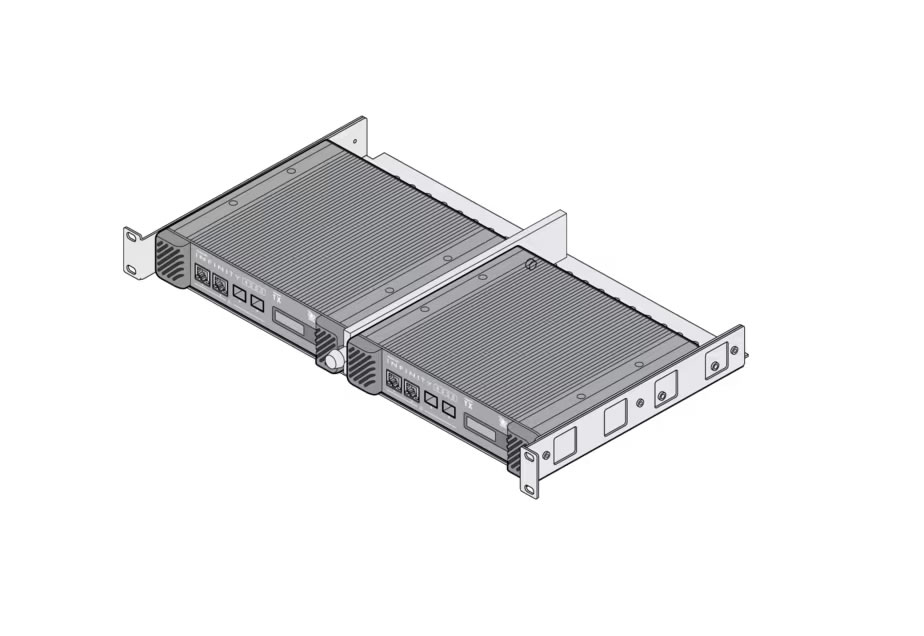
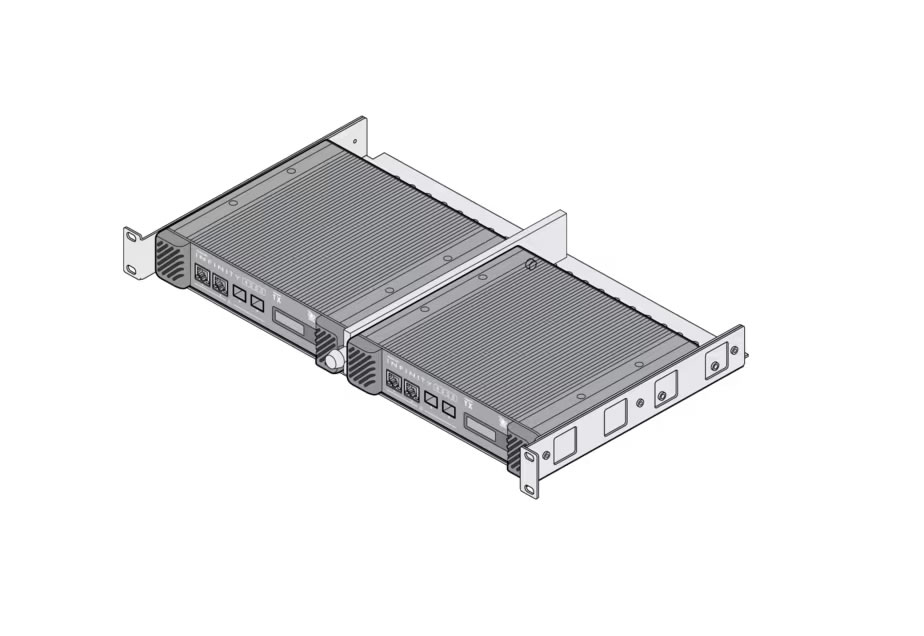
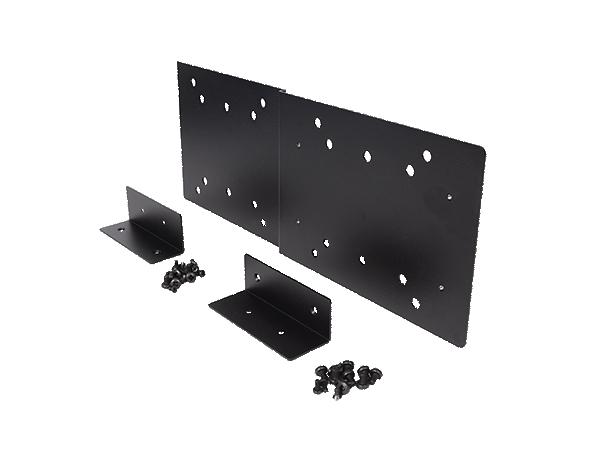
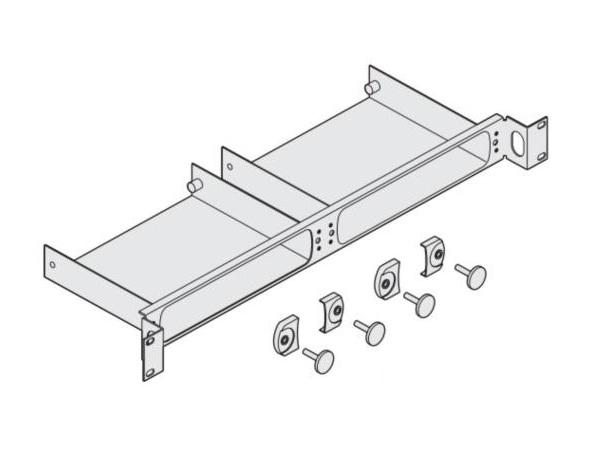
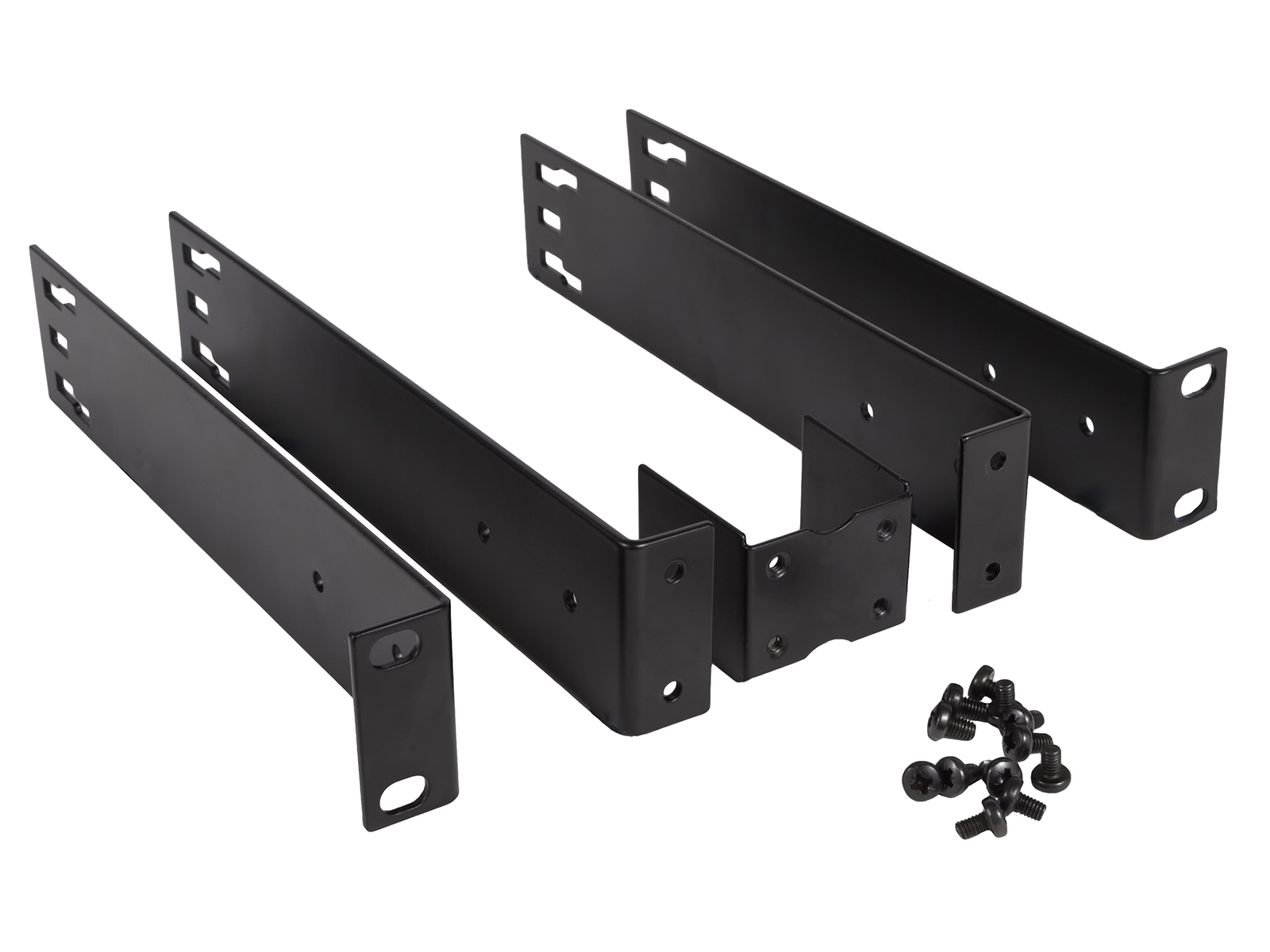
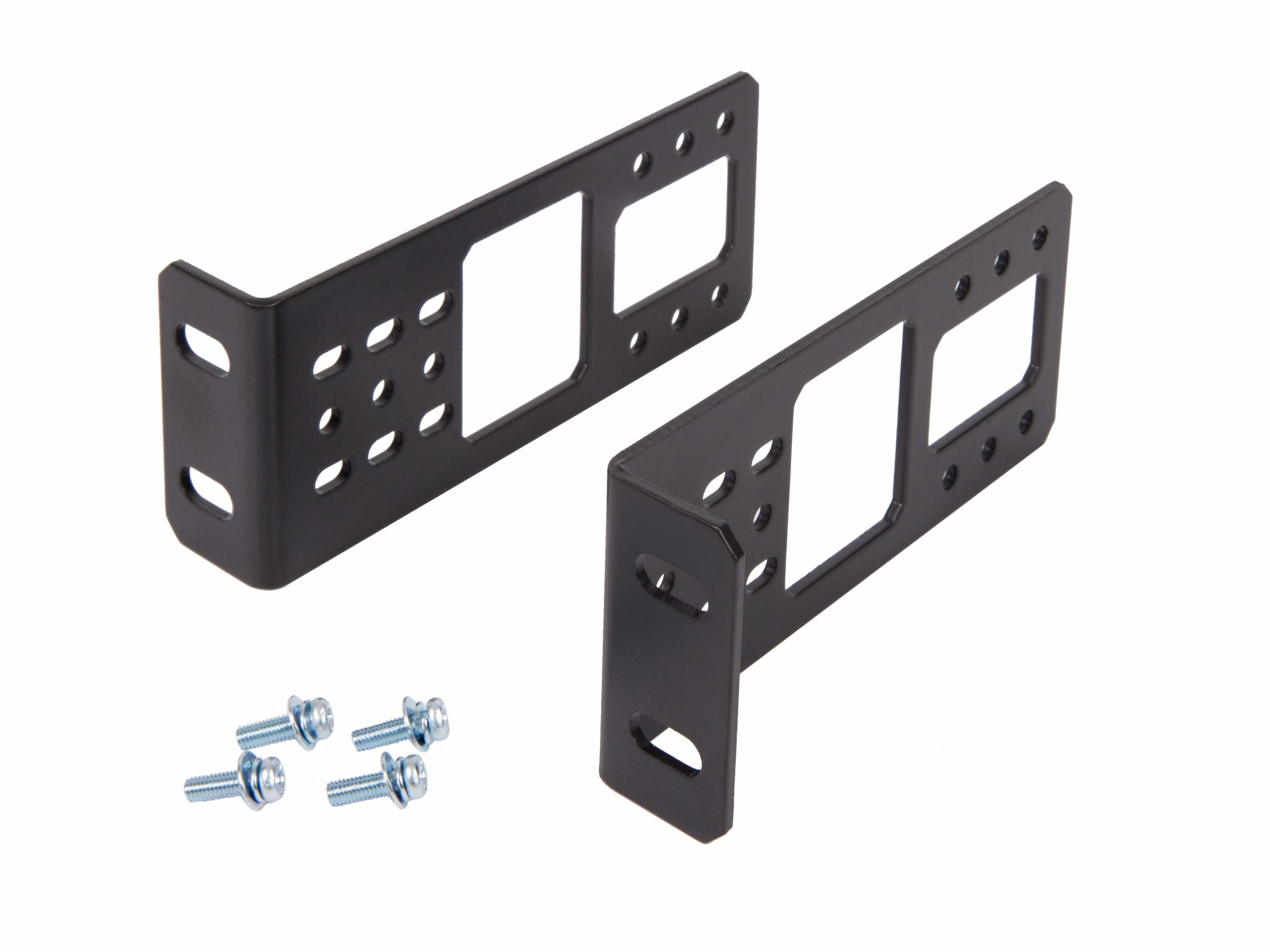
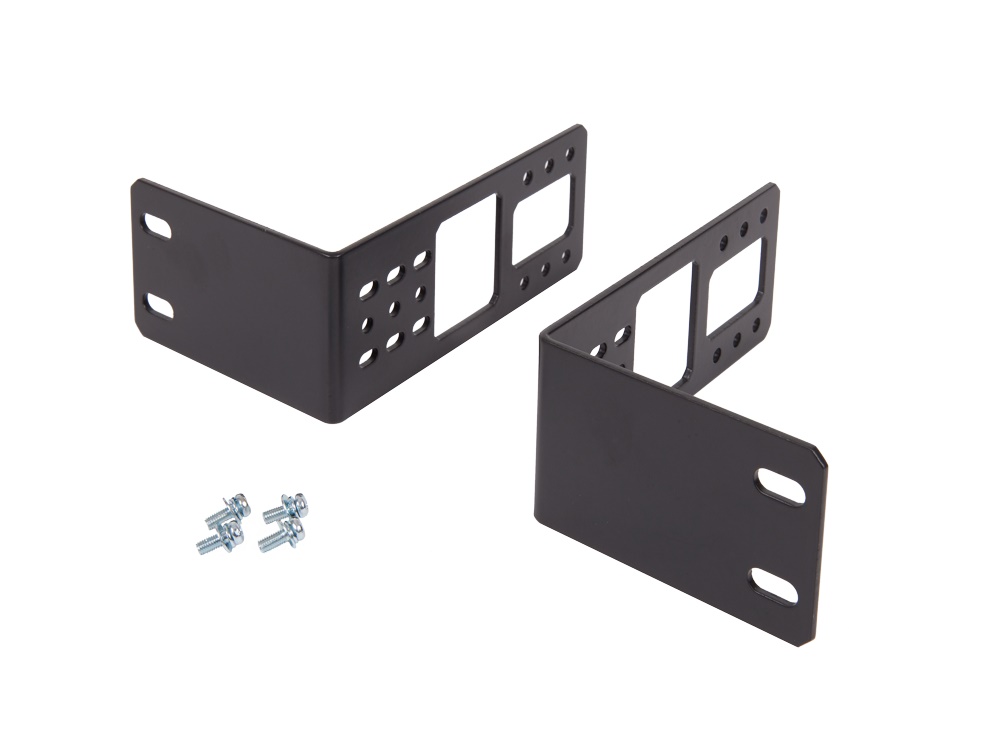
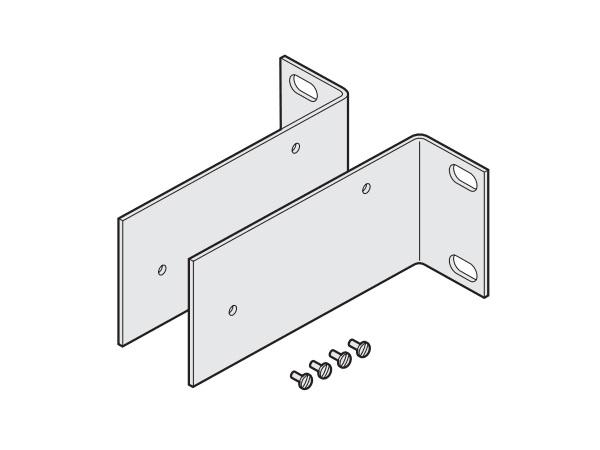
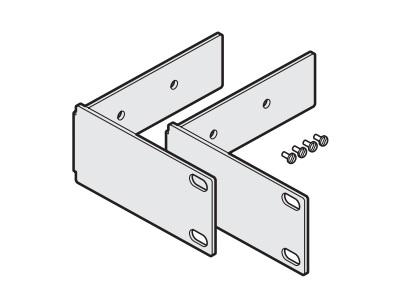
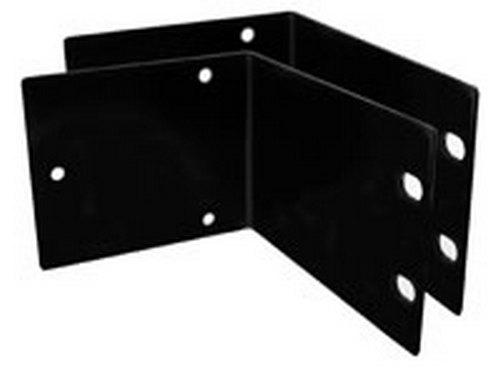
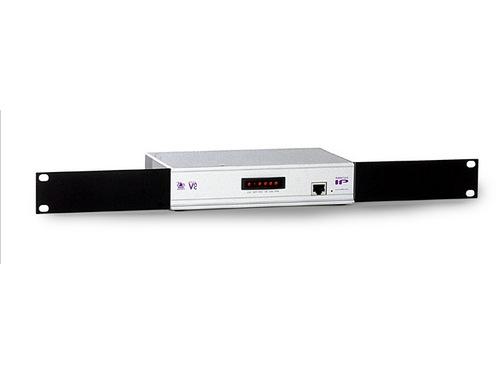
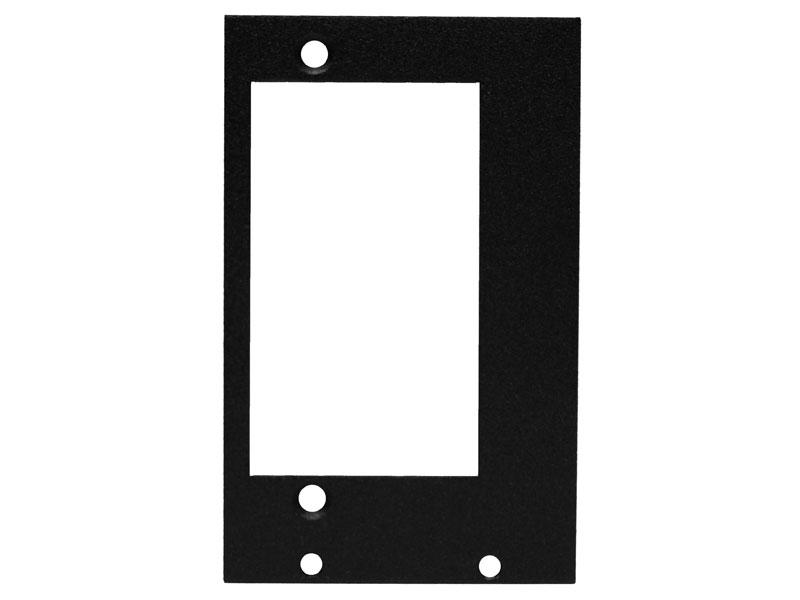
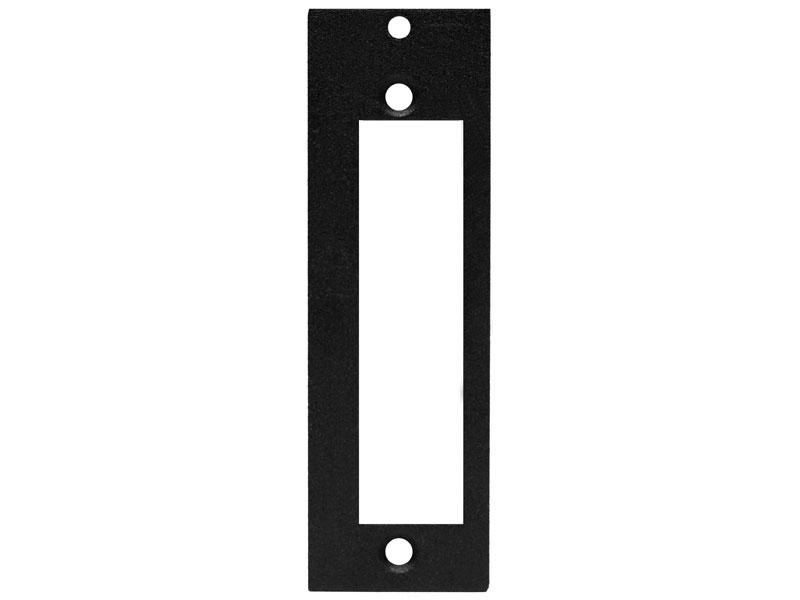
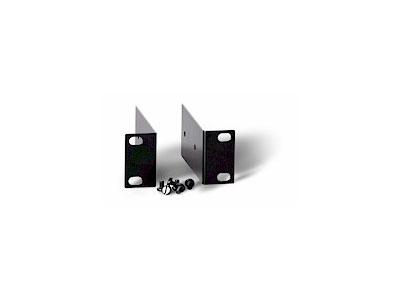
Rack adapters and mounts convert non-rack equipment to fit standard 19-inch equipment racks: shelf accessories for placing tower and desktop equipment in racks, rack ears for converting equipment with chassis but no native rack ears, blanking panels for filling empty rack spaces (important for airflow and security), drawer trays for tools and accessories that need to stay with the rack, and the various conversion hardware that lets mixed equipment coexist in standard racks.
Rack shelves are basic flat surfaces that mount in standard rack rails, supporting equipment that isn't designed for rack mounting. They come in various depths (12 to 28 inches typically) and heights (1U to 4U typically), with vented designs for equipment that needs airflow. Cantilever shelves (attached to the front rails only) support light equipment; full-depth shelves (attached to both front and rear rails) support heavier loads. Quality shelves include cable management features and are rated for specific weight loads.
Rack ears are L-shaped brackets that attach to the sides of equipment, converting its existing chassis to fit standard rack rails. They are sold in various widths and offsets to match different equipment: short ears for narrow equipment, wide ears with offset for equipment that doesn't quite fit between rack rails, and specialty ears for specific equipment models. Quality rack ears include the appropriate fastener kits for both the equipment and the rack rails.
Blanking panels are flat plates that mount in rack rails like any equipment, filling empty rack spaces. They are essential for two reasons. Airflow: rack-mount equipment with fans expects cool air entering the front and hot air leaving the back; empty spaces let hot air recirculate, reducing cooling effectiveness. Blanking panels force airflow through the equipment. Security: blanking panels prevent unauthorized access to the inside of the rack from the front, which matters in environments where physical security is important. Common sizes: 1U, 2U, 3U, and 4U solid panels; some have ventilation slots or brushed cable pass-throughs.
Drawer trays mount in the rack with a slide-out drawer for tools, manuals, spare parts, and other items that need to stay with the rack. They are common in equipment rooms where the racks are spread across many locations and the installer wants tools at each rack rather than carrying them around. Quality drawers include locks for security, dividers for organization, and proper rated weights for the contents.
Some rack adapters serve specific applications: rack-mount LCD displays (built into the rack for monitoring), rack-mount keyboard trays (for occasional console access without a separate KVM drawer), patch panels for organizing network and audio cable connections, and specialty mounts for AV equipment that doesn't fit standard rack patterns. Each serves a specific need in commercial AV equipment rooms.
Beyond conversion accessories, racks often include lighting (small LED strips that illuminate the rack interior for service work), labeled cable management strips, and patch organizers. These complete the rack as a professional, serviceable installation rather than just a metal box with equipment piled inside.
Rack adapters and mounts are essential in every commercial AV equipment room: shelves for non-rack equipment (DVD players, small switchers, third-party gear), rack ears for converting tower PCs and similar equipment, blanking panels in every rack for airflow and security, drawer trays in larger installations for tools and storage, and specialty adapters for the equipment that doesn't fit standard rack patterns. The accessories let installers use mixed equipment in standard racks rather than requiring everything to be rack-native.
The hardware that converts non-rack equipment to fit standard 19-inch equipment racks: rack shelves and trays for supporting tower and desktop equipment, rack ears for converting equipment with chassis but no native rack ears, blanking panels for filling empty rack spaces, drawer trays for tools and storage, and specialty adapters for various conversion needs. They let mixed equipment (rack-native plus retrofitted desktop equipment) coexist cleanly in standard racks.
Use rack shelves when the equipment has no native rack-mount provision and needs a flat surface to sit on: DVD players, small consumer-grade switchers, third-party gear designed for tabletop use, and any equipment that wasn't designed for rack mounting. Use rack ears when the equipment has a rack-friendly chassis but no factory rack ears: many AV equipment models are designed to be rack-mountable but ship without the ears as a separate option. The ears attach to the existing chassis and let the equipment slide into the rack like native rack-mount gear.
Two reasons. Airflow: rack-mount equipment with internal fans expects cool air entering the front and hot air leaving the back; empty rack spaces let hot air recirculate from back to front, reducing cooling effectiveness and potentially causing equipment to overheat. Blanking panels force airflow through the equipment rather than around it. Security: blanking panels prevent unauthorized access to the inside of the rack from the front, important in environments where physical security matters (data centers, government, healthcare). For both reasons, fill every empty rack space with blanking panels.
Rack shelves are rated for specific weight loads, typically 25 to 200 pounds depending on the shelf design. Cantilever shelves (attached to the front rails only) support less weight than full-depth shelves (attached to both front and rear rails). Always check the shelf's rated load capacity against the equipment's actual weight, with margin for safety. For heavy equipment (large AV switchers, servers, audio amplifiers), use heavy-duty shelves rated for 100+ pounds, attached to both front and rear rails, with proper support.
A vented rack shelf has perforations or slots in its surface, allowing air to pass through. Use vented shelves when the equipment placed on the shelf needs airflow for cooling: equipment with fans on the bottom that need to draw air, equipment with heat-generating components that benefit from airflow. Solid shelves are appropriate for equipment that doesn't need bottom airflow (consumer-grade gear, equipment in cool environments, equipment with side or top airflow). Most modern rack shelves are vented as the default; solid shelves are typically used for specific reasons.
Every commercial AV equipment room: rack shelves for non-rack equipment (DVD players, small switchers, consumer-grade gear, third-party equipment without rack mounting), rack ears for converting equipment with rack-friendly chassis but no factory ears, blanking panels in every rack to fill empty spaces for proper airflow and security, drawer trays in larger installations for tools and storage at each rack, and specialty adapters for the various equipment that doesn't fit standard rack patterns. The accessories let installers maintain professional, serviceable racks even with mixed equipment that wasn't all designed for rack mounting.

On order over $300 and more for US and US territory

We Offer a 30-Day Money Back Guarantee

Full manufacturer's warranty and quality assurance

Safe checkout with trusted payment providers