














Start typing to see results...
Find the perfect solution

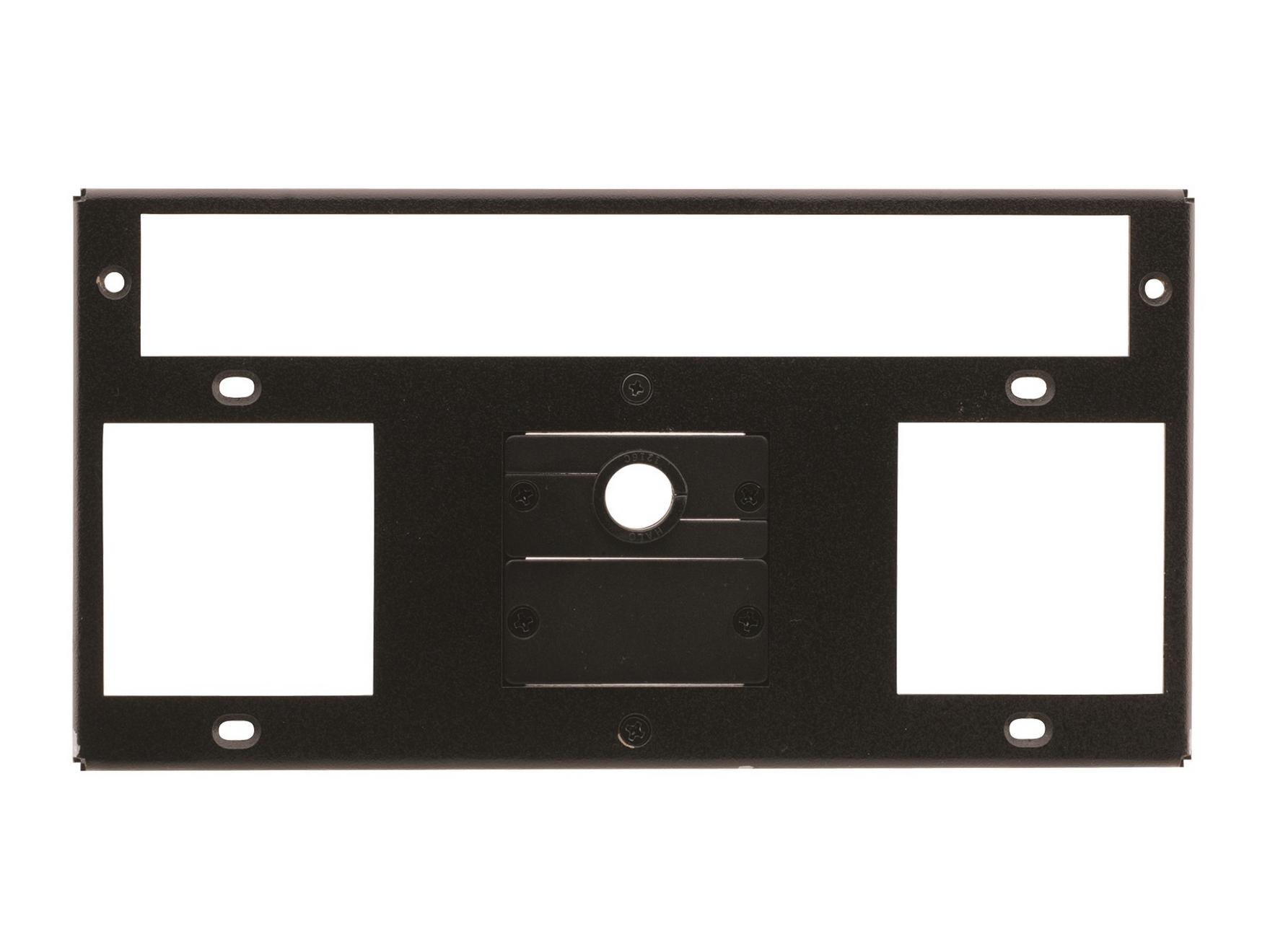
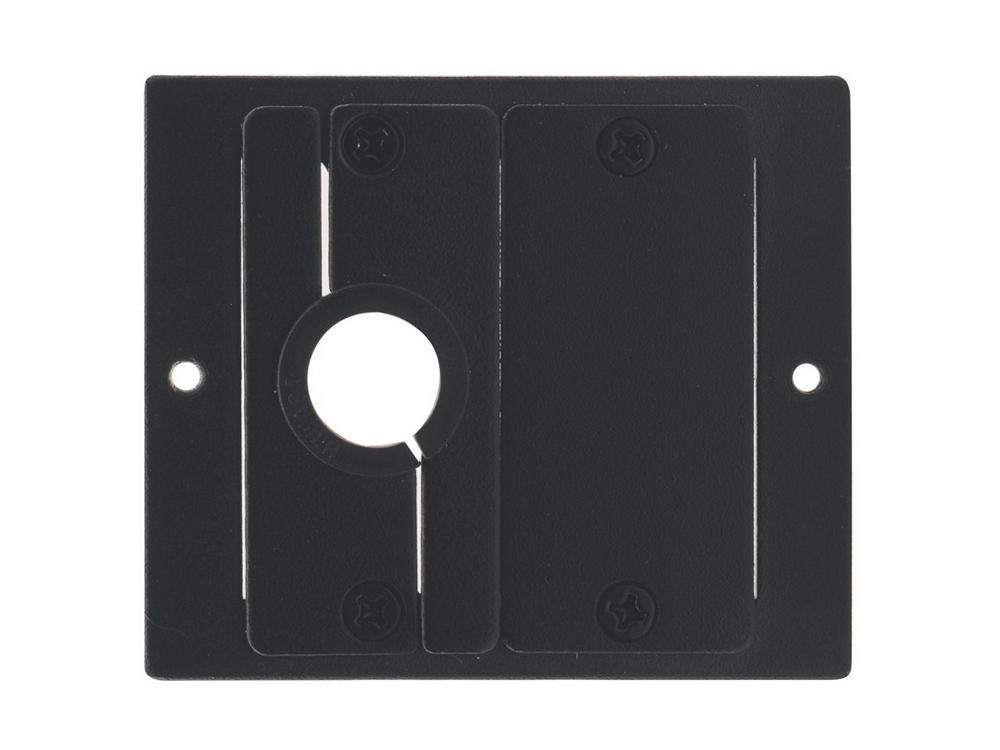
Mounting accessories are the supporting hardware that completes a mounting installation: brackets and adapters for connecting equipment to mounts, hardware kits with screws and fasteners specific to AV mounting, anti-theft and anti-tamper solutions, cable management products integrated with mounts, leveling and adjustment hardware, and the specialty items that make a mounting installation work cleanly.
Bracket adapters connect equipment to mounts that wouldn't otherwise fit. Common examples include VESA pattern adapters (for monitors or displays without standard VESA holes, or with non-standard patterns), interposer plates that change the connection between one mount style and another, offset brackets that move equipment away from the mount point for clearance, and pivot adapters that add rotation capability to fixed mounts. Adapters extend the flexibility of standard mounts to fit a wider range of equipment.
Quality mounting installations need specific hardware: machine screws of the right thread and length for the equipment, lag bolts for wood structures, masonry anchors for brick and concrete, drywall anchors for plaster and gypsum board, and various washers and locking nuts. Pre-packaged hardware kits matched to specific mount models and installation surfaces save time on installations and ensure the right fasteners are used. Generic hardware bags help installers who buy mounts in bulk.
In public and high-traffic environments, security against theft and tampering matters. Anti-theft mounting accessories include cable locks (preventing equipment from being removed even if access is gained), tamper-resistant screws (requiring specialty bits not found in standard toolkits), enclosure security accessories, and specialty mounts designed to make theft difficult. These accessories are common in retail, hospitality, public spaces, and any installation where unauthorized removal is a risk.
Many quality mounts include cable management integrated into the design: pass-through holes for cables to enter the mount cleanly, channels in the mount arm that route cables along the structure, covers that hide cables from view, and strain relief for cables exiting the equipment. Where integrated cable management isn't sufficient, separate cable management accessories (clips, channels, trays) clean up the installation.
After initial installation, mounts often need fine adjustment: leveling shims to ensure displays are perfectly horizontal, micro-adjusters for precise positioning, alignment tools for ensuring multiple displays are perfectly aligned (important in video walls), and shims for accommodating uneven walls or surfaces. Quality mounting installations include these details, which separate professional installations from amateur ones.
Beyond standard hardware, specialty mounting accessories serve specific applications: outdoor weatherproofing kits for mounts in exposed locations, drop-stops to prevent dropped tools and equipment from falling on the equipment below (important on overhead displays), grounding straps for lightning protection on outdoor mounts, and specialty hardware for unique installation challenges.
Mounting accessories are needed in every mounting installation: bracket adapters when standard mounts don't fit specific equipment, hardware kits to match the specific installation surface, anti-theft accessories in retail and public spaces, cable management for clean aesthetics, leveling and adjustment for professional finish, and specialty accessories for unusual installations. The accessories often determine whether a mounting installation looks professional or amateur, and whether it lasts in service.
The supporting hardware that completes a mounting installation: bracket adapters (VESA adapters, interposer plates, offset brackets, pivot adapters), hardware kits (machine screws, lag bolts, masonry anchors, drywall anchors), anti-theft and anti-tamper solutions (cable locks, tamper-resistant screws, security enclosures), cable management products integrated with mounts (pass-through holes, channels, covers), leveling and adjustment hardware (shims, micro-adjusters, alignment tools), and specialty accessories for unique applications.
You need a bracket adapter when your equipment doesn't directly fit the mount you have or want to use. Common scenarios: a display with non-standard mounting holes (not the universal VESA 75, 100, 200, 400 patterns), a small TV without VESA holes at all (some entry-level models lack them), equipment that needs to be offset from the mount for cable clearance, or installations where you want to add features (tilt, swivel) to a fixed mount via an adapter. Adapters extend the flexibility of standard mounts to fit a wider range of equipment, often saving the cost of buying a new mount.
Drywall is a finish surface, not a structural one. For lightweight equipment (under about 5 pounds), heavy-duty drywall anchors (toggle bolts, snaptoggle anchors, or molly bolts) work alone. For anything heavier, mount to the wall stud behind the drywall using lag bolts (typically 1/4-inch or 3/8-inch diameter, long enough to penetrate the stud at least 1.5 inches), or to a wood blocking plate installed during construction. For heavy displays or speakers, find studs with a stud finder and anchor properly; never assume drywall anchors alone will hold heavy equipment.
Anti-theft mounting uses specialty hardware to prevent removal or tampering with mounted equipment. Common solutions include cable locks (a steel cable that loops through the equipment and an anchor point, locked with a key or combination), tamper-resistant screws (using bits not commonly found in toolkits, like security Torx or one-way screws), enclosure security (lockable enclosures around the equipment), and specialty mounts designed to make theft difficult. Anti-theft mounting is essential in retail (point-of-sale displays, customer-facing kiosks), hospitality (lobby displays, room TVs), and any public space where equipment is exposed to many people.
Cable management integrated into the mount includes pass-through holes for cables to enter the mount cleanly, channels in the mount arm that route cables along the structure, and covers that hide cables from view. Without integrated cable management, cables dangle from the back of the equipment and look unprofessional. Cable management can be added with separate accessories (clips, channels, trays), but integrated solutions are cleaner and easier to install. For commercial installations, especially in visible locations, mounts with integrated cable management are usually worth the additional cost.
Every mounting installation eventually needs accessories: bracket adapters when standard mounts don't quite fit the specific equipment, hardware kits to match the specific installation surface (drywall, concrete, brick, wood), anti-theft accessories in retail and public spaces, cable management for clean aesthetics in conference rooms and digital signage, leveling and adjustment for professional installation finish, and specialty accessories for unusual installations (outdoor, marine, industrial). The accessories often determine whether the install looks professional and lasts in service, even though they're small line items in the overall budget.

On order over $300 and more for US and US territory

We Offer a 30-Day Money Back Guarantee

Full manufacturer's warranty and quality assurance

Safe checkout with trusted payment providers