














Start typing to see results...
Find the perfect solution
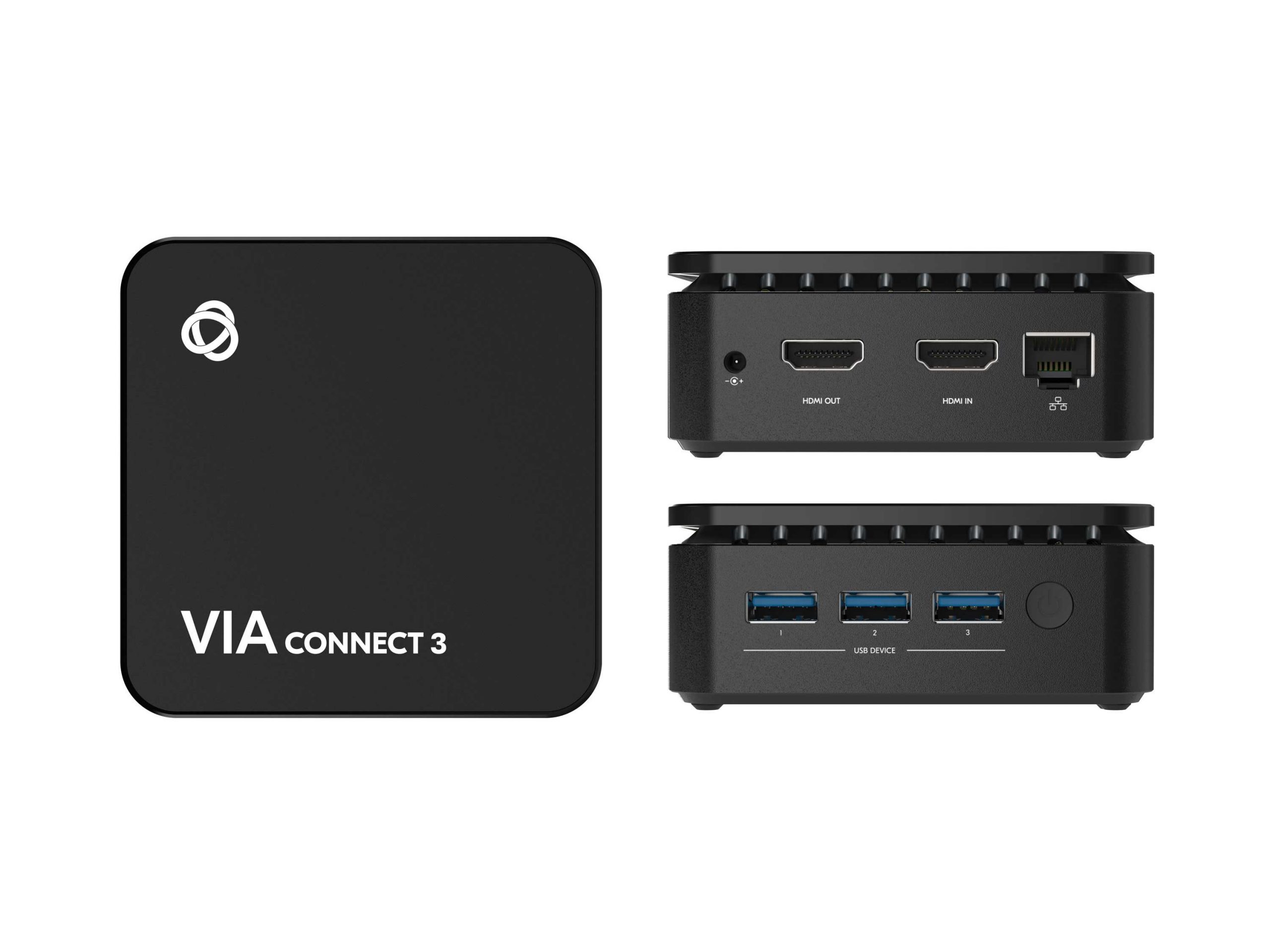
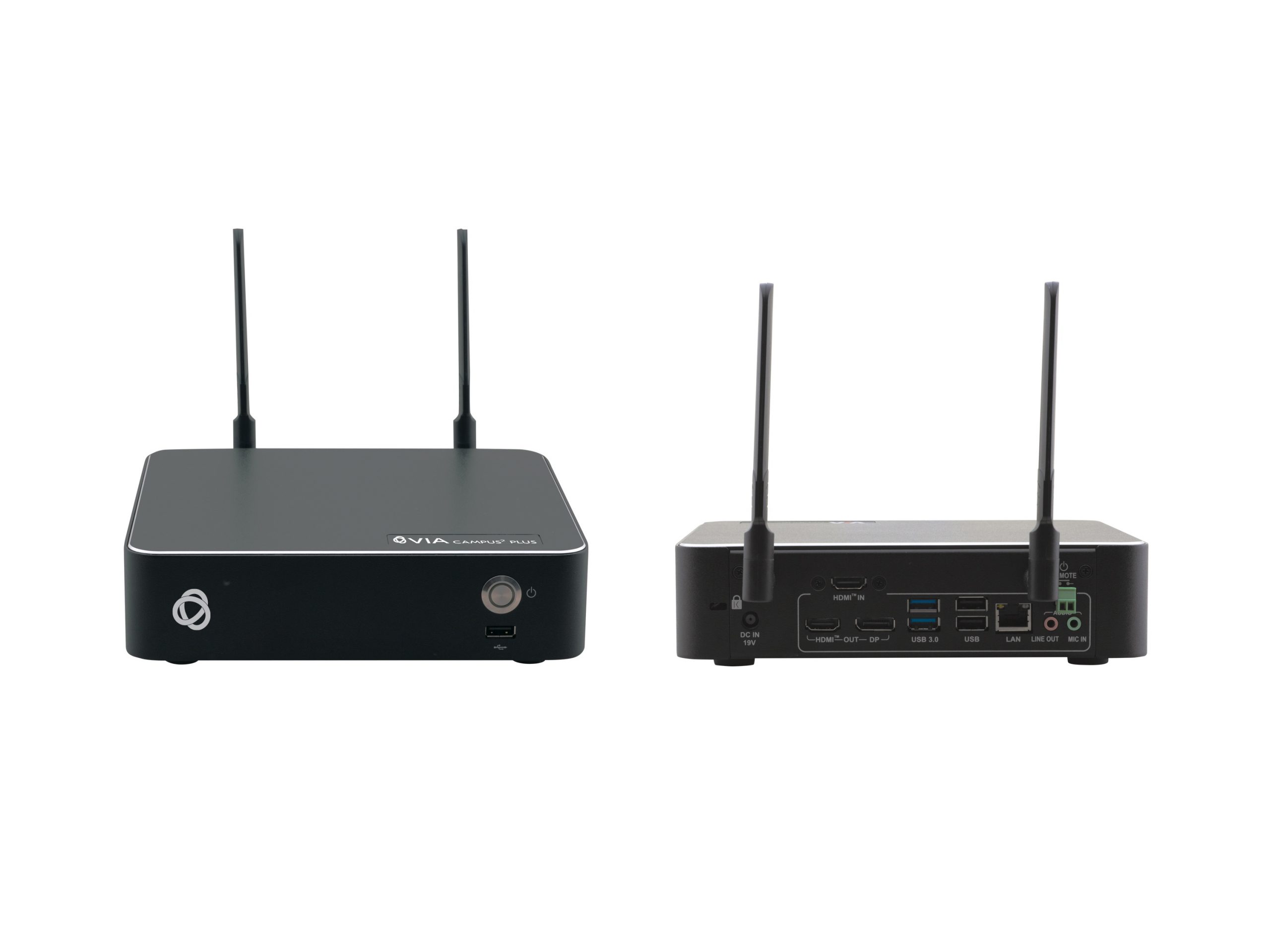
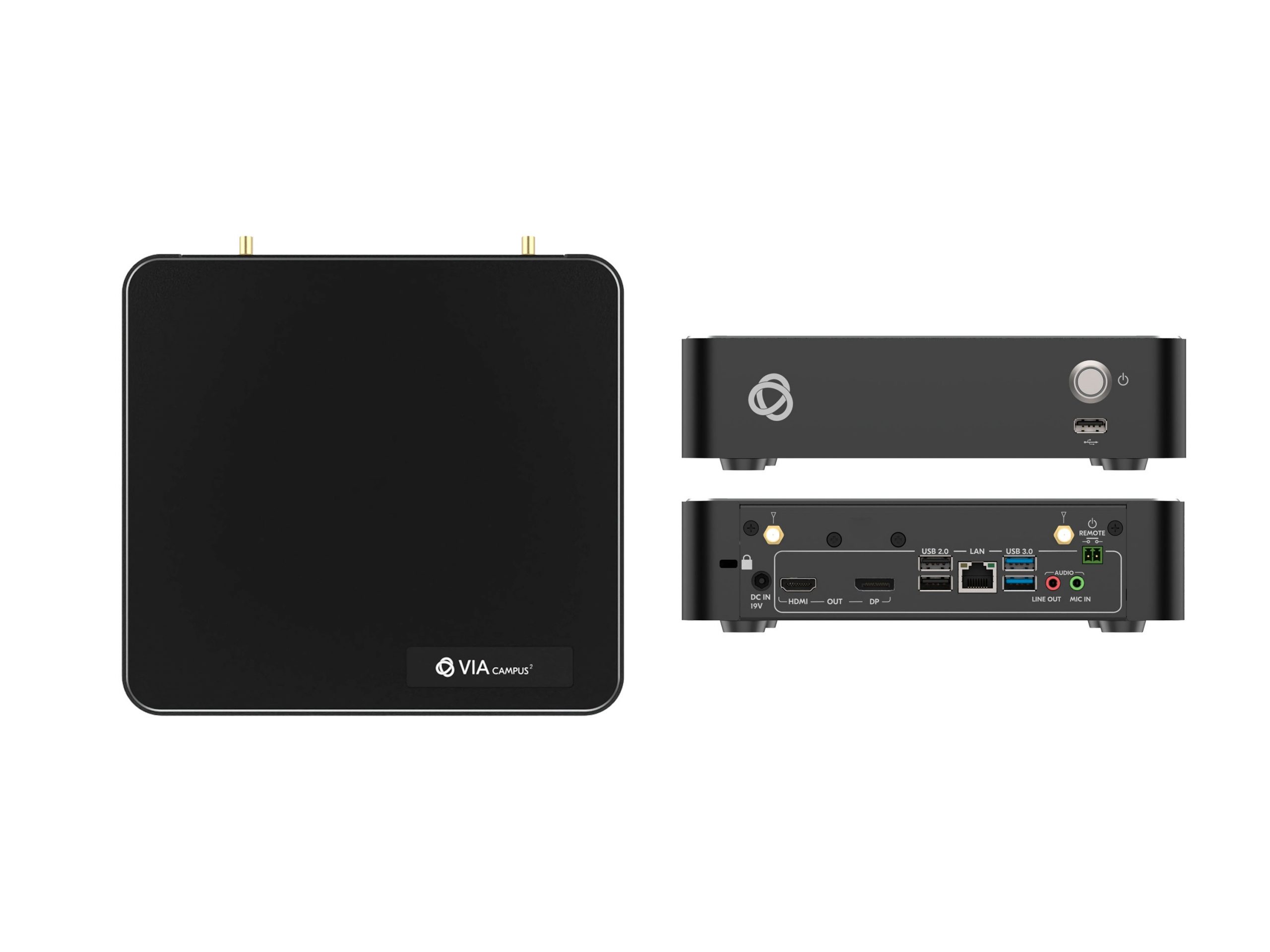
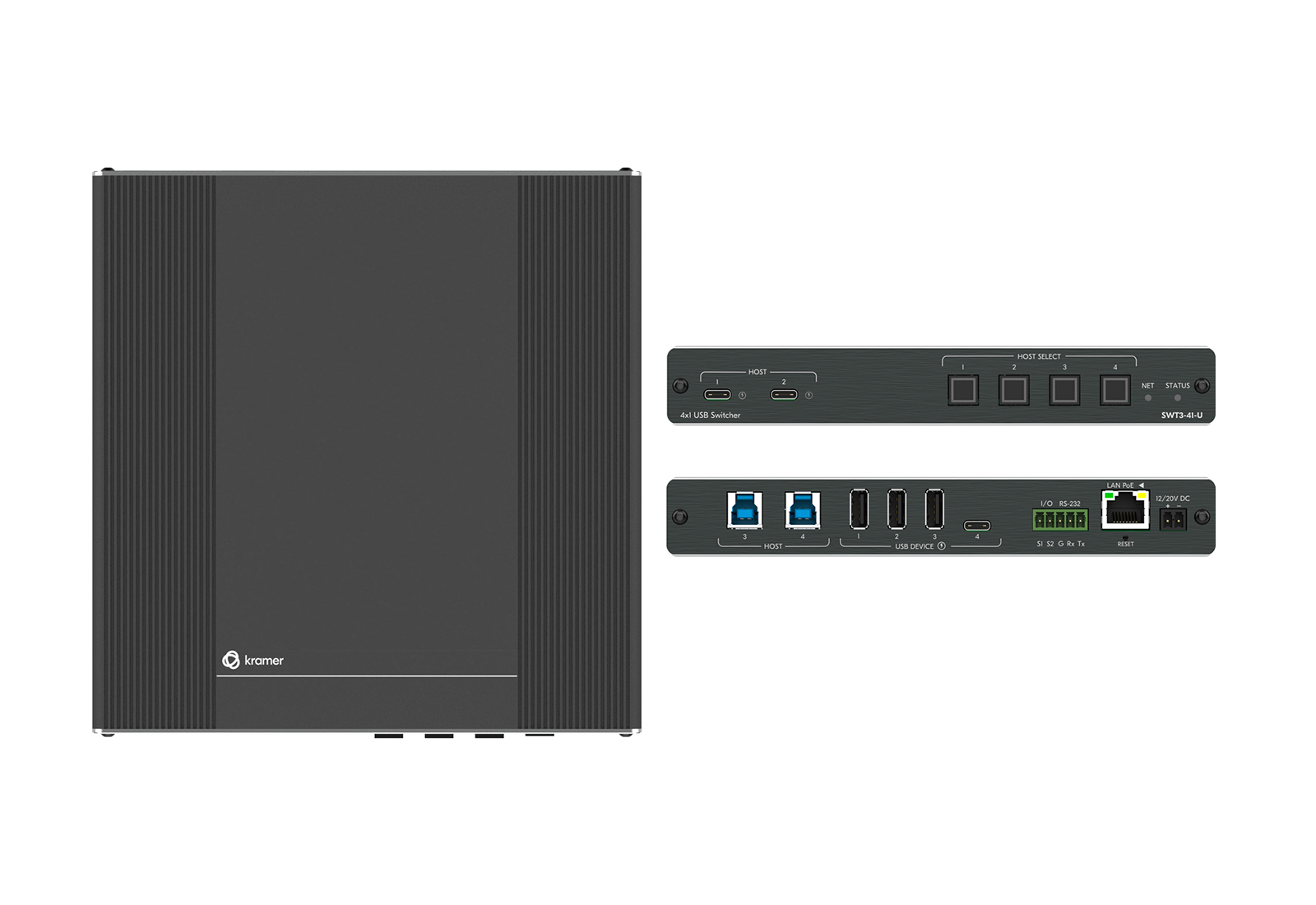
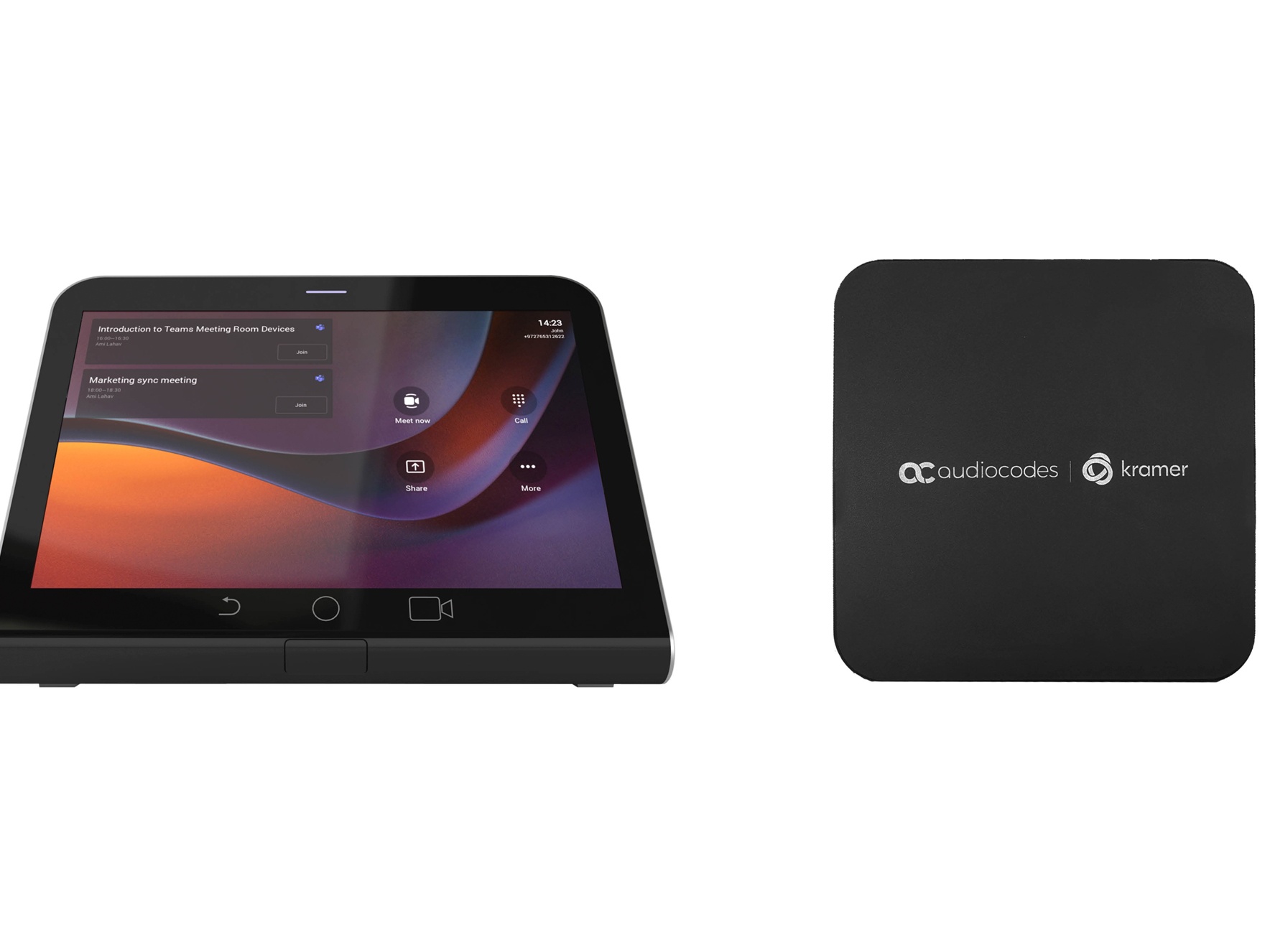
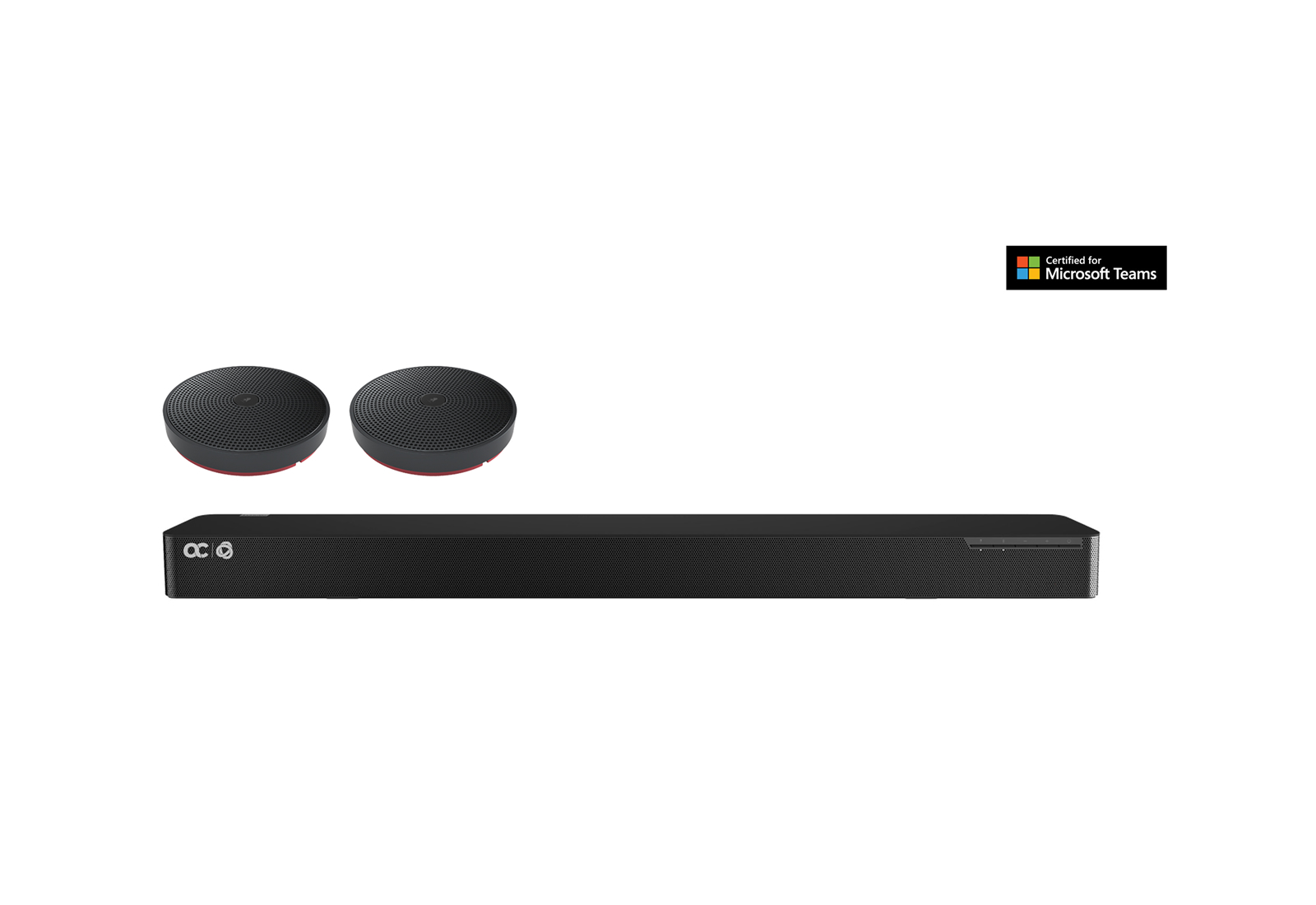
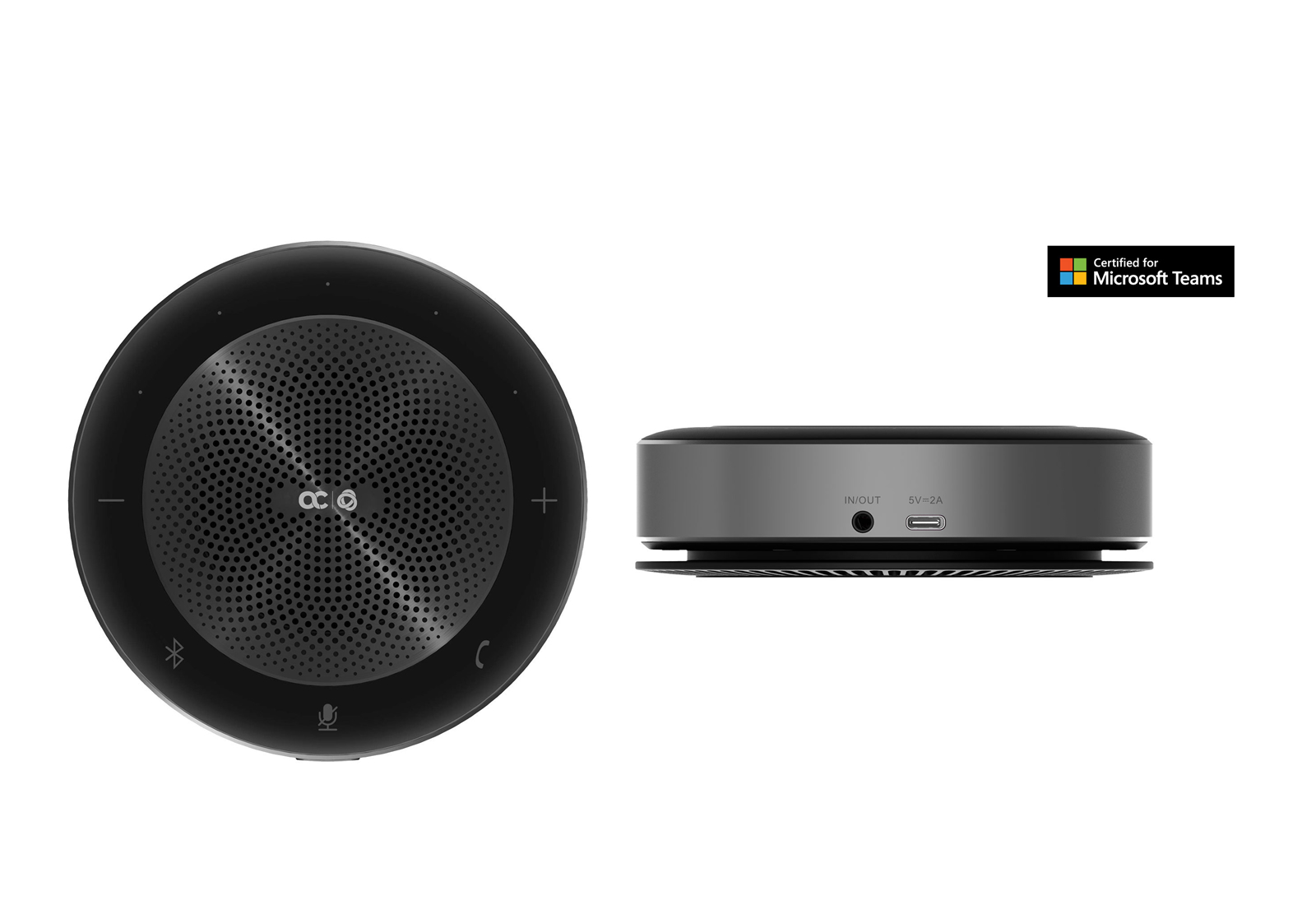
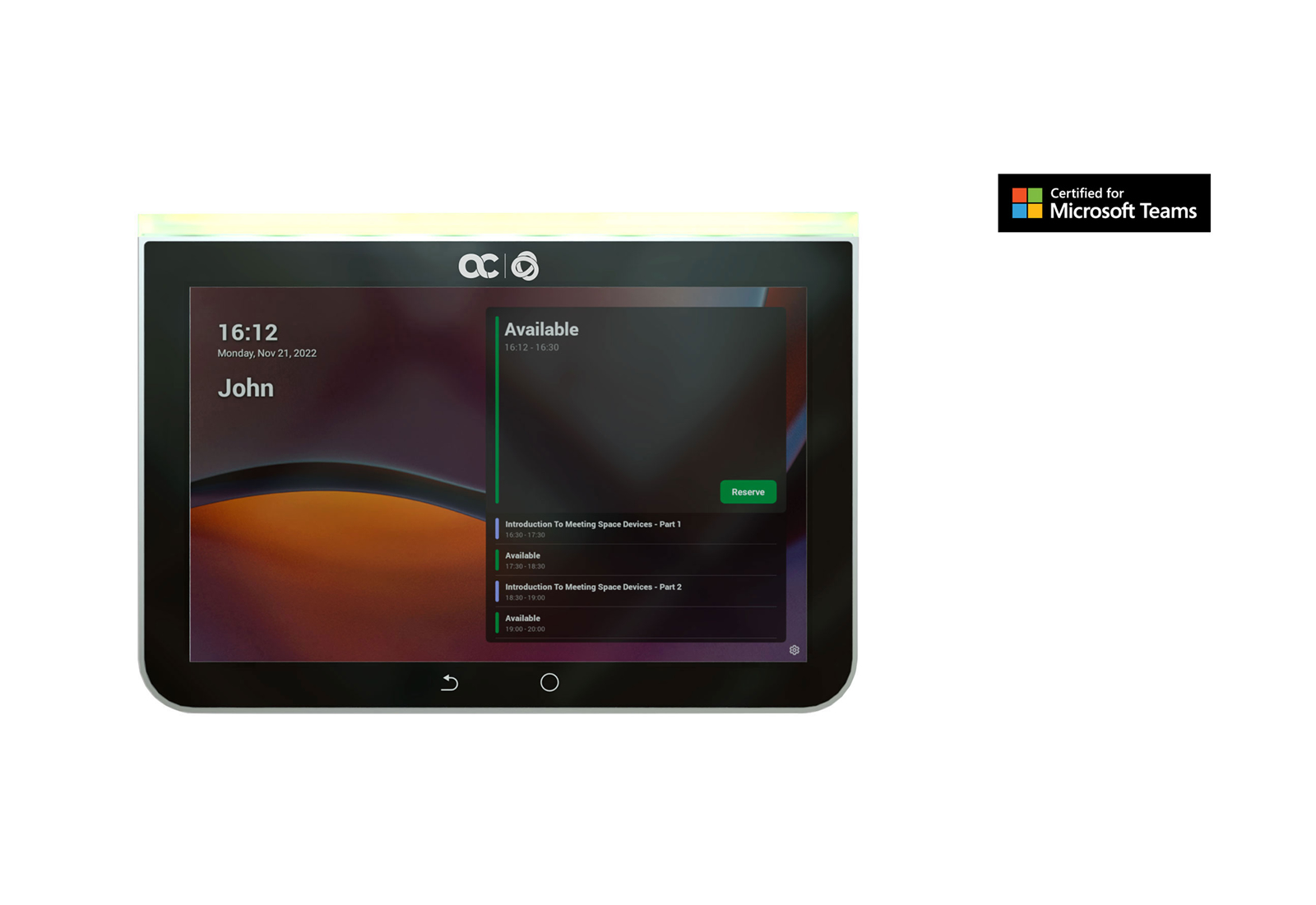
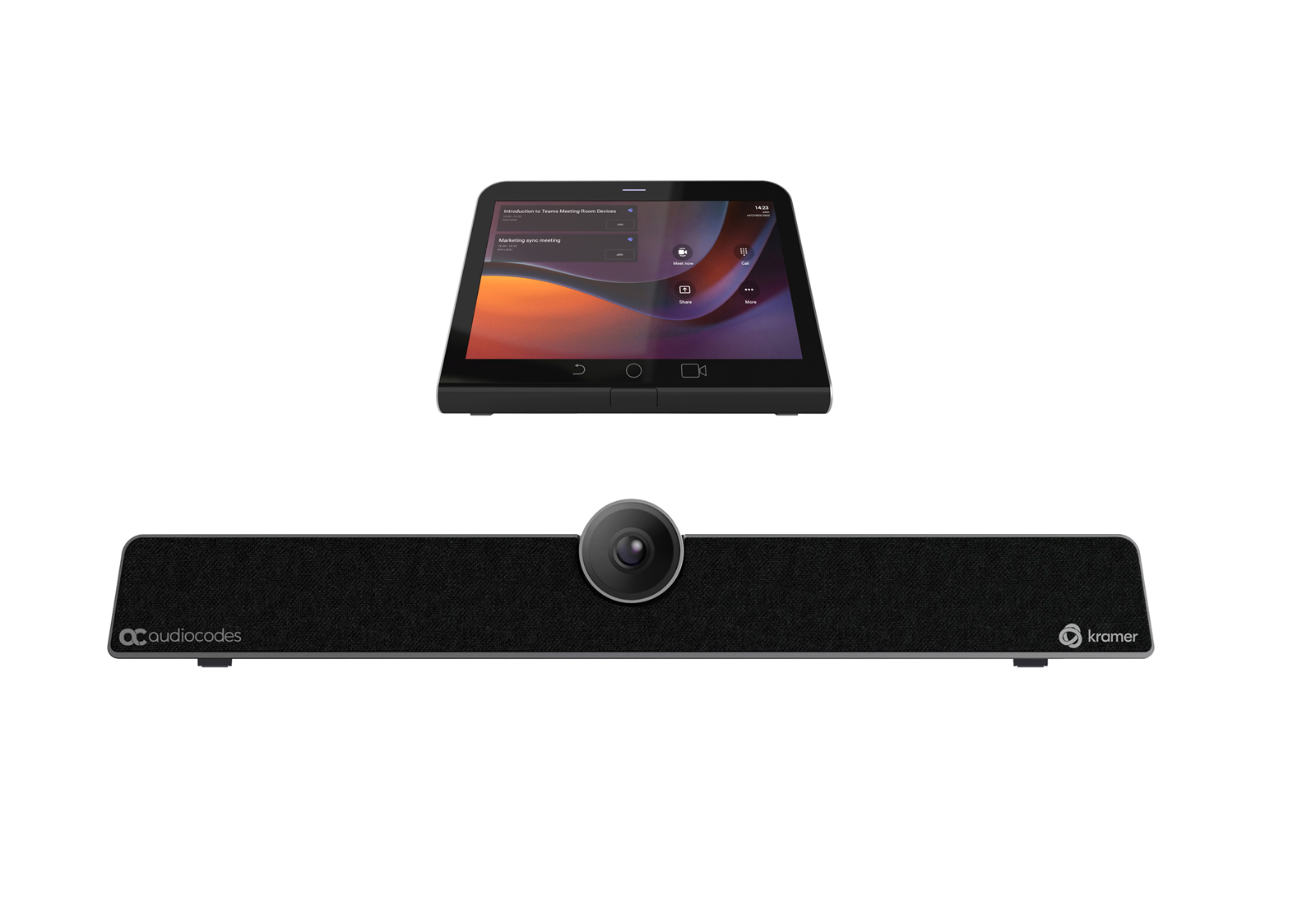
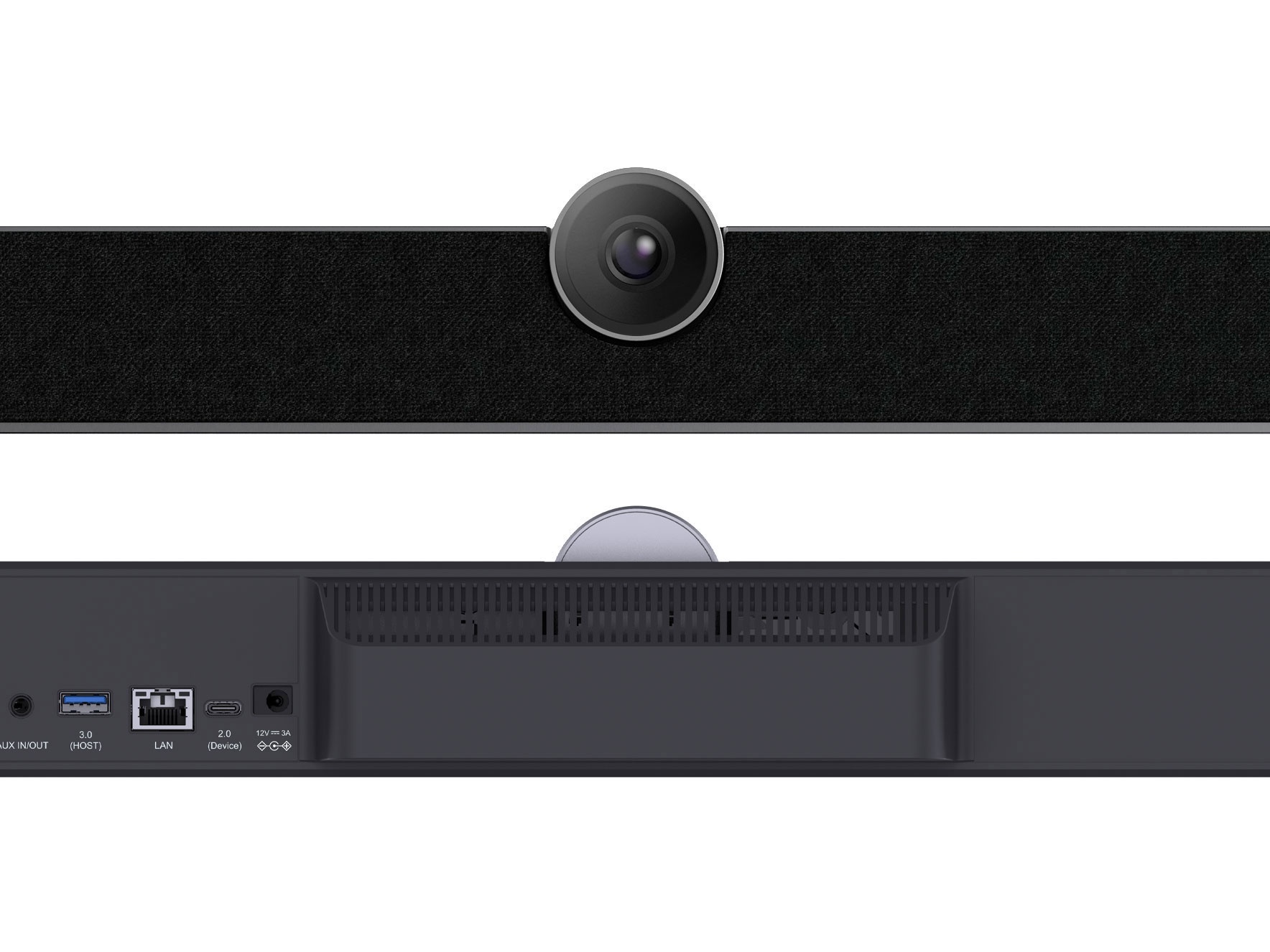
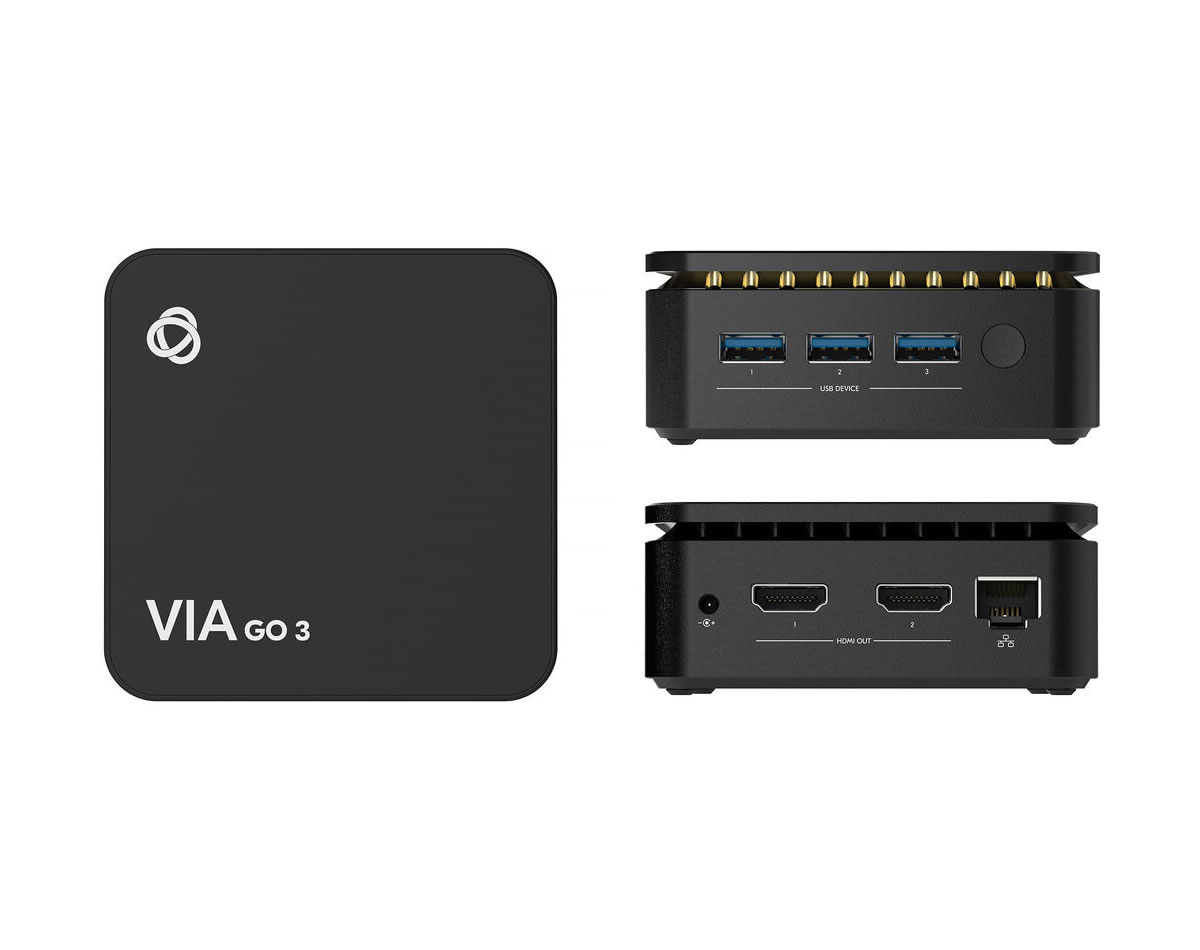
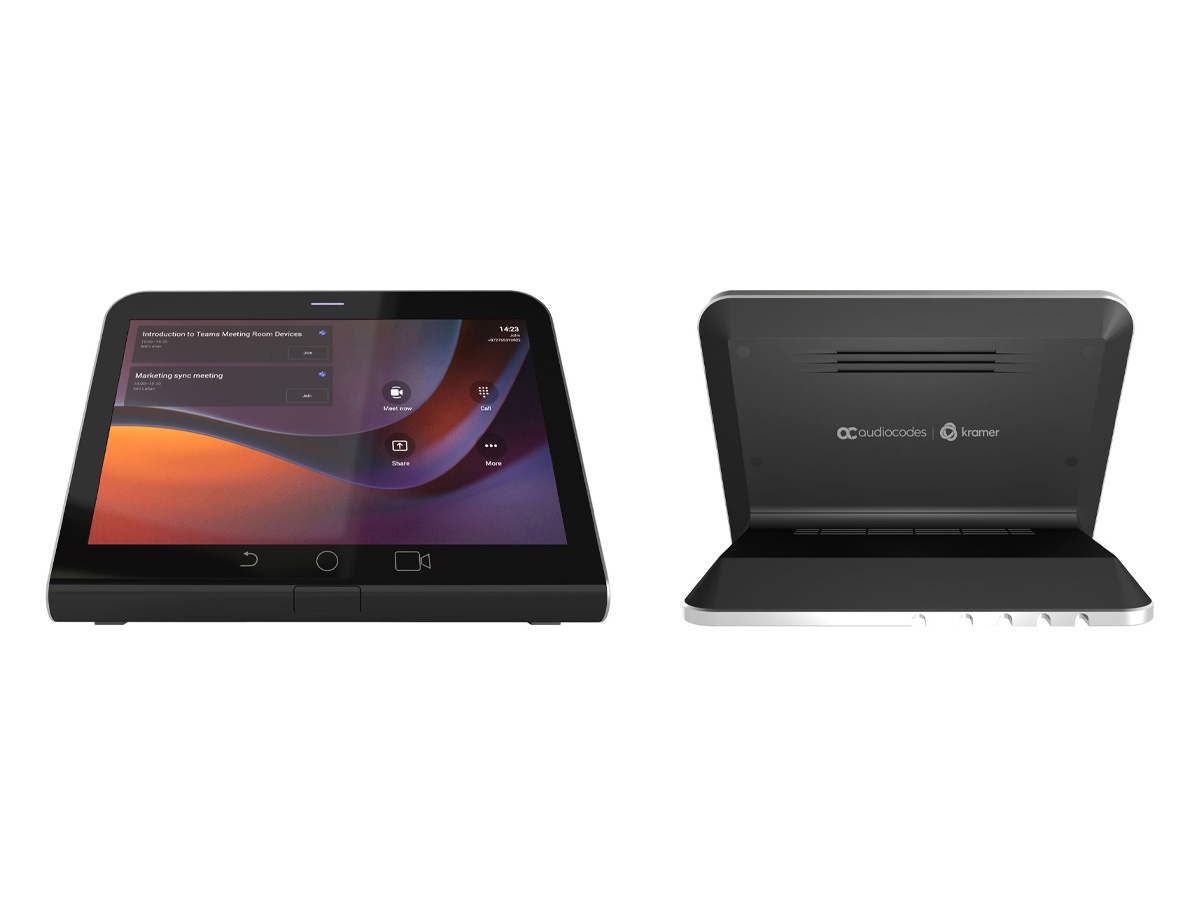
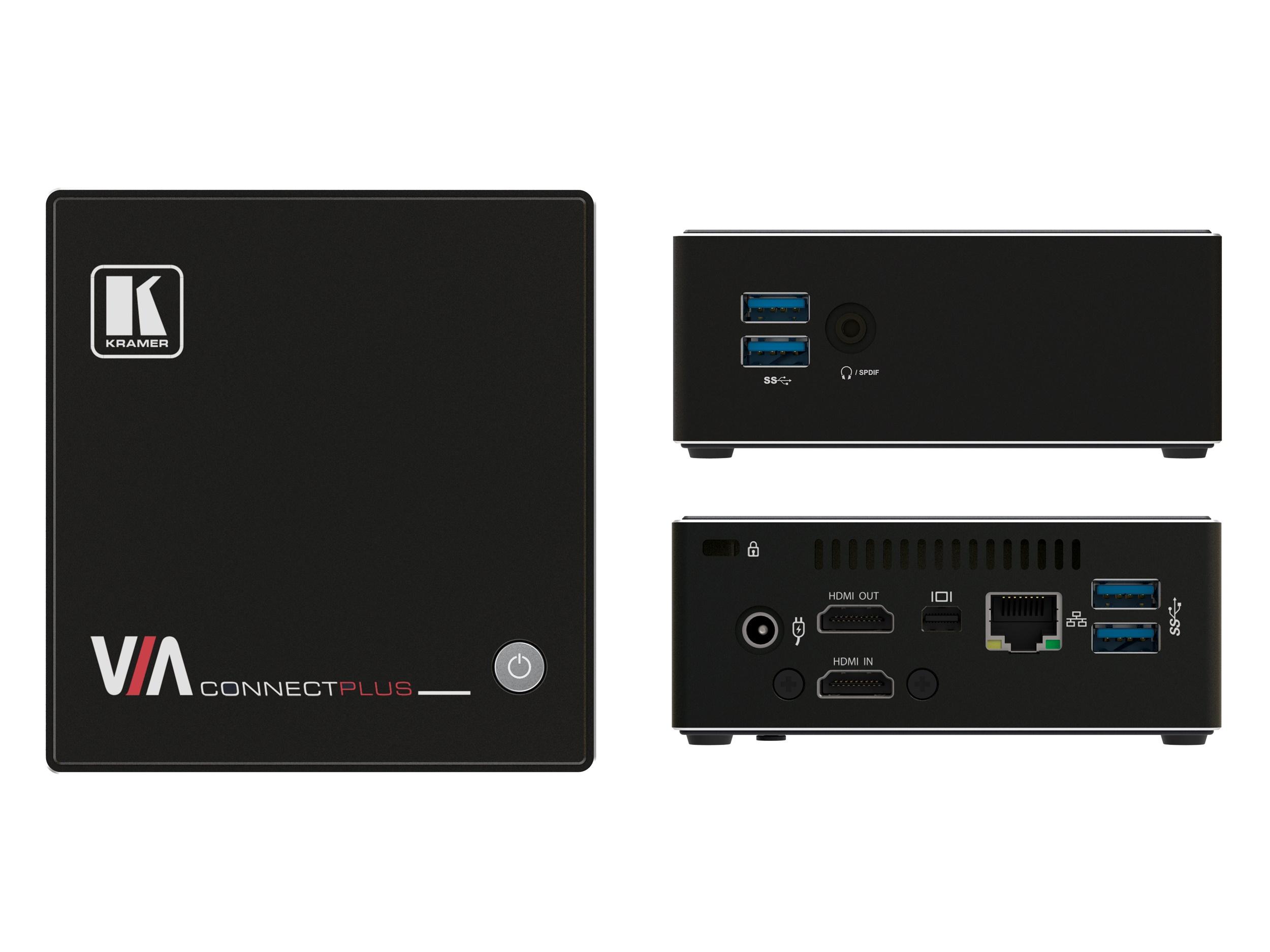
Collaboration and Conferencing groups the AV products that support remote meetings, video conferencing, and team collaboration. The category has grown enormously in importance as hybrid work has become standard: many meetings now include at least one remote participant, and the AV infrastructure that supports those meetings has become central to commercial AV installations. The category includes conferencing platforms and certified hardware (Microsoft Teams Rooms, Zoom Rooms, Webex Rooms), conferencing cameras and microphones, room-control touch panels, displays optimized for conferencing, and the supporting infrastructure that makes hybrid meetings work.
Three platforms dominate enterprise conferencing: Microsoft Teams (deeply integrated with Microsoft 365 and the dominant choice in many corporate environments), Zoom (dominant in many industries and known for ease of use), and Cisco Webex (strong in regulated industries and government, with strong security features). Google Meet is significant in environments using Google Workspace. Each platform certifies specific hardware for "room system" deployments: a complete certified setup includes a room PC, touch controller, camera, microphones, speakers, and displays, all working together as one platform-certified system.
Microsoft Teams Rooms is the certified deployment of Teams on conference room hardware. MTR systems include a small room PC running Windows IoT or Android, a touch panel for room control, a certified camera and microphone setup, and integration with the room's display and audio. MTR offers one-touch join (the touch panel shows scheduled meetings and lets the user join with one tap), calendar integration, content sharing, and full Teams meeting features. Microsoft and partners certify specific hardware configurations.
Zoom Rooms is Zoom's equivalent: a Mac, PC, or appliance running Zoom Rooms software, with a touch controller, certified camera and microphone setup, and integration with displays and audio. Zoom Rooms supports one-touch join, calendar integration, and the full Zoom meeting feature set. Many companies use Zoom Rooms because of organizational standardization on Zoom for video conferencing. Like Teams, certified hardware lists guide deployment.
Cisco Webex Rooms are Cisco's certified hardware running Webex meeting software. Cisco produces complete integrated systems (Webex Room Bar, Webex Desk Pro, larger Webex Board systems) that combine all the conferencing AV in single units. Webex is strong in regulated industries (financial services, healthcare, government) for its security features and Cisco's strong vendor support relationships.
Not all conferencing is platform-certified room systems. Many installations use bring-your-own-device (BYOD) setups: users connect their laptops to the room's display and audio, with the user's laptop running whatever conferencing platform their meeting requires. BYOD requires good in-room USB cameras and microphones that connect to the user's laptop, plus reliable display connection. BYOD is common in flexible spaces, in organizations that use multiple platforms, and in lower-budget installations.
Specialty conferencing hardware: PTZ cameras (often with intelligent features like presenter tracking and group framing), ceiling microphone arrays for picking up all participants in larger rooms, soundbar cameras combining camera, microphone, and speaker in one unit for small to medium rooms, and wireless microphones for table-mount applications. The right camera and microphone choice depends heavily on room size and layout.
Modern conference rooms include scheduling displays at the door (showing room availability and the current/upcoming meeting), touch panels inside the room for controlling the AV system, and integration with calendar systems for automated room preparation. Touch controllers from Crestron, Extron, and the conferencing platforms themselves (Microsoft Teams Panels, Zoom Room Controllers) provide the room control interface.
Collaboration and Conferencing serves modern corporate environments (where hybrid work makes every meeting room a conferencing room), education (hybrid classrooms with remote students, telehealth in medical training), healthcare (telehealth, remote consultations, medical conferences), government and regulated industries (secure conferencing with platforms certified for compliance requirements), nonprofit and religious organizations (remote participation in services and meetings), and any installation where remote participation matters.
A room system is a certified hardware setup running platform-specific software (Microsoft Teams Rooms, Zoom Rooms, Webex Rooms) that provides a polished one-touch experience for joining and managing meetings. It typically includes a room PC running the platform's room software, a touch controller for in-room operation, a certified camera and microphone setup, and integration with the room's display and audio. Room systems offer one-touch join (the touch panel shows scheduled meetings, one tap joins), calendar integration, content sharing, and the full platform feature set. They are the standard for serious conferencing deployments.
The right choice depends on which platform your organization uses. If your organization is on Microsoft 365 and uses Teams as the primary collaboration platform, Microsoft Teams Rooms is the natural choice: deep integration with Outlook calendars, Teams chat, and other Microsoft 365 services. If your organization standardized on Zoom (common in education, healthcare, and many businesses), Zoom Rooms is the right choice. Some organizations support both, with rooms certified for one platform but able to host the other via BYOD when needed. The hardware ecosystems differ; choose based on the organization's primary platform.
BYOD (Bring Your Own Device) conferencing means users connect their laptops to the room's display and audio, running whatever conferencing platform their meeting requires. The room provides good hardware (USB camera and microphone, reliable display, audio system) but no dedicated room system PC. BYOD is right for: flexible spaces that host meetings on multiple platforms, organizations that haven't standardized on one platform, lower-budget installations where the cost of multiple platform-certified rooms isn't justified, and rooms with infrequent conferencing where a dedicated room system would sit idle most of the time. Trade-off: BYOD requires the user to drive the meeting from their laptop, with less polish than a certified room system.
Match the camera to the room size and layout. For small rooms (3 to 6 people, huddle rooms): a USB soundbar camera (combined camera, microphone, and speaker bar in one unit) at the front of the room. For medium rooms (6 to 12 people, typical conference rooms): a USB PTZ camera at the front, with presenter tracking and group framing if budget allows. For large rooms (12+ people, boardrooms): a high-quality PTZ camera (sometimes multiple cameras for different angles), ceiling-mount microphone arrays, and a more substantial audio system. Always match the camera's field of view to the room: wide-angle for small rooms, narrower with optical zoom for larger rooms.
For platform-certified room systems (MTR, Zoom Rooms, Webex Rooms), the touch controller is typically required and provides the room control interface: showing scheduled meetings, allowing one-touch join, providing in-meeting controls (camera, microphone, content sharing, volume), and showing room status. For BYOD rooms, a separate touch controller may not be needed: users drive the meeting from their laptops, with simpler room control through wall plates or basic remote controls. For premium conference rooms even with BYOD, a touch controller provides better user experience and integration with room scheduling.
Modern corporate environments (where hybrid work makes every meeting room a conferencing room; the trend is for every room from small huddle spaces to large boardrooms to support video conferencing), education (hybrid classrooms with remote students, video conferencing for distance learning, lecture capture integrated with conferencing), healthcare (telehealth for remote consultations, medical conferences and training, telemedicine clinics), government and regulated industries (secure conferencing with platforms certified for compliance, court systems with remote testimony, government meeting rooms), nonprofit and religious organizations (remote participation in services and meetings, virtual events), and any installation where remote participation matters to the organization's operations.

On order over $300 and more for US and US territory

We Offer a 30-Day Money Back Guarantee

Full manufacturer's warranty and quality assurance

Safe checkout with trusted payment providers