




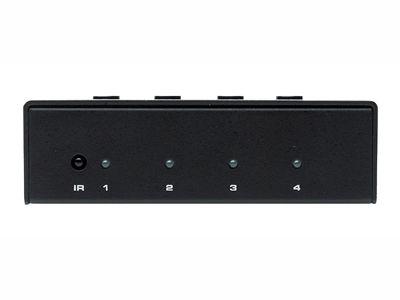
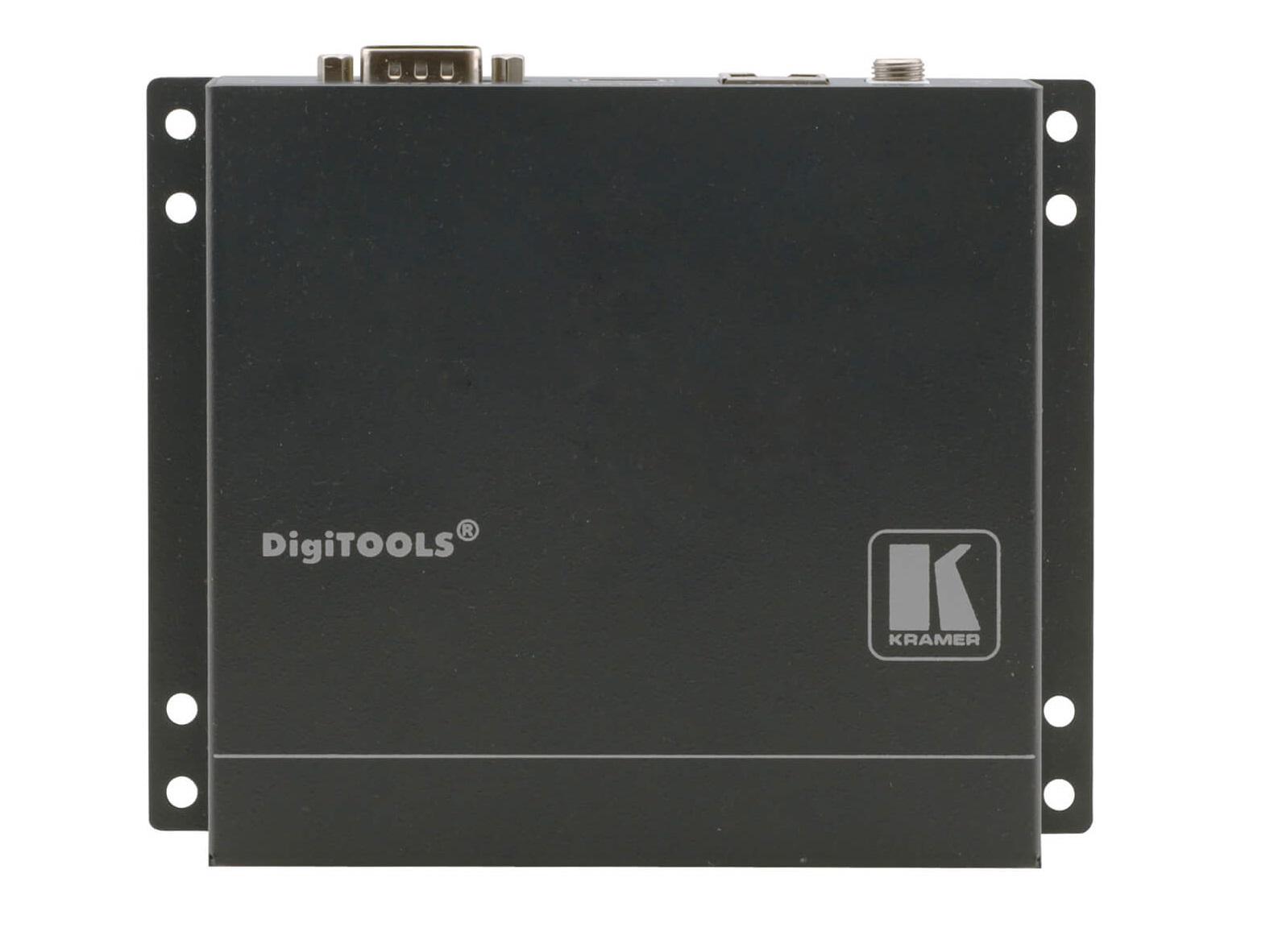
Few product categories in Pro AV get confused as consistently as multiviewers and video wall controllers. The names sound related. The marketing imagery often looks similar — grids of video feeds, slick control room shots, references to “any source, any screen.” And in some applications, both types of equipment really do show up in the same room. So it is no surprise that buyers regularly walk into a project planning to spec one and end up needing the other.
The problem is that these are not interchangeable solutions. They solve fundamentally different problems, and choosing the wrong one is one of the more expensive mistakes a project can make — usually discovered late, after racks are populated and budgets are committed.
At AVProSupply, we field this question often enough that it deserves a clear answer. Here is the difference, why it matters, and how to know which one your project actually needs.
The Core Distinction
The cleanest way to separate these categories is by signal direction:
- A multiviewer takes multiple sources and combines them onto one screen.
- A video wall controller takes one or multiple sources and distributes them across many screens.
That is the entire dividing line. Everything else — codec support, scalability, control features, processing latency — is a downstream consideration. If the project’s primary goal is to consolidate many feeds onto a single display for monitoring, that is multiviewer territory. If the goal is to drive a coordinated image or layout across an array of physical displays, that is a video wall controller.
Once that distinction is in place, almost every other purchasing decision becomes easier.
What a Multiviewer Actually Does

A multiviewer is a signal processor that ingests multiple video sources — sometimes four, sometimes sixteen, sometimes far more — and renders them as a tiled or windowed layout on a single display output. The output is one screen. The intelligence sits in how the device scales, positions, and prioritizes the input feeds within that single canvas.
Multiviewers are most associated with broadcast and live production environments, where a director needs to see every camera, every playback source, every graphics feed, and every confidence return at the same time. A 4×4 grid of sixteen SDI inputs on one large reference monitor is the textbook use case. Manufacturers like Apantac, Blackmagic Design, and AJA build dedicated multiviewers for exactly this kind of work — for example, the Apantac T-32×4-2RU-H is a 32-input SDI multiviewer purpose-built for broadcast monitoring. NDI-based products like the WyreStorm CAM-0402-NDI-BRG extend the same workflow into IP environments, making multi-camera monitoring accessible to smaller productions and corporate AV teams.
Multiviewers also show up well outside broadcast. Security operations centers use them to consolidate camera feeds. Network operations centers use them to monitor dashboards alongside live infrastructure views. Houses of worship use them to give a single technical director visibility into every camera and lyric machine simultaneously. The common thread is monitoring — the operator needs awareness of many things at once, on one screen, at a glance.
What a multiviewer is not designed to do is drive a coordinated image across multiple displays. That is a different problem entirely.
What a Video Wall Controller Actually Does

A video wall controller takes content and distributes it across an array of physical displays so that the array behaves as one logical canvas. The displays might be arranged in a 2×2 grid, a 4×6 wall, a creative offset layout, or even a freeform sculptural installation. The controller’s job is to handle the geometry — scaling, splitting, bezel compensation, and synchronization — so that an image spans the wall correctly and the entire array reads as a single coordinated visual.
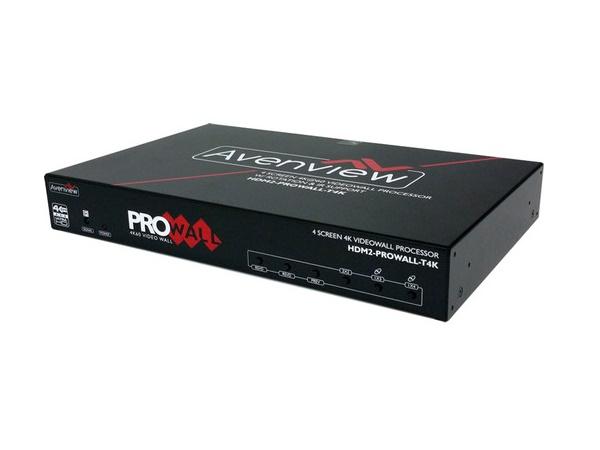
A video wall controller can display a single source stretched across the whole wall, multiple sources tiled into windows that span certain displays, or dynamic layouts that change based on event triggers or user input. Manufacturers like Matrox, TV One, ViewZ, Gefen, Kramer, and A-NeuVideo build dedicated video wall solutions, ranging from compact 2×2 processors to high-density rack-mounted controllers. The ViewZ VZ-PRO-ST4x4 is a representative 4-RU 4×4 controller for traditional installations, while the Gefen EXT-UHD600A-VWC-14 handles 4K Ultra HD across a 1×4 layout for digital signage. For 4K-native deployments, the BZBGEAR BG-UHD-VW2X2 drives a 2×2 array at 60Hz with audio, and AV-over-IP platforms — including AVPro Edge’s MXnet ecosystem — have made flexible, scalable video walls more practical than ever in distributed environments.
The defining capability is that the controller drives many output displays as a unified visual surface. Whether the source count is one or many is secondary. The point is that the canvas is plural — multiple physical screens working together as one.
Why the Confusion Persists

The reason these two categories get conflated is that the surface description sounds similar. Both involve “multiple feeds.” Both involve “a screen layout.” Both involve a processor sitting between sources and displays. And the overlap is real in one specific environment: the control room.
In a sophisticated command and control facility, both products are typically present. The video wall at the front of the room is driven by a video wall controller. The operator workstations along the back row each include a multiviewer feeding a single high-resolution monitor where the operator can keep eyes on dozens of feeds simultaneously. Both pieces of equipment serve the same overall mission — situational awareness — but they do it at different scales and for different audiences.
The line gets blurrier when a single piece of equipment is designed to do both. Hybrid products like the BZBGEAR BG-4K-VP88 — an 8×8 4K seamless matrix switcher with both video wall processor and multiviewer modes — and the Kramer VSM-4X4X combine all three functions in a single chassis. These are useful when a project genuinely needs both behaviors and rack space is limited, but they do not change the underlying distinction. They simply offer two modes in one box.
That coexistence is part of why people assume the categories are interchangeable. They are not. They are complementary.
Real-World Application Examples
A few clear examples make the dividing line obvious:
- Retail video wall in a flagship store: Video wall controller. The objective is a coordinated visual experience across an array of displays — content stretches, splits, and animates across the canvas to create impact. A multiviewer cannot do this.
- Broadcast preview monitor for a live director: Multiviewer. The director needs to see all incoming sources at once on a single reference display. A video wall controller would be overkill and would not solve the actual problem.
- Corporate lobby or conference center display array: Video wall controller. Whether the content is a single image stretched across nine panels or a curated layout of brand visuals and live feeds, the canvas is plural and the controller is what makes the array behave as one.
- Security operations center monitoring dozens of cameras: Often both. A multiviewer handles per-operator awareness on individual workstations. A video wall controller drives the shared situational display at the front of the room that the whole team can see.
- Sports bar with many screens showing different games: Neither, in most cases. That is a matrix switcher application — one source per display, switched independently. This is another category that gets pulled into the same conversation and shouldn’t be.
These examples sound obvious in writing. In practice, the wrong product gets specified more often than people would expect.
Choosing the Right Tool
The fastest way to land on the right category is to ask two questions in order:
- How many physical displays will the content appear on? If the answer is one, the project needs a multiviewer (or possibly nothing more than a scaler, depending on the source count). If the answer is more than one, and the displays should behave as a coordinated canvas, the project needs a video wall controller.
- What is the primary operator goal? If the goal is monitoring many feeds at once, that is a multiviewer workflow. If the goal is creating a unified visual experience across a display array, that is a video wall workflow.
From there, the secondary questions — input count, resolution support, codec compatibility, control system integration, IP versus baseband distribution — become much easier to evaluate, because the architecture is now correct.
This is also where working with a knowledgeable distributor pays off. The product categories overlap enough at the marketing level that two different manufacturers can describe similar-looking solutions in nearly identical language. Pulling the right SKU for a given project is often less about specifications on a data sheet and more about understanding what the room is actually trying to do.
The Bottom Line
A multiviewer puts many sources on one screen. A video wall controller puts content across many screens. That single distinction prevents most of the wrong purchases that come up in this category — and it also clarifies why a control room that needs both is buying two different tools, not one product that does both.
The mistake is rarely about technical knowledge. It is about a category boundary that gets blurred by marketing language and similar-looking imagery. Once the distinction is clear, the rest of the design conversation moves much faster.
If you are working through a project where this question is on the table, the team at AVProSupply is here to help you spec the right solution the first time. Reach out at 1.888.902.3309 or email support@avprosupply.com — we work across multiple manufacturers in both categories and can help you sort through the options based on what the room actually needs to do.