











Start typing to see results...
Find the perfect solution
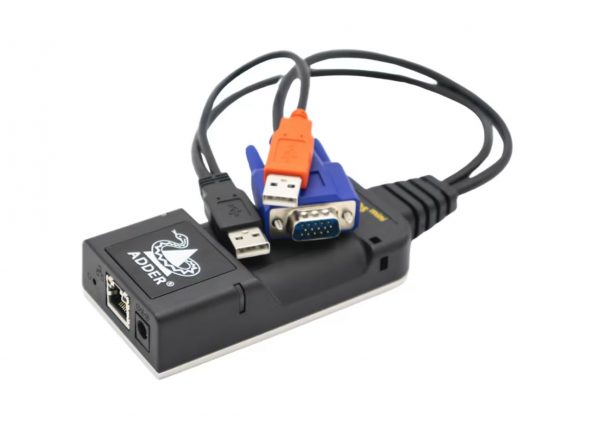
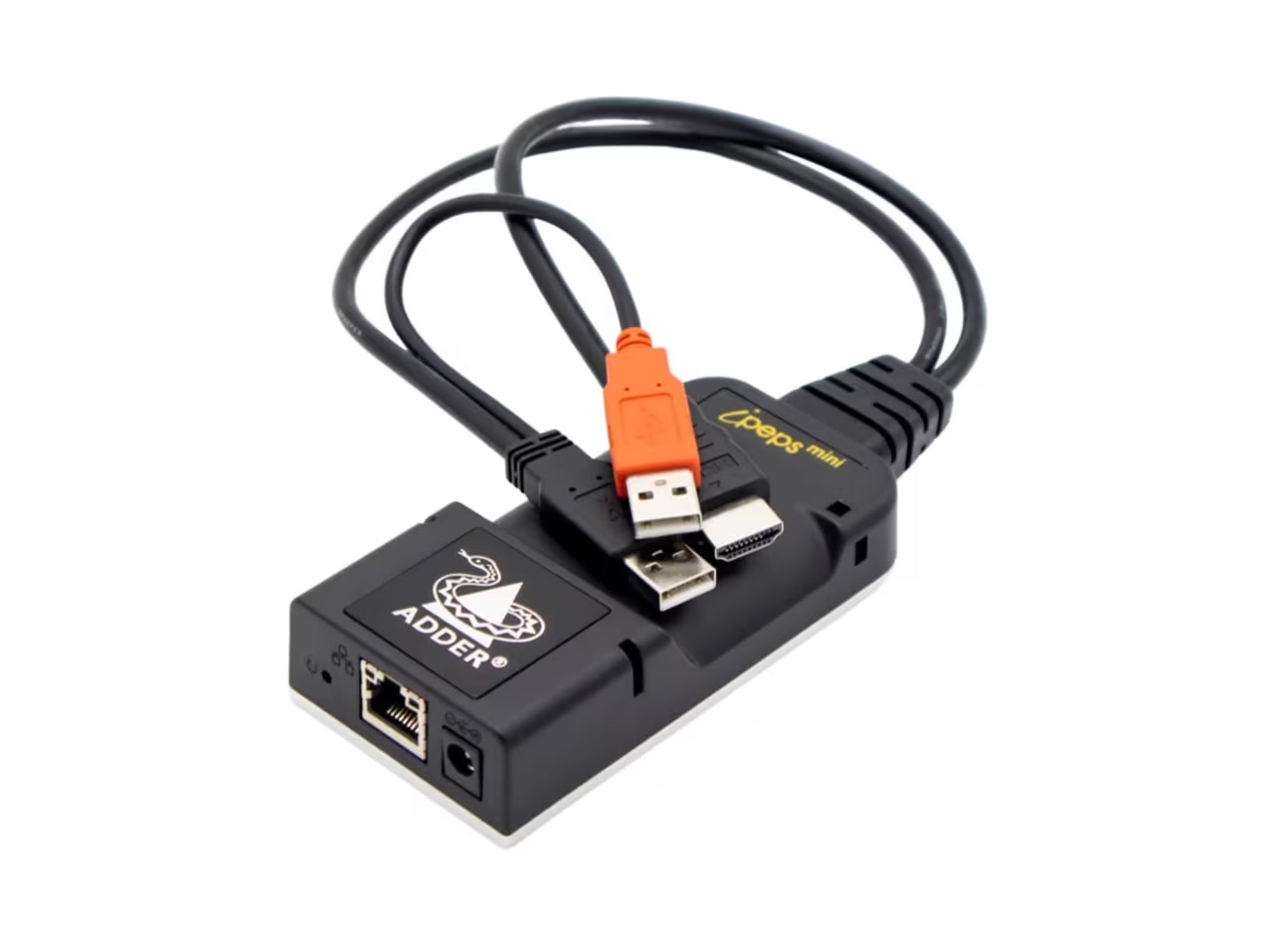
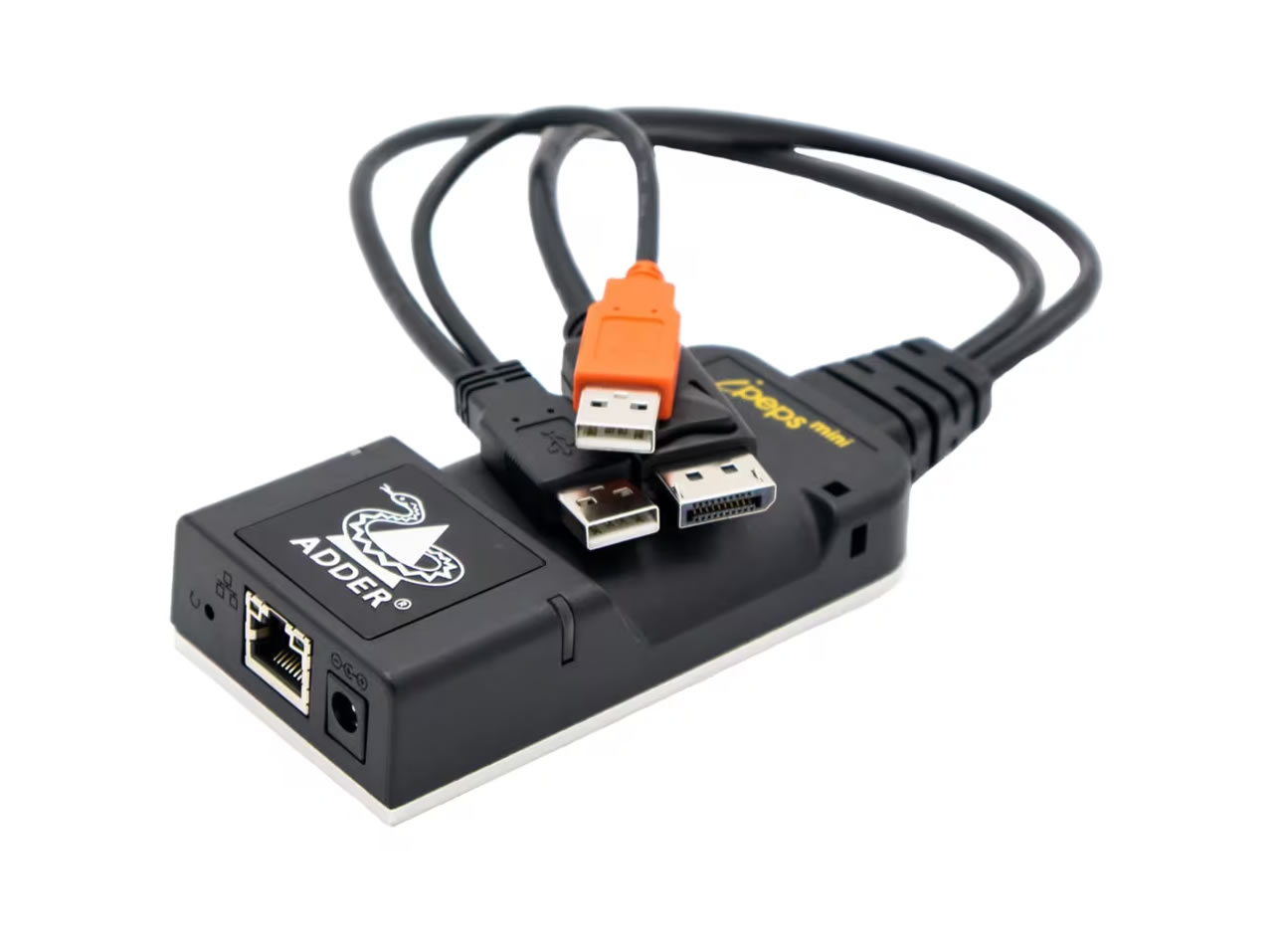
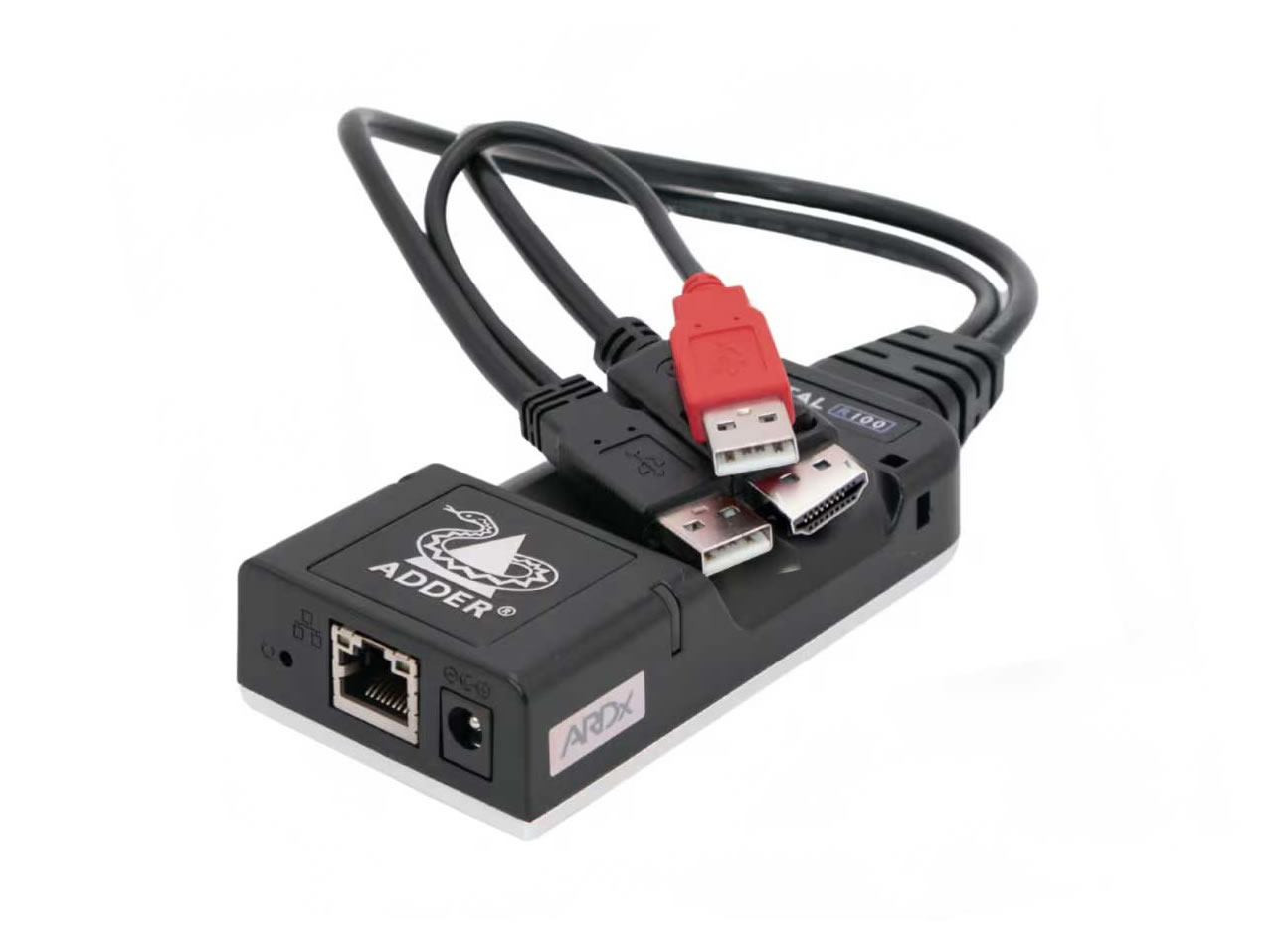
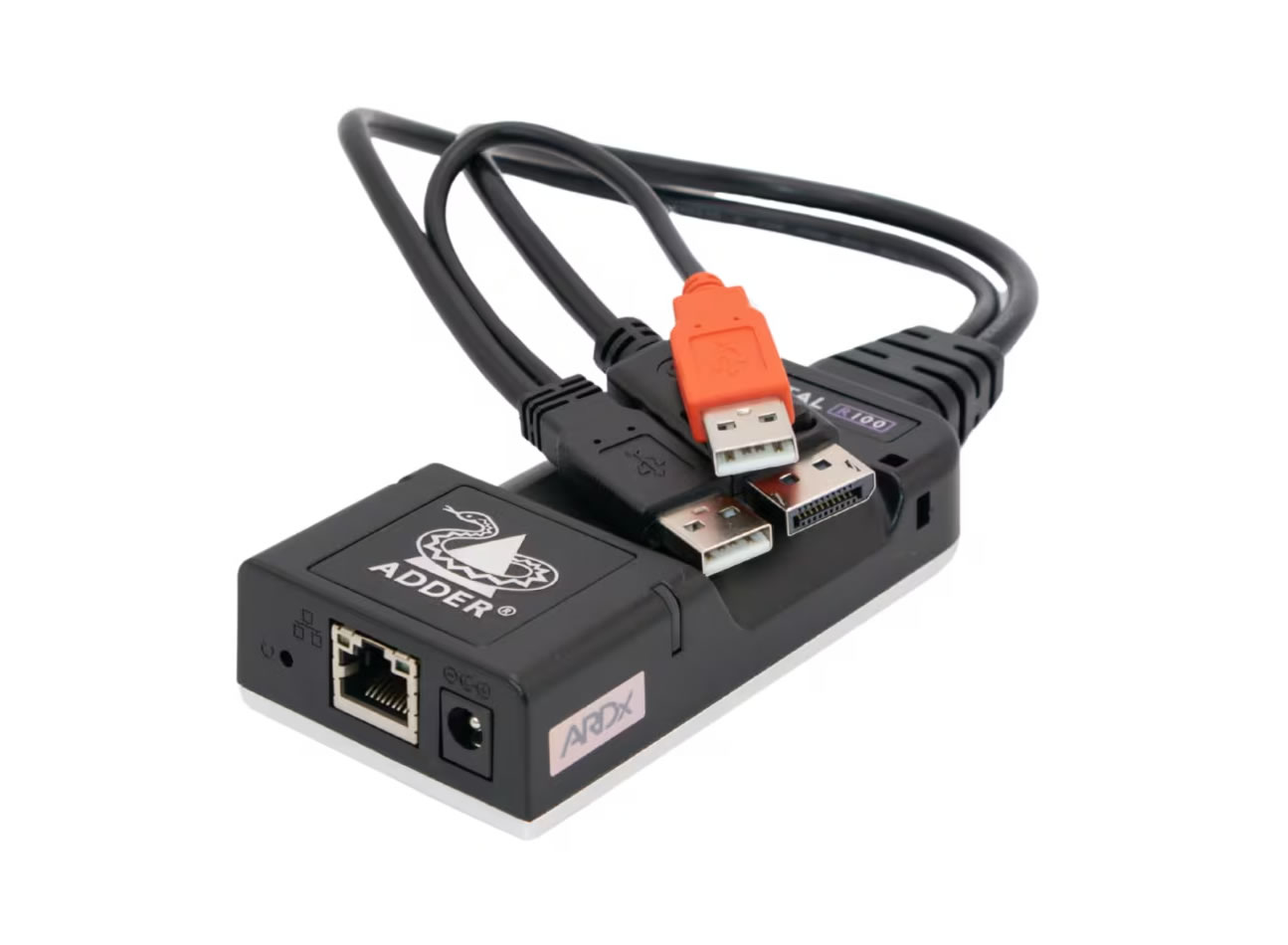
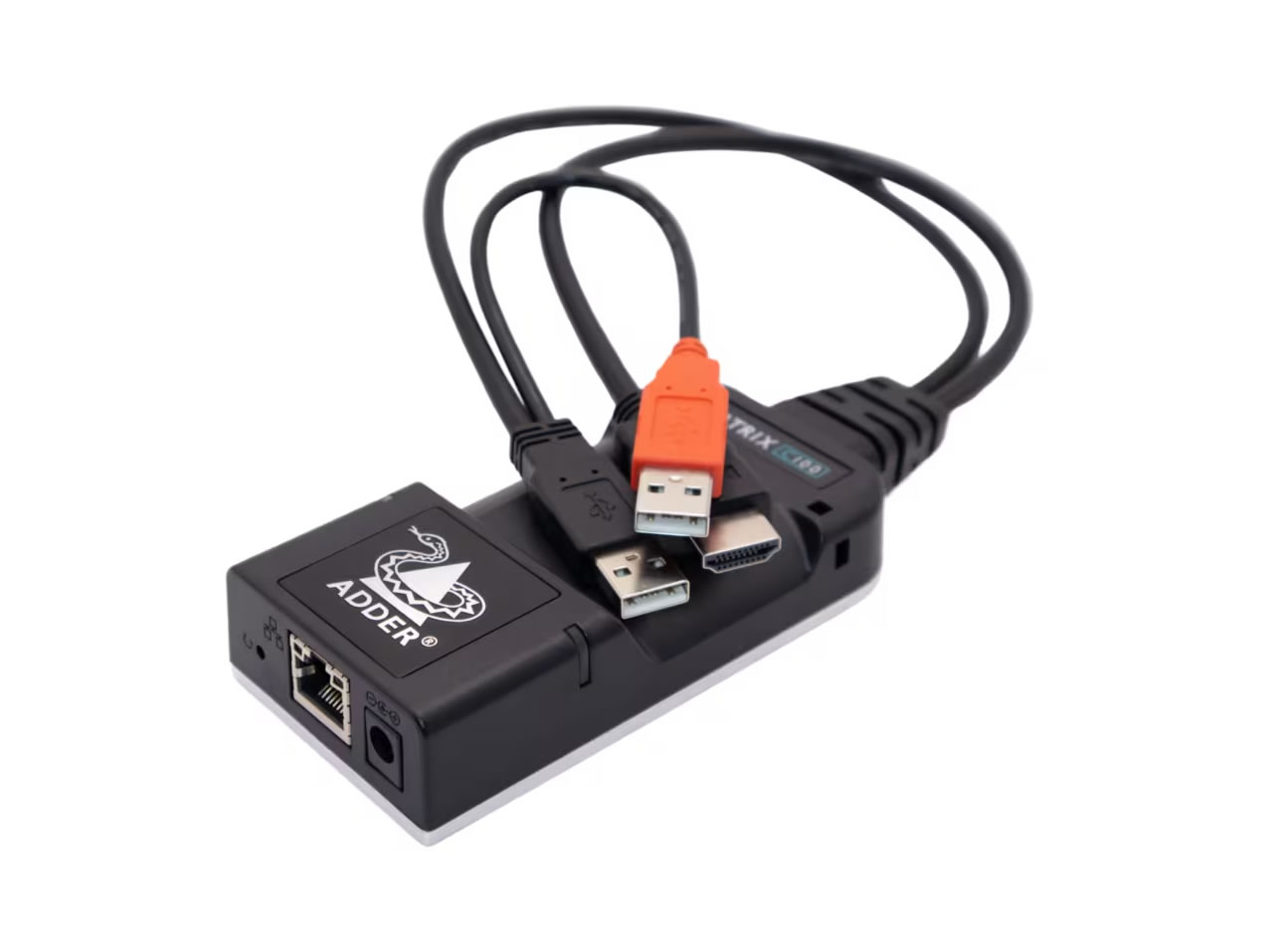
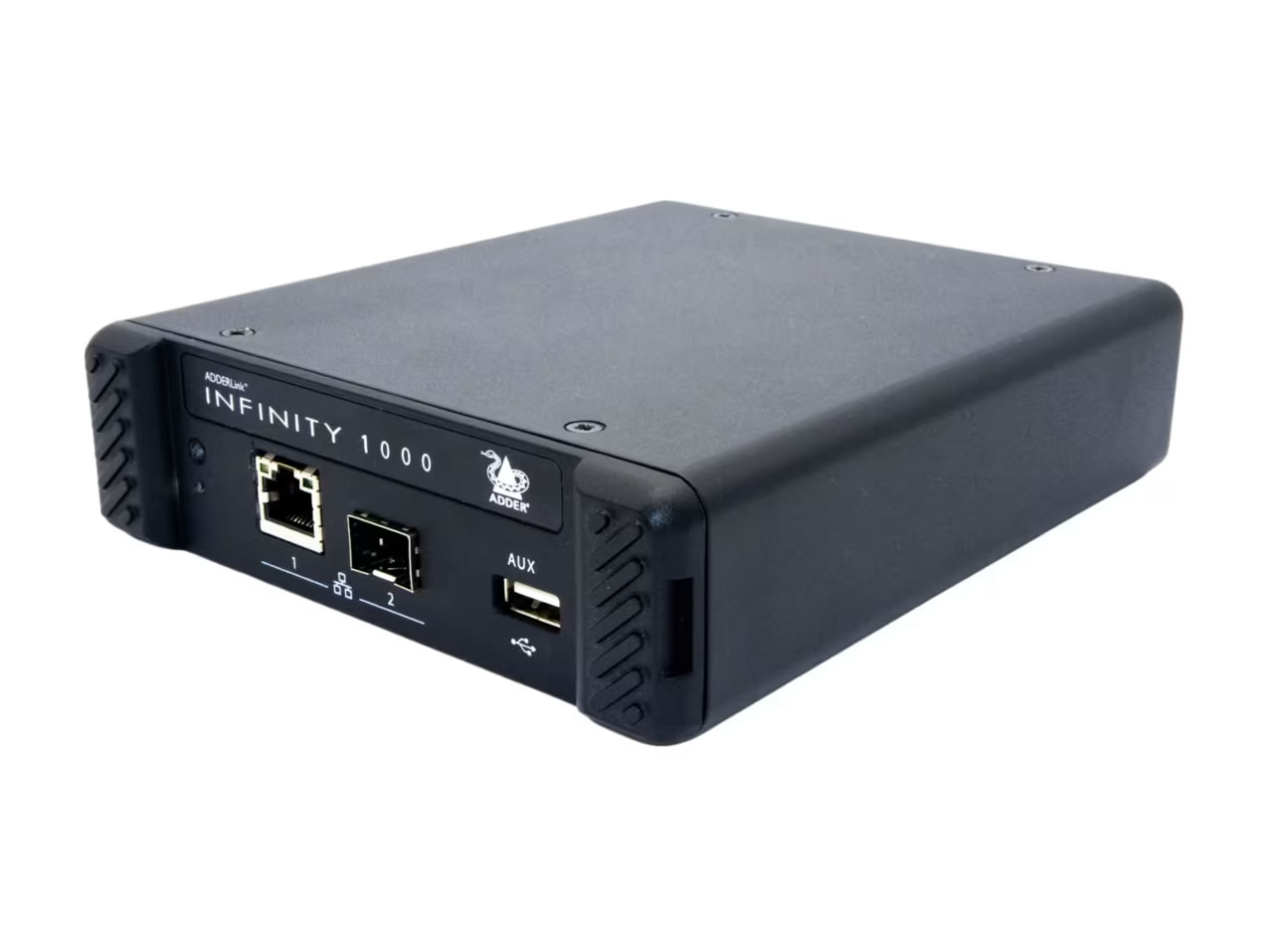
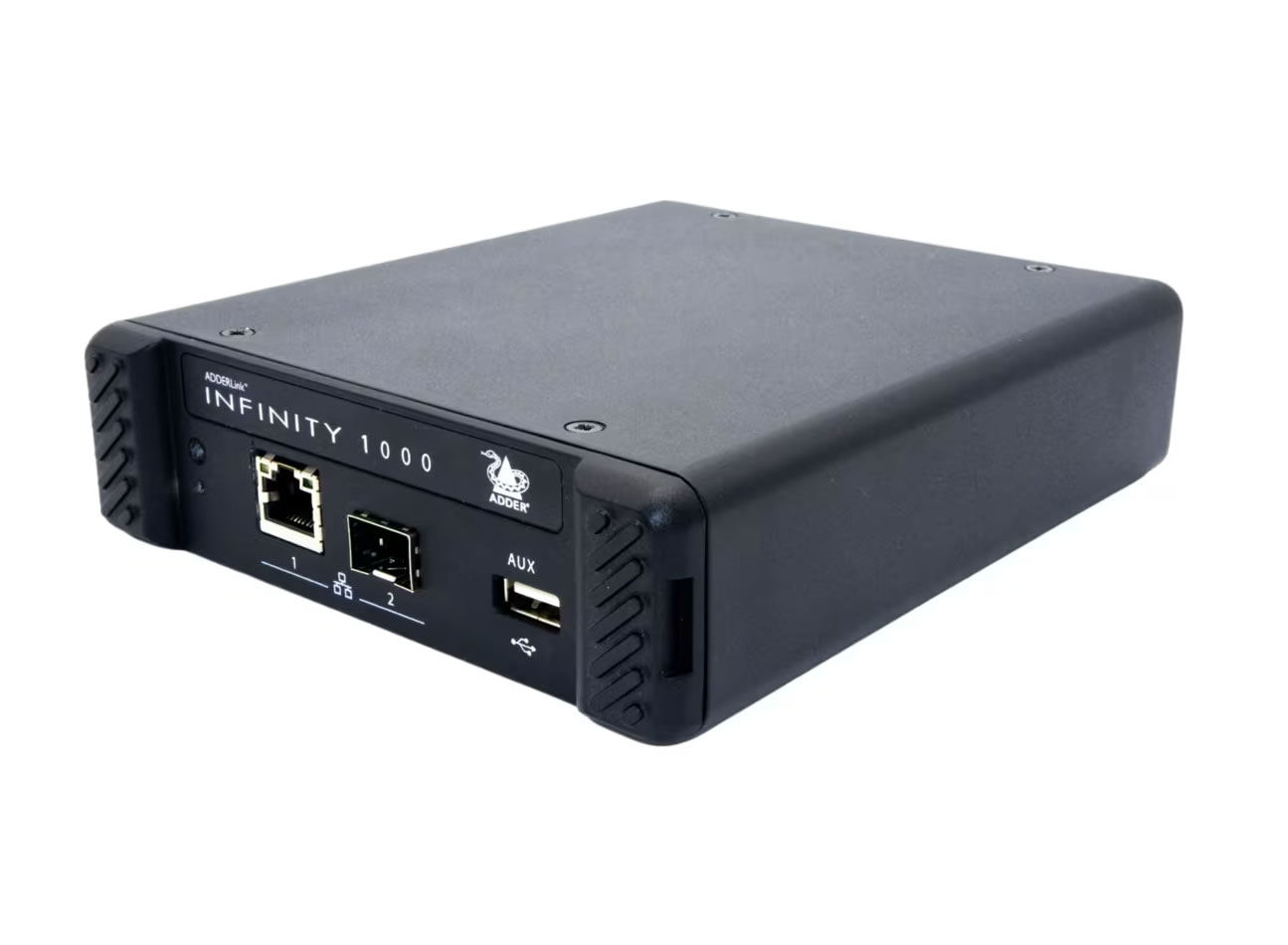
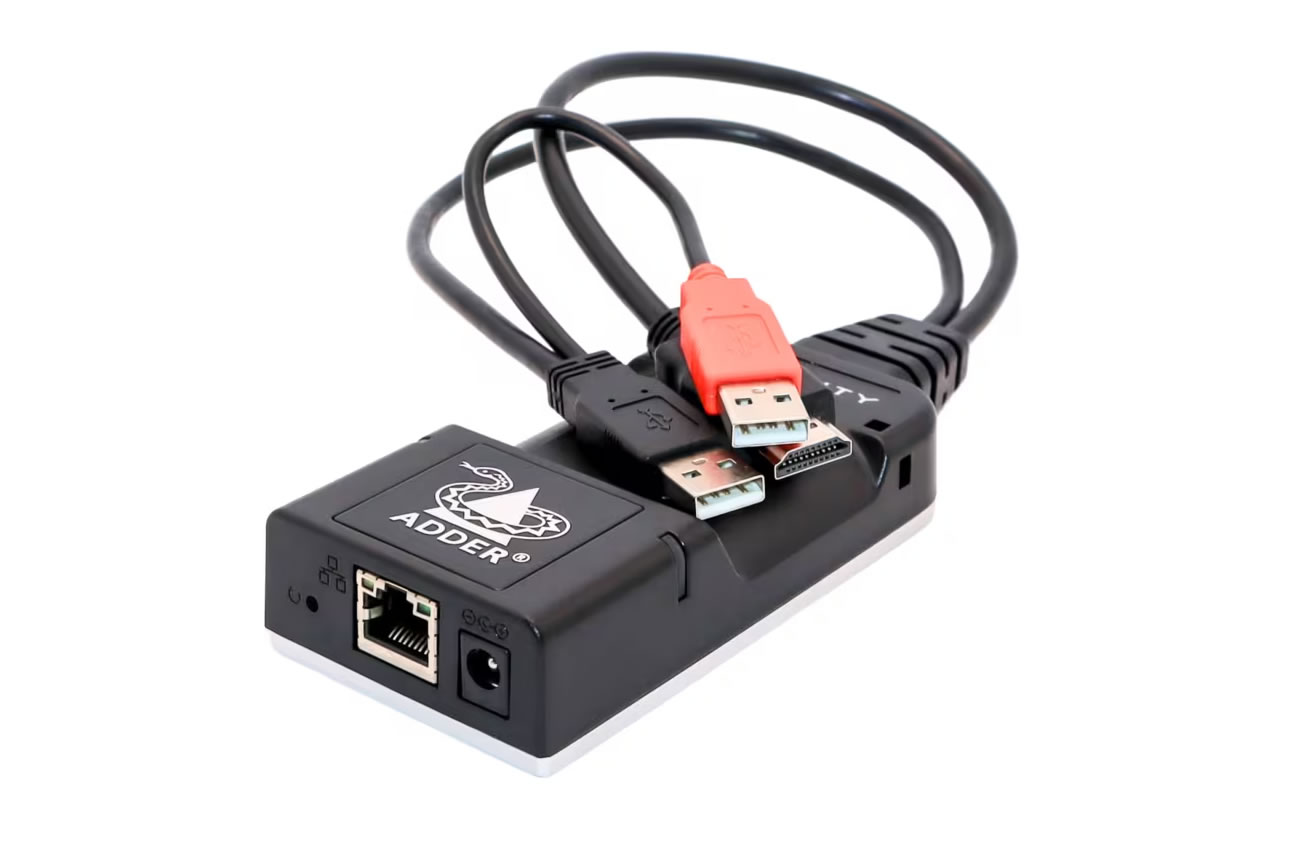
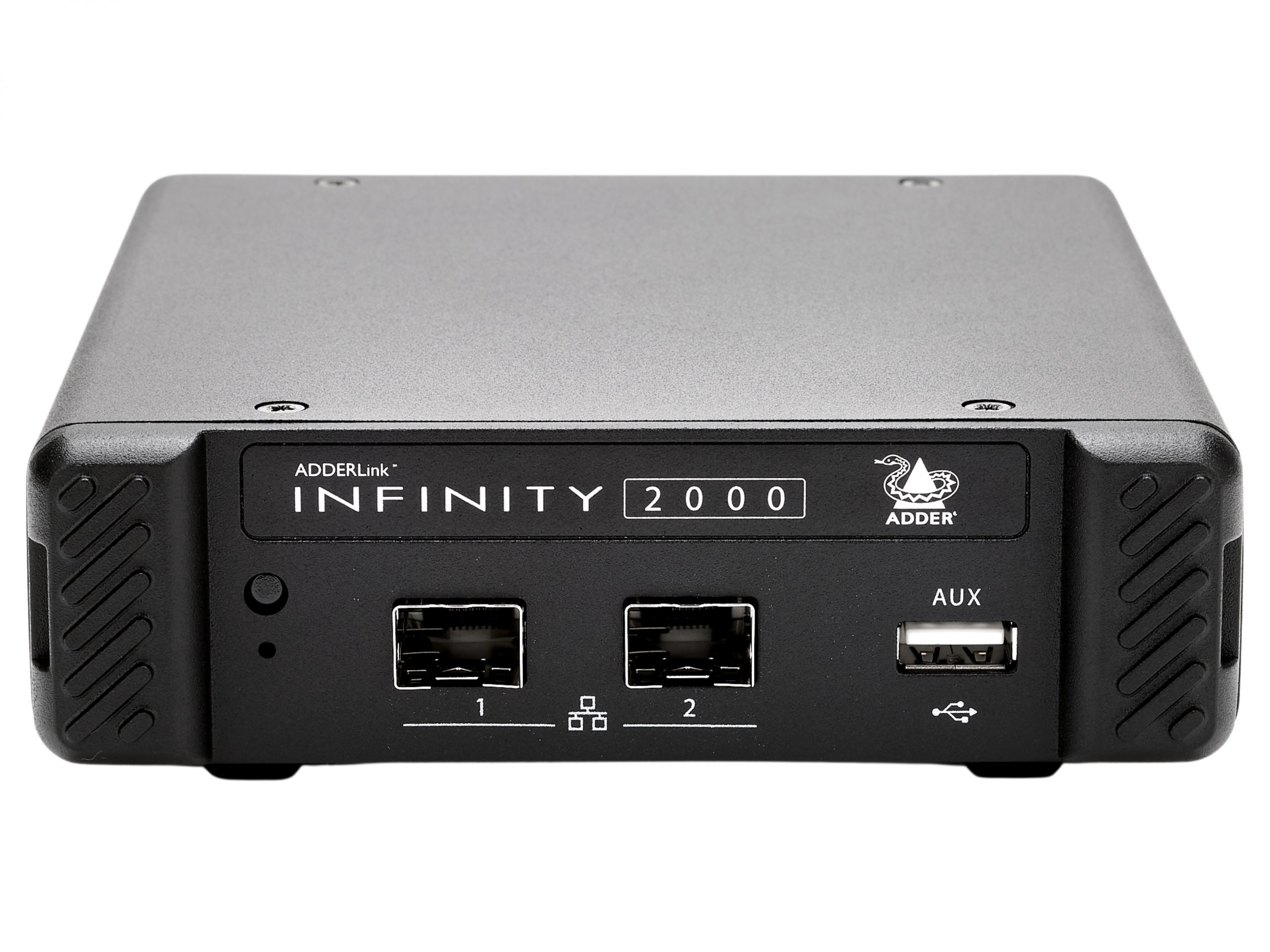
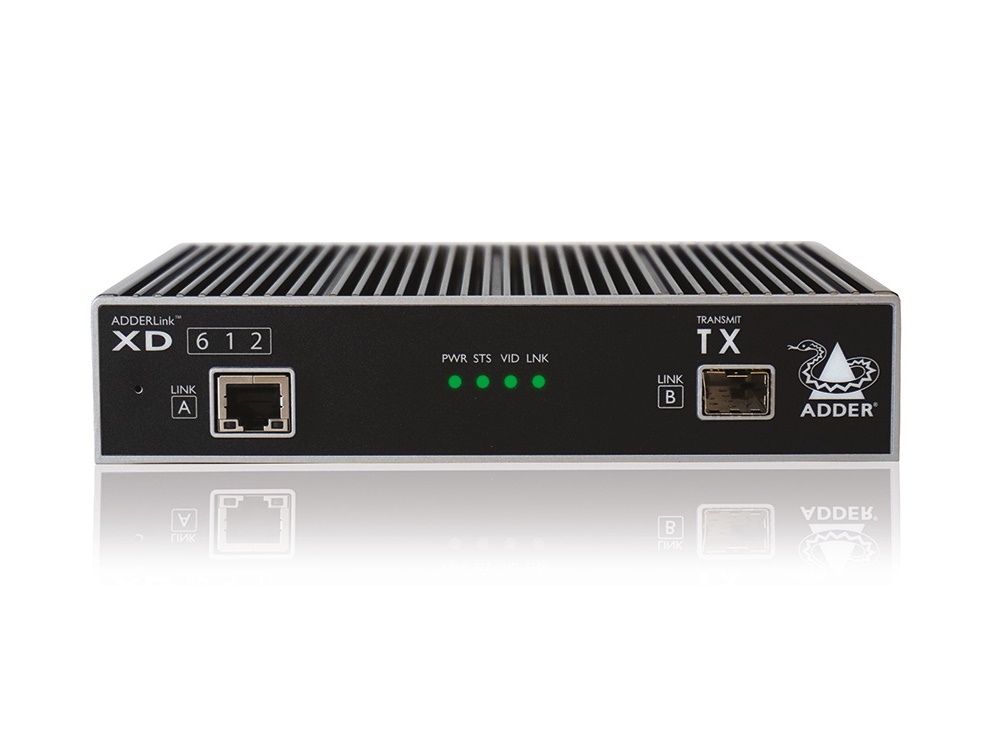
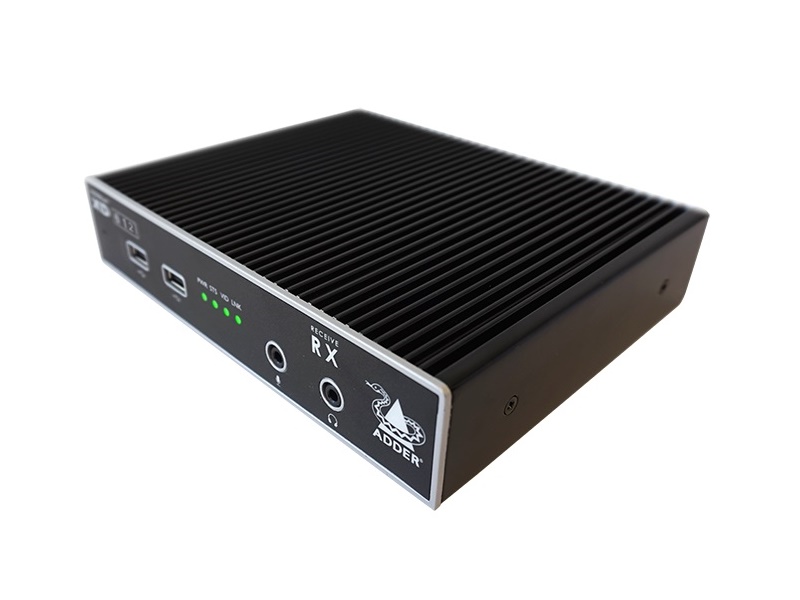
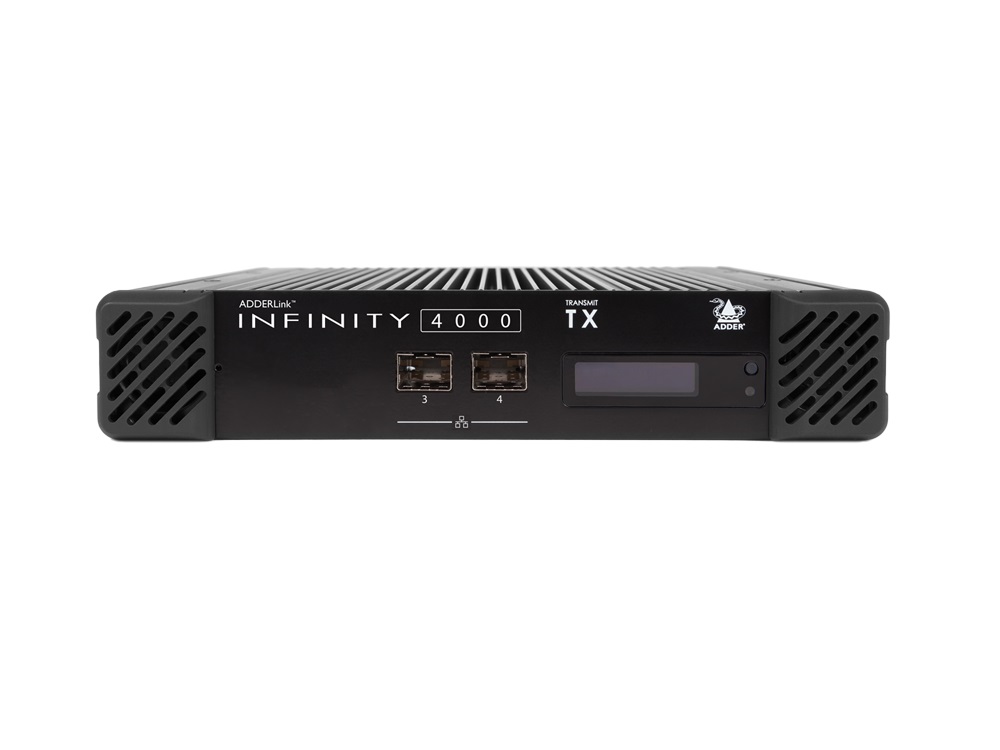
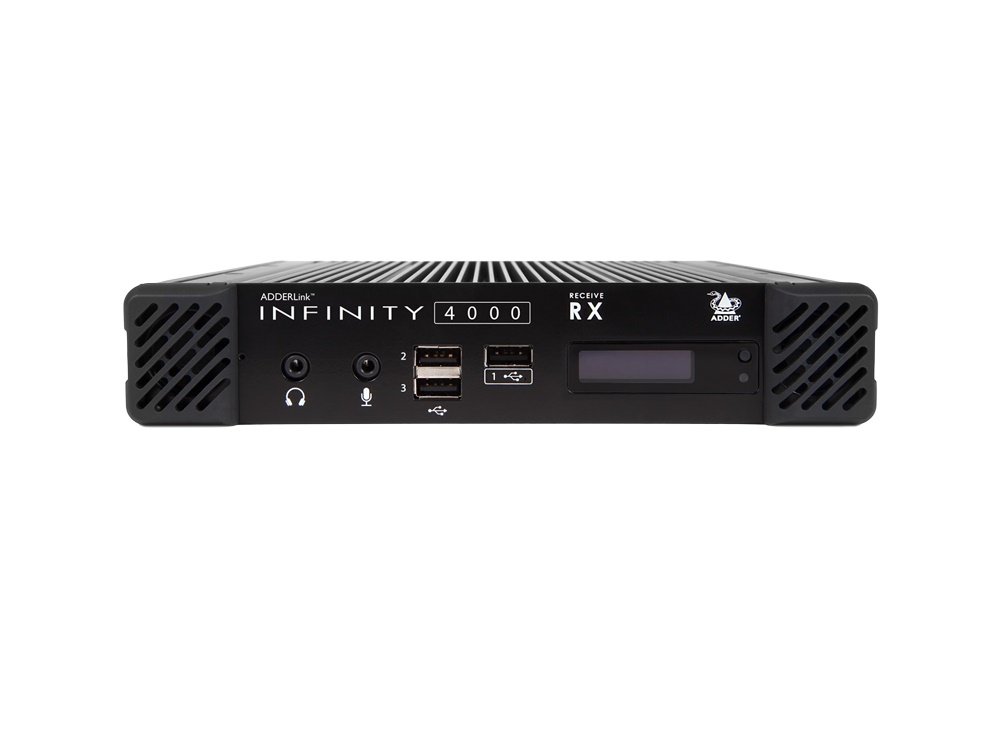
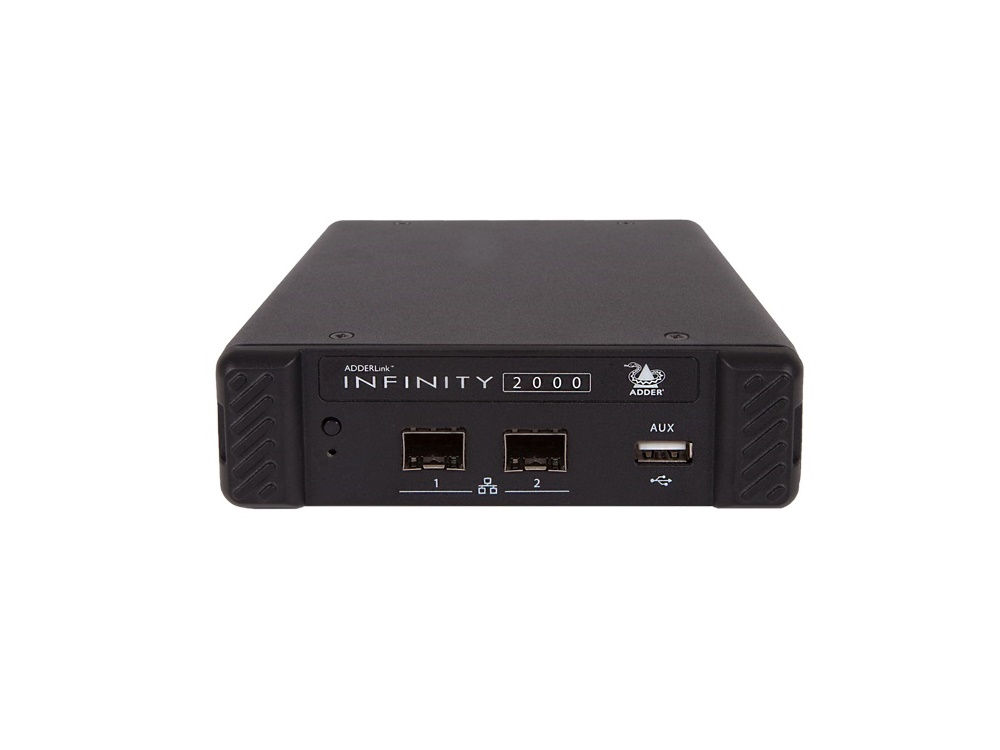
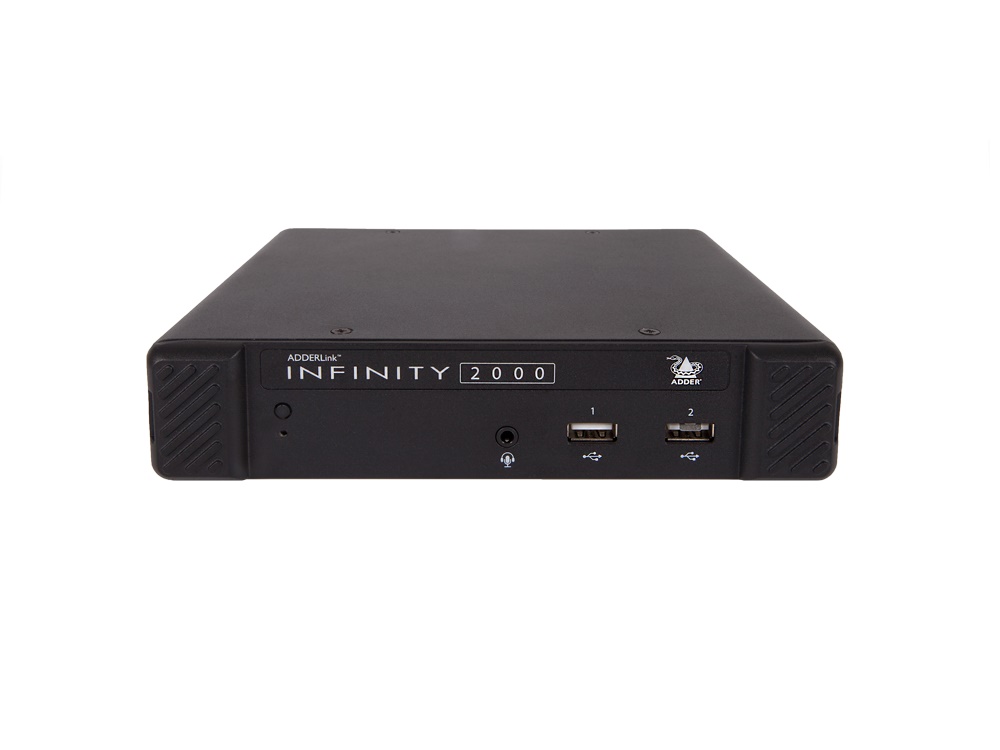
KVM extenders extend keyboard, video, and mouse (and often audio) signals from a remote computer to a local operator console. Unlike standard KVM cables that connect adjacent equipment, KVM extenders let the computer sit far away (in a server room, equipment closet, or different building) while the operator works at a console at a convenient location. This separation is essential in many commercial environments where the computers and the people who use them are in different places.
In many commercial installations, the computers belong in a controlled environment: a server room with proper cooling and security, a noisy equipment room kept away from operators, or a remote location for centralized administration. The operators belong somewhere else: a quiet office, a control room, a security operation center, a trading floor. KVM extenders bridge these two locations, giving the operator the experience of working at a normal local PC while the actual computer sits elsewhere.
The dominant KVM extension technology uses CAT5e/6 cable: a transmitter unit at the computer side and a receiver unit at the operator side, connected by one or two CAT cables (single cable for simpler installations, two cables for higher bandwidth and richer feature sets). KVM-over-CAT supports keyboard, video (HDMI, DisplayPort, or DVI), mouse, and often USB peripherals, audio, and serial communication. Typical range is up to 100 meters per segment, with longer distances achievable through repeaters or fiber.
For very long distances, fiber-based KVM extenders carry the signals over fiber optic cable (kilometers of range), useful in cross-building campus installations, large facilities, or environments with high electrical interference where copper cabling is impractical. Fiber KVM is more expensive than CAT-based but provides superior reach and immunity to interference.
KVM-over-IP converts the keyboard, video, and mouse signals into network packets, allowing remote console access to computers over standard IP networks. An operator at any networked workstation can take control of any KVM-equipped computer on the network, sometimes from anywhere in the world if remote access is configured. KVM-over-IP is ideal for data centers (remote server administration without going to the rack), distributed control rooms (operators in different rooms controlling different machines), and any installation where physical KVM cables are impractical or where remote access is required.
Modern KVM extenders typically support USB peripherals at the operator console, not just keyboard and mouse: USB storage devices, security tokens and smart cards, USB cameras, audio headsets, and other peripherals work transparently as if connected to the remote computer. This is essential for many commercial applications: trading floors with USB security tokens, security operation centers with USB recording devices, control rooms with specialty USB equipment.
Many commercial KVM applications involve multiple monitors at the operator console: trading floors with 4 to 8 monitors per trader, control rooms with multi-screen workstations, security operation centers with extended desktops. KVM extenders for these applications support multiple video channels per transmitter-receiver pair, or operators use multiple KVM extender pairs in parallel, one per monitor.
KVM extenders serve security operation centers (one operator watching feeds from many remote computers), broadcast and TV control rooms (the producer or director switching between many computer-based systems housed in a separate equipment room), traffic and emergency dispatch centers, data center server administration (a rack technician working on many servers from one console), industrial control rooms in plants and utilities, military and government command centers, financial trading floors (where the computers are in a server room and traders work at consoles), and high-end engineering and design workstations.
A KVM extender lets an operator work at a console (keyboard, monitor, mouse) that is physically separated from the computer they are using. The transmitter unit connects to the computer; the receiver unit connects to the operator's console; CAT cable or fiber between them carries all the signals. You need a KVM extender whenever the computer needs to live in one place (server room, equipment closet, separate building) and the operator needs to work in another place (quiet office, control room, trading floor). The separation supports better cooling, security, noise reduction, or centralized administration.
Choose CAT-based KVM extension for runs up to 100 meters in standard commercial environments. CAT cable is inexpensive, easy to install, and supports rich feature sets (USB peripherals, audio, multiple monitors). Choose fiber-based KVM extension for runs over 100 meters, for cross-building campus installations, or in environments with high electrical interference where copper cabling is impractical. Fiber is more expensive but provides longer reach and complete immunity to electromagnetic interference. The choice usually follows the installation environment more than budget.
KVM-over-IP converts keyboard, video, and mouse signals into network packets, allowing remote console access to computers over standard IP networks. Use KVM-over-IP for data center server administration (one administrator manages many servers from a single workstation, no physical visits to the rack required), distributed control rooms (operators in different rooms control different machines through a network-based KVM matrix), branch office IT support (technicians at headquarters can access servers in remote offices), and any installation where physical KVM cables are impractical or where remote access is required.
Many do, especially those designed for trading floors, control rooms, and multi-screen workstations. Some KVM extenders support 2, 4, or more video channels per transmitter-receiver pair, all over the same CAT cable or fiber. Others use parallel KVM extender pairs: one per monitor. The choice depends on the specific installation: dedicated multi-monitor KVM extenders are more elegant but more expensive; parallel single-monitor units are more flexible. Always verify the supported number of monitors against the operator's actual desktop configuration.
Modern KVM extenders typically support a range of USB peripherals at the operator console: USB storage devices, security tokens and smart cards (essential for trading floors and government installations), USB cameras and headsets for video conferencing, and specialty USB equipment. The peripherals work transparently as if connected to the remote computer. Always verify the specific USB device classes supported (HID for keyboards and mice, smart card class for security tokens, video class for cameras, etc.) against your actual peripheral requirements.
Security operation centers (one operator watches feeds and controls from many remote computers, with the computers housed in a separate equipment room), broadcast and TV control rooms (the producer or director switches between many computer-based systems through KVM extension), traffic and emergency dispatch centers, data center server administration (a rack technician works on many servers from one console, eliminating physical visits to the rack), industrial control rooms in plants and utilities, military and government command centers, financial trading floors (computers in a server room, traders working at consoles, KVM-over-IP common for flexible re-mapping of which trader works on which computer), and high-end engineering and design workstations.

On order over $300 and more for US and US territory

We Offer a 30-Day Money Back Guarantee

Full manufacturer's warranty and quality assurance

Safe checkout with trusted payment providers