













Start typing to see results...
Find the perfect solution
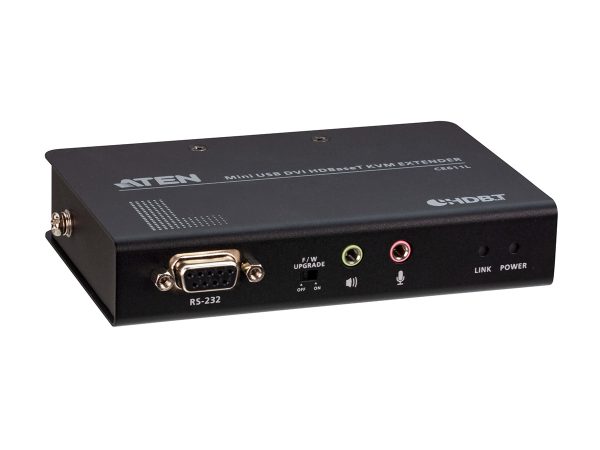
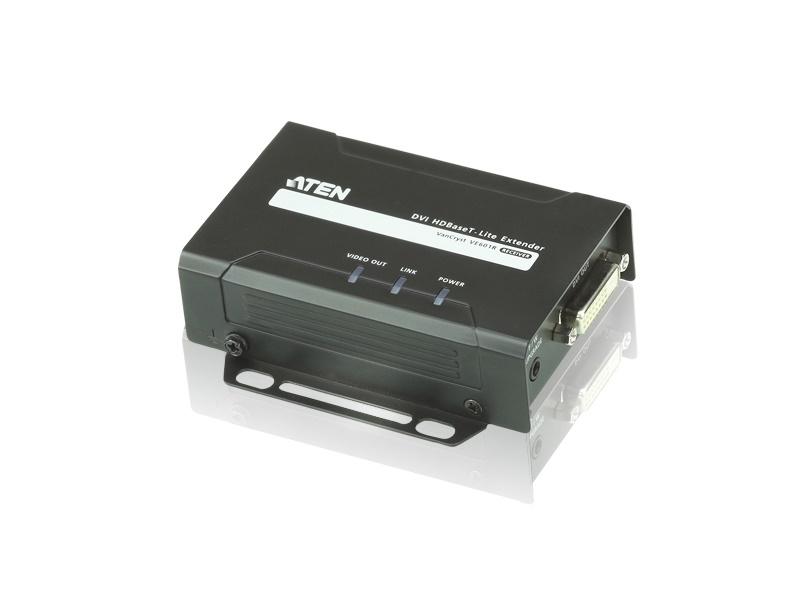
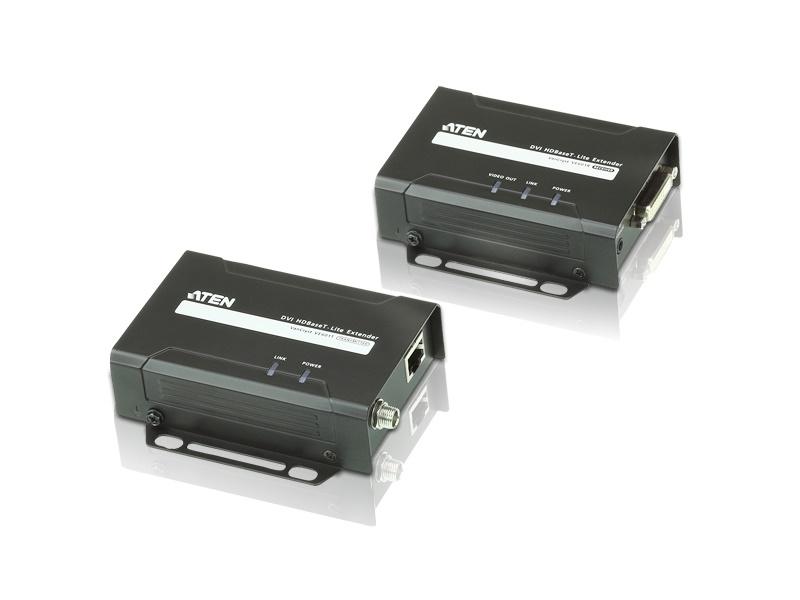
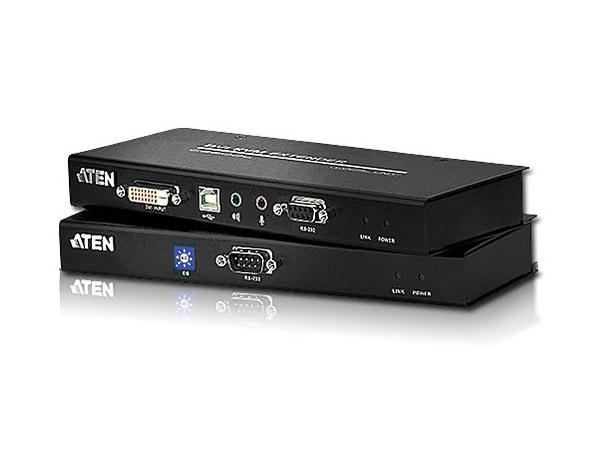
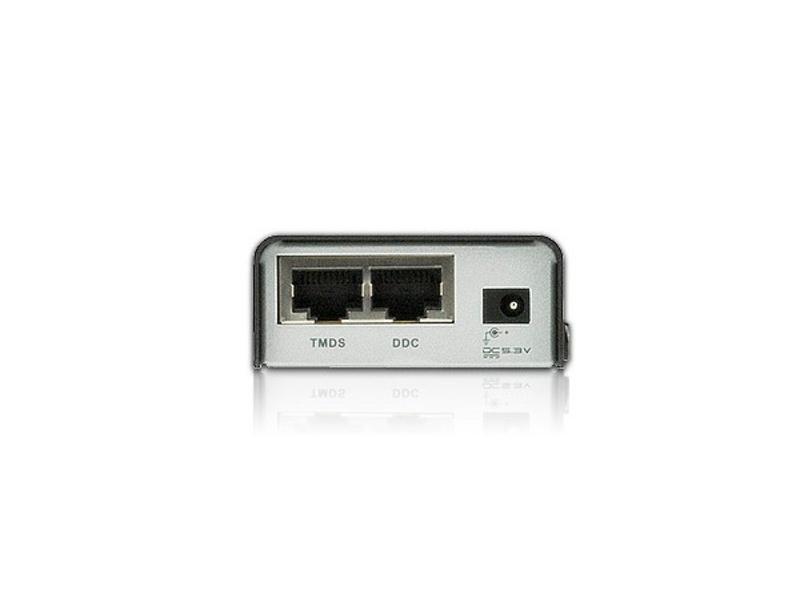
DVI extenders extend single-link or dual-link DVI signals over long distances. A typical DVI cable is reliable to about 50 feet (15 meters) before signal degradation appears. DVI extenders are needed when the cable run must exceed that, common in restaurants, schools, stadiums, live events, control rooms, and any installation where existing DVI infrastructure needs to bridge greater distances. The extender consists of a transmitter at the source and a receiver at the display, with cable between them carrying the signal cleanly.
DVI extension uses several technologies. Signal regenerators and cable equalizers compensate for losses on standard DVI cable, extending the reach by 50 to 100 feet. Uncompressed twisted pair (CAT5e or CAT6) with HDBaseT technology extends DVI up to 330 feet (100 meters) on a single cable, similar to HDMI extension. Coaxial cable extenders work over the same RG-6 or RG-59 used for cable TV, useful in residential installations with existing coax. Fiber optic extenders cover very long distances, up to 18 miles (30 km), suitable for stadiums, airports, and large facilities. Wireless DVI extenders cover 40 to 80 feet without any cable, used where mobility matters more than the reliability of wired connections.
Signal regenerators and cable equalizers are convenient for residential applications requiring less than 200 feet of extension. They are inexpensive and don't require special cable infrastructure. For runs over 200 feet, shielded CAT cable or UTP allows DVI extension up to 330 feet via HDBaseT, which is the dominant approach in commercial AV. For runs in the thousands of feet (large facilities, stadiums, airports), fiber optic extension is the only practical choice. Wireless extension trades range for mobility, common in temporary installations and presentations.
DVI extenders come in single-link and dual-link variants. Single-link DVI supports up to 1920x1200 at 60 Hz; dual-link doubles the bandwidth for higher resolutions like 2560x1600. Match the extender to the equipment: single-link extenders work with most standard DVI gear, while dual-link extenders are needed for high-resolution workstation displays, medical imaging, and specialty applications. Using single-link extenders with dual-link sources will silently drop the resolution.
DVI extenders come in small box form factors that sit behind a display or in an equipment rack. Wall plate versions install into standard electrical boxes for clean professional installations in boardrooms and classrooms. Some transmitters include multiple outputs to amplify and split the signal at the source side, distributing one DVI source to multiple displays each at long distance. Some receivers include loop-outs to support daisy chaining the signal to additional displays.
DVI itself carries no audio. DVI extenders typically include separate audio inputs (3.5 mm stereo or RCA) at the transmitter and matching outputs at the receiver, so video and audio travel through the extender together and stay synchronized at the display. Some HDBaseT-based DVI extenders can carry digital audio (SPDIF coaxial or TOSLINK optical) for higher-quality audio paths.
DVI extenders are still widely used in legacy commercial AV installations: hospitals (medical imaging displays at long distances from workstations), industrial controls and SCADA systems (plant floor displays from control rooms), broadcast OB vans and TV studios with legacy DVI equipment, security operation centers (DVI displays at extended distances from rack equipment), KVM rooms (computer-style displays extended to operator positions), corporate boardrooms and classrooms with legacy DVI projectors, restaurants and bars with DVI infrastructure, and any installation where existing DVI gear needs to bridge longer distances.
You need a DVI extender whenever the DVI cable run between source and display exceeds about 50 feet (15 meters). Beyond that distance, signal degradation appears as sparkles, flickering, or no picture. Extenders carry the signal cleanly the full distance: HDBaseT over CAT for up to 330 feet, fiber for kilometers. Most commercial DVI installations needing long runs use HDBaseT-based DVI extenders, the same technology that dominates HDMI extension. For very long runs, fiber DVI extenders are the right choice.
Single-link DVI supports up to 1920x1200 at 60 Hz (about 3.96 Gbps bandwidth). Dual-link DVI doubles the bandwidth to support 2560x1600 and higher refresh rates (about 7.92 Gbps). DVI extenders come in both variants. Single-link extenders work with most standard DVI gear (workstation monitors up to 1920x1200, HDTVs that have DVI-D inputs). Dual-link extenders are needed for high-resolution displays at 2K or higher resolution, medical imaging displays, and specialty workstation applications. Always match the extender's link type to the source and display: using single-link extenders with dual-link sources silently drops the resolution.
DVI itself carries no audio: it's a video-only interface. DVI extenders typically include separate audio inputs (3.5 mm stereo or RCA) at the transmitter and matching outputs at the receiver, so video and audio travel through the extender together. Some HDBaseT-based DVI extenders carry digital audio (SPDIF) for higher quality. Always check the audio handling when choosing a DVI extender, especially for applications where audio matters (training rooms, presentation rooms, broadcast monitoring with audio).
HDBaseT over CAT cable: up to 100 meters (330 feet) on a single CAT6 cable, carrying DVI plus control signals (IR, RS-232) and optionally Ethernet and power. Inexpensive cable, easy field termination, supports most commercial AV needs. Fiber DVI extension: kilometers of range, immune to electrical interference, supports very high bandwidth. More expensive cable and termination, but the only choice for runs over 100 meters or in environments with electrical interference. For typical commercial DVI extension under 100 meters, HDBaseT is the right choice; for longer runs or specialty applications, fiber.
Most DVI extenders are single-link and limited to 1920x1200 (or 2560x1600 on dual-link variants). 4K is typically not supported on standard DVI extenders because 4K exceeds the dual-link DVI bandwidth budget. If you need 4K extension, the right choice is usually an HDMI extender (HDBaseT 5Play class A supports full 4K HDR over CAT cable) or an HDMI over fiber extender. For DVI sources with 4K output, the source typically also has an HDMI output that can be used for the extension, or a DVI-to-HDMI adapter at the source side bridges to an HDMI extender chain.
Hospitals and medical imaging (medical workstations driving radiology and diagnostic displays at long distances from the equipment rack), industrial controls and SCADA systems (plant floor displays driven from control rooms), broadcast OB vans and TV studios with legacy DVI equipment, security operation centers (DVI displays at extended distances from rack equipment), KVM rooms (computer-style displays extended to operator positions far from the server racks), corporate boardrooms and classrooms with legacy DVI projectors, restaurants and bars with DVI infrastructure that has not been replaced with HDMI, and any commercial AV installation where existing DVI gear needs to bridge longer distances than direct DVI cable can handle.

On order over $300 and more for US and US territory

We Offer a 30-Day Money Back Guarantee

Full manufacturer's warranty and quality assurance

Safe checkout with trusted payment providers