











Start typing to see results...
Find the perfect solution
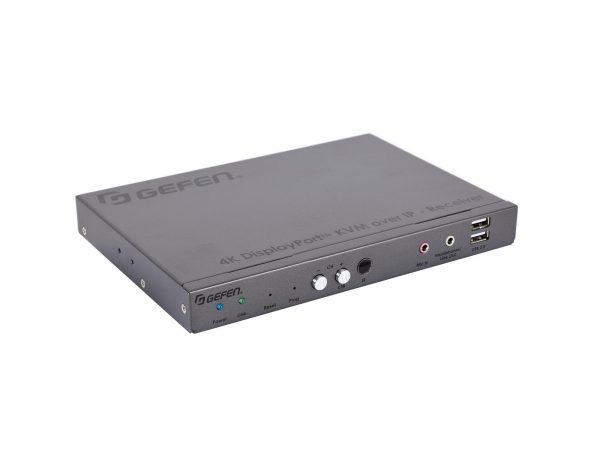
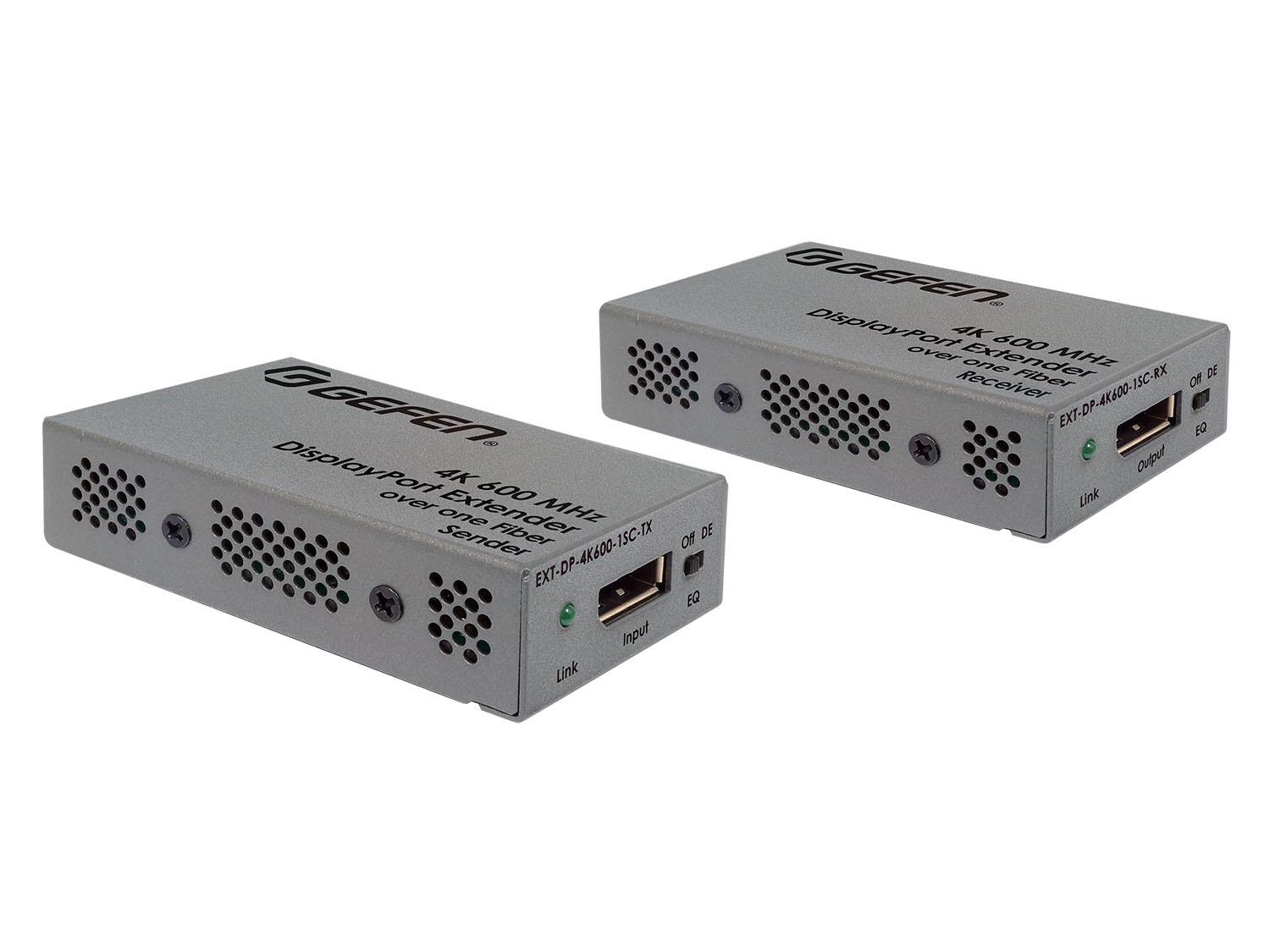
DisplayPort extenders carry DisplayPort signals over long distances, allowing PC and workstation sources to drive remote displays far beyond what direct DisplayPort cables can reach. A standard DisplayPort cable is reliable to about 3 meters (10 feet) at full bandwidth (4K at 60 Hz). Beyond that distance, DisplayPort extenders are needed: a transmitter at the source connects via standard DisplayPort cable, a receiver at the display does the same, and the cable between them (CAT, fiber, or active) carries the signal cleanly the full distance.
DisplayPort extenders serve PC and workstation environments where DisplayPort is the native source interface, particularly in control rooms, trading floors, post-production suites, digital signage with PC-based media players, and video walls. The advantages of DisplayPort over HDMI in extension include higher native bandwidth (8K support at the highest specifications), support for Multi-Stream Transport (MST) for driving multiple monitors from one DisplayPort, and integration with USB-C (which carries DisplayPort signal natively on most modern laptops).
DisplayPort extenders use the same transport media as HDMI extenders: CAT5e/6 cable (with proprietary extension protocols), fiber optic cable, and specialty active DisplayPort cables. Some extenders use HDBaseT 3.0 technology that supports DisplayPort signals. Distance limits vary: CAT-based extenders typically reach 100 meters at 4K, fiber extends to several kilometers, and active DisplayPort cables (AOC, Active Optical Cable) work to 100 meters or more with built-in fiber and transceivers.
DisplayPort's MST feature allows one DisplayPort output to drive a daisy chain of monitors, each showing different content. Quality DisplayPort extenders preserve MST, allowing extended desktops across multiple remote monitors from a single extended DisplayPort connection. This is useful in trading floors, control rooms, and workstation environments where one PC drives many displays through a daisy chain that includes extended segments.
Modern DisplayPort extenders support the same resolutions as the underlying DisplayPort version. DisplayPort 1.2 extenders support 4K at 60 Hz. DisplayPort 1.4 extenders support 8K at 60 Hz or 4K at 120 Hz with HDR. For applications needing high refresh rates (gaming, simulation, professional video monitoring), DisplayPort 1.4 extenders are essential. Always verify the extender's bandwidth specifications match the resolution and refresh rate needed.
Modern laptops, tablets, and phones output DisplayPort signals through their USB-C ports using DisplayPort Alternate Mode. Some DisplayPort extenders accept USB-C input directly, simplifying connection to modern laptops. The signal handling is the same as for native DisplayPort: the extender just provides a USB-C transmitter port instead of (or alongside) the DisplayPort port.
DisplayPort extenders handle HDCP and EDID the same way HDMI extenders do. HDCP 1.4 supports 1080p protected content; HDCP 2.2 or 2.3 supports 4K HDR protected content. EDID management ensures the source sees a consistent display description regardless of which display is connected at the receiver. Quality extenders manage both properly; budget extenders may skip or partially implement these, causing intermittent black screens or resolution surprises.
DisplayPort extenders are common in control rooms (PC and workstation sources driving extended displays at operator positions far from the rack), trading floors (one PC driving multi-monitor setups with extended DisplayPort), digital signage (PC-based media players feeding remote displays), post-production suites (workstation graphics to color-critical reference monitors at long distances), command and control installations, and any commercial AV environment where DisplayPort is the native source interface.
You need a DisplayPort extender whenever the cable run between source and display exceeds about 3 meters (10 feet) at 4K, or longer at lower resolutions. Direct DisplayPort cables degrade beyond their rated lengths, with sparkles, flickering, or no picture. Extenders carry the signal cleanly the full distance: CAT-based DisplayPort extenders for up to 100 meters, fiber for kilometers. Common scenarios: PC or workstation in an equipment rack driving a display in a different room, digital signage with the PC and display far apart, control rooms and trading floors with operator workstations far from the displays.
DisplayPort extension targets PC and workstation environments where DisplayPort is the native interface; HDMI extension targets commercial AV and consumer environments where HDMI is the native interface. DisplayPort extenders typically support higher native bandwidth (8K at the highest specs), Multi-Stream Transport (MST) for driving multiple monitors from one extended DisplayPort, and USB-C compatibility. HDMI extenders support more general AV applications with better integration into commercial AV systems. The choice usually follows the source equipment: PC source uses DisplayPort, AV source uses HDMI. Some extenders convert between formats during extension (DisplayPort to HDMI for example).
Quality extenders do; cheap extenders may not. HDCP 1.4 supports 1080p protected content from most sources; HDCP 2.2 or 2.3 is required for 4K HDR protected content from streaming services and Blu-ray drives. If the extender doesn't support the required HDCP version, the protected content shows as a black screen. Always verify HDCP support against the actual content you'll display. For commercial AV installations handling streaming or Blu-ray content, HDCP 2.2 minimum is essential.
Quality DisplayPort extenders preserve MST, allowing one extended DisplayPort connection to drive a daisy chain of monitors at the receiver end. This is essential in workstation, trading floor, and control room environments where one PC drives many displays through a daisy chain that includes extended segments. Budget extenders may not support MST, limiting the receiver end to a single display. Always verify MST support if your installation uses daisy-chained monitors.
Many do, supporting the DisplayPort Alternate Mode that modern laptops use to output video through their USB-C ports. The extender provides a USB-C transmitter port (alongside or instead of a native DisplayPort port), and the laptop's USB-C connection works the same way it would with a direct USB-C to DisplayPort cable. This simplifies connection to modern laptops, tablets, and phones that have only USB-C output. Always check the specific extender's specifications: not all extenders include USB-C transmitter ports.
Control rooms and command centers (PC and workstation sources driving extended displays at operator positions across the room or in adjacent rooms), trading floors (one PC driving multi-monitor setups with extended DisplayPort, often with MST for multiple monitors from one extended cable), digital signage (PC-based media players feeding remote displays via DisplayPort extension to take advantage of higher refresh rates and bandwidth), post-production suites (workstation graphics to color-critical reference monitors at long distances), modern conference rooms where laptops with USB-C outputs need to drive displays beyond direct cable distance, and any commercial AV environment where DisplayPort is the native source interface.

On order over $300 and more for US and US territory

We Offer a 30-Day Money Back Guarantee

Full manufacturer's warranty and quality assurance

Safe checkout with trusted payment providers