












Start typing to see results...
Find the perfect solution
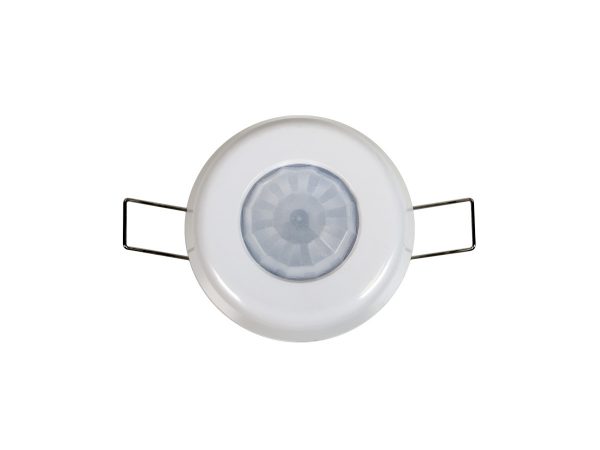
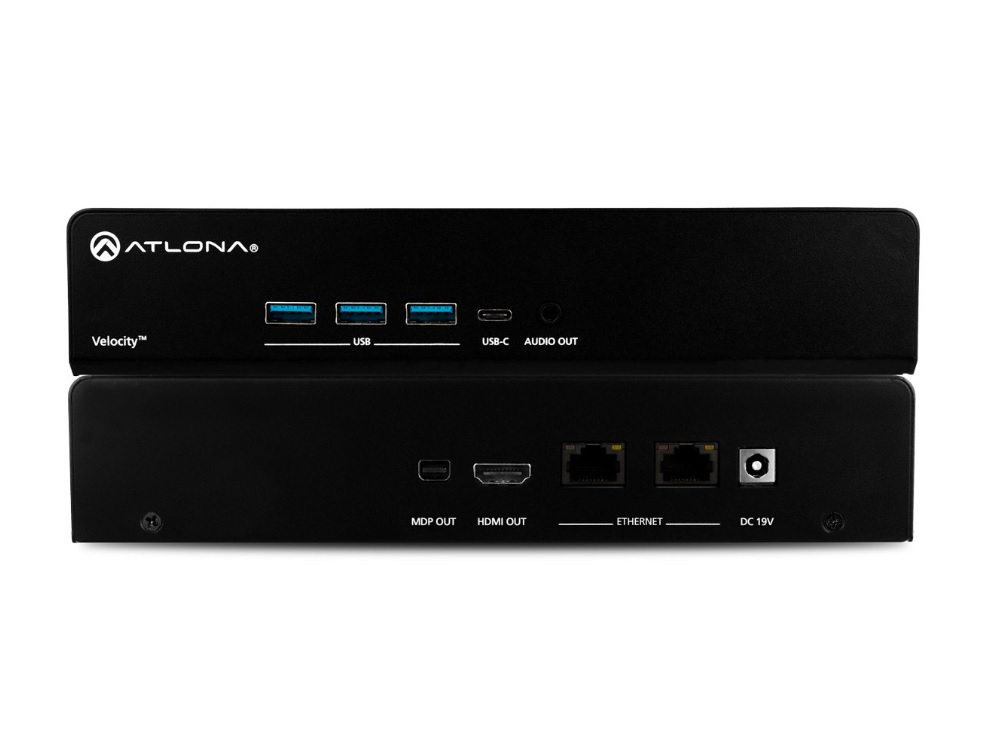
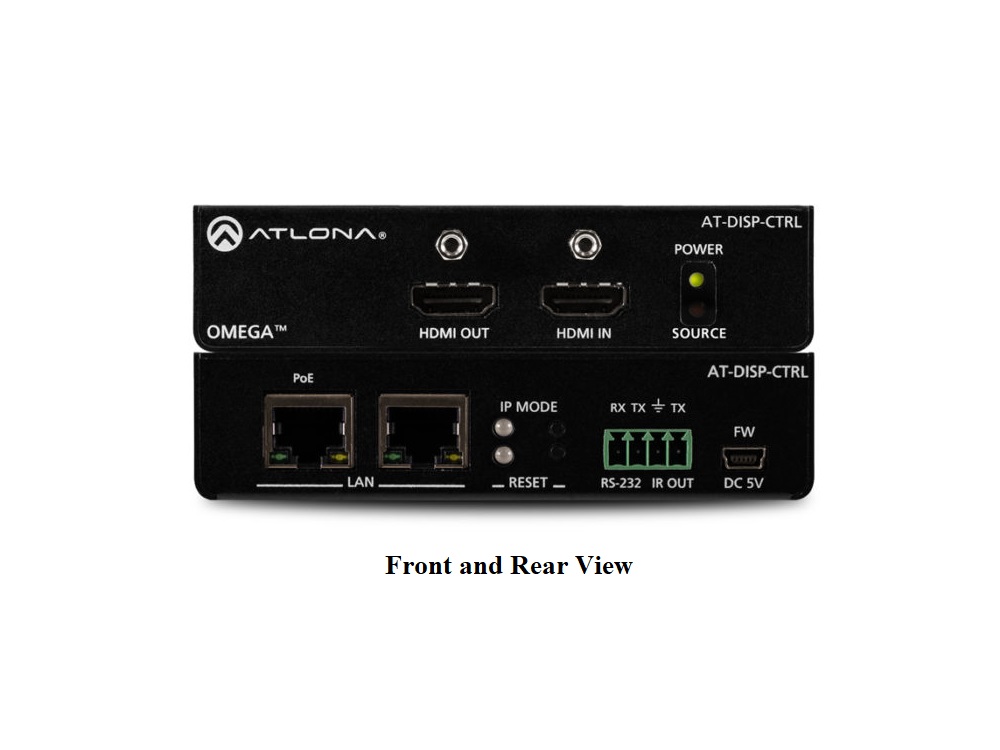
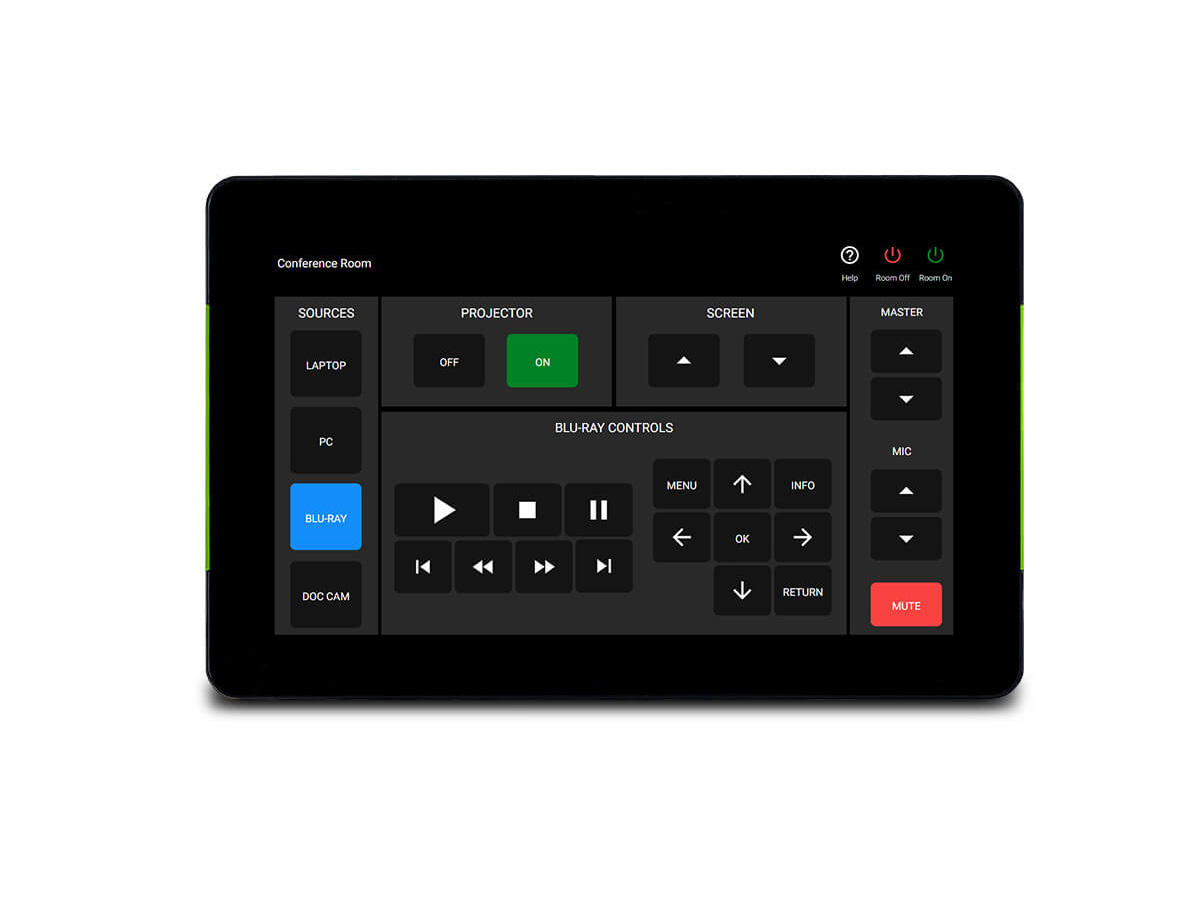
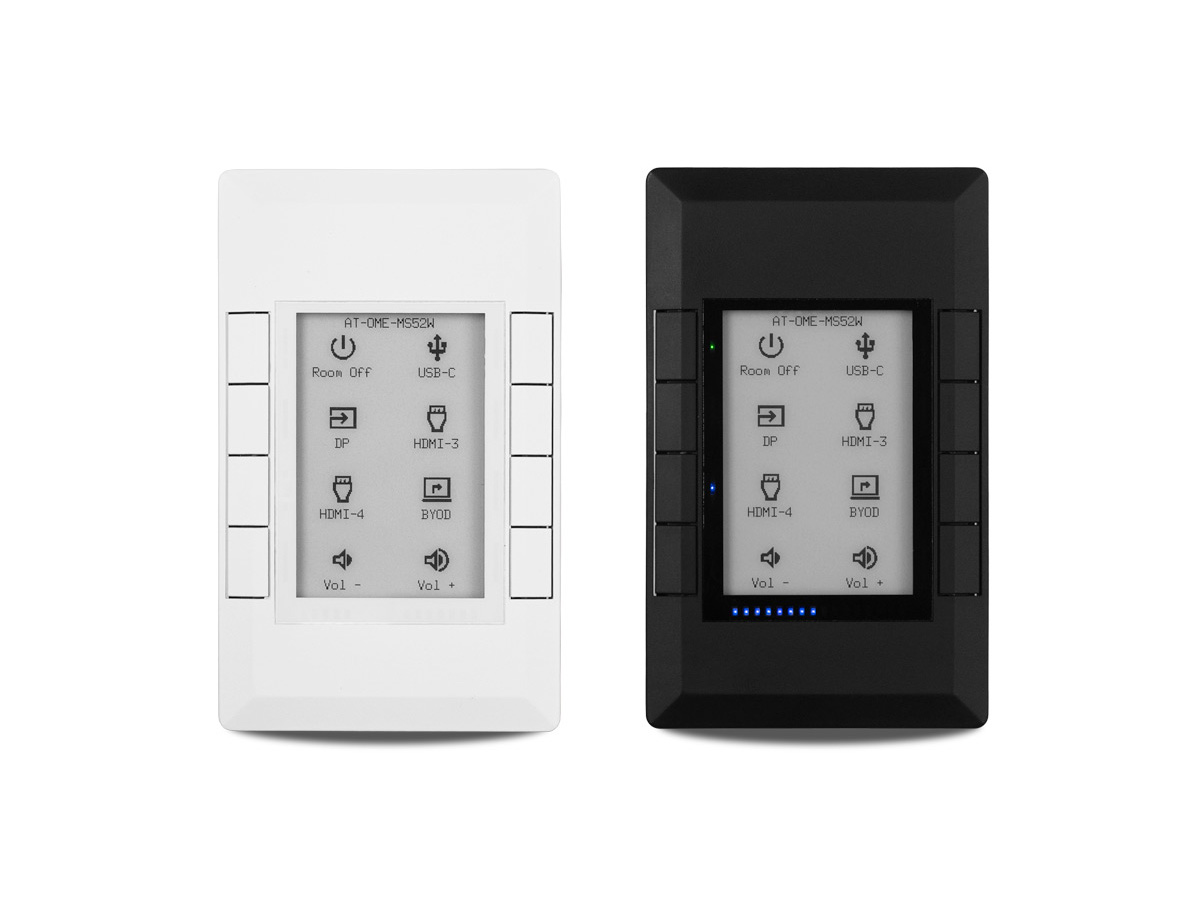
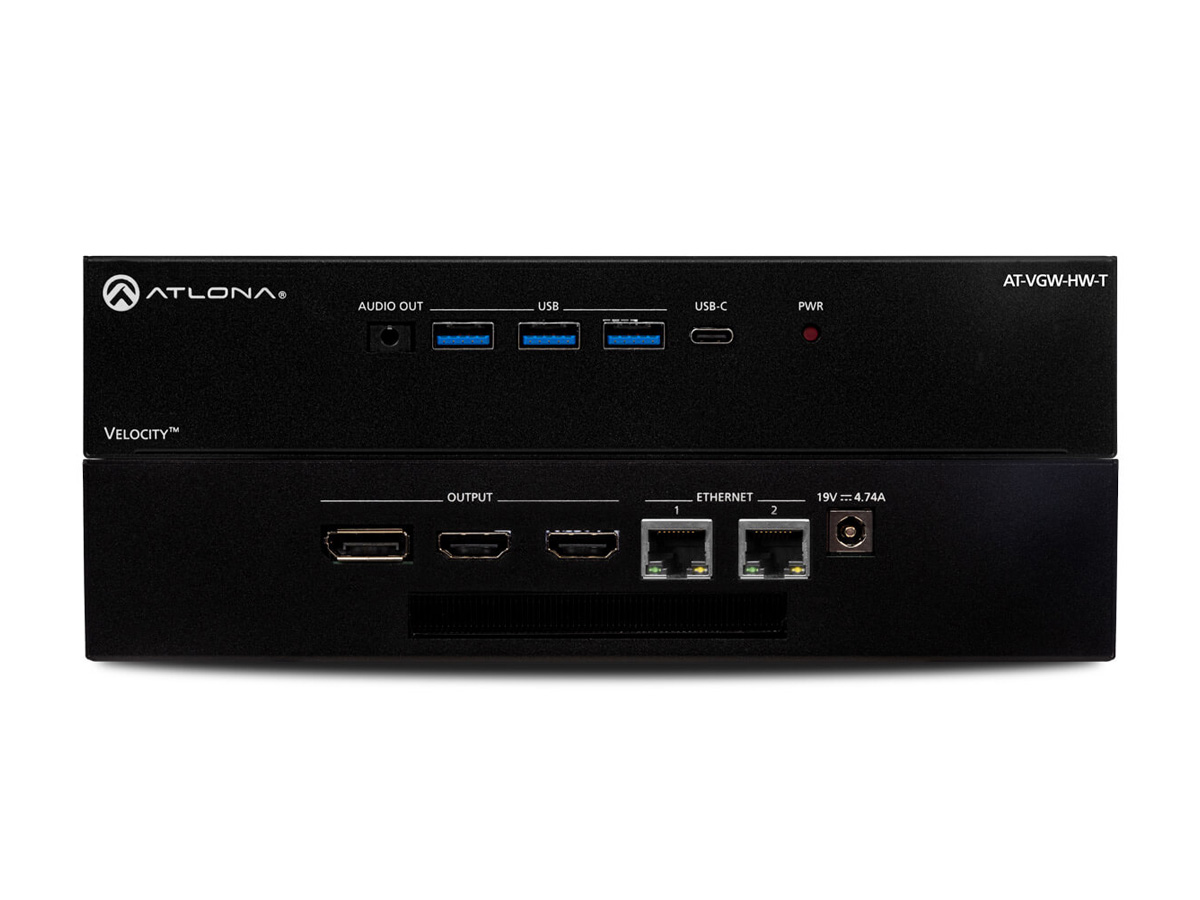
Control systems are the brain of a commercial AV installation. They tie together the various devices in a room or facility, presenting a simple user interface (a touch panel, button panel, mobile app, or voice command) that the user operates to control the entire system. Behind the scenes, the control system sends commands to displays, projectors, source switchers, audio processors, lighting, motorized shades, climate control, and other equipment. Without a control system, even a well-equipped AV room would be confusing to operate, with separate remotes and procedures for each device.
Modern AV installations include many independent devices: a display, a switcher, a video conferencing codec, an audio DSP, microphones, cameras, sources (Blu-ray, computers, streaming devices), lighting, shades, and more. Each device has its own remote control, control interface, and quirks. A control system replaces all of these with a unified interface: one button to start a presentation (which turns on the display, lowers the shades, selects the right source, sets the audio level, turns on the lights to "presentation mode"), one button to start a video conference (camera on, codec dialing in, microphones unmuted, lighting adjusted), and so on.
The dominant commercial AV control systems are Crestron, Extron, AMX (now part of Harman), and Q-SYS (QSC). Each offers a complete ecosystem: control processors (the central brain that runs the control logic), touch panels and button panels (the user interface), control modules and amplifiers (for integrating with non-IP devices), software (for programming the control logic), and ongoing support and updates. The choice of platform is usually long-term, since switching costs are significant.
Touch panels are the dominant user interface in modern control systems: a tablet-style screen with custom graphics for each install, showing room-specific controls. Touch panels range from 5-inch handheld panels to 24-inch wall-mounted panels for large boardrooms. Button panels are simpler: physical buttons that issue specific commands (Play, Stop, Volume Up, Source 1, etc.), useful in spaces where users need quick consistent actions without learning a touch interface.
The control system connects to AV devices via several methods: IP (the modern standard for most current devices), RS-232 (serial control, still common for many devices including projectors and displays), IR (for legacy devices and consumer electronics), contact closure (simple on/off control for motorized devices like screens and shades), and direct control of specialty devices (lighting systems, climate control, security systems). The control programmer writes the logic that ties everything together.
Control systems require professional programming to create the room-specific control logic. The programmer writes code (in the platform's specific language) that defines what each button does, how devices interact, what scenes the system supports, and how the user interface looks. Programming is a significant cost in any control system install, often equal to or greater than the hardware cost. Quality programming determines whether the system is intuitive and reliable in use.
Modern control systems integrate with IT infrastructure: calendar systems (rooms automatically prepare for scheduled meetings), conferencing platforms (Microsoft Teams Rooms, Zoom Rooms, Webex), monitoring and analytics (which rooms are used when, what issues occur, what equipment needs service), and remote management (the IT team can monitor and configure rooms across many sites without physically visiting).
Control systems are essential in conference rooms and boardrooms (one-touch operation of the AV system), classrooms and lecture halls (instructor presses one button to start class, the system handles displays, audio, and recording), houses of worship (the production team operates the system from one control surface that drives cameras, displays, audio, lighting, and recording), hospitality (hotel rooms with simple AV control for guests, large conference centers with unified control across many spaces), corporate AV (executive briefing centers, training rooms, demo spaces), and any AV installation complex enough that a unified control interface improves usability.
A control system is the central intelligence that ties together all the AV devices in a room or facility, presenting a simple user interface (touch panel, button panel, mobile app) that the user operates to control everything. Behind the scenes, the control system sends commands to displays, projectors, source switchers, audio processors, lighting, motorized shades, climate, and other equipment. The user sees one unified interface; the system handles all the underlying complexity. Major platforms include Crestron, Extron, AMX (Harman), and Q-SYS.
A modern AV installation has many independent devices (display, switcher, codec, audio DSP, microphones, cameras, lights, shades), each with its own remote and procedure. Using separate remotes is confusing for users, slow to operate, and unreliable (users forget the right sequence, devices get out of sync). A control system replaces all of this with one interface: one button to start a presentation, one button to start a video conference, one button to clean up the room. The user gets a simple consistent experience; the system handles the underlying complexity.
A touch panel is a tablet-style screen with custom graphics for each install, showing room-specific controls. It supports complex multi-mode operation (presentation mode, video conference mode, BYOD mode), per-source controls, and can show feedback (current source, room status, conference participants). A button panel is simpler: physical buttons that issue specific commands. It works well for spaces where users need quick consistent actions without learning a touch interface, and is more durable for high-traffic spaces. Many installations use both: touch panels for full control, button panels for common quick actions.
A trained programmer creates the room-specific control logic using the platform's programming environment (Crestron SIMPL Windows or Crestron VT-Pro, Extron Configurator, AMX NetLinx Studio, Q-SYS Designer). The programmer defines what each button does, how devices interact, what scenes the system supports, and how the user interface looks. The completed program is loaded into the control processor, which executes the logic in real time as users operate the system. Programming is a significant cost in any control system install and requires platform-specific training; programmers typically focus on one or two platforms rather than all of them.
Modern control systems run on the customer's IP network and integrate with IT infrastructure: calendar systems (for automatic room scheduling and prep), conferencing platforms (Microsoft Teams Rooms, Zoom Rooms, Webex), monitoring and analytics, and remote management. The control processor is essentially a network device that communicates with AV equipment over IP (or RS-232 with IP gateways), with touch panels also typically networked. IT involvement in AV installations has grown significantly because of this integration.
Conference rooms and boardrooms (one-touch operation of the complete AV system, including video conferencing platform launch), classrooms and lecture halls (instructor presses one button to start class, the system handles displays, audio, recording, and lighting), houses of worship (the production team operates the system from one control surface that drives cameras, displays, audio, lighting, and recording), hospitality (hotel rooms with simple AV control for guests; large conference centers with unified control across many event spaces), corporate AV (executive briefing centers, training rooms, demo spaces), command and control installations, and any AV installation complex enough that a unified control interface improves usability and reliability.

On order over $300 and more for US and US territory

We Offer a 30-Day Money Back Guarantee

Full manufacturer's warranty and quality assurance

Safe checkout with trusted payment providers