














Start typing to see results...
Find the perfect solution
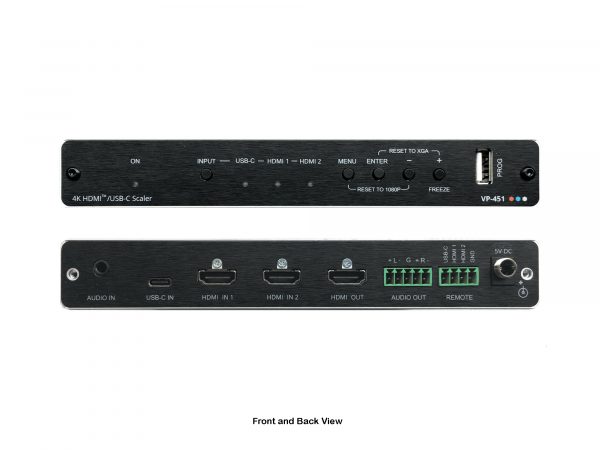
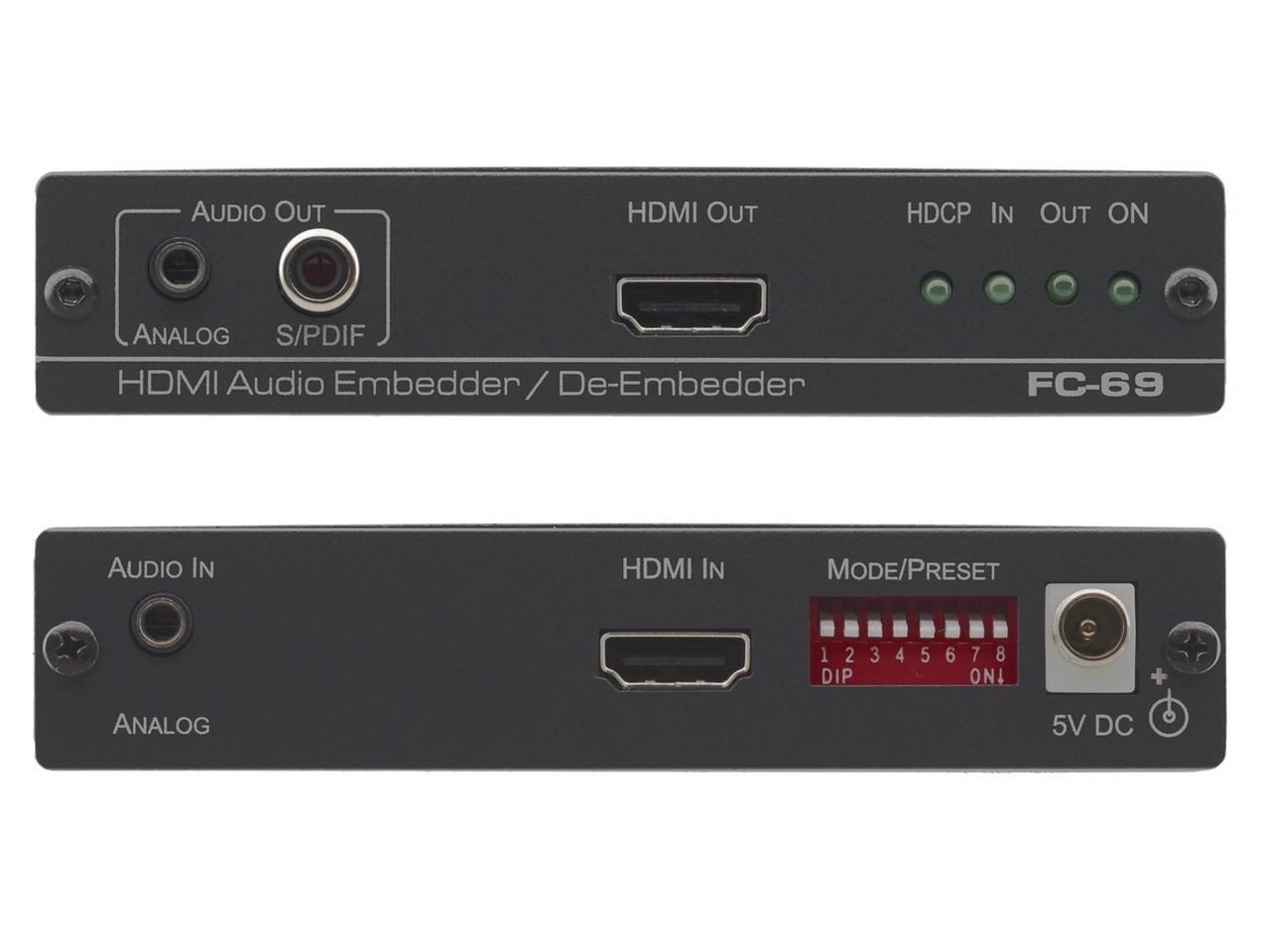
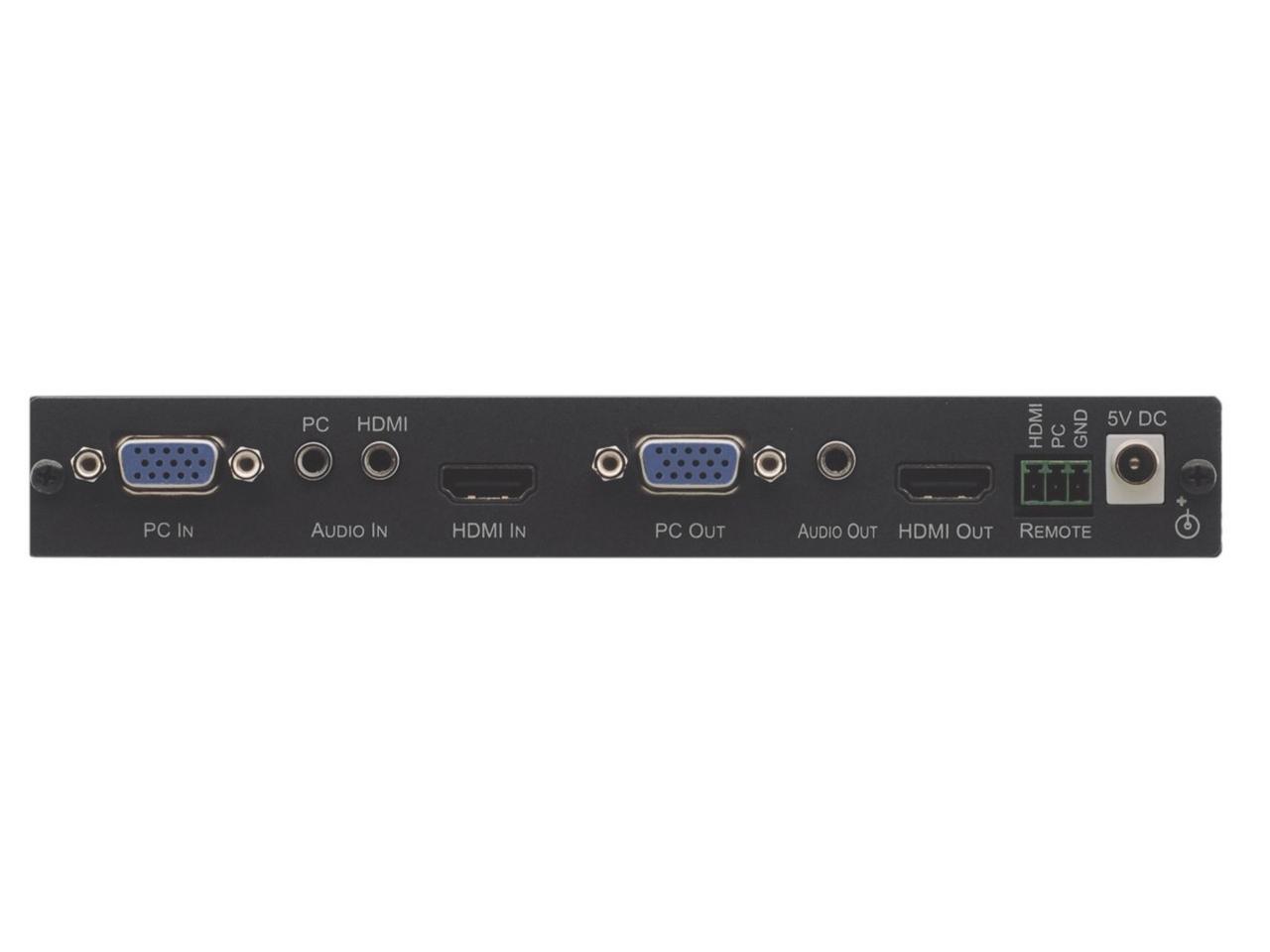
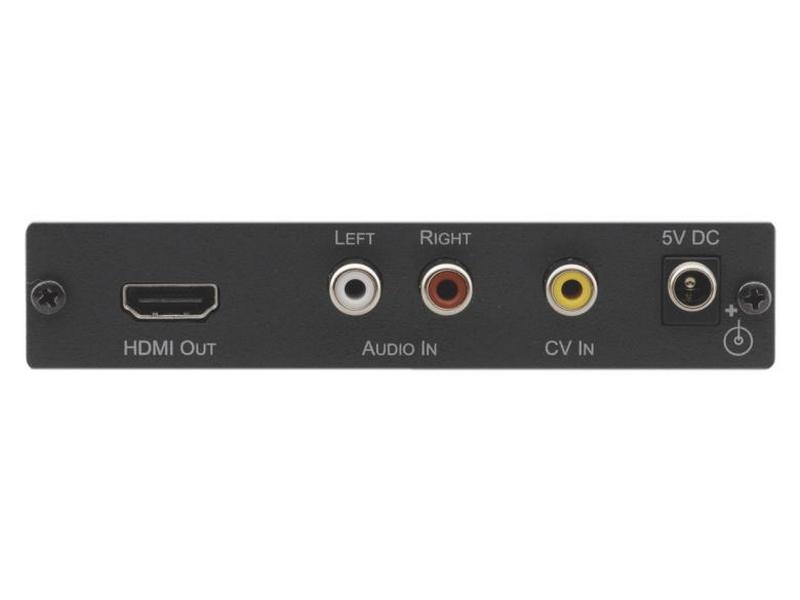
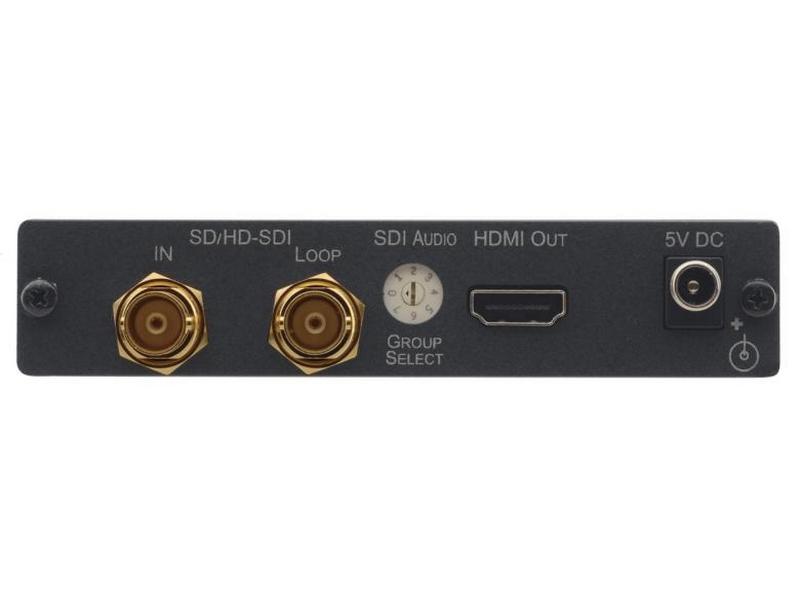
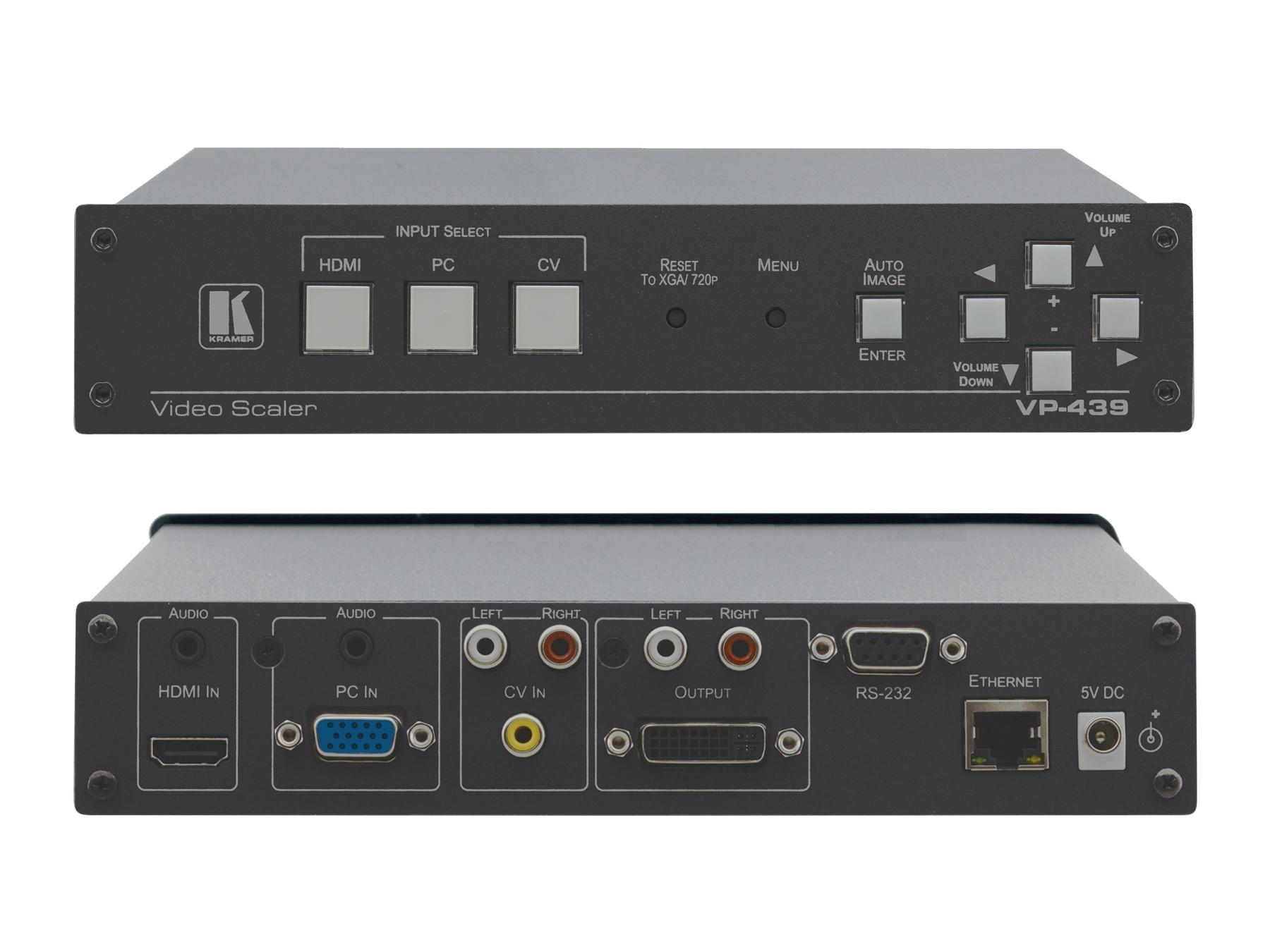
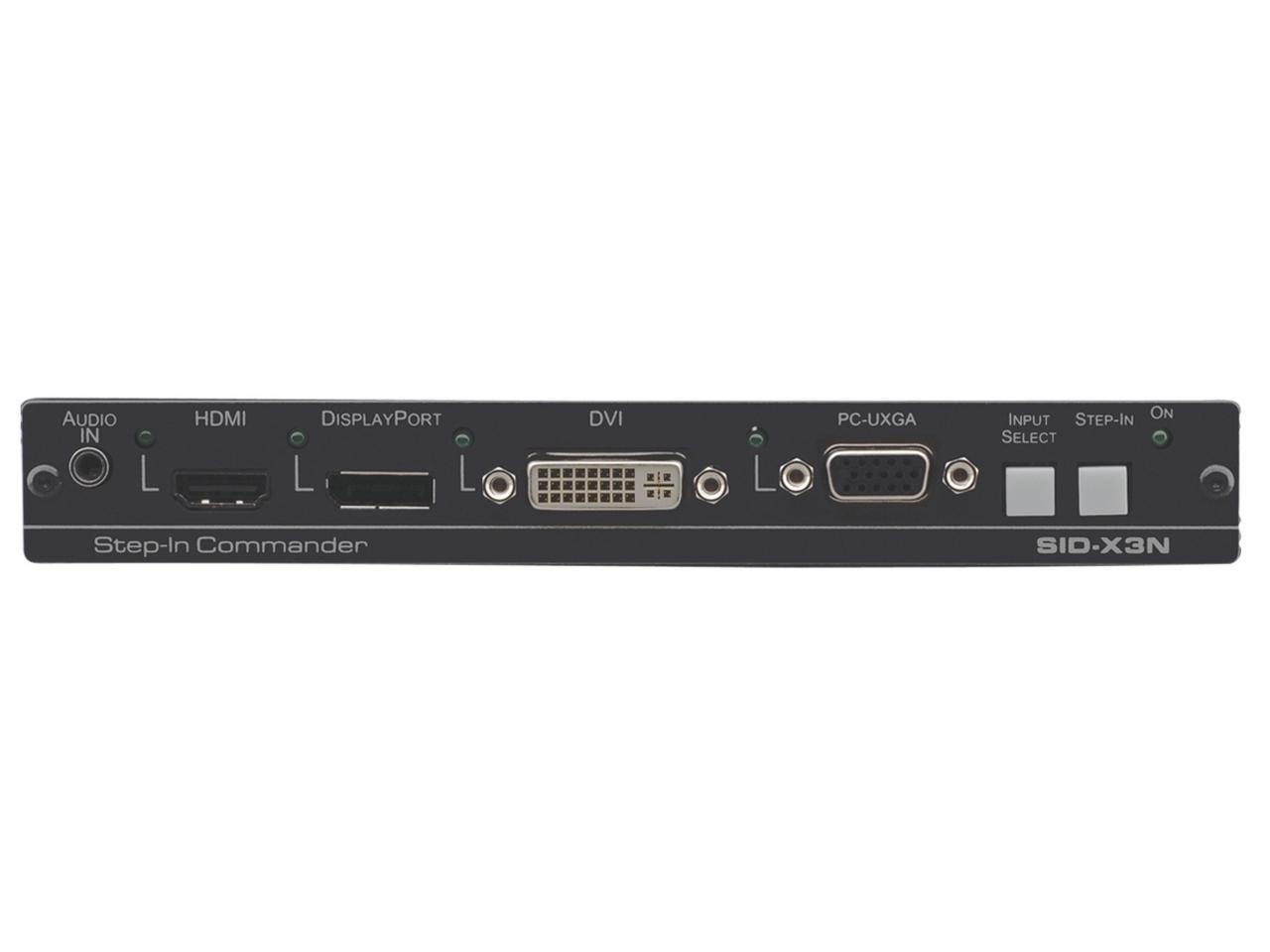
HDMI video converters bridge between HDMI and other video signal types. HDMI has improved audio and video performance, capacity, resolution, and color spaces enormously since its introduction, making it the clear choice for many components and modern displays. But analog signal types (composite, component, S-Video, VGA) and other digital formats (DVI, SDI, DisplayPort) are still widely used in legacy and specialty equipment. For HDMI gear to work with these other formats, a converter is needed.
HDMI converters work in both directions. HDMI input to other-format output converts a modern HDMI source (laptop, streaming device, gaming console) for use with legacy or specialty display equipment: HDMI to VGA for older projectors, HDMI to DVI for legacy displays, HDMI to composite or component for SD or HD analog displays, HDMI to SDI for broadcast infrastructure. Other-format input to HDMI output goes the other way: VGA to HDMI for older PCs, DVI to HDMI for legacy commercial gear, composite or component to HDMI for legacy video sources, SDI to HDMI for broadcast equipment to commercial displays. Many converters do both directions in one device.
Advanced HDMI converters often include built-in up/down scaling, supporting different resolutions the display can manage. The scaler converts the source resolution to whatever the receiving display expects natively, eliminating the need for the display to do the scaling itself (which is often lower quality). This matters especially when converting between formats with different native resolutions: SD analog video upconverted to HD HDMI, or 4K HDMI downconverted to 1080p VGA for an older projector.
HDMI converters between different signal formats must be active: the conversion electronics translate the signal from one format to another, drawing power from the source connector (DisplayPort, HDMI, USB) or from a separate USB or AC power supply. HDMI to DVI is the exception: it can be passive (just a cable adapter) because both use the same TMDS digital signaling. For HDMI to VGA, HDMI to composite, HDMI to SDI, and similar conversions, the converter must be active and properly powered.
HDMI carries video and audio together. When converting to formats that don't carry audio (VGA, DVI, component, composite), the converter typically breaks out the audio on a separate connector: 3.5 mm stereo, RCA, or SPDIF. When converting from these formats to HDMI, the converter needs an external audio input to embed into the HDMI output. Always check the audio support: some budget converters skip audio handling entirely, leaving the audio path to be managed separately.
Quality HDMI converters handle HDCP (copy protection) and EDID (display capability handshake) properly, allowing protected content to pass through and ensuring consistent behavior with mixed displays. Cheap converters often skip HDCP, causing protected content (Blu-ray, streaming services) to fail with black screens. For commercial AV installations that handle protected content, always verify HDCP support at the required version.
HDMI converters are common in commercial and residential environments where modern HDMI gear needs to work with legacy or specialty equipment: home theaters (modern sources to older projectors or analog audio gear), restaurants and bars (HDMI sources to legacy displays), hospitals (HDMI from modern medical imaging to existing displays, or vice versa), stadiums (HDMI commercial signage integrated with SDI broadcast), schools and universities (modern HDMI sources to legacy VGA projectors), conference rooms (laptop HDMI to legacy projectors), and any installation where modernization happens in stages.
You need an HDMI converter whenever you have to bridge HDMI equipment with equipment that uses a different signal format: HDMI source connecting to a VGA projector, DVI display, composite TV, or SDI broadcast equipment; or HDMI display receiving signal from a VGA PC, component DVD player, composite security camera, or SDI broadcast source. The converter translates the signal from one format to another so the two devices can work together. Many converters work in both directions and include built-in scaling for matching different resolutions.
Yes, many include built-in up/down scaling. The scaler converts the source resolution to whatever the receiving display expects natively. Common scenarios: SD analog video (480i composite, 480p component) upconverted to 1080p HDMI for a modern display; 4K HDMI downconverted to 1080p VGA for an older projector; 1080p HDMI upconverted to 4K HDMI for a 4K display that handles incoming 1080p with poor quality. The scaler quality varies: budget converters use simple interpolation; better units use motion-adaptive and edge-aware algorithms for cleaner results.
Most do, but how depends on the conversion direction. HDMI carries video and audio together. When converting HDMI to a format that doesn't carry audio (VGA, DVI, component, composite), the converter typically breaks out the audio on a separate connector: 3.5 mm stereo, RCA, or SPDIF. The video goes to the display, the audio goes to a separate audio system or amplifier. When converting other formats to HDMI, the converter usually has a separate audio input that gets embedded into the HDMI output. Always check the converter's specifications for the specific audio handling you need.
Quality converters do; cheap converters often do not. HDCP is the copy-protection handshake required for content from Blu-ray, streaming services, and many corporate sources. If the converter doesn't support the required HDCP version, the display shows a black screen or "non-compliant" error. For 1080p content, HDCP 1.4 is enough; for 4K HDR content, HDCP 2.2 or 2.3 is required. Always verify HDCP support before deploying, especially for converting to legacy displays that may have older HDCP versions limiting compatibility.
A converter changes one signal format into another (HDMI to VGA, SDI to HDMI, etc.). A splitter takes one HDMI input and produces multiple HDMI outputs, distributing the same signal to multiple displays. The two functions are different: converters bridge formats, splitters duplicate signals. Some devices combine functions (a 1x4 HDMI splitter with VGA outputs on each port, for example), but most converters and splitters are separate products. Match the device to the actual need: bridging formats, duplicating signals, or both.
Home theaters (modern HDMI sources to older projectors or analog audio gear, legacy video equipment to modern displays), restaurants and bars (HDMI cable boxes and streaming devices to legacy displays), hospitals (HDMI from modern medical imaging to existing certified displays, or vice versa), stadiums and arenas (HDMI commercial signage integrated with SDI broadcast infrastructure), schools and universities (modern HDMI sources to legacy VGA projectors and classroom equipment), conference rooms (laptop HDMI bridging to older projectors), and any commercial AV installation where modernization happens in stages and older equipment must continue to work with newer sources or displays.

On order over $300 and more for US and US territory

We Offer a 30-Day Money Back Guarantee

Full manufacturer's warranty and quality assurance

Safe checkout with trusted payment providers