











Start typing to see results...
Find the perfect solution
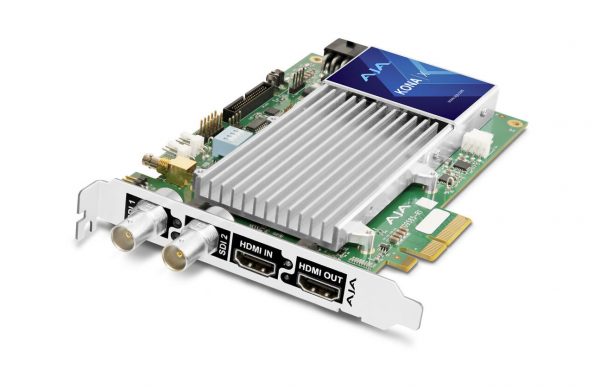
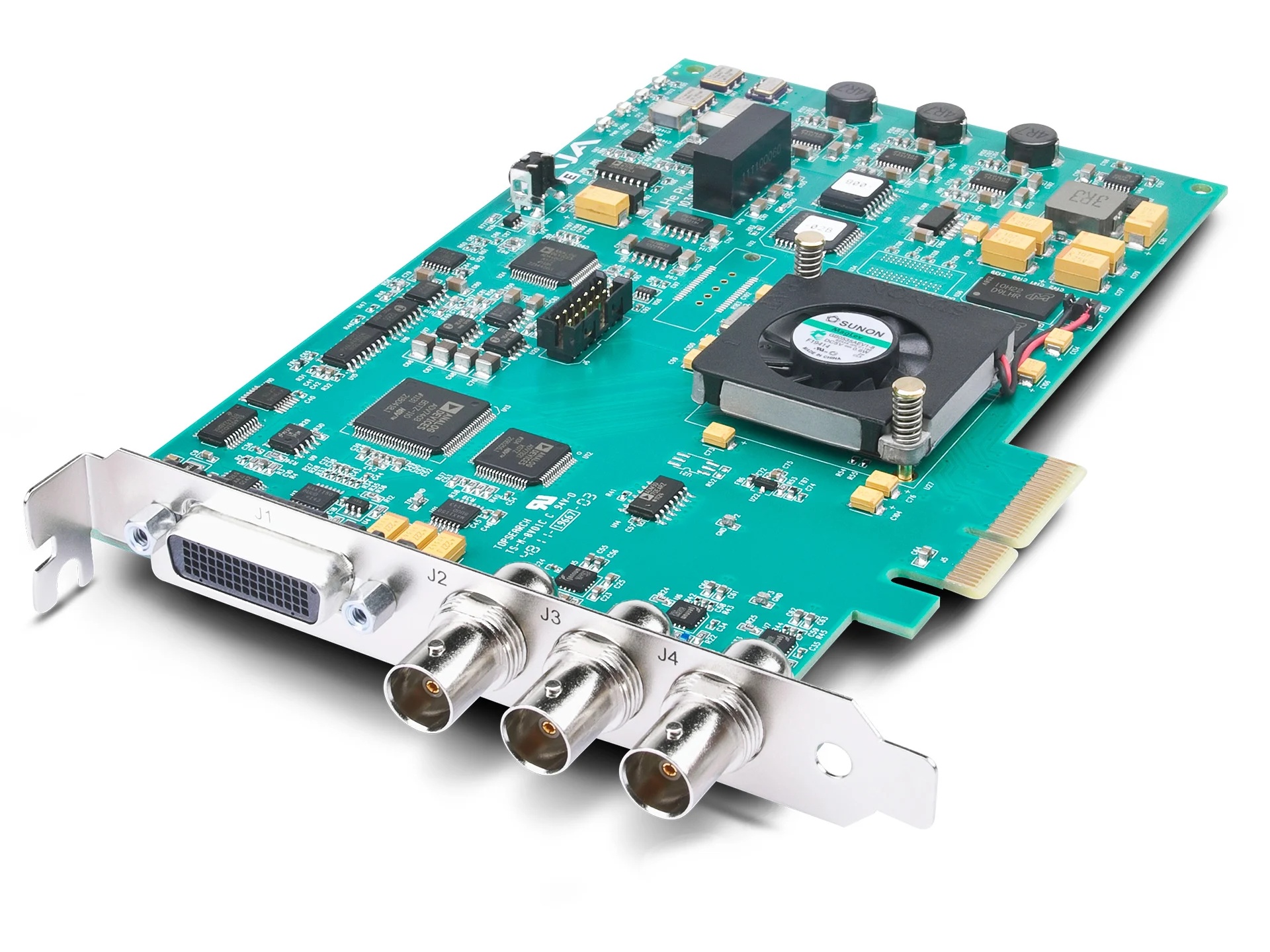
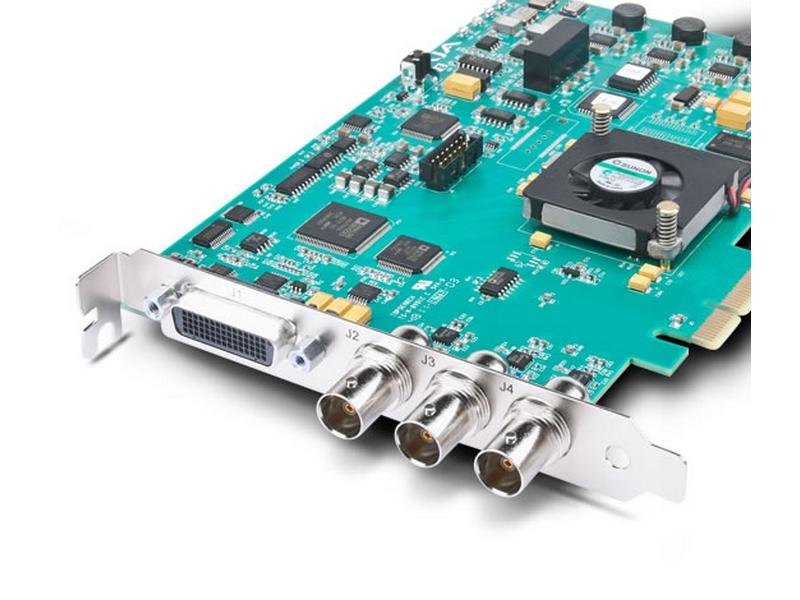
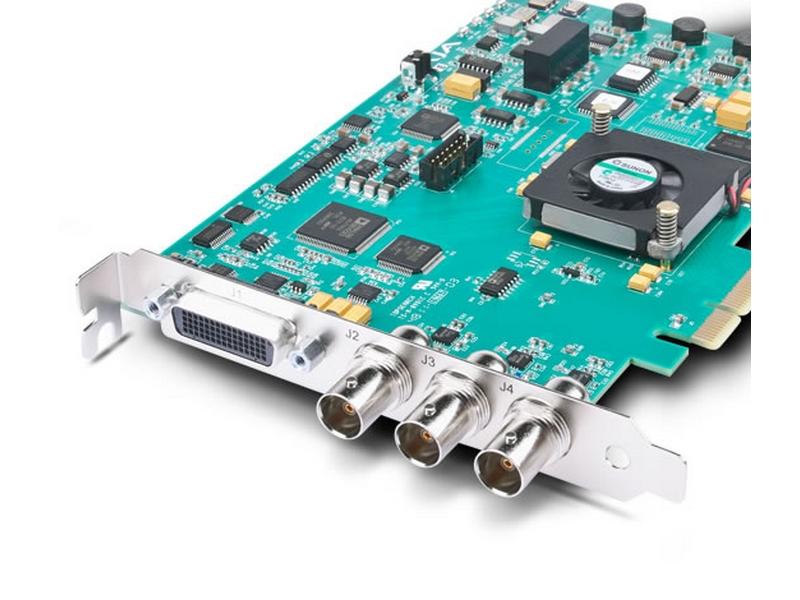
Capture cards bring HDMI or SDI camera signals into a computer or dedicated streaming appliance so the video can be processed, recorded, switched, or streamed. They are essential whenever a camera's output needs to enter the computer's software pipeline (production software like OBS, vMix, Wirecast, video editing tools, or platform-specific streaming applications). Streaming hardware extends this to standalone appliances that combine capture, encoding, switching, and network streaming in one device.
Internal PCIe capture cards install in a desktop computer's expansion slot, providing high-bandwidth professional-quality capture with low latency. They are the standard for permanent production workstations and broadcast facilities. External USB capture devices plug into a laptop or computer via USB, making professional camera capture portable; they appear to the computer as standard USB cameras (UVC), so they work with any production software. Dedicated capture appliances are standalone devices that capture, encode, and output streaming or networked video without a host computer.
Single-channel capture cards or USB devices accept one HDMI or SDI input and feed one video stream to the computer. They suit one-camera workflows: a podcaster recording their setup, a streamer with one camera, a content creator with one input. Multi-channel cards accept multiple inputs (2, 4, 8, or more) and feed all of them to the computer simultaneously, suitable for multi-camera live production. Multi-channel capture is essential for software-based production with multiple camera angles.
Modern capture cards support 1080p at 60 fps as a minimum, with 4K at 30 or 60 fps becoming standard. For high-quality streaming and recording, look for cards with full 4K at 60 fps support and good color depth (4:4:4 chroma sampling for graphics work, or 4:2:0 for typical streaming). Frame-rate matters for sports, gaming, and fast-action content: 60 fps captures smooth motion that 30 fps cannot.
For live streaming, capture latency matters: the time between something happening in front of the camera and the captured frame being available in the production software. Hardware-encoded capture cards typically have very low latency (a few milliseconds), while software-encoded capture or USB capture can have more (50 to 200 ms). For live performances with audio synchronization, lip sync, or interactive content, low latency matters. For recorded content or one-way streaming, latency is less critical.
Streaming appliances are standalone devices that capture HDMI or SDI input, encode it into a streaming format, and send it to streaming platforms over a network connection, without requiring a host computer. They are useful in environments where a computer is impractical (a portable streaming kit, a one-camera church streaming setup, a kiosk streaming setup) or where the simplicity of an appliance outweighs the flexibility of software. Many include built-in switching for multiple inputs and basic graphics overlays.
Modern capture and streaming hardware often integrates with NDI (Network Device Interface) and SRT (Secure Reliable Transport). NDI is a network video standard that lets capture devices share video across a local network without dedicated cabling. SRT is a streaming protocol for sending high-quality streams over unreliable networks. Both are popular in professional broadcast workflows and increasingly common in commercial AV streaming.
Capture cards and streaming hardware are used in content creation (podcasters, YouTubers, streamers capturing camera output for OBS), houses of worship (multi-camera production with software like vMix or ProPresenter), broadcast and production studios (capture from cameras and feeds into editing and production software), live event streaming, corporate video production, education (recording lectures and integrating with LMS platforms), and any production workflow where camera output enters a computer or appliance.
You need a capture card whenever a camera's HDMI or SDI output must enter a computer for processing, recording, or streaming. The computer cannot accept HDMI or SDI directly through its standard ports; the capture card converts the camera signal into a format the computer's software can use (typically appearing as a USB camera to the operating system). If you only have a built-in webcam or USB camera, you don't need a capture card. If you have a professional HDMI or SDI camera and want to use it with production software (OBS, vMix, Wirecast) or stream to a platform via the computer, you need a capture card.
Internal PCIe capture cards offer higher bandwidth, lower latency, and support for more simultaneous channels. They are the right choice for permanent production workstations and broadcast facilities. The downside is they require a desktop computer with an available PCIe slot. External USB capture devices plug into a laptop or computer via USB, making professional camera capture portable. They are the right choice for traveling content creators, rental and staging crews, and any setup where mobility matters. Quality external USB capture devices are nearly as good as internal cards for one-channel HD work; for multi-channel 4K, internal PCIe still has an advantage.
NDI (Network Device Interface) is a video-over-IP protocol developed by NewTek that lets devices share video across a local network without dedicated cables. NDI-enabled capture devices and cameras send video over a standard Ethernet network, where any NDI-aware software (OBS, vMix, Wirecast, etc.) can receive and use it as a video source. NDI eliminates the need for individual capture cards for each camera in a multi-camera production: all cameras connect to the network, and the production computer accesses them all over IP. NDI is dominant in modern multi-camera production workflows.
A streaming appliance is a standalone device that captures HDMI or SDI input, encodes it for streaming, and sends it to streaming platforms over a network connection, without requiring a host computer. Use a streaming appliance when you want one-device simplicity (no computer to manage, no software updates, less to troubleshoot), when the production is one or two cameras and doesn't need complex switching or graphics, or when portability matters (a streaming-in-a-box kit for events). For complex multi-camera productions with graphics, switching, and effects, software-based production on a computer is more flexible.
Hardware-encoded capture cards (internal PCIe) typically add very low latency, a few milliseconds. USB capture devices add more, typically 20 to 100 ms depending on the model and the computer's processing. Software encoding (using the computer's CPU or GPU) adds another 50 to 200 ms depending on settings and hardware. For live streaming where audience sees video 10 to 30 seconds after the live event anyway, this added latency is negligible. For live performances with lip sync to audio or interactive applications (gaming streams, IMAG video at concerts), low latency matters and hardware encoding plus a good capture path keeps total system latency manageable.
Content creation (podcasters, YouTubers, streamers capturing camera output for OBS or similar software), houses of worship (multi-camera production with vMix, ProPresenter, or other software), broadcast and production studios (capture from cameras and feeds into editing and production software, live production switching), live event streaming (capturing camera output to send to streaming platforms), corporate video production (recording executive interviews, training content, internal video), education (lecture capture, recording for learning management systems, hybrid classroom production), and any production workflow where camera output enters a computer or appliance for processing, recording, or streaming.

On order over $300 and more for US and US territory

We Offer a 30-Day Money Back Guarantee

Full manufacturer's warranty and quality assurance

Safe checkout with trusted payment providers