











Start typing to see results...
Find the perfect solution
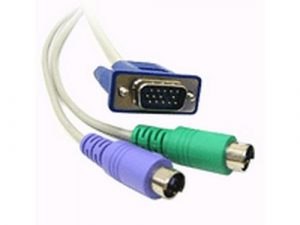
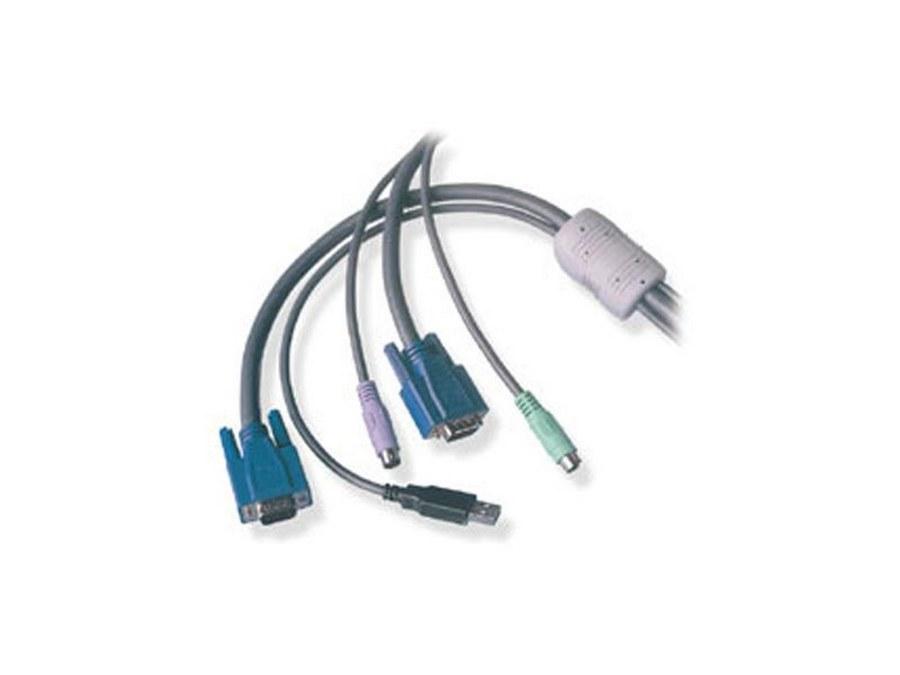
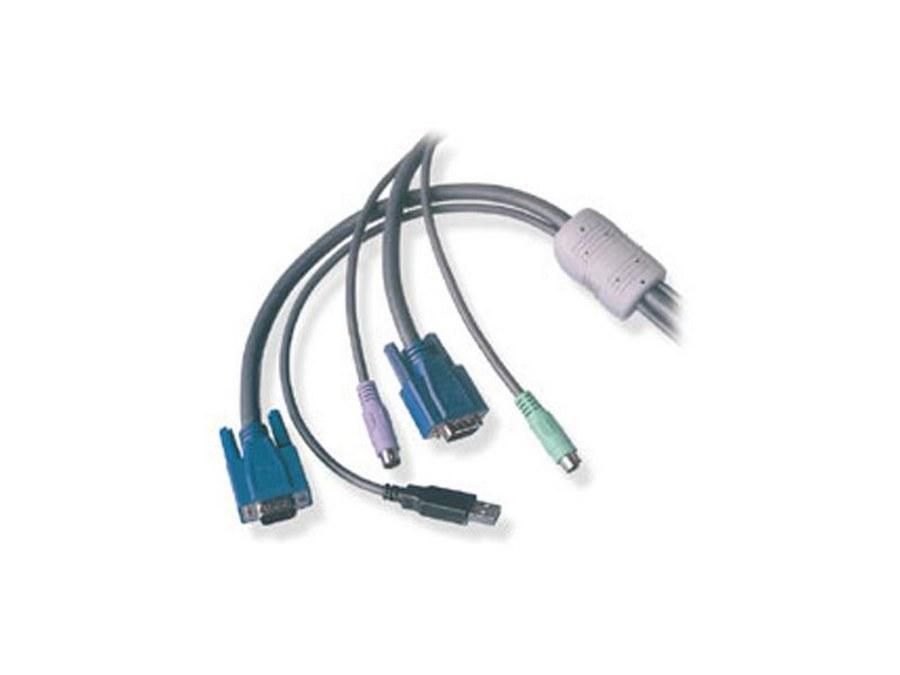
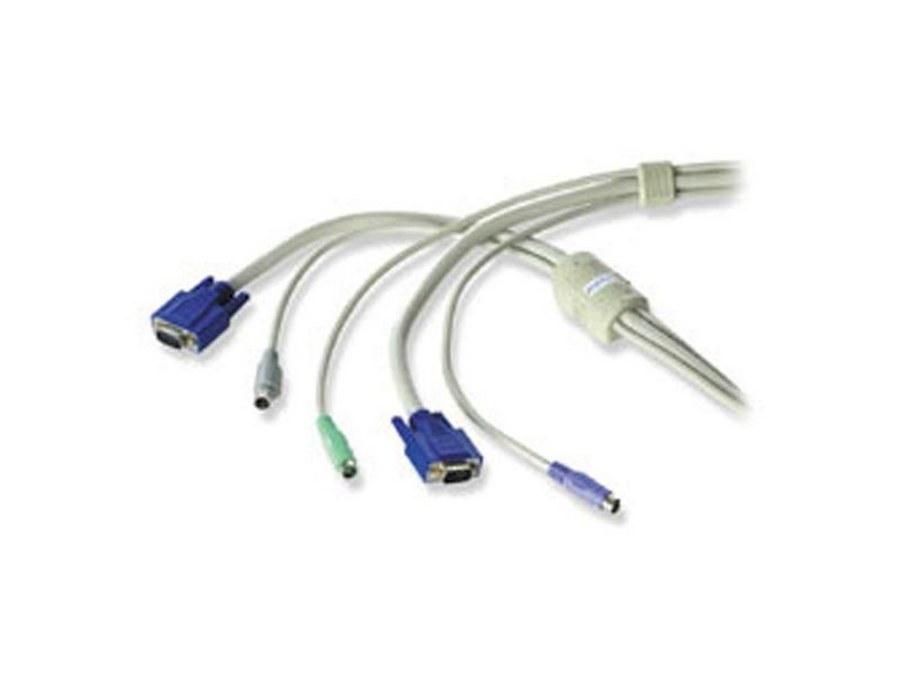
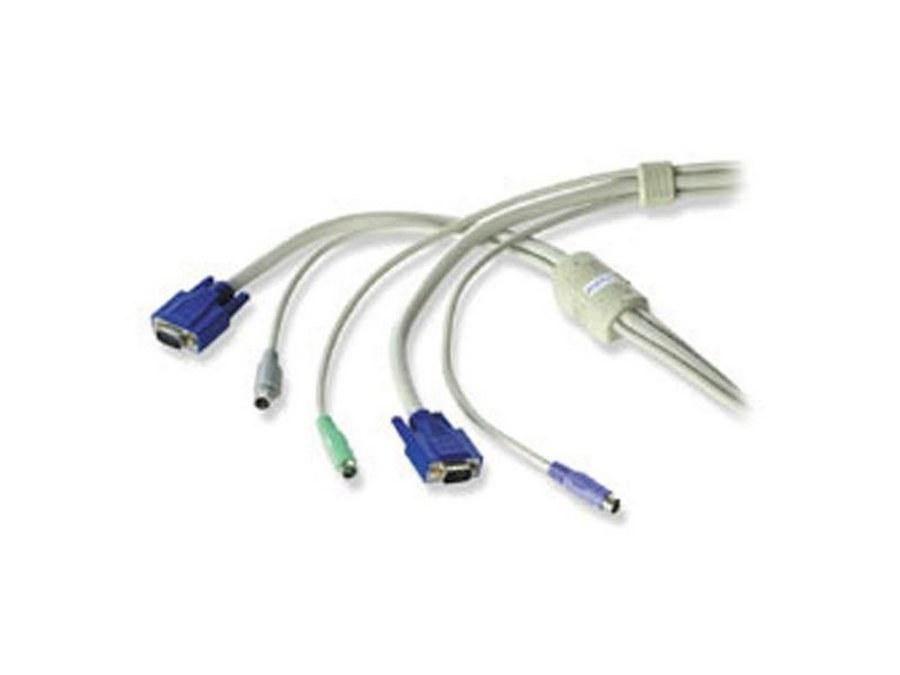
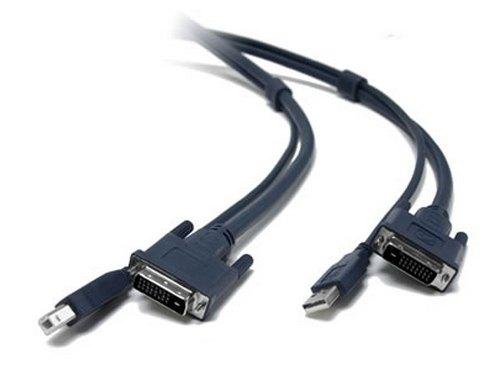
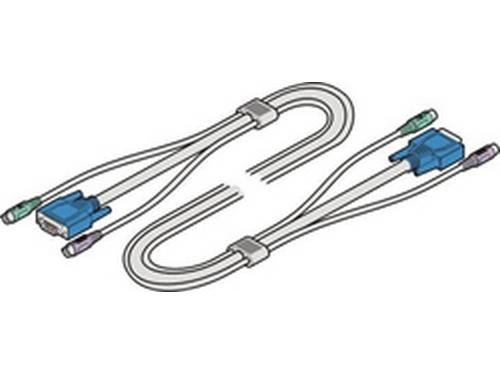
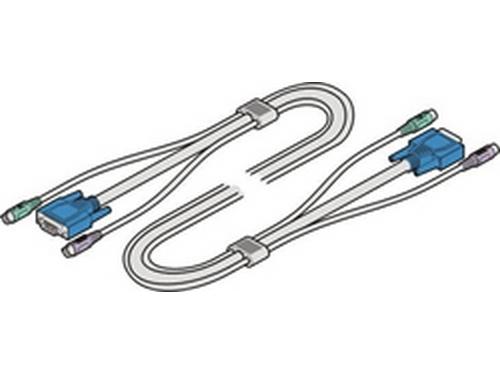
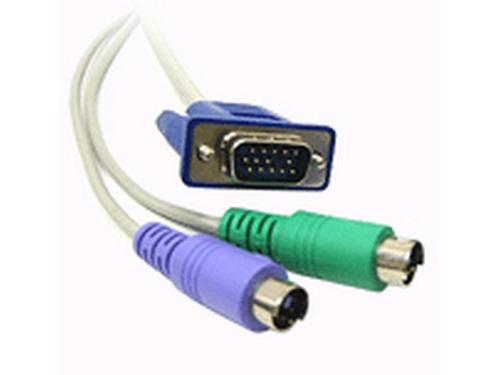
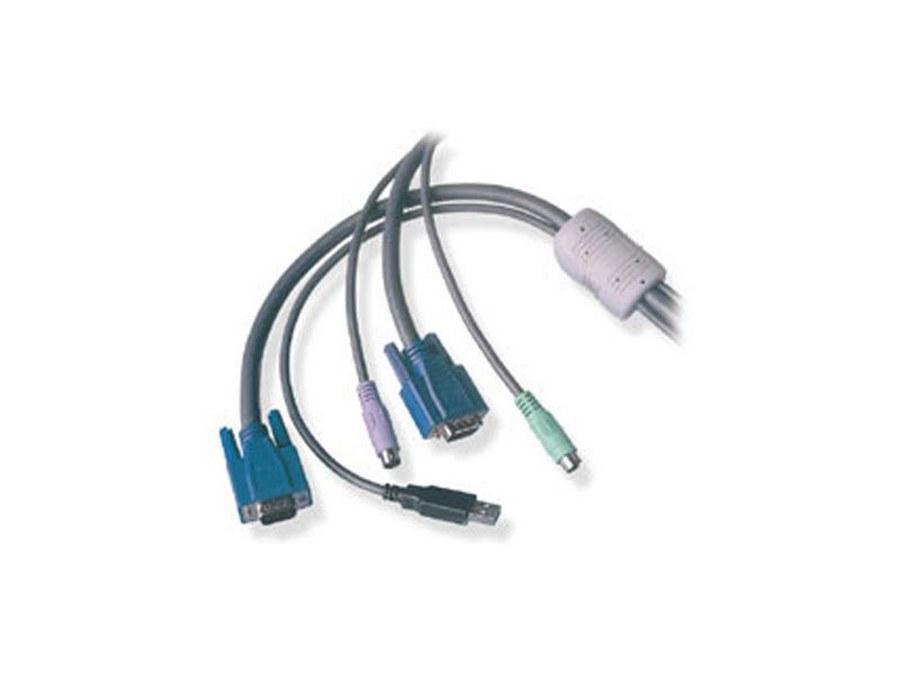
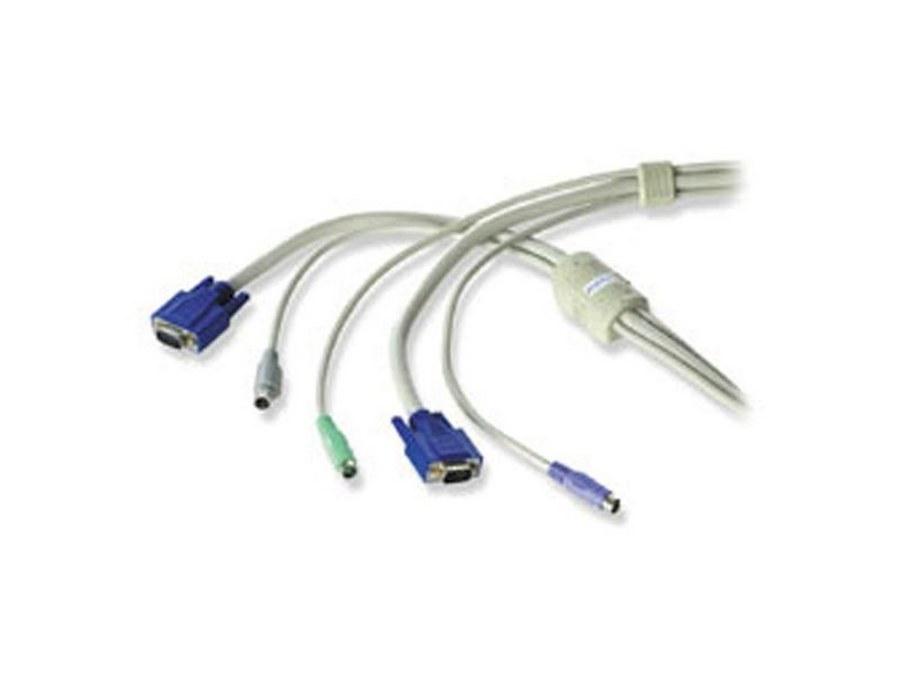
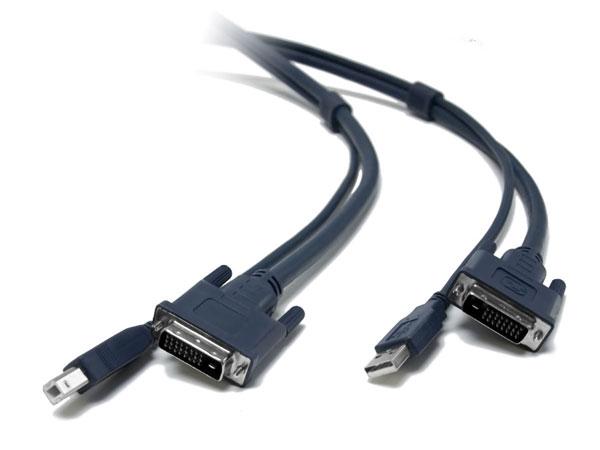
KVM cables connect a single keyboard, video monitor, and mouse to multiple computers through a KVM switch, allowing one operator to control multiple machines from one workstation. KVM stands for Keyboard, Video, Mouse, and the cables carry those three signals between the KVM switch and each connected computer. KVM cables come in various configurations: combined cables with multiple signals in one bundle, separate cables for each signal, and modern variants that use USB for keyboard and mouse plus HDMI or DisplayPort for video.
Traditional KVM cables combined three signals in one heavy bundle: a 15-pin VGA D-Sub for video, PS/2 connectors for keyboard and mouse, plus optional 3.5 mm jacks for audio. These cables, often called "all-in-one KVM cables" or "VGA KVM cables", remain in service in many existing KVM installations. They are typically 6 to 15 feet long, with terminations matched to a specific KVM switch's connector layout.
Modern KVM systems use USB for keyboard and mouse and a digital video interface (DVI, HDMI, or DisplayPort) for video, often with separate audio. The cables are typically simpler than the all-in-one legacy variants: one USB cable from the switch to each computer for keyboard/mouse/USB peripherals, and one video cable per computer for the display signal. Some modern KVM cables bundle USB and HDMI into a single jacket for cleaner installation.
For control rooms, server rooms, and security installations where the operator sits far from the computers, KVM extenders separate the local console from the remote computers. Cat5/6 KVM extenders use a single CAT cable to carry keyboard, video, mouse, and sometimes audio over 100 meters or more. Fiber-based KVM extenders extend further (kilometers). IP-based KVM (KVM-over-IP) uses standard network infrastructure to provide remote console access to any number of computers from any number of operator workstations.
KVM is used in any installation where one operator controls multiple computers. Specific applications include security operation centers (one operator watching feeds from many machines), broadcast and TV control rooms (the producer or director switching between graphics, playback, and routing computers), traffic and emergency dispatch centers, data center server administration (a rack technician working on many servers from one console), control rooms in industrial and military settings, and any environment where consolidating multiple computer workstations into one operator position saves space and improves efficiency.
Direct KVM cables (legacy all-in-one) are reliable to about 15 feet at standard resolutions. Longer runs need KVM extenders that convert the signals for transport over CAT, fiber, or IP. Cable quality matters: cheap KVM cables fail under repeated movement, develop intermittent video problems, and pick up noise. For commercial installations, buy quality KVM cables from established manufacturers.
KVM cables are used in security operation centers, broadcast and TV control rooms, traffic and emergency dispatch centers, data center server administration, industrial control rooms, military and government command centers, financial trading floors (where one trader uses multiple machines), and high-end engineering and design workstations. Each environment has specific KVM requirements (number of computers, type of video signal, audio support, USB peripheral routing) that determine the right cable configuration.
KVM stands for Keyboard, Video, Mouse. A KVM switch connects one set of keyboard, video monitor, and mouse to multiple computers, allowing an operator to control any of those computers from one workstation by switching between them. The KVM switch typically has buttons or hotkeys to select which computer is active, with the keyboard, mouse, and monitor connected to that computer at that moment. KVM systems save space and money by consolidating what would otherwise be many separate operator positions, and they let one person efficiently manage multiple computers.
Legacy KVM cables combined three signals in one heavy bundle: 15-pin VGA for video, PS/2 connectors for keyboard and mouse, plus optional 3.5 mm jacks for audio. Modern KVM systems use USB for keyboard and mouse (which simplifies wiring and supports modern peripherals) and a digital video interface (DVI, HDMI, or DisplayPort) for video, often as two separate cables per computer rather than one combined bundle. Modern KVM cables are simpler, support higher video resolutions, and integrate easier with current computers that no longer have PS/2 ports.
Direct (non-extended) KVM cables are reliable to about 15 feet (5 meters) at standard resolutions. Beyond that, signal degradation appears as ghosting on the video, dropped keyboard keystrokes, or unresponsive mouse movement. For longer runs, use KVM extenders that convert the signals for transport over CAT5e/6 cable (typically up to 100 meters or more) or fiber (kilometers). Most installations where the operator sits more than 15 feet from the computers use KVM extenders rather than long direct KVM cables.
KVM-over-IP converts the keyboard, video, and mouse signals into network packets, allowing remote console access to computers over standard IP networks. An operator at any networked workstation can take control of any KVM-equipped computer on the network, sometimes from anywhere in the world if remote access is configured. KVM-over-IP is ideal for data centers (remote server administration without going to the rack), distributed control rooms (operators in different rooms controlling different machines), and any installation where physical KVM cables are impractical or where remote access is required.
A KVM switch lets one operator console control multiple computers, with the switch in the middle selecting which computer is active. A KVM extender lets one operator console control one (or more) computers that are far away, with the extender pair (transmitter at the computer, receiver at the console) carrying the signals over a long cable. Some systems combine both: a KVM matrix that switches and extends, letting many operator consoles access many remote computers via a central matrix. Cable requirements differ: switches use direct KVM cables; extenders use CAT5e/6 or fiber; matrices use IP networks.
Security operation centers (one operator watching feeds and controls from many machines), broadcast and TV control rooms (the producer or director switching between graphics, playback, and routing computers), traffic and emergency dispatch centers (one operator working with multiple specialty systems), data center server administration (a technician working on many servers from one console), industrial control rooms in plants and utilities, military and government command centers, financial trading floors (one trader using multiple machines), and high-end engineering and design workstations where the operator needs to compare or switch between separate computers.

On order over $300 and more for US and US territory

We Offer a 30-Day Money Back Guarantee

Full manufacturer's warranty and quality assurance

Safe checkout with trusted payment providers