












Start typing to see results...
Find the perfect solution
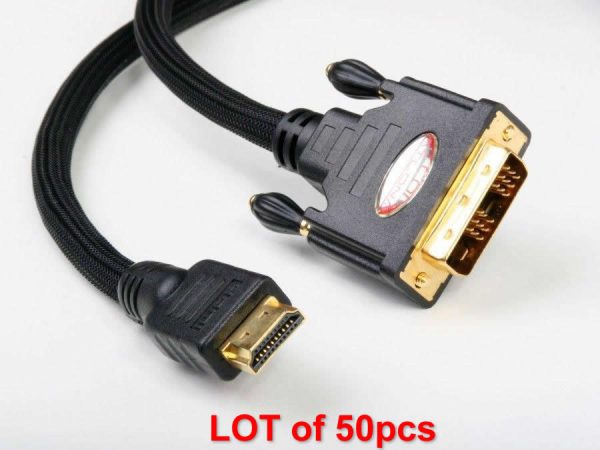
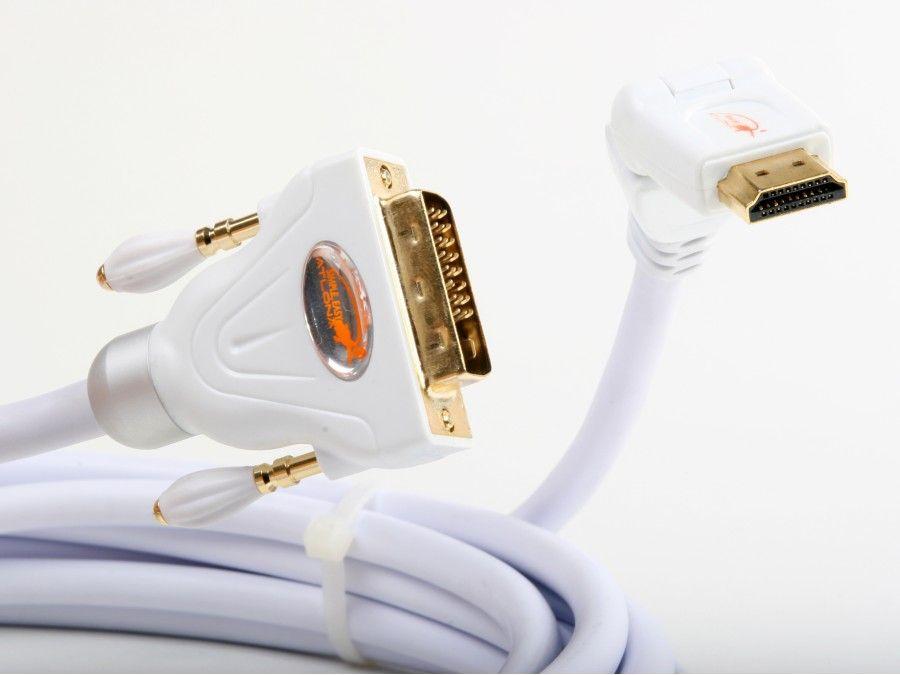
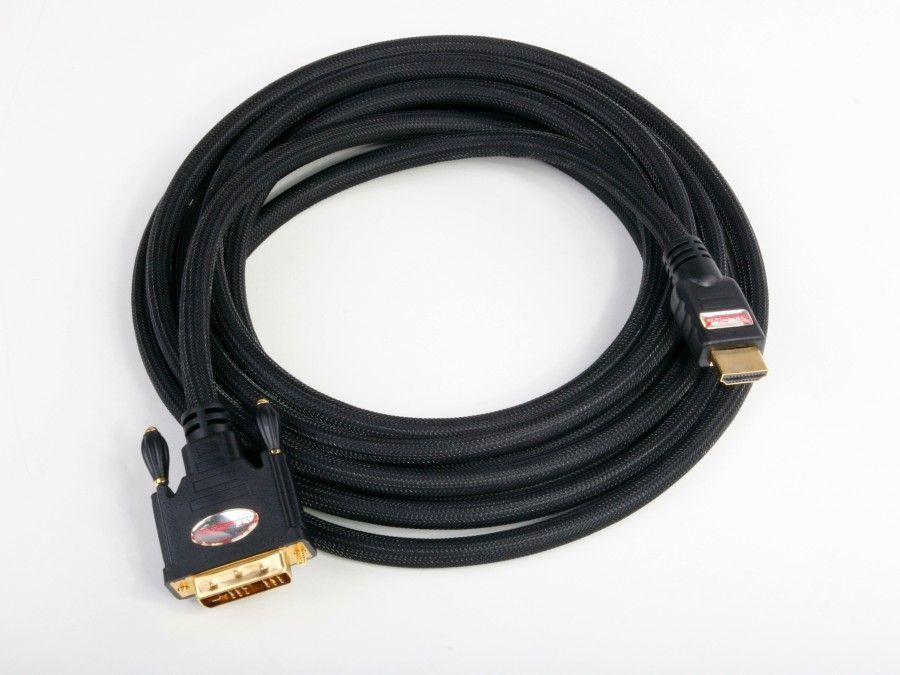
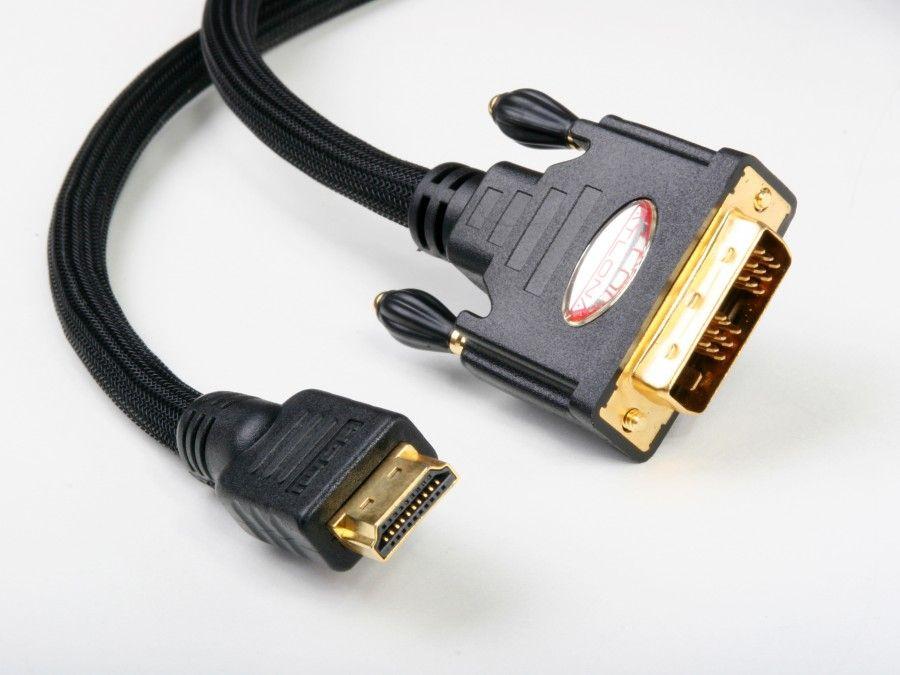
HDMI to DVI cables connect a device with an HDMI output to a device with a DVI input (or vice versa). The two interfaces use the same TMDS digital video signaling internally, which is why this conversion can be done passively with just a cable: the connectors are different physical shapes, but the electrical signal is compatible. The cable has an HDMI connector at one end and a DVI connector at the other, with the pins wired through directly.
The most common cases are: connecting a newer HDMI source (Blu-ray player, streaming device, gaming console, modern laptop) to an older DVI-input display, monitor, or projector; connecting a computer with DVI output to a modern HDMI-input TV; integrating legacy DVI equipment in commercial AV systems with newer HDMI gear; and using an HDMI source with industrial or medical imaging equipment that still uses DVI inputs.
HDMI carries both video and audio in a single cable, but DVI carries video only. An HDMI to DVI cable therefore passes video successfully but not audio. The audio must take a separate path: either through an HDMI audio extractor that breaks out audio before the cable, or by routing audio separately from the source to the display's audio input or to an external sound system. In commercial AV, this is usually handled by an HDMI audio de-embedder feeding the room's amplifier and speakers.
DVI comes in three variants. DVI-D (digital only) is electrically compatible with HDMI and is what most HDMI to DVI cables use on the DVI end. DVI-A (analog only) is electrically incompatible with HDMI and would need an active converter, not just a cable. DVI-I (integrated, both digital and analog) accepts an HDMI to DVI-D connection on its digital pins. The most common HDMI to DVI cable terminates in DVI-D single-link, which supports up to 1920x1200 at 60 Hz.
Single-link DVI provides about 3.96 Gbps of bandwidth, enough for 1920x1200 at 60 Hz. Dual-link DVI doubles that to about 7.92 Gbps, supporting 2560x1600 and higher refresh rates. HDMI maps to single-link DVI for resolutions up to 1080p / 1920x1200. For higher resolutions (2K or 4K) on a dual-link DVI display, a dedicated DVI cable or DisplayPort connection is usually required, since standard HDMI to DVI cables target single-link.
HDMI to DVI cables are widely used in legacy commercial AV (connecting modern HDMI sources to existing DVI displays and projectors), industrial controls (modern PCs to older DVI panels), medical imaging (where DVI displays carry regulatory certifications that prevent replacement), KVM rooms (mixed equipment generations), security operation centers, and home theaters where one legacy DVI display remains in a chain of otherwise-HDMI equipment.
No. HDMI carries video and audio together in one cable, but DVI carries video only. An HDMI to DVI cable passes the video successfully but drops the audio entirely. To get audio to the display or to a separate sound system, you need an additional audio path: either an HDMI audio extractor that breaks out the audio on a separate connector (analog stereo, SPDIF coax, or TOSLINK optical) before the HDMI-to-DVI conversion, or a separate audio cable run from the source to an amplifier or speaker. In commercial AV with HDMI source and DVI display, the standard solution is an HDMI audio de-embedder feeding the room's audio system.
Generally no, not at full quality. Standard HDMI to DVI cables target single-link DVI, which is limited to 1920x1200 at 60 Hz. Some dual-link HDMI to DVI cables exist but compatibility varies. For 4K on a display with both DVI and HDMI inputs, use the HDMI input directly with an HDMI cable. If the display only has DVI, accept that the resolution will be limited to single-link DVI's maximum unless you can use dual-link DVI, which requires both the source and the display to support it.
HDMI and DVI use the same TMDS (Transition-Minimized Differential Signaling) digital video format internally. The connectors are different physical shapes, but the electrical signal is the same. So the cable just maps the relevant HDMI pins to the corresponding DVI pins through-the-cable, with no signal conversion needed. This is why the cable is inexpensive and reliable: there are no electronics inside, just wires. Other HDMI conversions (HDMI to VGA, for example) must be active because the signals are electrically different.
DVI-D is digital-only and electrically compatible with HDMI's TMDS digital video; this is what HDMI to DVI cables target. DVI-A is analog-only (essentially VGA in a different connector) and is incompatible with HDMI; converting HDMI to DVI-A requires an active digital-to-analog converter. DVI-I is integrated, with both digital and analog pins, and accepts either type of cable. Most modern DVI equipment uses DVI-D (digital only). DVI-A is rare; you mostly see DVI-I on older computer monitors and graphics cards from the transitional period when both digital and analog were common.
Yes, for HDCP 1.x. HDCP is a content-protection handshake that runs over the same TMDS signaling as the video, so it passes through an HDMI to DVI cable as long as both endpoints support the HDCP version in use. The catch is that older DVI displays often only support HDCP 1.4, which works for 1080p protected content but fails for 4K HDR content that requires HDCP 2.2 or 2.3. If you need to play HDCP 2.2 protected content on an old DVI display, you may run into a black screen, even though the cable itself is fine.
Legacy commercial AV (modern HDMI sources to existing DVI displays and projectors that have not been replaced), industrial controls (modern PCs driving older DVI panels in plants and factories), medical imaging (radiology and diagnostic displays with regulatory certifications that make replacement impractical), KVM rooms (mixed equipment generations with HDMI sources and DVI monitors), security operation centers, broadcast OB vans and TV studios with existing DVI infrastructure, and home theaters where one legacy DVI display remains in an otherwise HDMI chain.

On order over $300 and more for US and US territory

We Offer a 30-Day Money Back Guarantee

Full manufacturer's warranty and quality assurance

Safe checkout with trusted payment providers