











Start typing to see results...
Find the perfect solution
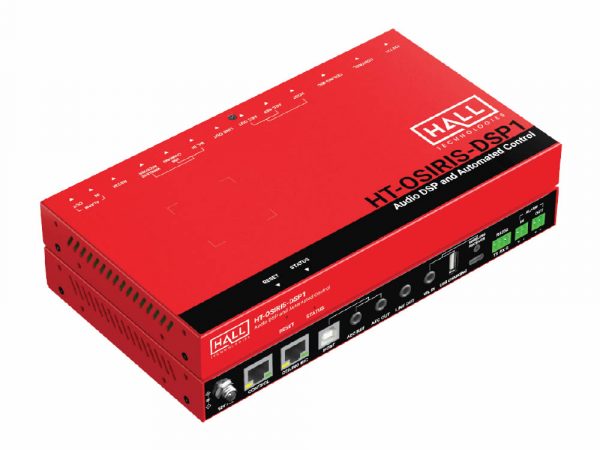
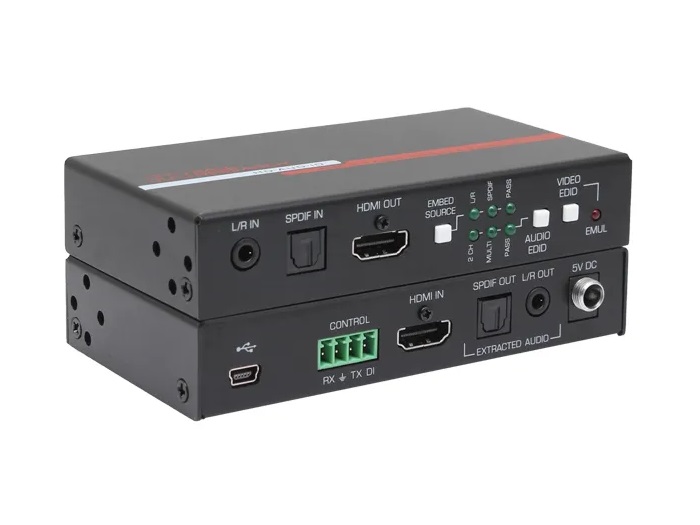
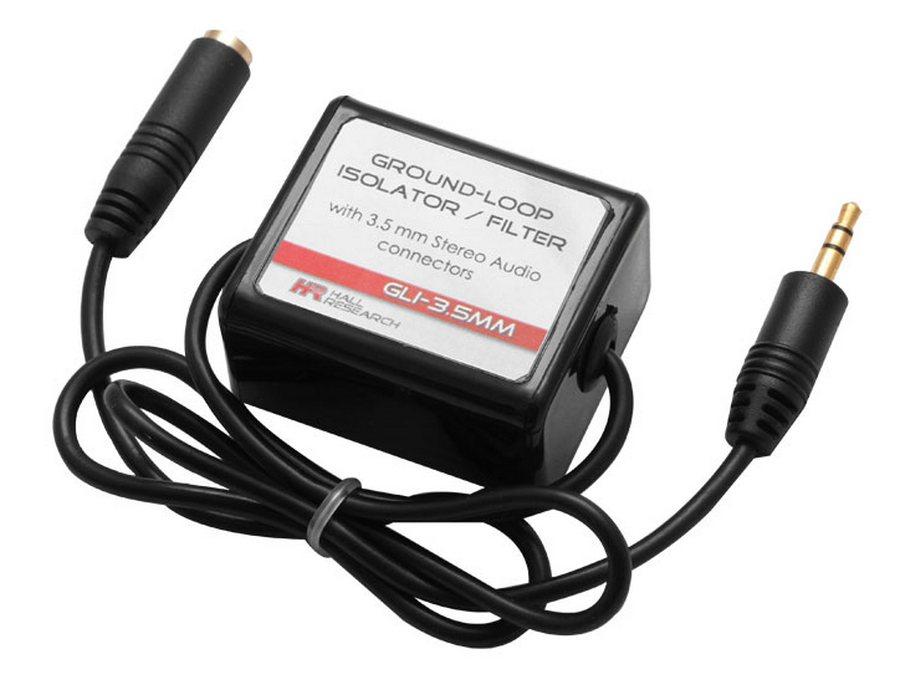
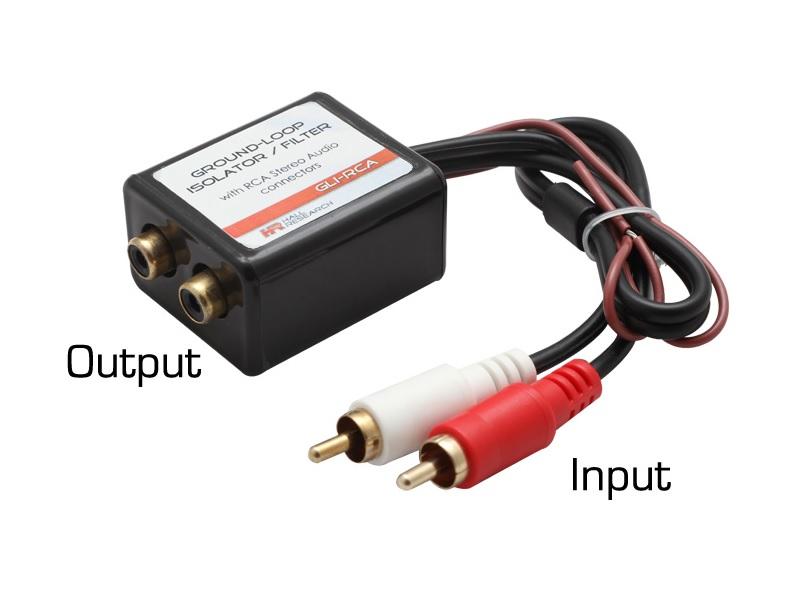
This category covers two related types of audio processing devices. Audio converters change a signal from one format to another (analog to digital, digital to analog, balanced to unbalanced, format conversion between SPDIF, TOSLINK, AES/EBU, and analog). Audio mixers combine multiple audio signals into one or more outputs, with independent level and processing control on each input. Both are essential in any audio system that brings together sources of different types or needs to combine multiple inputs into a single output.
Audio converters bridge incompatibilities between equipment. A common need is converting between analog and digital: a digital-to-analog (DAC) converter takes SPDIF or TOSLINK from a source and produces analog stereo for an older amplifier; an analog-to-digital (ADC) converter goes the other way for digital recording or transmission. Other common conversions include SPDIF coax to TOSLINK optical (and vice versa), balanced (XLR or TRS) to unbalanced (RCA), and HDMI audio de-embedding (extracting audio from an HDMI stream).
An audio mixer combines multiple audio inputs into a single output (mono or stereo), with independent volume, EQ, and effects on each channel. Mixers come in two main forms: analog mixers process the signals in the analog domain (simpler to operate, no boot time, no menus), and digital mixers process signals in the digital domain (more features, recall of complete setups, often network connectivity). Channel counts range from 4 channels for a small podcast or boardroom mixer to 96 channels and beyond for large live sound and broadcast facilities.
In a typical commercial AV install, a mixer combines microphone, computer audio, and program audio onto one output, while converters handle format transitions: an HDMI audio de-embedder extracts audio from a presenter's laptop into the mixer, and a DAC or ADC bridges to other equipment that uses a different format. Without conversion, the mixer cannot accept all the sources; without a mixer, the sources cannot be combined.
Modern installations often use networked audio (Dante, AES67, AVB) to carry many channels of digital audio over standard network cable between mixers, processors, amplifiers, and endpoints. Audio-over-IP converters bring legacy analog and digital sources into the networked audio system, which makes large installs (multi-room buildings, broadcast facilities, large worship spaces) far simpler to wire than running discrete audio cables between every device.
Audio converters and mixers are essential in conference rooms and corporate AV (combining microphone, laptop, and video conferencing audio), broadcast and recording studios (the mixer is the central hub), houses of worship (combining many microphone, instrument, and playback sources), live sound venues (front-of-house and monitor mixing), education (combining classroom microphones and computer audio), and any AV system that handles more than one audio source.
You need an audio converter whenever you have to bridge two pieces of audio equipment that use different formats. The most common cases are: connecting a digital source (HDMI, SPDIF, TOSLINK) to an older analog amplifier (digital-to-analog converter, DAC); connecting an analog source to a digital recorder or streaming device (analog-to-digital, ADC); bridging SPDIF coax to TOSLINK optical or vice versa; converting balanced pro signals (XLR, TRS) to unbalanced consumer signals (RCA) or vice versa; and de-embedding audio from an HDMI stream so it can be processed separately from the video.
Analog mixers process audio in the analog domain throughout: signals enter on input channels, pass through analog faders and EQ, and exit on outputs without ever being digitized. They are simple to operate, have no boot time, and never crash. Digital mixers convert each input to digital, do all processing in the digital domain, then convert back to analog at the outputs (or stay digital throughout if outputs are AES/EBU or networked). Digital mixers offer scene recall, complete reset of all parameters, software control, network connectivity, and far more processing per channel; the trade-off is complexity, boot time, and a steeper learning curve.
Count every audio source that will be active at once, then add a margin for future expansion. A small boardroom or podcast setup might need 4 to 8 channels (presenter mic, guest mic, computer audio, music). A worship service might need 16 to 32 channels (pastor lavalier, choir mics, band instruments, playback). A live concert mixer often needs 32 to 64 channels (vocals, guitars, keys, drums, backing tracks, etc). For broadcast and large live sound, 64 to 96 or more channels are common. Always provide some headroom: running a mixer at full capacity leaves no room for an unexpected extra source.
HDMI audio de-embedding extracts the audio portion of an HDMI signal and outputs it on a separate connector (analog stereo on RCA, digital SPDIF coax, TOSLINK optical, or balanced on XLR/TRS), while the video passes through to a display. You need de-embedding when the HDMI source's audio must go to a separate amplifier or audio system that does not accept HDMI directly: a typical example is a sports bar where many TVs share displays but the audio for the active TV needs to feed the venue's PA system through an audio mixer.
Dante, AES67, and AVB are networked audio protocols that carry many channels of professional-quality digital audio over standard Ethernet cable. Instead of running individual XLR or SPDIF cables between every audio device, you connect everything to a standard managed network switch, then route channels in software. Use a networked audio system when you have a complex installation (many sources, multiple zones, large building), when you want flexibility to re-route audio without re-cabling, or when you need to integrate audio with IT-managed network infrastructure. Dante is the most common in commercial AV, AES67 is an open standard, AVB is used in some pro audio and automotive applications.
Conference rooms and corporate AV (combining microphone, laptop, and video conferencing audio into one mix), broadcast and recording studios (the mixer is the central hub), houses of worship (combining many microphone, instrument, and playback sources), live sound venues (front-of-house mixing for the audience, monitor mixing for performers), education (combining classroom microphones with computer audio for recording or amplification), film and television sets (multiple boom and lavalier microphones combined for recording), and podcast or streaming studios (combining microphones, music, and remote guest audio).

On order over $300 and more for US and US territory

We Offer a 30-Day Money Back Guarantee

Full manufacturer's warranty and quality assurance

Safe checkout with trusted payment providers